Your backup server is joined to the domain it exists to recover
Joining your backup server to the production Active Directory domain puts your last line of recovery inside the same trust boundary as the systems it protects, so one Domain Admin compromise reaches the backups too. Here is the evidence and what to change.
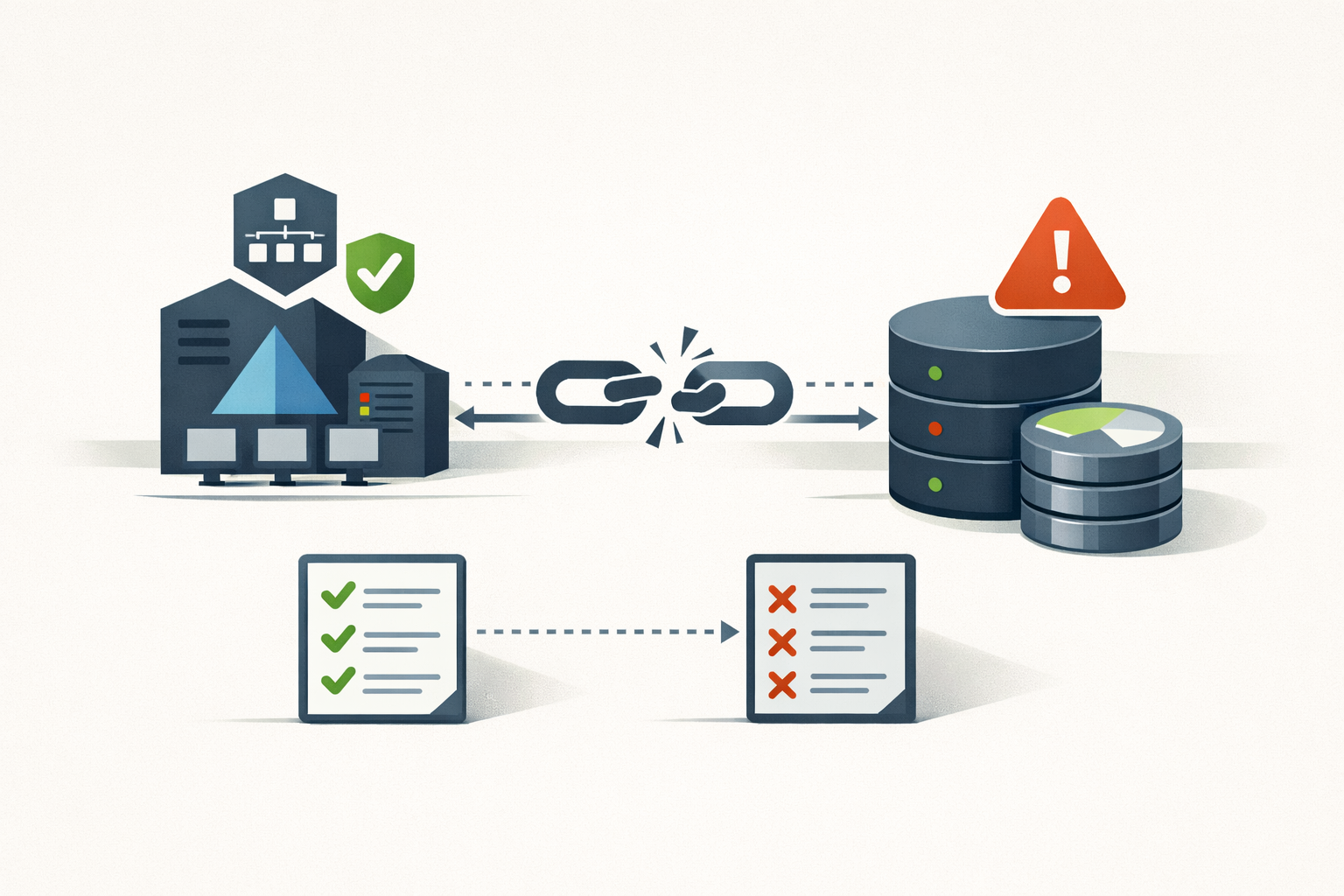
In March 2025, Veeam patched a bug in Backup & Replication that shipped with an unusual footnote. CVE-2025-23120, a deserialization flaw Veeam scored 9.9 (NVD landed it at 8.8), carried one qualifier in the KB: “This vulnerability only impacts domain-joined backup servers.” The exposure condition was not a protocol, a port, or an unauthenticated endpoint. It was a checkbox you ticked at install time. On a domain-joined box, any authenticated domain user could reach code execution on the server that holds every restore point, because domain users land in the local Windows Users group by default. Workgroup installs were never affected.
That footnote is the whole argument in one sentence. Joining your backup server to the production Active Directory domain moves your last line of recovery inside the trust boundary of the exact thing it exists to recover. When the domain falls, the backups fall with it.
The domain owns the box by design
This is not Veeam-specific, and it is not subtle. Microsoft documents that Domain Admins is a member of every domain-joined computer’s local Administrators group. A backup server joined to production is, by construction, fully controlled by whoever controls the domain. Kerberos widens the door: once a domain controller is compromised, forged tickets authenticate as anyone to any service, backup services included.
Microsoft’s own Enterprise Access Model tells you to “Enforce hierarchy, to prevent control of higher planes from lower planes,” and it places the control plane above the workloads it manages. A backup server that can restore and execute on your domain controllers is a control-plane asset. Domain-joining it to production inverts the hierarchy it is supposed to sit above.
The crews figured this out first
The people who write ransomware understood the value of the backup tier before most shops hardened it. Sophos surveyed 2,974 organizations hit by ransomware in the prior year: attackers tried to compromise the backups in 94% of cases and succeeded 57% of the time. The outcome gap is the part worth reading twice. When the backups went down with everything else, median recovery cost ran $3M against $375K for the organizations whose backups held, and the share that paid the ransom climbed from 36% to 67%.
Destroying the backups is not a byproduct of the attack. It is the step that makes the victim pay.
And the backup product is a direct route in, not just a downstream casualty. CVE-2024-40711, a separate Veeam RCE scored 9.8, was used by the Akira and Fog crews and added to CISA’s KEV catalog on October 17, 2024, with CISA taking the rare step of naming ransomware use in the listing. The DFIR Report walked one LockBit intrusion end to end: initial access through a Confluence RCE, credential reuse, RDP into the backup server using the default local Administrator account, a PowerShell script to pull the stored Veeam credentials, and domain-wide encryption in just over two hours. The backup server fell in the same two-hour sweep, reached over RDP with a local Administrator credential the attacker had already harvested. It was never isolated from the environment being encrypted around it.
A backup product has to authenticate to everything it protects, so its database holds credentials that reach across the estate. That cuts both directions. Commvault’s CVE-2025-34028, a 10.0 path traversal added to KEV on May 2, 2025, put unauthenticated code execution on the console that runs every backup job in the environment. ConnectWise R1Soft’s CVE-2022-36537 turned one backup manager into a launch point for every agent it controlled; Fox-IT counted 286 backdoored R1Soft servers by January 2023. Compromise the console and you do not get one machine. You get the fleet it manages.
Why everyone joins it anyway
So why does almost every shop domain-join it? Because the friction of not doing it is immediate, and the cost of doing it arrives once, later, on the worst possible day. Domain membership buys real things: single sign-on to the console, GPO hardening across the server and its proxies in one pass, patching through WSUS or Intune, gMSA service accounts that rotate themselves, LAPS to manage the local administrator password. Every one of those is a genuine convenience, and the install completes fine either way.
The vendor documentation says do not do this. Veeam ranks the options and puts the production domain dead last, behind a separate management forest and behind a plain workgroup, on the blunt principle that “a data protection system should not rely on the environment it is meant to protect in any way.” The product ships domain-joinable regardless, and the low-friction path wins whenever the decision is not made on purpose. A bug is an accident. Wiring your recovery system into the thing it recovers is a decision, made the same way across the industry, and nobody feels the cost until the DCs are down.
There is an honest counterpoint. A workgroup is not an air gap, and a crew determined enough to hunt your backups will treat every box as a target regardless of where it is joined. Fair. The claim here is narrower.
Domain-join hands the attacker the boundary for free: it turns “find and pivot to the backup server” into “you had it the moment you got Domain Admin.”
What to run instead
Getting the backup server out of the production domain is a configuration decision, not a rebuild. Here is the ladder, worst to best.
| Setup | Who controls the backup server | Survives a Domain Admin compromise? | The trade-off you accept |
|---|---|---|---|
| Production domain, default install | Whoever controls production AD | No. One Domain Admin reaches every restore point. | Nothing up front. You pay the whole bill at once, later. |
| Production domain + MFA + immutable off-server copies | Production AD, but the locked copy is out of reach | Partially. The console can fall; the immutable copy holds. | Veeam’s least-preferred option. MFA and immutability do all the work. |
| Workgroup on an isolated management VLAN, local accounts, MFA | Local accounts only, no domain trust to inherit | Yes for the domain-trust path. Not a full air gap. | Local-account sprawl, NTLM instead of Kerberos, no GPO / gMSA / LAPS from production AD. |
| Separate management forest, one-way trust, MFA | A separate forest with its own admins | Yes. Owning production does not grant the management forest. | You stand up and secure a second small forest. |
Whichever row you land on, three things carry the load, and none of them depend on where the server is joined:
- Run the backup service under a local, least-privilege account, not Domain Admin. Veeam’s reasoning is exact: if a Domain Admin account is compromised, you do not want it able to overrule the repository account’s password.
- Keep at least one copy immutable or offline that the backup server itself cannot modify: an object-locked bucket, a hardened Linux repository, or tape. That is the second “1” in 3-2-1-1-0, and it is the copy that survives when the console does not.
- Segment the management network, keep the console off the public internet, and require MFA to reach it.
One dependency catches people every time. Microsoft’s AD Forest Recovery process needs the DSRM password, which is a local account credential set when the DC was promoted, not a domain login. In the exact scenario where you need the backups most, the domain fully down, domain authentication is gone, because the domain controllers are the thing you are restoring. A backup console that only accepts domain logins is unreachable at that moment. Record the DSRM password offline, and confirm you can complete a restore without any domain credential.
The most common objection is that application-aware processing requires domain membership. It doesn’t: that work runs through a lightweight guest interaction proxy and per-job guest credentials. The proxy can stay on the domain; the server that owns your restore points has no reason to sit there with it.
A fair caveat on the keystone case: CVE-2025-23120 has no KEV listing and no documented in-the-wild campaign as of this writing. It is the structural proof, not an active fire. The bug is what happens when domain membership is the exposure condition. The pattern is what happens on the day someone holding Domain Admin decides your recovery copies are the target.
The backup server has one job the rest of your fleet does not: survive the failure of everything around it. Domain-joining it to production quietly signs it up to share the fate of the systems it is meant to outlive. The setting is free to change today and expensive to leave alone, right up until the morning the domain controllers are down and the console asks you to log in with an account that no longer exists.
Sources
- KB4724: CVE-2025-23120 (Veeam) — 2025-03
- CVE-2025-23120 Detail (NVD) — current
- Appendix B: Privileged Accounts and Groups in Active Directory (Microsoft Learn) — updated 2026-02
- Securing privileged access: Enterprise access model (Microsoft Learn) — updated 2026-05
- Security: Workgroup or Domain (Veeam Best Practices) — current
- The Impact of Compromised Backups on Ransomware Outcomes (Sophos) — 2024
- Ransomware groups exploit Veeam CVE-2024-40711 (Security Affairs / Sophos X-Ops) — 2024-10
- CISA Adds CVE-2024-40711 to KEV Catalog — 2024-10-17
- Confluence Exploit Leads to LockBit Ransomware (The DFIR Report) — 2025-02
- From Backup to Backdoor: CVE-2022-36537 in R1Soft (Fox-IT) — 2023-02
- Commvault CVE-2025-34028 Added to CISA KEV (The Hacker News) — 2025-05
Sources
- KB4724: CVE-2025-23120 (Veeam Backup & Replication)
- CVE-2025-23120 Detail (NVD)
- Appendix B: Privileged Accounts and Groups in Active Directory (Microsoft Learn)
- Securing privileged access: Enterprise access model (Microsoft Learn)
- Security: Workgroup or Domain (Veeam Best Practices)
- The Impact of Compromised Backups on Ransomware Outcomes (Sophos)
- Ransomware groups exploit Veeam Backup & Replication bug CVE-2024-40711 (Security Affairs / Sophos X-Ops)
- CISA Adds One Known Exploited Vulnerability to Catalog (CVE-2024-40711)
- Confluence Exploit Leads to LockBit Ransomware (The DFIR Report)
- From Backup to Backdoor: Exploitation of CVE-2022-36537 in R1Soft (Fox-IT)
- Commvault CVE-2025-34028 Added to CISA KEV (The Hacker News)
Share
Related field notes
-
Commvault CVE-2025-34028: upgrading to 11.38.20 is not the whole fix
CVE-2025-34028 gives pre-auth RCE on Commvault Command Center. The patch landed in April and the federal deadline passed in May, but the fix requires supplemental update packages beyond the base version, and most shops check the version number and stop there.
-
Turn on DNS scavenging without deleting records you still need
Windows DNS zones fill up with A and PTR records for servers you retired years ago. Aging and scavenging cleans them out, but a wrong interval deletes live records. Here is the careful way to enable it.
-
Find the service accounts nobody has rotated
The Commvault Metallic breach ended with CISA telling customers to rotate static application secrets. Your Active Directory is full of the same thing: service accounts whose passwords were set once, years ago, and never touched. Here is the PowerShell to find them and put them on a cadence.
-
One in ten AD accounts is dormant. Here is the blast radius.
More than one in ten Active Directory user accounts is dormant, per Microsoft. Each one keeps its rights while nobody watches. The math, the queries to find them, and how to reap them without breaking a service.
Get the free CVE triage cheat sheet
Subscribe and we'll email you the one-page triage flow for fresh CVEs. Plus the weekly digest.
Subscribe