Turn on DNS scavenging without deleting records you still need
Windows DNS zones fill up with A and PTR records for servers you retired years ago. Aging and scavenging cleans them out, but a wrong interval deletes live records. Here is the careful way to enable it.
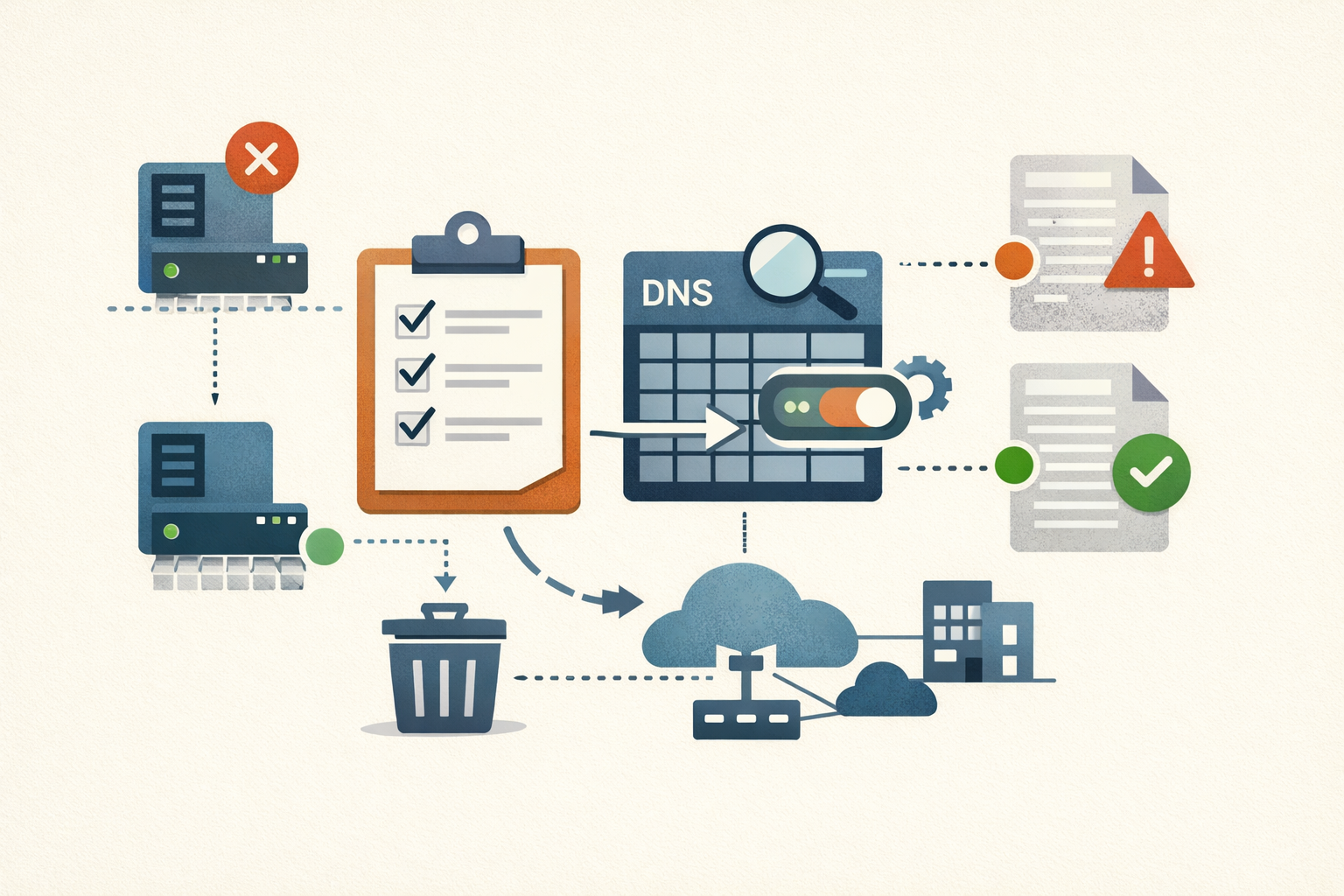
The A record for a file server you decommissioned in 2021 is probably still sitting in your forward lookup zone. So is the PTR record. The host is gone, the record is not, and the IP it points at was handed back to the DHCP pool or the cloud provider a long time ago and reassigned to something else.
That is the quiet cost of dynamic DNS. Records get added automatically when a machine registers; they do not get removed automatically when the machine leaves the network improperly, which is most of the time. Microsoft’s own documentation lists the results: bloated zone files, slow zone transfers, clients resolving names to dead or wrong addresses, and a name that a new host cannot claim because a corpse already owns it.
There is a security angle too, and it is not hypothetical for anything with a foot in the cloud. A stale A record that still points at a released cloud IP is a takeover waiting for someone to allocate that address. A longitudinal study summarized by APNIC found 20,904 dangling-record hijacks across 12 cloud platforms between 2020 and 2023, with attackers repeatedly allocating and releasing addresses until they got the one a victim’s record still named. Internal zones are lower stakes than public ones, but the mechanism is the same: a record that outlives its host is a pointer at whatever moves into that address next.
Windows Server ships the fix. Aging and scavenging timestamps dynamic records and deletes the ones that stop refreshing. Most shops leave it off, and they are not wrong to be cautious: a bad interval will scavenge records that are still in use, and any user can then re-register the name and take ownership of it, even on a zone configured for secure dynamic update. This runbook turns it on without that outcome.
Audit what is actually stale before you change anything
Do not enable scavenging blind. Look at what you have first, because the audit tells you whether your dynamic-update process is healthy enough to trust the deletions.
Every record carries a timestamp. Records added dynamically get a real date. Records you created by hand get a timestamp of zero, which makes them permanently ineligible for aging. That distinction is the whole safety story: scavenging only touches timestamped records, so a static record is safe unless something stamped it.
Pull the A records in a zone that have not refreshed in the last 30 days:
Get-DnsServerResourceRecord -ComputerName DC01 -ZoneName "corp.example.com" -RRType A |
  Where-Object { $_.Timestamp -and $_.Timestamp -le (Get-Date).AddDays(-30) } |
  Sort-Object Timestamp
The $_.Timestamp -and clause drops static records, whose Timestamp is null, so you see only dynamic records that have gone quiet (Technipages has a -like "*/*" variant of the same filter). Run it against your reverse zone too with -RRType Ptr; stale PTR records poison reverse lookups and make your logs lie about who owned an address.
Read the output before you trust it. A record for a live host that has not refreshed in 30 days is a warning, not a scavenging candidate. It means that host’s dynamic registration is broken, and if you enable scavenging now you will delete a record that should exist. Fix the registration first. Microsoft calls this the sanity-check phase and says it is the most important step in the whole setup: do not proceed until you can explain every old record you found.
Understand the three intervals before you set one
Scavenging has to be enabled in three places, and each controls a different thing. Getting them confused is how people delete live records.
| Where it is set | Cmdlet | What it controls | Default |
|---|---|---|---|
| The record | timestamp on the record | Static = 0 (never scavenged); dynamic = time of last refresh | 0 for static records |
| The zone | Set-DnsServerZoneAging | Aging on/off, plus the No-refresh and Refresh intervals for that zone | Aging off; 7 days / 7 days |
| The server | Set-DnsServerScavenging | The scavenging engine and how often it runs | Off (interval 0) |
The two intervals decide how long a quiet record survives:
- No-refresh interval (default 7 days): a window after a timestamp is written during which the server refuses refreshes. It exists to cut Active Directory replication traffic, not to protect records.
- Refresh interval (default 7 days): the window after no-refresh ends during which the host is allowed to refresh and reset its timestamp. Miss the whole window and the record becomes eligible for scavenging.
A record is deletable when timestamp + No-refresh + Refresh is in the past. With the defaults, that is 14 days of silence. Then the server’s scavenging engine has to actually run and find it, which adds up to one more scavenging period. There is one more brake: the first time you enable aging on a zone, the “zone can be scavenged after” clock is set to now plus one Refresh interval, giving replication and clients time to settle before the first pass.
Here is the rule that keeps live records alive. The sum of No-refresh and Refresh must be at least as long as your longest DHCP lease. A DHCP-registered record only refreshes when the lease renews, at roughly half the lease duration, and Windows clients re-register every 24 hours; set the combined window shorter than that cadence and you will scavenge machines that are still on the network. Michael Waterman’s dynamic-DNS maintenance writeup puts it plainly: match the combined interval to the DHCP lease at minimum. The 7-plus-7 default clears a typical 8-day lease with room to spare. If you run longer leases, raise the intervals to match, do not lower them to clean up faster.
Enable it, one deliberate step at a time
-
Confirm your server and infrastructure records are static. Domain controllers, DNS servers, DHCP servers, anything with a hand-entered A record. Static records carry timestamp 0 and are already safe, but verify rather than assume. Do not run
dnscmd /ageallrecordsto “clean up” here: it stamps every record in the zone, including the static ones you just protected, the change cannot be reversed, and you will have converted your DCs into scavenging candidates in one command. -
Enable aging on the target zone with intervals you chose on purpose:
Set-DnsServerZoneAging -Name "corp.example.com" -Aging $true `
  -NoRefreshInterval 7.00:00:00 -RefreshInterval 7.00:00:00 -PassThru
The
dnscmdequivalent isdnscmd DC01 /config corp.example.com /aging 1. Setting the intervals per zone is what matters, because the server-level defaults only apply to newly created zones, not the ones you already have. -
Pin scavenging to one server. Any DC hosting the AD-integrated zone can scavenge it, which means several logs to check when something goes wrong. Restrict it to one:
Set-DnsServerZoneAging -Name "corp.example.com" -ScavengeServers 10.0.0.10 -PassThruOr
dnscmd DC01 /zoneresetscavengeservers corp.example.com 10.0.0.10. -
Turn on the scavenging engine on that one server. This is the piece that actually deletes. A non-zero interval enables it and sets the cadence:
Set-DnsServerScavenging -ComputerName DC01 -ScavengingInterval 7.00:00:00 -PassThruThe
dnscmdform takes hours:dnscmd DC01 /config /scavenginginterval 168. Note what this cmdlet does and does not do.-ScavengingIntervalruns the server’s engine weekly. Its-RefreshIntervaland-NoRefreshIntervalparameters only set the defaults that new zones inherit, per the cmdlet reference, which is exactly why step 2 sets them on the zone directly.
Watch the first scavenge before you trust it
Do not walk away assuming it worked. Prove one deletion end to end.
Create a throwaway dynamic record, enable it for scavenging, and predict when it should vanish: its timestamp, plus No-refresh, plus Refresh, gives the eligible time; then find the most recent scavenge event and add one scavenging period. When the server runs a pass it logs Event ID 2501 with the count of records removed, or Event ID 2502 when it removed none. Those two events are your proof the engine is alive and your clock for when the next pass lands.
To force a pass on your schedule instead of waiting for the cadence:
Start-DnsServerScavenging -ComputerName DC01 -VerboseA manual run does not bypass the safety valves. If the intervals or the zone clock have not elapsed, nothing gets deleted, and that is the system working. Microsoft’s own guidance budgets four to five weeks for a careful first rollout on default intervals, most of it spent waiting on purpose. The patience is the point. Deletion is the one DNS operation you cannot undo from a log entry.
If you see Event ID 2501 deleting more than a handful of records on the first real pass, stop and look at what went. A large first sweep usually means either a genuine backlog of dead hosts, which is the win you wanted, or a registration problem that your audit missed, which is a live record you are about to lose. The difference is worth the ten minutes it takes to spot-check the names before the next cycle runs.
Sources
- DNS Aging and Scavenging in Windows Server (Microsoft Learn)
- Don't be afraid of DNS scavenging, just be patient (Microsoft Learn)
- Set-DnsServerZoneAging (Microsoft Learn)
- Set-DnsServerScavenging (Microsoft Learn)
- dnscmd command reference (Microsoft Learn)
- Abuse of dangling DNS records on cloud platforms (APNIC Blog)
- Mastering Active Directory Dynamic DNS Maintenance (Michael Waterman)
- PowerShell: Get Old AD DNS Records (Technipages)
Share
Related field notes
-
Find the service accounts nobody has rotated
The Commvault Metallic breach ended with CISA telling customers to rotate static application secrets. Your Active Directory is full of the same thing: service accounts whose passwords were set once, years ago, and never touched. Here is the PowerShell to find them and put them on a cadence.
-
Your backup server is joined to the domain it exists to recover
Joining your backup server to the production Active Directory domain puts your last line of recovery inside the same trust boundary as the systems it protects, so one Domain Admin compromise reaches the backups too. Here is the evidence and what to change.
-
One in ten AD accounts is dormant. Here is the blast radius.
More than one in ten Active Directory user accounts is dormant, per Microsoft. Each one keeps its rights while nobody watches. The math, the queries to find them, and how to reap them without breaking a service.
-
CVE-2026-45657: 'Exploitation Less Likely' Is Not a Patch Window
Microsoft's June kernel use-after-free is wormable, CVSS 9.8, and sitting in researchers' hands. The hazard rating says 'Exploitation Less Likely.' Your patch cycle shouldn't read that as wait.
Get the free CVE triage cheat sheet
Subscribe and we'll email you the one-page triage flow for fresh CVEs. Plus the weekly digest.
Subscribe