Your backups say success. Have you ever restored one?
A green backup job confirms bytes landed at the destination. It says nothing about whether you can boot the workload back. Here's the procedure to find out before the disaster does.
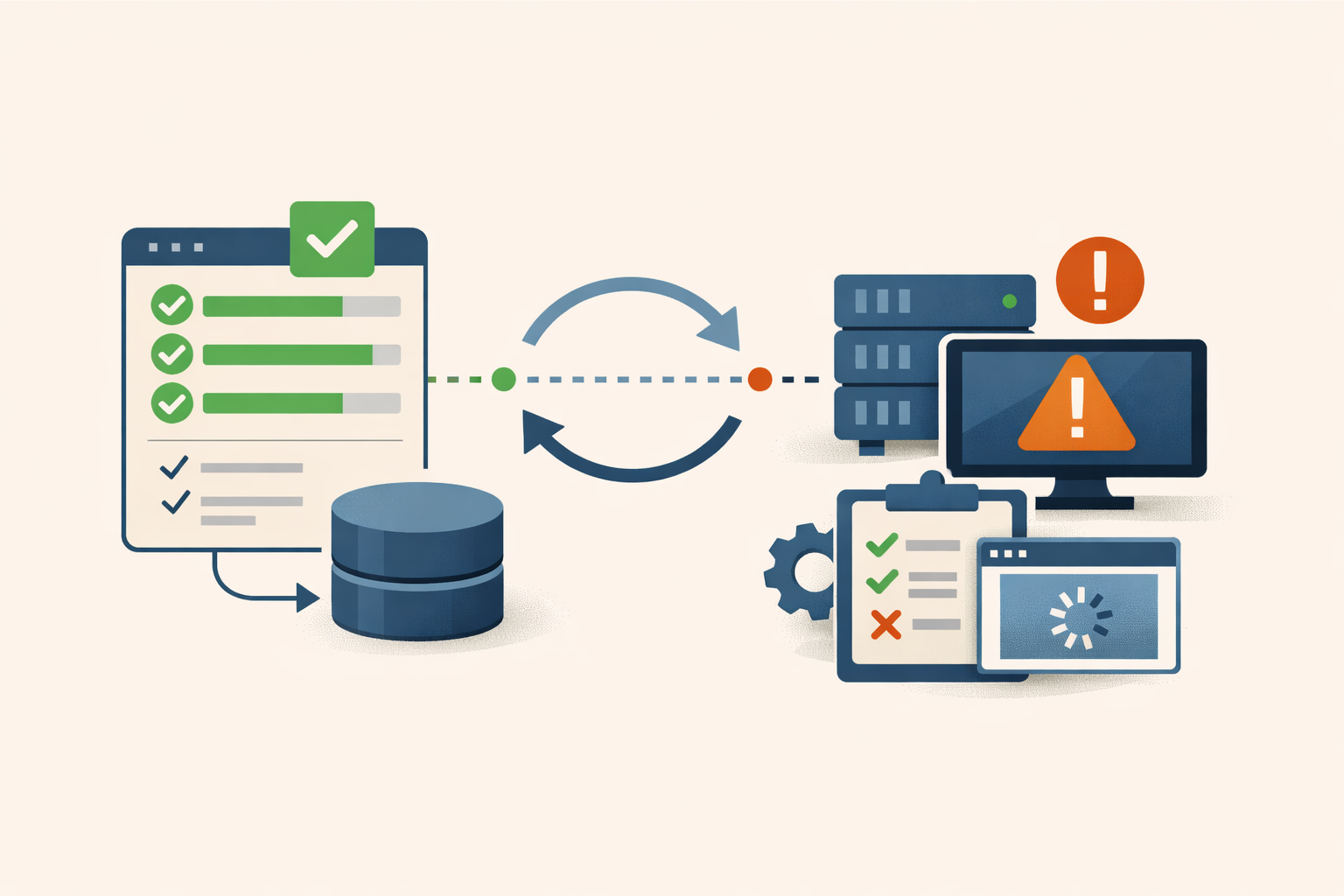
Pull up your backup console. Every job for your most critical system is green. Now answer one question: when did you last take that backup and restore it into a working system? Not pull a file out of it. Boot it, watch the OS come up, confirm the application answers. If the honest answer is “never,” your backup status is telling you something it cannot actually prove.
A successful job confirms one thing: the job ran to completion, the software wrote bytes to the destination, and nothing threw a fatal error back to the scheduler. Per Veeam’s backup-integrity documentation, a successful job status does not guarantee a successful restore. It says nothing about whether the data is application-consistent, uncorrupted, complete, or mountable into a running system. Most shops find the gap during the disaster, not before it.
What a green job hides
Four ways a job reports success and still fails to restore. You need to know them because the procedure below is built to catch each one.
Crash-consistent capture. When a backup runs against a live system it either coordinates with the running application to flush in-flight writes first, or it grabs a raw snapshot of whatever happens to be on disk. The first is application-consistent. The second is crash-consistent, the state you’d recover if the power had cut out. On Windows that coordination runs through the Volume Shadow Copy Service, and Microsoft’s troubleshooting docs describe how a VSS writer error can fail or degrade the snapshot. For SQL Server or Exchange, a crash-consistent capture leaves transactions unresolved and the engine may not roll forward to a consistent state at restore. The uncomfortable part: how often VSS silently falls back to crash-consistent instead of failing the job is not documented by vendors and varies by product and writer version. The risk is real; the rate is unmeasured.
Silent corruption in the chain. A properly quiesced backup can still rot. Storage-layer bit corruption propagates into backup files with no alert. Enterprise Storage Forum’s writeup on silent data corruption is the canonical reference, old enough that its specific figures are illustrative rather than current, but the failure mode is real. In incremental architectures it compounds: one corrupt block in an earlier increment breaks the restore chain from that point forward. Every later job reports success; restoring past the corruption is impossible.
Missing encryption keys. Azure Backup’s troubleshooting docs warn that restore of an encrypted VM fails when the key-vault key is missing. A documented Kubernetes etcd case shows snapshots becoming unrestorable after KMS keys were rotated without re-encrypting existing secrets. Backup completed, encryption completed, key is gone, data is inaccessible.
Scope gaps. A backup verifies that what was in its configured scope got captured, not that the scope was complete. Open files locked at snapshot time, system-state components left out of volume jobs, transaction logs on a volume the policy never included. At restore you get the binary but not the config, the database but not the AD objects it references.
The “0” most shops skip
The 3-2-1-1-0 rule extends the classic 3-2-1 framework (three copies, two media, one offsite). Veeam community contributor Nico Losschaert formalized the two-digit version in February 2021 for the ransomware era. The second “1” is one copy that’s offline, air-gapped, or immutable. Most shops have internalized that after a few years of headlines.
The final “0” is the part that gets skipped: zero errors confirmed by automated recovery verification. A hash or CRC check confirms backup blocks aren’t corrupted. That’s necessary but not sufficient. It says nothing about whether the OS boots, AD initializes, or a SQL instance enumerates its databases. Integrity verification is block-level. Recovery verification is behavioral. The failures they catch don’t overlap.
How to check whether your backups actually restore
This is the section you came for. The check is a restore test in an isolated environment, not a file pull.
- Pick one critical system. Your most important workload, the one whose loss hurts most. Start narrow.
- Stand up an isolated target. A fenced network segment with no routable path to production. This is not optional. A test restore connected to production Active Directory can register DNS, grab a DHCP lease, or apply GPOs and collide with the live machine it was cloned from.
- Restore the full system, not files. A full VM or full-system restore. Granular file restores only prove individual files are readable from media. They do not prove the OS boots, services start in order, AD authentication works, or the app layer functions.
- Boot it and exercise the application. Confirm the OS comes up, the IP stack works, and the workload answers on its expected port. For a database, connect and confirm it enumerates its databases. For a domain controller, confirm AD initializes.
- Start the clock when you start, stop it when health checks pass. That elapsed time is your actual RTO. If you’ve never measured it, your documented RTO target is fiction.
If your platform automates this, use it. Veeam’s SureBackup is the most thoroughly documented implementation: it boots the backed-up VM inside a virtual lab, a fenced segment with no path to production, then runs a layered sequence. It runs a heartbeat check (the guest OS is alive) and a ping test (the IP stack works) on every VM, then role-aware tests that probe the expected application port for domain controllers, DNS, mail, and web servers. For SQL, the check connects to the instance and enumerates its databases rather than just testing a port. The job can run automatically after each backup and produces an auditable pass/fail record. Other platforms offer comparable mechanisms (Rubrik recovery-plan test recoveries, Commvault Auto-Recovery, Cohesity test failover, Acronis DR runbooks), all built on the same idea: spin the workload up in isolation and confirm it runs. The application-layer depth varies by product and sometimes depends on add-ons, so the question for your stack isn’t “does it verify” but “does it boot the workload and exercise the app, or just checksum the file.”
Build the program around the test
One successful restore is a heroic recovery, not a process. Two things make it repeatable.
A runbook. It captures scope, prerequisites (config backups, installer media, and credentials stored somewhere that survives the loss of the primary server), step-by-step actions with a verification criterion at each step, RTO targets, escalation, rollback, and a test-history log: date, operator, runbook version, RTO achieved, deviations.
A named owner. A person, not a team or a role title. Without one, nobody schedules the next test and “we tested it once” silently becomes the policy.
A workable cadence:
- File-level restores monthly for the top tier. Confirms media is readable.
- Full VM or application restores quarterly for critical workloads. Confirms the system boots and runs.
- Full DR failover at least annually. NIST SP 800-34 defines three testing tiers (tabletop, functional, full-scale) and calls for testing at least annually, scaled to system impact level.
- Unscheduled test on any major infrastructure change. New storage platform, OS upgrade, storage migration. Test frequency should track infrastructure change rate, not just the calendar.
When a failed test becomes an incident
A test that fails is not a finding to file. Escalate when any of these is true:
- The restore won’t boot or the application won’t start, and you have no second recovery copy that passes.
- A corrupt increment breaks the restore chain, so no recovery point past a certain date is restorable.
- The required encryption key or key-vault secret is gone and cannot be recovered.
- Measured RTO exceeds the documented target by a margin the business can’t absorb.
Any one of those means your recovery posture is already broken for that system, before any attacker shows up. Treat it like an outage in waiting, because it is.
The stakes justify the calendar time. Sophos’s 2024 study of 2,974 ransomware victims found attackers attempted to compromise backups in 94% of cases and succeeded 57% of the time. When they succeeded, median recovery cost ran $3M versus $375K, an eightfold difference, and the ransom-payment rate jumped from 36% to 67%. Veeam’s 2025 Ransomware Trends report (1,300 organizations) found only 10% of attacked organizations recovered more than 90% of their data, while 57% recovered less than 50%. The same report found 98% had a ransomware playbook but only 44% had backup verification documented in it. That 44% measures documentation, not how often anyone actually runs a restore, so the real-world test rate is almost certainly lower.
None of this requires a novel attack. It requires a backup that reported success and a restore nobody had tried. The dashboard you trust is a hypothesis until you’ve booted one of those green jobs back into a running system. Pick your most critical workload, restore it into an isolated environment this quarter, write down how long it took, and name who owns the next one. PatchDayAlert tracks the CVEs that put your recovery copies in the blast radius, so you’ll know when the backup tier itself is the thing under attack.
Sources
- Backup Integrity Validation Using Veeam — 2024
- Backup fails because of VSS writer — 2026-02
- Silent Data Corruption: The Backup Killer — undated
- Troubleshoot Encrypted Azure VM Backup — current
- Why Kubernetes Backup Strategies Don’t Survive Disaster Recovery — 2024
- 3-2-1-1-0 Golden Backup Rule — 2021-02
- Veeam SureBackup overview — current
- Predefined Tests — Veeam User Guide (vSphere) — current
- NIST SP 800-34 Rev. 1 Step 6: Testing, Training & Exercises — 2010
- Sophos: Impact of Compromised Backups on Ransomware Outcomes — 2024
- Veeam 2025 Ransomware Trends — press release — 2025-04-23
Share
Related field notes
-
Your backup server is joined to the domain it exists to recover
Joining your backup server to the production Active Directory domain puts your last line of recovery inside the same trust boundary as the systems it protects, so one Domain Admin compromise reaches the backups too. Here is the evidence and what to change.
-
Commvault CVE-2025-34028: upgrading to 11.38.20 is not the whole fix
CVE-2025-34028 gives pre-auth RCE on Commvault Command Center. The patch landed in April and the federal deadline passed in May, but the fix requires supplemental update packages beyond the base version, and most shops check the version number and stop there.
-
Skip the optional preview: KB5083631 isn't worth your Tuesday morning
May 12 ships the same 34 fixes plus the month's security patches in one tested package. The preview brings the same risk for none of the upside.
Get the free CVE triage cheat sheet
Subscribe and we'll email you the one-page triage flow for fresh CVEs. Plus the weekly digest.
Subscribe