Your incident runbook is stored inside the system that just went down
Wikis, IR plans, and recovery steps usually live on the same infrastructure, identity provider, and cloud region that go dark during an incident. A runbook you cannot reach mid-incident is a bet, not a plan. Keep the critical ones out of band.
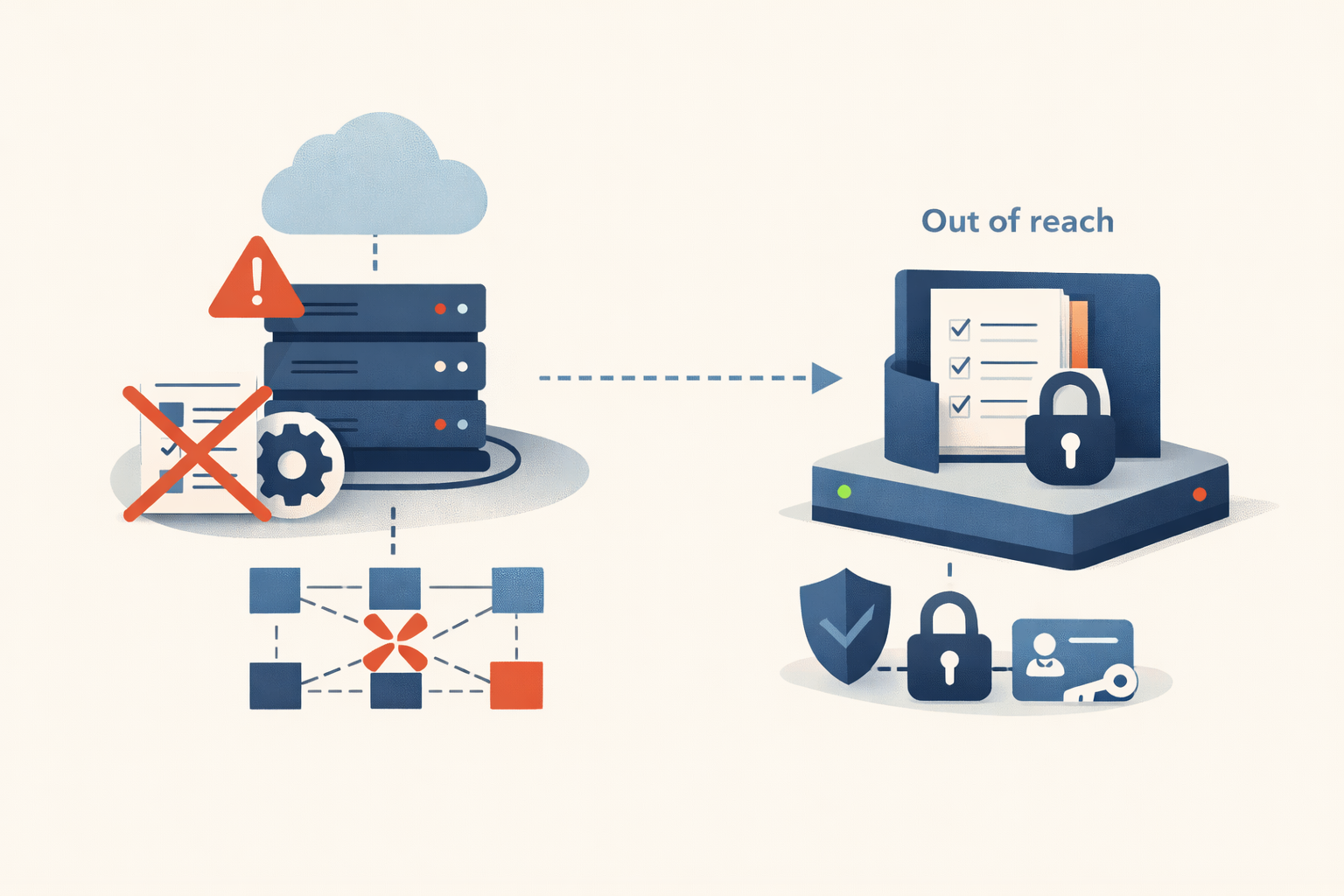
The disaster-recovery runbook for your virtualization cluster is a Confluence page. Confluence runs on a VM. The VM runs on the cluster. When the cluster falls over at 2 a.m., the page that tells you how to bring it back goes down with it, and you are now recovering a production platform from memory and Slack scrollback.
That is the most ordinary failure in incident response, and almost nobody plans for it. The runbook you need most during an incident is often stored inside the system that just went down. The wiki lives on a host in the failing cluster. The incident docs are in the SaaS that is the outage. The recovery steps sit behind SSO and MFA, and the identity provider is the thing that broke. A runbook you cannot reach mid-incident is not documentation. It is a bet that the outage will be considerate enough to leave your notes readable.
The tools to fix it were downstream of the thing that broke
On October 4, 2021, a bad configuration change withdrew Facebook’s backbone routes and took the company off the internet for about six hours. The part worth keeping is what it did to the people fixing it. Meta’s own writeup says the total loss of DNS broke many of the internal tools they would normally use to investigate and resolve an outage. Engineers could not reach the diagnostic systems, and they could not badge into the data centers either, because the physical access control depended on the network that was down. The instructions and the tooling for the fix were built on top of the thing that had failed.
Amazon told the same story from the provider side. During the December 7, 2021 US-EAST-1 event, network congestion kept the Service Health Dashboard from failing over to its standby region, so for roughly the first hour the status page showed green while a large slice of the internet was down. The Support Contact Center ran on the same internal network, so customers could not open cases. The channel AWS used to tell you it was broken was broken in the same way, at the same time, for the same reason.
Roblox spent 73 hours down that same October, and part of why it ran that long was self-inflicted blindness. As InfoWorld’s writeup of the postmortem put it, there was a circular dependency between Roblox’s monitoring systems and Consul, the system at the center of the failure. When Consul got sick, the telemetry that would have explained why was running on Consul too. They were trying to read the instrument that was part of the crash.
Why the dependency stays invisible
None of these were careless organizations. This happens because putting everything in one place is the right call on every normal day. One wiki, one identity provider, one cloud region, one chat tool: that is less to run, less to pay for, less to context-switch through. The consolidation that makes the median Tuesday smoother is the same consolidation that makes the worst Tuesday unrecoverable. Every dependency you add to the platform, you have quietly also added to the documentation that describes how to fix the platform.
The reason it stays hidden is that nobody draws the arrow. The runbook says “restore from the backup console.” It does not say “assuming you can log in, which assumes Entra is up, which is the thing currently on fire.” The dependency is real on day one and only becomes visible the first time the failing system and the recovery instructions turn out to be the same system.
Map where your runbooks actually live
The exercise is cheap. Take your handful of true break-in-case-of-fire procedures, write down where each one physically lives, then write down what has to be healthy for you to open it.
| Where the runbook lives | What it quietly depends on | How it is gone when you need it |
|---|---|---|
| Wiki (Confluence, SharePoint) on an internal VM | The virtualization cluster, the network, SSO | A cluster or network outage takes the page down with the platform it documents |
| IR plan on a file share | The file server, AD, backups nobody has restore-tested | Ransomware encrypts the share, including the plan for responding to ransomware |
| Recovery steps behind SSO/MFA | The identity provider (Entra, Okta) | An IdP outage locks you out of the docs, the vault, and the admin portal at once |
| Status and comms page in the same cloud region | The region currently having the incident | A region-wide event takes down your service and your way of talking about it |
| Admin passwords in a vault gated by SSO | The same IdP that just failed | You find the runbook and have no credentials to run it |
Judge a runbook by one question: does the place it lives survive the incident it is written for?
The fix is old, and it is called out of band
The answer has a name and it predates most of your stack. Google’s SRE book describes keeping out-of-band communications and alternative access methods that still work when the main software stacks are unusable, so responders can keep talking and keep pushing changes after the normal interfaces are gone. CISA’s #StopRansomware guide is blunter for the security case: keep a hard copy of the incident response plan and an offline version available, and store network and asset documentation with offline backups and physical copies on site. The threat model is explicit. If ransomware encrypts the file share, it encrypts your plan for dealing with ransomware, unless a copy lives somewhere the malware cannot reach.
Three moves cover most of it.
Keep a current copy of your true break-glass runbooks (cluster recovery, restore-from-backup, identity failure, region-down) somewhere with no shared dependency on production: a different provider, an offline export that syncs on a schedule, or, unfashionably, paper in the on-call binder.
Make sure emergency access does not route through the system most likely to be down. A break-glass admin account that depends on the same identity provider as everything else is a locked door with the key on the inside. Confirm it can actually sign in before the day you are betting the company on it.
Then run the drill that exposes all of it: pick a runbook, assume your primary stack is dark, and try to open it. If step one is “log into the wiki,” you have found the gap before it found you.
Most disaster-recovery documentation is written to pass an audit, not to be read during a disaster. It exists, it is thorough, it is linked in the compliance binder, and it is completely unreachable the moment the disaster it describes actually arrives. That is not a documentation problem wearing its own name. It is a location problem, and the best-written recovery plan in the company is worthless if the only copy is inside the wreck.
Sources
Share
Related field notes
-
The Security Update Broke Production: A Rollback Runbook
A step-by-step runbook for when a security patch takes down production: pause the rollout, scope the damage, decide roll-back vs fix-forward, and keep the rolled-back host from becoming a silent unpatched asset.
-
CitrixBleed: the patch closed the leak but left the stolen keys working
CVE-2023-4966 leaked post-MFA session tokens from NetScaler. Organizations that patched and stopped there got breached anyway, because a stolen token still worked after the update. The action that mattered was killing every active session, and a lot of victims skipped it.
-
FortiClient EMS CVE-2023-48788: a SQL injection that talks the database into running SYSTEM commands
When a product runs on Microsoft SQL Server, a SQL injection is rarely just a data leak. The attacker turns on xp_cmdshell from inside the injection and gets OS command execution. On FortiClient EMS that's unauthenticated, as SYSTEM. Here's how to check, patch, and detect it.
-
Jenkins CVE-2024-23897: from 'limited file read' to your secret key
The KEV entry calls it 'limited read access to certain files.' On a Jenkins controller, the files include the cryptographic key that turns read into remote code execution. Here's how to check, patch, and what to rotate if you were exposed.
Get the free CVE triage cheat sheet
Subscribe and we'll email you the one-page triage flow for fresh CVEs. Plus the weekly digest.
Subscribe