The June 2026 Secure Boot cliff: tomorrow is your last clean window
Three Microsoft Secure Boot certificates from 2011 expire in June. May 12 is the last Patch Tuesday before the cliff, and the registry trigger isn't going to set itself.
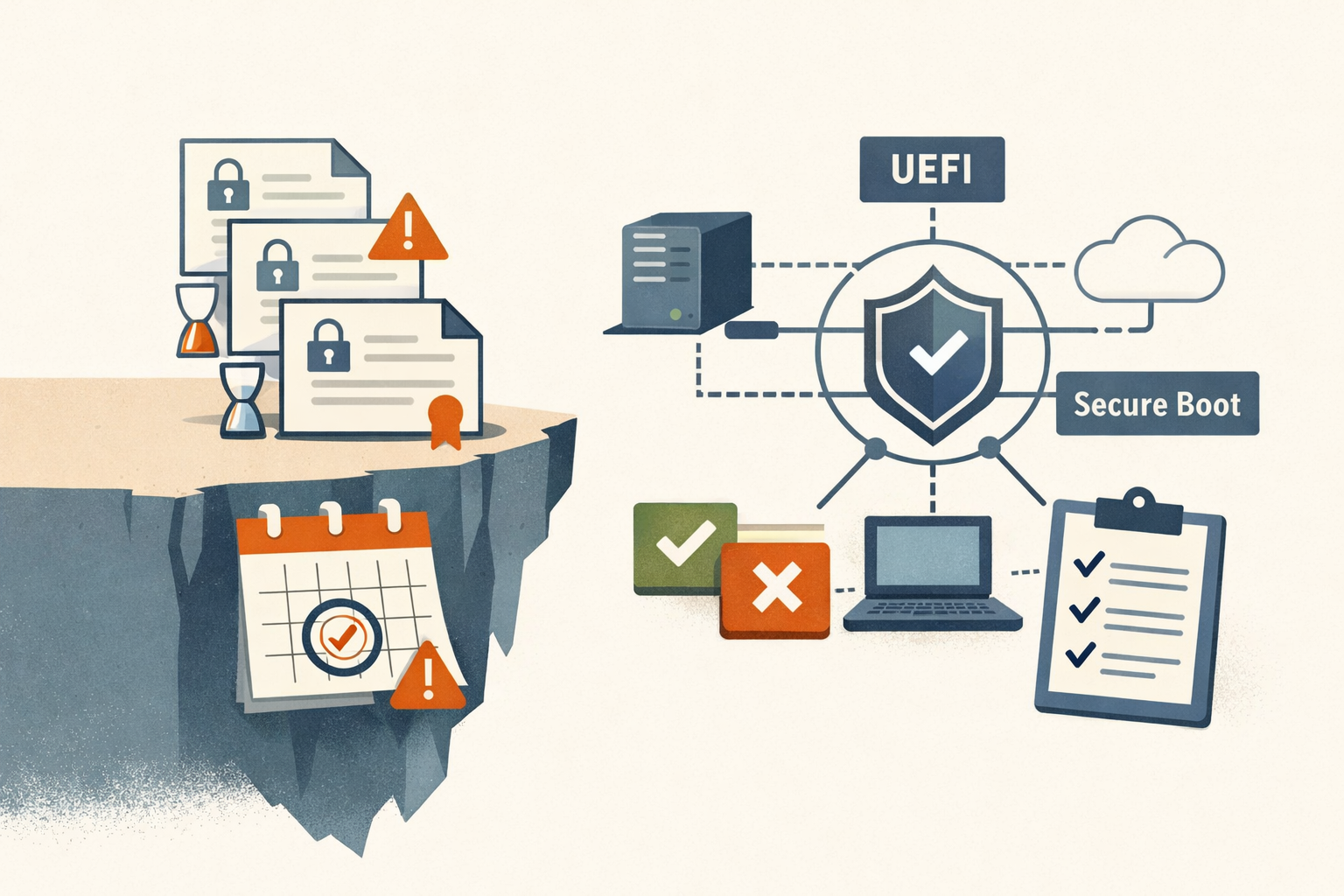
Tomorrow is May 12, the last full Patch Tuesday before three 2011-vintage Microsoft Secure Boot certificates start expiring on June 24. If your fleet isn’t enrolling the 2023 replacement chain by the end of this maintenance window, your next natural one lands inside the cliff.
The certificates expiring are the Microsoft Corporation KEK CA 2011 (June 24, 2026), the Microsoft Corporation UEFI CA 2011 (June 27, 2026), and the Microsoft Windows Production PCA 2011 (October 19, 2026). The first two are the urgent ones. The third gives you a four-month buffer on Boot Manager signing, which is the only reason this isn’t a single hard date. Dell’s Secure Boot Transition FAQ is the most specific public source on the day-of-month for each; Microsoft’s own documentation has stayed at “June 2026” without pinning a day. If your decision turns on the exact hour, read the certificate’s NotAfter field directly.
What actually breaks at the cliff
Nothing visibly. That’s the part that makes this hard to communicate up the chain.
A device that misses the migration keeps booting. It keeps taking monthly cumulative updates. End users see no change. What stops is everything that touches the early-boot trust chain: DBX revocation list updates (the mechanism Microsoft uses to push freshly discovered bootkit signatures into your fleet’s “do not trust” list), Boot Manager patches, BitLocker bypass mitigations, and any update to a third-party bootloader or Linux shim that’s signed only with the new 2023 chain. Microsoft’s own framing, from the support article on expired Secure Boot certificates: “a device in this expired state becomes progressively less protected” as new threats emerge.
Red Hat’s parallel guidance for RHEL adds a useful framing: expiration only impacts the ability to sign new binaries, not booting from existing ones. Yesterday’s trust chain keeps working. Tomorrow’s doesn’t reach you. The risk accumulates quietly, which is the worst kind of risk to budget against.
Disabling Secure Boot to keep things working is not a workaround. Microsoft calls it out explicitly as removing protection, and Dell adds a wrinkle most imaging shops will care about: toggling Secure Boot or selecting “Expert Key Mode” in BIOS can wipe active UEFI variables, which means a device that was already updated can revert back to only the 2011 certificates. If your provisioning runbook touches BIOS, audit it before June.
The 2023 chain is four certificates, not one
The replacement isn’t a drop-in swap. The 2011 unified UEFI CA was bifurcated into two narrower 2023 certificates, and the 2023 chain includes:
- Microsoft Corporation KEK 2K CA 2023, replacing the KEK
- Windows UEFI CA 2023, which signs the Windows Boot Manager (replacing the 2011 Production PCA)
- Microsoft UEFI CA 2023, for third-party bootloaders
- Microsoft Option ROM UEFI CA 2023, split out for add-in card firmware
All four are valid through 2038. The split matters operationally because option ROM signing is now a separate trust decision from third-party bootloader signing, which is the kind of architectural cleanup that nobody asked for but everybody needed.
How the rollout actually works
There’s no single “install certificates” button. The deployment is a registry bitmask trigger that tells the scheduled task \Microsoft\Windows\PI\Secure-Boot-Update what to do. The key:
HKLM\SYSTEM\CurrentControlSet\Control\SecureBootValue name AvailableUpdates (REG_DWORD), set to 0x5944, instructs Windows to deploy all required 2023 certificates and update to the 2023-signed Boot Manager. The task runs every 12 hours by default. Progress is tracked in UEFICA2023Status (REG_SZ at …\SecureBoot\Servicing), which transitions NotStarted → InProgress → Updated. After the task fires once and the device reboots, AvailableUpdates flips to 0x4100 and the task needs to run a second time to finalize the Boot Manager update. Errors land in UEFICA2023Error (non-zero on failure). Microsoft’s registry key guidance has the full bitmask reference.
For consumer devices on automatic updates, Microsoft has been doing this for you, slowly. KB5074109 started the Controlled Feature Rollout for Windows 11 24H2 and 25H2 on January 13, 2026, gated by “high confidence device targeting data.” A broader Windows Security app status wave rolled April 8 through 14, and another is scheduled for May 13 through 16, per Help Net Security.
For everyone reading this, the CFR is not coming. Intune, WSUS, SCCM, MDT, GPO-only shops, Windows Server of every vintage: none of those receive automatic enrollment. The registry key is mandatory. Group Policy push, Intune configuration profile, or a PowerShell script through SCCM Compliance Baselines, take your pick. The registry keys themselves only became available with November 11, 2025 cumulative updates or later, so anything still on October 2025 or earlier needs a foundation patch first.
Hyper-V Generation 2 VMs have an extra prerequisite: both the host and the guest need the March 2026 Windows update installed, or Event ID 1795 (host missing) or 1803 (guest missing) blocks the certificate install. This one bit a lot of server estates between November 2025 and March 2026.
How to know where your fleet stands
Microsoft’s sample inventory script in KB5072718 combines a registry read of HKLM:\SYSTEM\CurrentControlSet\Control\SecureBoot and its subkeys with CIM queries on Win32_OperatingSystem and Win32_BaseBoard, plus System Event Log filtering on IDs 1795, 1796, 1800, 1801, 1802, 1803, and 1808 (1808 = success). The script exits 0 if Secure Boot is enabled and UEFICA2023Status is Updated, exits 1 otherwise.
The fleet-friendly delivery path is an Intune Remediations package using that same detection script. Deploy to a device group, run daily, leave the remediation script empty (this is detection-only), export from Devices > Remediations > Monitor > Device status to CSV. One caveat that bit a lot of shops: this does not cover SCCM-co-managed devices in SCCM workload mode. Those need the detection script run through SCCM Compliance Baselines or Configuration Items instead.
For one-off device checks, Richard Hicks’ Get-UEFICertificate on the PowerShell Gallery gives more readable certificate expiration output than the raw Get-SecureBootUEFI cmdlet:
Install-Script -Name Get-UEFICertificate -Scope CurrentUser
Get-UEFICertificate -Type KEK
If your end users have visibility, the Windows Security app shows a badge under Device security > Secure Boot: green for updated, yellow for action recommended, red for imminent expiry. It’s hidden by default on enterprise-managed clients; flip HideSecureBootStates to 0 in registry to surface it.
Who’s actually exposed
Microsoft’s Windows Experience Blog notes that “almost all the devices shipped in 2025” already carry the 2023 chain. The exposure is concentrated in predictable places:
- Devices more than five or six years old whose OEM has stopped issuing BIOS updates. Dell only ships firmware updates for platforms with End of Service Life dates after December 31, 2025. Anything older is excluded, regardless of certificate state. The XDA writeup frames this as the “long tail” problem and it’s a real one.
- Windows 10 devices not enrolled in ESU. End of support landed in October 2025. ESU customers get the certificate update path; everyone else is stuck.
- Windows Server of any version. No automatic CFR exists for server. Every server needs explicit action.
- Hyper-V Gen 2 VMs where the host or guest is behind the March 2026 update.
- Air-gapped or disconnected endpoints. No update transport, no certificate enrollment. These need an offline plan and most shops don’t have one written down.
The story this actually is
This isn’t a Patch Tuesday emergency. It’s a 15-year maintenance cycle reaching its scheduled end, and the awkwardness is that “scheduled” means it was easy to defer for years and looks urgent only when the calendar agrees. The KEK CA expires 44 days from today. Tomorrow’s cumulative will land in shops that have spent the last six months pretending this was someone else’s problem, and the registry key is going to surface itself one way or the other.
PatchDayAlert tracks the off-cycle migrations that should actually move your plan. This is one of them. Set the bitmask, run the inventory script, and stop pretending Secure Boot maintenance is automatic. The 2011 chain doesn’t get a stay of execution because your change board has a freeze in June.
Sources
- Act now: Secure Boot certificates expire in June 2026 (Windows IT Pro Blog)
- Secure Boot playbook for certificates expiring in 2026 (Windows IT Pro Blog)
- Registry key updates for Secure Boot: IT-managed updates (Microsoft Support)
- When Secure Boot certificates expire on Windows devices (Microsoft Support)
- Sample Secure Boot Inventory Data Collection Script KB5072718 (Microsoft Support)
- Monitoring Secure Boot certificate status with Microsoft Intune remediations (Microsoft Support)
- Refreshing the root of trust: industry collaboration on Secure Boot certificate updates (Windows Experience Blog)
- Secure Boot Transition FAQ (Dell)
- Windows Secure Boot UEFI Certificates Expiring June 2026 (Richard M. Hicks Consulting)
- Microsoft's Secure Boot certificates expire in June 2026, but older PCs may never get the fix (XDA Developers)
Share
Related field notes
-
The Security Update Broke Production: A Rollback Runbook
A step-by-step runbook for when a security patch takes down production: pause the rollout, scope the damage, decide roll-back vs fix-forward, and keep the rolled-back host from becoming a silent unpatched asset.
-
CVE-2026-45657: 'Exploitation Less Likely' Is Not a Patch Window
Microsoft's June kernel use-after-free is wormable, CVSS 9.8, and sitting in researchers' hands. The hazard rating says 'Exploitation Less Likely.' Your patch cycle shouldn't read that as wait.
-
Microsoft patched a SYSTEM bug in 2020. It still works in 2026.
A pseudonymous researcher published MiniPlasma, a working PoC for CVE-2020-17103, and the only thing standing between you and a SYSTEM shell is a driver you cannot turn off.
-
KB5089549 fails at 35% because your ESP is full
May's Windows 11 cumulative dies at the boot-file write step on machines with under 10 MB free in the EFI System Partition. Here's the registry fix, the detection query, and the WSUS decision.
Get the free CVE triage cheat sheet
Subscribe and we'll email you the one-page triage flow for fresh CVEs. Plus the weekly digest.
Subscribe