Nine PowerShell checks before you trust a Windows host
A short, native-PowerShell audit a Windows admin can run on any host in about ten minutes. The bad answers are unambiguous and the fixes are cheap.
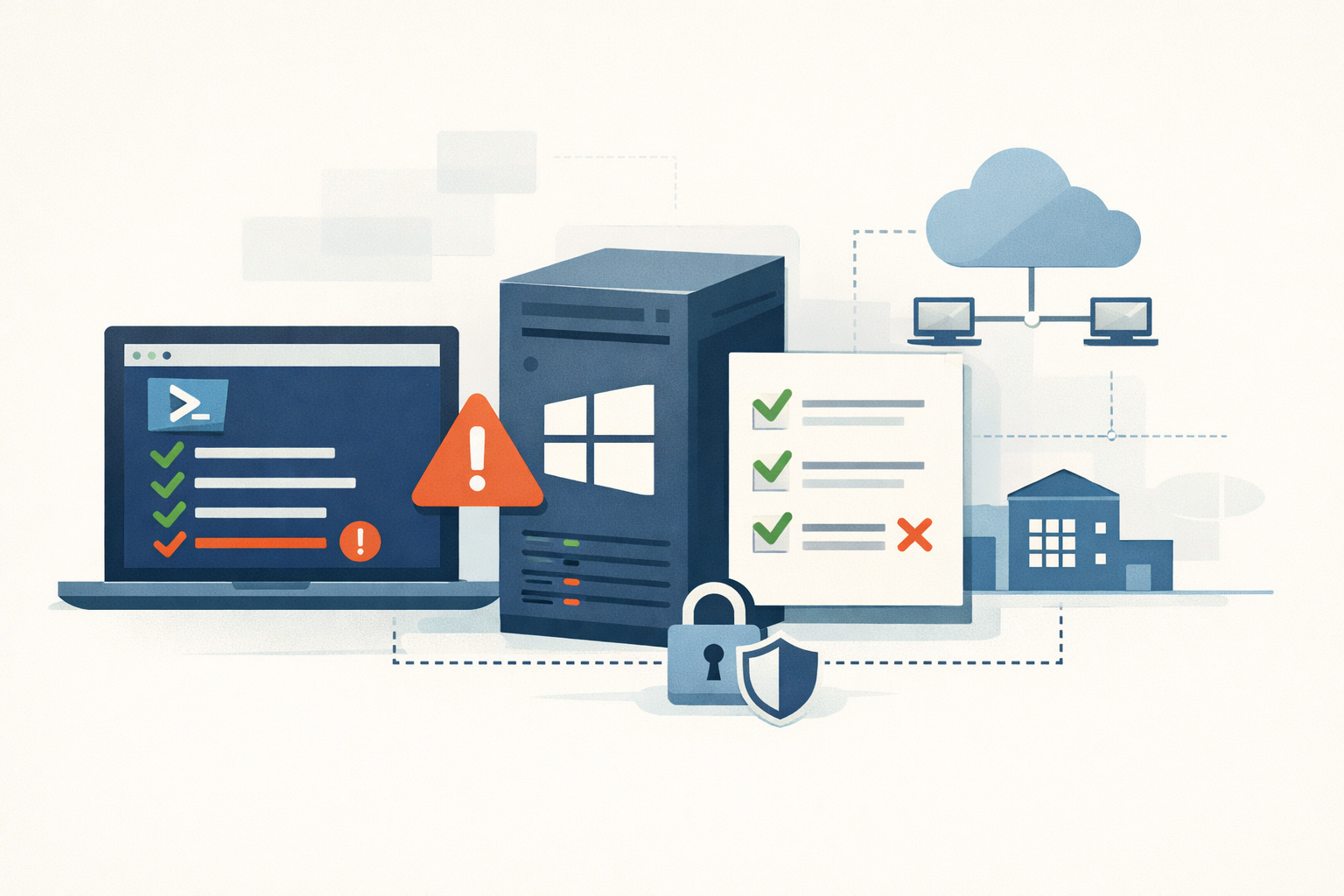
You inherit a Windows server. The previous admin left three months ago and the only handoff doc is a Confluence page that hasn’t been updated since 2023. Before you put anything new on it, you want to know what shape it’s already in.
These are the nine checks I run. All native PowerShell, all on the host itself, all under ten minutes for the whole pass. Open an elevated PowerShell session and go in order. The “bad” answers are unambiguous — none of them require interpretation, and each one maps to a known attack technique that real ransomware crews use.
1. WDigest plaintext credentials
Get-ItemProperty -Path "HKLM:\SYSTEM\CurrentControlSet\Control\SecurityProviders\WDigest" `
    -Name UseLogonCredential -ErrorAction SilentlyContinue |
    Select-Object UseLogonCredential
Bad: UseLogonCredential = 1. Good: the key is absent or 0.
When this flag is on, Windows caches every interactive user’s plaintext password in LSASS. That’s the first thing Mimikatz reads. WDigest credential caching has been off by default since 2014 (KB2871997). If you see a 1 here, someone re-enabled it deliberately, and you should treat the host as already in scope for a credential exposure incident until you know why.
Fix: delete the value, or set it to 0. The change takes effect on next logon.
2. Who’s in the local Administrators group
Get-LocalGroupMember -Group "Administrators" |
    Select-Object Name, ObjectClass, PrincipalSource
Bad: anyone you can’t justify in one sentence.
Every member of this group can dump LSASS without elevation, install drivers, and disable Defender. A bloated Administrators group means the blast radius of any compromised account is the entire host. Service accounts, generic helpdesk groups, and domain users that ended up here “just to make something work” are the usual offenders.
Fix: remove what shouldn’t be there. If you can’t remove it without breaking something, file a ticket to fix the underlying dependency.
3. LAPS coverage on the local Administrator account
# Windows LAPS (built-in, April 2023 cumulative update or later)
Get-ItemProperty -Path "HKLM:\SOFTWARE\Microsoft\Windows\CurrentVersion\LAPS\Config" `
    -Name BackupDirectory -ErrorAction SilentlyContinue

# Legacy LAPS (separate MSI install)
Get-ItemProperty -Path "HKLM:\SOFTWARE\Policies\Microsoft Services\AdmPwd" `
    -Name AdmPwdEnabled -ErrorAction SilentlyContinue
Bad: both return nothing on a domain-joined host.
This is the single biggest lever on ransomware blast radius in a Windows estate. Without LAPS, the local Administrator password is either a deployment default or was set by hand years ago and never rotated. The NTLM hash of that one password works for pass-the-hash against every other host that shares it. This is how a single workstation compromise becomes a domain-wide encryption event, and it’s still the most common version of the story in 2026.
Fix: deploy Windows LAPS (built into Windows 10/11 and Server 2019+ since April 2023). It’s free, it’s native, and it removes a class of attack rather than reducing it.
4. SMBv1 still listening
Get-SmbServerConfiguration | Select-Object EnableSMB1Protocol
Get-WindowsOptionalFeature -Online -FeatureName SMB1Protocol
Bad: EnableSMB1Protocol : True, or feature State : Enabled.
SMBv1 is the protocol EternalBlue exploited, which means it’s the protocol WannaCry and NotPetya rode through global enterprises in 2017. Microsoft turned it off by default in Server 2016 and Windows 10 1709. Any host where it reads True either had it re-enabled for a specific reason that almost certainly no longer applies, or never made it past the 2017 baseline. Both are bad answers.
Fix: Disable-WindowsOptionalFeature -Online -FeatureName SMB1Protocol and reboot. If something breaks, it was probably an end-of-life NAS that should also be on your replacement list.
5. SMB signing not required
Get-SmbServerConfiguration | Select-Object RequireSecuritySignature
Get-SmbClientConfiguration | Select-Object RequireSecuritySignature
Bad: either side returns False.
This is the modern threat where SMBv1 was the legacy one. When signing is not required, an attacker on the same network runs Responder to poison LLMNR, captures an SMB authentication, and relays it through Impacket’s ntlmrelayx to any other host that also doesn’t require signing. No password cracking. Domain Admin is often the second-or-third hop. On anything earlier than Windows 11 24H2 / Server 2025, only Domain Controllers require signing by default; member servers and workstations don’t, and you still have to verify it on the host in front of you regardless of build. Note that only RequireSecuritySignature matters — EnableSecuritySignature is ignored for SMB2 and later.
Fix: set both via Group Policy. Test with file servers first; a small number of legacy clients will need updates or replacement.
6. Print Spooler on hosts that don’t print
Get-Service -Name Spooler | Select-Object Name, Status, StartTypeBad: Status : Running on a Domain Controller, file server, or anything that isn’t a print server.
PrintNightmare (CVE-2021-34527) and the descendants that followed it give any authenticated domain user remote code execution against any host running Spooler. On a Domain Controller, that’s instant domain compromise from a single user account. The Spooler service has been a string of bugs in this class, and the class keeps reopening.
Fix: Stop-Service Spooler; Set-Service Spooler -StartupType Disabled on every server that doesn’t actually need to print. The list of servers that genuinely need to print is shorter than people think.
7. Suspicious scheduled tasks
Get-ScheduledTask | Where-Object {
    $_.Principal.RunLevel -eq 'Highest' -or
    ($_.Principal.UserId -and
     $_.Principal.UserId -notmatch '^(SYSTEM|NT AUTHORITY|LOCAL SERVICE|NETWORK SERVICE)$')
} | Select-Object TaskName, TaskPath,
    @{N='RunAs';    E={$_.Principal.UserId}},
    @{N='RunLevel'; E={$_.Principal.RunLevel}}
Bad: tasks outside \Microsoft\Windows\ that run with RunLevel = Highest, or under a named domain or local account.
Scheduled tasks are the most common persistence mechanism in real intrusions (MITRE T1053.005), because they survive reboots, run at predictable times, and don’t look out of place. A task in the task root (\) or a custom folder running as a domain service account at Highest is the textbook attacker plant. Legitimate vendor tasks live under \Microsoft\ or under a clearly named vendor subfolder.
Fix: investigate before deleting — a task you don’t recognize might be how billing runs at 2am. Anything that resolves to “we don’t know what this is” should be disabled and watched.
8. Unquoted service paths
Get-CimInstance Win32_Service |
    Where-Object { $_.PathName -notmatch '^"' -and $_.PathName -match ' ' } |
    Select-Object Name, StartName, PathName
Bad: any result.
When a service binary path contains a space and isn’t quoted, Windows parses it left to right. A path like C:\Program Files\Vendor\svc.exe will try C:\Program.exe, then C:\Program Files\Vendor.exe, then the real binary. If an attacker can write C:\Program.exe, the service launches their binary as SYSTEM on the next start. This is one of the oldest privilege escalation vectors on Windows and vendor installers still ship with the bug.
Fix: edit the registry under HKLM:\System\CurrentControlSet\Services\<name>\ImagePath to add the surrounding quotes. Restart the service.
9. Defender is actually running
Get-MpComputerStatus | Select-Object AntivirusEnabled, RealTimeProtectionEnabled, `
    IsTamperProtected, AntivirusSignatureLastUpdated
Bad: RealTimeProtectionEnabled = False, IsTamperProtected = False, or signatures more than a few days stale.
If you’re running a third-party EDR, Defender will report AntivirusEnabled = False and that’s expected — the third-party product registers as the active provider. What you want to confirm is that something is providing real-time protection and that it hasn’t been quietly disabled. Tamper protection off is its own red flag; that toggle exists specifically because attackers turn off Defender as their first post-compromise action.
Fix: re-enable in Windows Security, or check your central console for why management isn’t pushing the policy.
What this list isn’t
Nine checks doesn’t cover everything. NTLMv1 acceptance, LDAP signing on Domain Controllers, WinRM transport, WMI event subscription persistence, Run-key autoruns, AutoAdminLogon plaintext passwords, password-never-expires accounts — all of those matter and all of them have their own one-liners. They’re in our notes; they didn’t make this list because they’re either narrower in scope or because the “bad” answer requires more interpretation. If this pass turns up two or three findings, the next pass is worth doing too.
If you read PatchDayAlert, you’re already getting the daily list of CVEs that matter most. This is the other half of the work: making sure the host you’re patching wasn’t already half-open before the CVE came out. Both passes are short. Neither one is optional.
Sources
- Microsoft Security Advisory KB2871997 - WDigest credential caching
- MITRE ATT&CK T1003.001 - OS Credential Dumping: LSASS Memory
- Detect, enable, and disable SMBv1 in Windows
- Control SMB signing behavior
- CVE-2021-34527 - PrintNightmare
- Windows LAPS - Configure policy settings
- MITRE ATT&CK T1053.005 - Scheduled Task
- Get-MpComputerStatus
- Active Directory Hardening Series Part 1 - Disabling NTLMv1
Share
Related field notes
-
A defensible software inventory you can build with the tools you already have
PowerShell, dpkg, system_profiler, Nmap, and a git repo will produce a weekly software inventory that joins cleanly against the CISA KEV catalog. Here are the parts that look right and aren't.
-
Five checks for Intune driver update policy coverage
Windows Autopatch manages your OS updates. Your kernel-level drivers are on their own unless you built a separate driver update policy. Here is how to tell if yours is missing and how to fix it.
-
Turn on DNS scavenging without deleting records you still need
Windows DNS zones fill up with A and PTR records for servers you retired years ago. Aging and scavenging cleans them out, but a wrong interval deletes live records. Here is the careful way to enable it.
-
Find the service accounts nobody has rotated
The Commvault Metallic breach ended with CISA telling customers to rotate static application secrets. Your Active Directory is full of the same thing: service accounts whose passwords were set once, years ago, and never touched. Here is the PowerShell to find them and put them on a cadence.
Get the free CVE triage cheat sheet
Subscribe and we'll email you the one-page triage flow for fresh CVEs. Plus the weekly digest.
Subscribe