A defensible software inventory you can build with the tools you already have
PowerShell, dpkg, system_profiler, Nmap, and a git repo will produce a weekly software inventory that joins cleanly against the CISA KEV catalog. Here are the parts that look right and aren't.
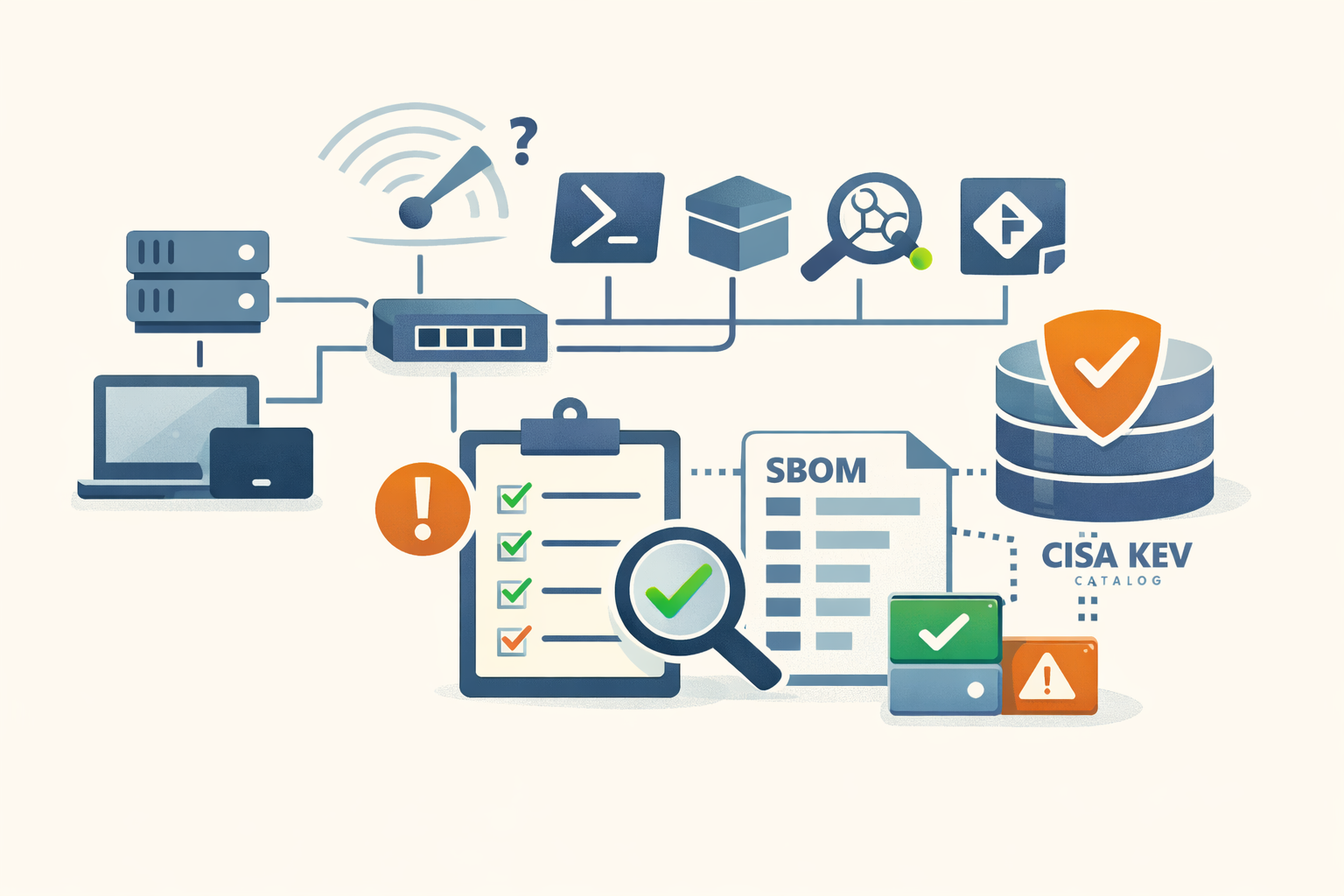
You cannot patch what you cannot list. The reason most small shops cannot list their software is not budget. It is the assumption that doing it right requires enterprise tooling. It does not.
PowerShell, dpkg, system_profiler, Nmap, jq, and a git repo will produce a defensible inventory for a few hundred hosts, refreshable weekly, that joins cleanly against the CISA Known Exploited Vulnerabilities catalog. The catch is the half-dozen ways to do this wrong that look like the right way. This post is the working procedure plus the traps.
What “defensible” means
The federal benchmark is CISA’s BOD 23-01: automated asset discovery every 7 days, vulnerability enumeration every 14 days, signature updates within 24 hours of vendor release. Federal agencies do this; nothing about the cadence is exotic. NIST SP 800-171 r3 control 03.04.10 and PCI-DSS 4.0 requirement 12.5.1 say similar things in different words. If anyone asks why you spend a Sunday hour on this, the answer is one of those three.
The output you are building is a per-host CSV of (hostname, software, version), refreshed on a cron, committed to git, joined nightly against KEV. That is the whole product.
Step 1: Find the boxes first
Software inventory starts with a host list. Use four sources and reconcile them. Anything that appears in one but not another is a question.
# Active sweep — Nmap ping scan, no port probes
nmap -sn 10.0.0.0/24 -oX hosts.xml

# DHCP leases (depends on your DHCP server; this is dhcpd)
cat /var/lib/dhcp/dhcpd.leases | grep -E 'lease|hardware|hostname'

# Active Directory computer objects
Get-ADComputer -Filter * -Properties OperatingSystem,LastLogonDate |
    Select Name,OperatingSystem,LastLogonDate | Export-Csv ad-hosts.csv

# ARP from the core switch
ssh switch01 "show arp" > arp.txt
A bare nmap -sn fires four probes per host (ICMP echo, TCP SYN to 443, TCP ACK to 80, ICMP timestamp), which catches devices that drop ICMP but answer TCP. -oX produces XML you can parse without regex. Use -PS/-PA against a non-default port if your environment blocks the defaults.
Blind spots to name out loud: IPv6 ranges (-6 on Nmap, or skip and admit it), printers and IoT that drop everything, and rogue devices on uncatalogued VLANs. The reconcile step finds the first two; the third requires someone to tell you the VLAN exists.
Step 2: Inventory Windows the right way
Three registry keys, and missing any of them produces a silently incomplete list:
$paths = @(
    'HKLM:\SOFTWARE\Microsoft\Windows\CurrentVersion\Uninstall\*',
    'HKLM:\SOFTWARE\WOW6432Node\Microsoft\Windows\CurrentVersion\Uninstall\*',
    'HKCU:\SOFTWARE\Microsoft\Windows\CurrentVersion\Uninstall\*'
)
Get-ItemProperty $paths |
    Where-Object DisplayName |
    Select-Object DisplayName, DisplayVersion, Publisher, InstallDate |
    Export-Csv "$env:COMPUTERNAME.csv" -NoTypeInformation
The WOW6432Node key holds 32-bit installs on 64-bit Windows. The HKCU key holds per-user installs: Teams, OneDrive, most Electron apps. Programs and Features shows only the first two. A query that omits HKCU will miss the version of Teams running on every machine in the building.
Do not use Win32_Product. Querying that WMI class triggers a Windows Installer reconfiguration against every MSI package on the host. Microsoft’s own askds team documents the behavior: Event ID 1035 logged once per installed app, services disabled by policy silently re-enabled when the MSI repair fires, queries that should take seconds taking minutes. Use the registry approach above, or the Win32Reg_AddRemovePrograms class, which reads the registry without triggering the installer.
For “what is out of date,” winget is now the answer:
winget list --upgrade-available
winget upgrade --all --include-unknown
--include-unknown matters: per Microsoft’s docs, winget skips apps whose current version it cannot detect, and Chrome, Firefox, and Kindle all report inconsistently. Microsoft Store apps live in a separate namespace; Get-AppxPackage lists those. Portable apps unzipped to a folder remain a blind spot. A Get-ChildItem -Recurse -Filter *.exe against common locations is the cheap fallback.
Remote collection scales with WinRM:
$hosts = (Get-ADComputer -Filter "OperatingSystem -like 'Windows*'").Name
Invoke-Command -ComputerName $hosts -ScriptBlock {
    Get-ItemProperty $using:paths | Where-Object DisplayName | Select DisplayName,DisplayVersion
} | Export-Csv windows-inventory.csv -NoTypeInformation
One scheduled task on a single management host inventories a few hundred Windows endpoints in under an hour.
Step 3: Inventory Linux, macOS, and the network edge
The Linux side is the simplest case. Use the low-level tools: stable, scriptable, no interactive prompts.
# Debian / Ubuntu
dpkg-query -W -f='${Package}\t${Version}\n' > $(hostname).tsv

# RHEL / Rocky / Alma / Fedora
rpm -qa --queryformat '%{NAME}\t%{VERSION}-%{RELEASE}\n' > $(hostname).tsv

# Add these where relevant
snap list
flatpak list --columns=application,version
For Ansible-managed fleets, ansible all -m package_facts returns the same data as a structured dict per host without writing any parsing.
On macOS, system_profiler SPApplicationsDataType -json > apps.json gives you name, version, path, signing info, and architecture for every installed app.
Network gear is the underrated half. Most switches, firewalls, and IoT will not run an inventory agent. SNMP closes the gap: every IETF-compliant device responds to OID 1.3.6.1.2.1.1.1.0 (sysDescr) with a string identifying the firmware version. On Cisco it looks like Cisco IOS Software, C2960X Software, Version 15.2(7)E10. Walk it across the gear:
for ip in $(cat switches.txt); do
    echo -n "$ip,"
    snmpwalk -v2c -c $COMMUNITY $ip 1.3.6.1.2.1.1.1.0 | head -1
done > network-inventory.csv
For vendors where SNMP is locked down, ssh device "show version" against a list of devices is the fallback. Both are scriptable.
Step 4: Join inventory to known vulnerabilities
A CSV of (host, software, version) is not a vulnerability list. CPE matching is the persistent gap: NVD calls Apache Tomcat cpe:2.3:a:apache:tomcat:9.0.65; your inventory calls it “Apache Tomcat 9.0.65” or “tomcat9”. Naive joins miss everything.
The shortest path is to filter against CISA KEV first. KEV is a free JSON feed of actively-exploited CVEs with vendor, product, required action, and due date. A few lines join it against your inventory:
curl -sL https://raw.githubusercontent.com/cisagov/kev-data/develop/known_exploited_vulnerabilities.json \
    | jq -r '.vulnerabilities[] | [.cveID, .vendorProject, .product] | @csv' > kev.csv

# Fuzzy join on lowercased product name — adjust columns to your CSV
awk -F',' 'NR==FNR{kev[tolower($3)]=$1","$2; next}
    {p=tolower($2); for (k in kev) if (index(p,k)) print $1","$2","$3","kev[k]}' \
    kev.csv windows-inventory.csv > kev-matches.csv
The output is short, prioritized, and actionable. Anything in kev-matches.csv is being actively exploited. That is your patch list for tomorrow.
For everything else, two free scanners cover most of the ground. Grype plus Syft (both Anchore) is the canonical pair for SBOM-driven scanning:
syft / -o cyclonedx-json > sbom.json
grype sbom:sbom.json -o table > vulns.txt
Trivy (Aqua) does the same job in one binary plus IaC and secrets. OSV-scanner (Google) scans source-code manifests against the OSV.dev database. Pick one as default; run a second on critical hosts — scanner-consistency studies put inter-tool overlap around 60–65 percent, which means the second scanner is not redundant.
For the long tail after KEV, EPSS assigns each CVE a daily 0-to-1 probability of being exploited in the next 30 days. Pull the CSV daily, sort by EPSS for anything not already on KEV. FIRST is explicit that EPSS ignores compensating controls and asset impact; treat it as a sort, not a verdict.
Step 5: Verify the inventory is alive
The output of every script above goes into a private git repo. git log is your audit trail; git diff HEAD~7..HEAD is your weekly delta. Ten years of weekly snapshots for 200 hosts fit on a laptop.
The signs an inventory is working: deltas week-over-week are non-zero and explicable, every host row has a named owner (not “IT”), and the KEV join produces a file you can read. A streak of empty KEV results means the join broke, not that you’re safe. KEV adds entries on most US business days.
When to escalate
Three conditions move an inventory finding out of the weekly queue and into an incident:
- A KEV match on an internet-exposed host. Patch within the KEV due date or document why you cannot.
- An unowned host holding production data. Governance failure, not a technical one.
- Sudden inventory growth without a project to match. Someone is building infrastructure off the books.
Everything else is normal patch work.
The shift this whole exercise produces is from “we think we know what we run” to “here is the CSV, here are the KEV matches, here is the patch list, dated this morning.” That is what defensible looks like at a small shop, and it costs an hour a week.
If you want the KEV-and-prioritization half delivered every morning instead of assembled on Sundays, PatchDayAlert does that part for you. The inventory is still yours; the join key shows up in your inbox already filtered.
Sources
- BOD 23-01 Implementation Guidance | CISA
- Known Exploited Vulnerabilities Catalog | CISA
- cisagov/kev-data | GitHub
- EPSS | FIRST.org
- Host Discovery | Nmap.org
- winget upgrade command | Microsoft Learn
- Working with software installations | Microsoft Learn
- Why Win32_Product is Bad News | SDM Software
- How to NOT Use Win32_Product in GPO Filtering | Microsoft Community Hub
- Trivy | GitHub (Aqua Security)
- NIST SP 800-171 r3 control 03.04.10 | CSF Tools
Share
Related field notes
-
A 30-minute Patch Tuesday triage you can actually run
How to get from 150 CVEs to the 4-8 that change your week, using only public signals and a clock.
-
Nine PowerShell checks before you trust a Windows host
A short, native-PowerShell audit a Windows admin can run on any host in about ten minutes. The bad answers are unambiguous and the fixes are cheap.
-
Does this CVE actually apply to you? Three filters before you patch
Single-score triage fails in both directions: 10.0s that don't apply, 4.3s that get exploited for 13 days. Three filters reduce the queue.
-
Best practices for patch prioritization in a hybrid environment: start with business impact
Severity scores tell you which CVE is nastiest. Business impact tells you which one matters.
Get the free CVE triage cheat sheet
Subscribe and we'll email you the one-page triage flow for fresh CVEs. Plus the weekly digest.
Subscribe