Patching Windows when your test ring is two laptops
Microsoft's deployment-ring guidance was written for orgs where 5% of the fleet is dozens of machines. Here's what the model actually buys you when 5% is two laptops, and what to substitute for the rest.
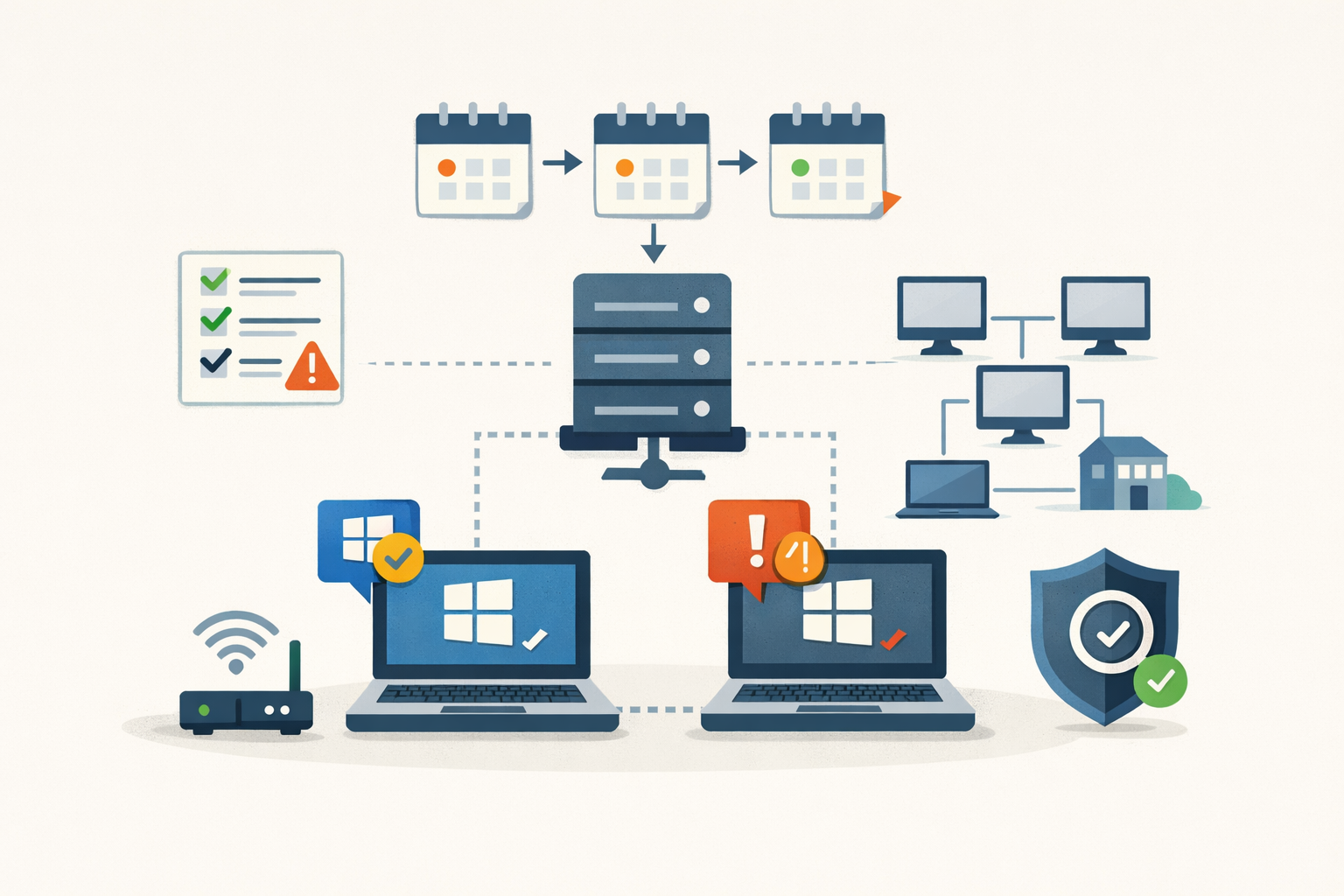
Microsoft’s deployment-ring guidance assumes you have enough endpoints that 5% of the fleet is a meaningful pilot group. For a 40-device shop, 5% is two laptops. Two laptops will not surface a driver regression, a print-spooler quirk, or a Defender false positive before the patch reaches the other 38. The model still has value, but it isn’t the early-warning system the documentation implies. It’s procedural discipline. That difference shapes everything about how you should run monthly Windows patching without a test team.
What the ring model actually buys you at small scale
Microsoft’s deployment plan guidance recommends at least three rings: a pilot at 0-day deferral, a second ring at 5 days, and a broad ring at 10. Pilot devices have to be production machines used by real people, not lab boxes in IT, because lab boxes don’t carry the line-of-business apps and driver mix that produce actual failure modes. At enterprise scale that math works. At sub-100-endpoint scale, the pilot won’t catch most regressions before the broad ring does.
What the small-shop ring does buy you is a forced pause. One human looks at one or two machines for some number of days before the patch reaches the rest of the fleet. That window is the thing. It’s enough time for Microsoft’s release health dashboard to acknowledge a problem, enough time for r/sysadmin to compile a list of broken behaviors, enough time for Bleeping Computer to write about it. The pilot doesn’t have to find the bug. The internet finds the bug. The pilot keeps you out of the broad-deployment cohort while that happens.
Run that pause through Intune Windows Update for Business rings if you have Microsoft 365 Business Premium or any Intune license. Two rings: pilot at 0-day, broad at 7 to 10 days, assigned to Entra security groups. The maximum deferral for quality updates is 30 days, which is the outer bound of defensible. Most shops this size run between 7 and 14.
Why the pause matters: 2025 was rough
Four incidents from the last twelve months make the case for the 7-to-14-day buffer.
August 2025, KB5063878 (Windows 11 24H2). The cumulative failed to install via WSUS with error 0x80240069. The Windows Update service crashed during install, and Microsoft eventually shipped a Known Issue Rollback Group Policy template named “KB5063878 250814_00551 Known Issue Rollback.” WSUS admins had to download the policy and apply it; direct Windows Update clients were never affected.
October 2025, KB5066835. The October cumulative broke USB keyboard and mouse input inside the Windows Recovery Environment. The OS was fine; WinRE was not. If a machine hit a boot problem after the update, the user couldn’t navigate Startup Repair, Reset this PC, or Safe Mode without external recovery media. Microsoft shipped out-of-band KB5070773 six days later.
December 2025, KB5072033. Failed installations of the December cumulative left machines in what Microsoft called an “improper state”. On the next month’s update, those machines BSOD’d with UNMOUNTABLE_BOOT_VOLUME. The permanent fix didn’t ship until KB5077181 on February 10. That’s a real-world recovery window of two months.
April 2026, KB5082063. The April Server cumulative put non-Global-Catalog domain controllers in multi-domain forests using Privileged Access Management into LSASS reboot loops on first restart. The same KB also triggered BitLocker recovery prompts on some Server 2025 and Windows 11 devices. Microsoft shipped out-of-band fixes five days later.
The pattern: serious regression, surfaced within days, acknowledged within a week, fixed in 5 to 10 days for the worst issues. A 7-to-14-day pilot ring sits exactly inside that window.
What Microsoft’s safety nets actually do
Three mechanisms exist, each with a scope catch worth knowing.
Known Issue Rollback (KIR) disables a specific change inside a cumulative via a configuration flag pushed through Windows Update. Consumer devices pick it up automatically within roughly 24 hours; domain-joined machines do not. You download a Group Policy template Microsoft publishes alongside the KIR announcement and deploy it yourself. The bigger limit: KIR cannot roll back security fixes. If a Patch Tuesday update both patches a CVE and breaks something, you’re rolling back the whole KB or nothing.
Safeguard Holds are upstream, not downstream. Microsoft’s diagnostics flag at-risk devices and the update never appears in their Windows Update queue. The scope catch: holds cover feature updates only, not monthly quality updates. A device under hold will not move from 23H2 to 24H2; it will still get the monthly cumulative that broke WinRE in October. Holds also don’t apply to WSUS- or SCCM-managed devices, which sit outside the cloud service where holds live.
Windows Autopatch has the most capable mechanism: a telemetry-driven auto-pause that prevents deployment from moving to the next ring when error rates cross a threshold. As of April 2025, Autopatch is available to Microsoft 365 Business Premium tenants, which makes it reachable for most SMBs. The detection model relies on Microsoft’s cross-tenant telemetry, not your tenant’s. That helps a 10-device shop benefit from a regression Microsoft sees in the wider install base. It does not help when the regression is specific to your hardware or driver mix, which is exactly the case you’re most exposed to.
The honest read: Microsoft’s safety nets catch the average regression. They miss the one that’s specific to you, and they don’t help at all when the broken code is the security fix itself.
What to substitute for a lab
Two things: a short telemetry list, and a written rollback procedure.
On telemetry, the cheap signals are the right ones. Watch System log Event IDs 6008 (unexpected shutdown), 41 (Kernel-Power, reboot without clean shutdown), and 1001 (BugCheck). A Get-WinEvent -FilterHashtable @{LogName='System'; Level=1,2,3} against your pilot machines surfaces them in seconds. Intune’s Windows Update for Business reports show per-policy compliance, distribution, and feature-update failures across rings, provided you’ve enabled Required-or-higher diagnostic data and the tenant-level processor configuration flag. Help-desk ticket volume is the leading indicator: if your baseline is two tickets a day and you log fifteen in the four hours after deployment, the patch is the suspect regardless of what the tickets say.
On rollback, the mechanics changed and most people missed it. wusa.exe /uninstall no longer works on the combined SSU+LCU packages Microsoft ships now. The supported path is DISM:
dism /online /get-packages | findstr KB5072033
dism /online /remove-package /packagename:Package_for_RollupFix~31bf3856ad364e35~amd64~~26100.X.X.X /norestart
The servicing stack portion of the bundle is permanent; only the LCU comes off. Feature updates are different again, with a 10-day “Go back” rollback window in Settings → System → Recovery, extendable via DISM /Online /Set-OSUninstallWindow. None of this is a substitute for pausing further deployment while you investigate, which is what Intune’s per-ring pause flag and WSUS’s KB-decline mechanic exist for.
Where the industry actually sits
You are not the only shop running this way. The “Patch Tuesday plus 7 to 14 days” deferral is the default norm in r/sysadmin and across the MSP tooling market. Action1 offers ring-based deployment with per-org approval and a free tier up to 200 endpoints. PDQ Deploy is the scripting-friendly Windows-only pick. NinjaOne and Atera serve the MSP-multi-tenant side. ManageEngine Patch Manager Plus and Datto RMM cover the SMB and managed-services middle. All of them ship the same primitive: a pilot group, a deferral, and an approval gate before broad deployment.
That is the deployment-ring model, productized. None of these tools require you to have a test team. They require you to define a set of devices that get the patch first, give it some time, and require an explicit step before it goes wider. The discipline matters more than the headcount.
A small shop running monthly Windows patching with two rings, a 10-day delay, a telemetry shortlist, and a written rollback runbook is doing the same thing the rest of the industry is doing. It isn’t a compromise; it’s the standard posture. The compromise is the shop that deploys to everything on Tuesday at 6 PM and finds out about the WinRE bug from the user who can’t get back into the OS on Wednesday morning.
The ring discipline protects you from the breakage. PatchDayAlert covers the other half: knowing which CVE in this month’s cumulative means you can’t wait the full 10 days.
Sources
- Create a deployment plan (Microsoft Learn)
- Manage Windows Update Ring Policies — Microsoft Intune (Microsoft Learn)
- Microsoft fixes Windows 11 24H2 updates failing with 0x80240069 error (Bleeping Computer)
- Microsoft: October updates break USB input in Windows Recovery (Bleeping Computer)
- Microsoft links Windows 11 boot failures to failed December 2025 update (Bleeping Computer)
- Microsoft: Some Windows servers enter reboot loops after April patches (Bleeping Computer)
- Known Issue Rollback: Helping you keep Windows devices protected and productive (Windows IT Pro Blog)
- Safeguard holds for Windows (Microsoft Learn)
- Windows Autopatch Now Supports Microsoft Business Premium (Inforcer)
- Use Windows Update for Business reports for Windows Updates in Microsoft Intune (Microsoft Learn)
- Why no longer using WUSA to uninstall Windows Updates (Microsoft Tech Community)
- Action1 Debuts MSP-Focused Patch Management Platform With Scalable Free Tier (ChannelE2E)
Sources
- Create a deployment plan (Microsoft Learn)
- Manage Windows Update Ring Policies — Microsoft Intune (Microsoft Learn)
- Windows Autopatch groups overview (Microsoft Learn)
- Windows Autopatch FAQ (Microsoft Learn)
- Use Windows Update for Business reports for Windows Updates in Microsoft Intune (Microsoft Learn)
- Safeguard holds for Windows (Microsoft Learn)
- Known Issue Rollback: Helping you keep Windows devices protected and productive (Windows IT Pro Blog)
- Why no longer using WUSA to uninstall Windows Updates (Microsoft Tech Community)
- Microsoft fixes Windows 11 24H2 updates failing with 0x80240069 error (Bleeping Computer)
- Microsoft: October updates break USB input in Windows Recovery (Bleeping Computer)
- Microsoft links Windows 11 boot failures to failed December 2025 update (Bleeping Computer)
- Microsoft: Some Windows servers enter reboot loops after April patches (Bleeping Computer)
- Windows Autopatch Now Supports Microsoft Business Premium (Inforcer)
- Action1 Debuts MSP-Focused Patch Management Platform With Scalable Free Tier (ChannelE2E)
Share
Related field notes
-
Recovering from a bad Intune deployment without making it worse
Stop the spread, unwind the damage, verify it took. A failure-mode-to-action playbook for when a config profile, app push, or CA policy goes sideways.
-
Hotpatch goes default in Autopatch. You have 10 days.
Microsoft flips hotpatch on by default for all Autopatch tenants May 11. If you haven't inventoried your fleet against the requirements, you're about to get a split patching model you didn't plan for.
-
When breaking the maintenance window is cheaper than waiting
The change board exists to make change safer, not slower. Here's the operational math for when the window has to move.
-
Skip the optional preview: KB5083631 isn't worth your Tuesday morning
May 12 ships the same 34 fixes plus the month's security patches in one tested package. The preview brings the same risk for none of the upside.
Get the free CVE triage cheat sheet
Subscribe and we'll email you the one-page triage flow for fresh CVEs. Plus the weekly digest.
Subscribe