KB5089549 fails at 35% because your ESP is full
May's Windows 11 cumulative dies at the boot-file write step on machines with under 10 MB free in the EFI System Partition. Here's the registry fix, the detection query, and the WSUS decision.
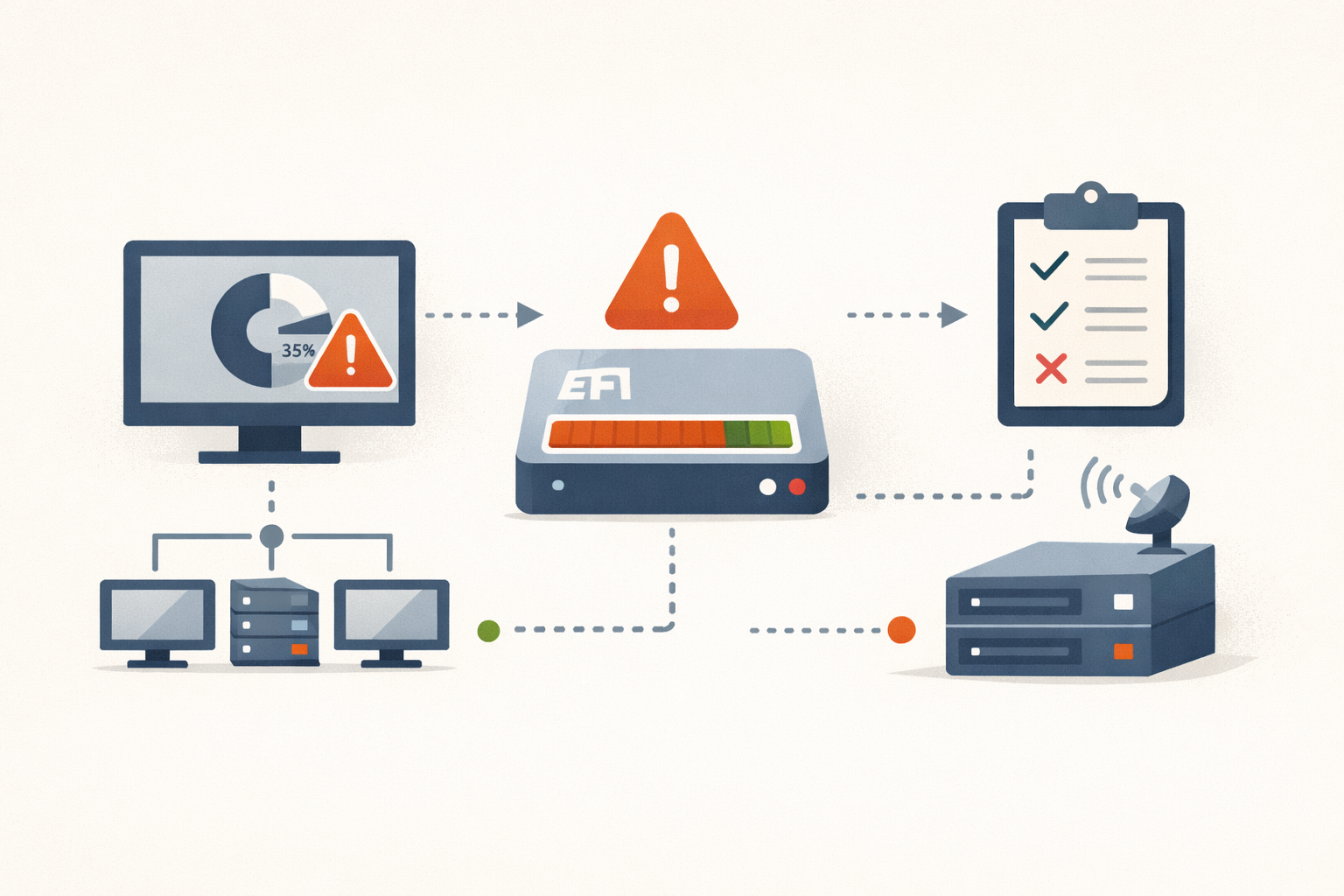
The ticket comes in Tuesday morning, identical on every machine: install reaches 35%, hangs, rolls back, comes up on the prior build. Run it again, same place, same failure. The CBS log reads SpaceCheck: Insufficient free space, ServicingBootFiles failed, and the partition it’s complaining about is the 100 MB EFI System Partition that an OEM laid down in 2017 and nobody has touched since.
KB5089549, the May 12 cumulative for Windows 11 24H2 and 25H2 (builds 26100.8457 and 26200.8457), fails at roughly 35% with error 0x800f0922 on machines with under about 10 MB free in the ESP. Microsoft acknowledged it May 16 and is rolling a Known Issue Rollback (KIR ID 260514_06221). The update hasn’t been pulled and no safeguard hold is in place, so eligible machines keep being offered it, and keep failing, until somebody intervenes.
What’s actually failing
The 35% mark is where Component-Based Servicing hands off to Bfsvc.exe, the Boot File Service, to commit new boot binaries to the ESP. Bfsvc runs a pre-write check: bytes-to-be-written plus a reserved padding margin against free space. If it fails, the servicing transaction aborts. The failure mode is benign on most hardware. The machine rolls back rather than ending up in a half-written boot environment. 0x800f0922 is not a generic disk-full code, per NinjaOne; it specifically signals boot-environment servicing couldn’t complete.
KB5089549 is heavier than a typical month. It refreshes bootmgfw.efi and bootmgr.efi, updates the Boot Configuration Database, and carries Secure Boot policy material tied to the transition off the Windows UEFI CA 2011 certificate that begins expiring in June 2026. None of that mass is new in isolation. It’s the drift across every Patch Tuesday since 2023 that finally crossed the line for ESPs already most of the way full.
Who’s at risk
Any Windows 11 24H2 or 25H2 machine with an ESP at or below 10 MB free. In practice that’s the legacy 100 MB ESP layout: Microsoft’s recommended size before raising guidance to 200 MB in May 2024, and still present on most OEM hardware shipped before 2018. There is no in-place grow path, so factory partitioning sticks for the life of the machine.
What fills those partitions, per GARYTOWN’s cleanup writeup and community reports collected by Neowin:
- OEM firmware updaters staging current and prior BIOS capsules. HP business laptops are the chronic example because HP’s tooling leaves prior versions on disk under
/EFI/HP/BIOS/Currentand/EFI/HP/BIOS/Previous. Dell laptops several BIOS generations behind are similarly exposed. - Dual-boot installs sharing the partition with
/EFI/ubuntu/or/EFI/fedora/plus GRUB modules. These sit highest on the risk curve because the second OS competes for the same 100 MB. - In-place upgrades across multiple Windows versions, accumulating boot-manager artifacts that clean installs don’t carry.
This is the third ESP-class install failure in 18 months, after KB5034441’s WinRE failure in January 2024 and the documented 100 MB ESP block on 25H2 in-place upgrades; Microsoft has triaged each one as its own isolated known issue.
WSUS and Intune fleets are where the work lives. The KIR propagates to consumer and non-managed devices within roughly 24 hours, but per Microsoft Learn, server-side rollbacks don’t reach WSUS clients. Managed environments have to download the Group Policy MSI for 260514_06221, import it as an Administrative Template, and push the policy. Until that’s in place, affected machines keep failing.
What to do Monday morning
The immediate fix is one registry write, elevated, on each affected machine:
reg add "HKLM\SYSTEM\CurrentControlSet\Control\Bfsvc" /v EspPaddingPercent /t REG_DWORD /d 0 /fThat tells Bfsvc to write the literal bytes with no padding margin. Reboot, re-run Windows Update, KB5089549 installs. It does not free space, expand the partition, or delete anything. It removes the safety reserve Bfsvc keeps so the ESP can’t fill to 100% mid-write. Microsoft hasn’t documented the default value or whether later updates reset the key, so treat it as pressure relief, not a permanent setting.
Deployment paths. RMM platforms push the reg add as a SYSTEM-context script against a 24H2/25H2 device group with a reboot. Group Policy Preferences delivers it through Computer Configuration → Preferences → Windows Settings → Registry. Intune fleets should ship it as a Remediation, run as SYSTEM in 64-bit context: detection checks the value, remediation creates the key and writes the DWORD.
Find at-risk machines before next cycle. Run this on each endpoint via RMM or Intune Remediation:
Get-Partition | Where-Object { $_.GptType -eq '{c12a7328-f81f-11d2-ba4b-00a0c93ec93b}' } |
  Get-Volume | Select-Object Size, SizeRemaining,
  @{n='FreeMB'; e={[math]::Round($_.SizeRemaining/1MB,1)}} | Format-Table -AutoSize
The GPT GUID filter targets the ESP specifically. Anything under 50 MB free is in the warning zone; 10 MB or less is the confirmed failure threshold. Sort the resulting list by total ESP size and you’ll get your 100 MB OEM population in one query.
Cleaning the ESP without resizing it. Mount with mountvol S: /S, look for orphaned vendor folders under S:\EFI\<VendorName>\ left by firmware update tools, cross-check bcdedit /enum firmware to confirm nothing in the boot manager points into the directory, then remove. For dual-boot remnants, clear the NVRAM entry first with bcdedit /delete {identifier} and then delete the matching S:\EFI\<distro> directory. Deleting EFI files without clearing the NVRAM entry can produce a one-time boot-menu prompt on some firmware, which is the kind of help desk call you don’t want at 9 AM Monday.
Recreating the ESP at 300 MB is technically possible but destructive (delete and recreate from WinRE, then bcdboot). On any fleet larger than a couple dozen machines it’s a per-device exception, not a remediation.
The WSUS / Intune decision
| Your situation | Call |
|---|---|
| Managed fleet, KIR Group Policy not yet deployed | Pre-stage the registry fix, then approve. Deploy the KIR MSI when it lands. |
| Mostly post-2018 hardware | Approve normally. Push the fix to the 100 MB ESP population from the detection query. |
| Heavy HP EliteBook or dual-boot population | Run the detection query first. Decide based on what comes back. |
| Pre-2018 OEM hardware as the bulk of the fleet | Pre-stage, approve, schedule cleanup before June Patch Tuesday. |
| Already-symptomatic machines rolling back at 35% | Push the registry fix today. Don’t wait for the KIR. |
Pausing the update wholesale is a worse trade than pre-staging the registry fix. KB5089549 carries the month’s security content; a blanket hold defers known patches for an unknown KIR window. The fix is one DWORD.
The window
The KIR resolves the install. It does not free ESP space. Push the registry value and move on, and the same machines hit the same wall in June when the next cumulative ships another increment of Secure Boot policy. The real value of the detection query is the list it gives you: machines to clean up before this becomes a recurring ticket. Schedule the pass for the week of June 1, before the next Patch Tuesday stages.
Not every install failure is a fire. This one isn’t, on its own. It becomes one in June if nothing changes between now and then.
PatchDayAlert flags the off-cycle changes that should actually move your plan. KB5089549 is one of them. June’s cumulative probably will be too.
Sources
- May 12, 2026 — KB5089549 (OS Builds 26200.8457 and 26100.8457) (Microsoft Support)
- Microsoft confirms Windows 11 KB5089549 fails install, shares workarounds (Neowin)
- Microsoft confirms Windows 11 KB5089549 issues due to low storage (Windows Latest)
- KB5089549 — Details, Issues & Feedback (NinjaOne)
- How to Fix Update Error 0x800F0922 in Windows 11 (NinjaOne)
- Low Space on EFI (System) Partition — Clean Up (GARYTOWN ConfigMgr Blog)
- Use Group Policy to deploy a Known Issue Rollback (Microsoft Learn)
- Revoking vulnerable Windows boot managers (Microsoft Tech Community)
- Windows 11 25H2 upgrade fails on systems with 100MB EFI System Partition (Microsoft Q&A)
Share
Related field notes
-
Skip the optional preview: KB5083631 isn't worth your Tuesday morning
May 12 ships the same 34 fixes plus the month's security patches in one tested package. The preview brings the same risk for none of the upside.
-
CVE-2026-45657: 'Exploitation Less Likely' Is Not a Patch Window
Microsoft's June kernel use-after-free is wormable, CVSS 9.8, and sitting in researchers' hands. The hazard rating says 'Exploitation Less Likely.' Your patch cycle shouldn't read that as wait.
-
The June 2026 Secure Boot cliff: tomorrow is your last clean window
Three Microsoft Secure Boot certificates from 2011 expire in June. May 12 is the last Patch Tuesday before the cliff, and the registry trigger isn't going to set itself.
-
Hotpatch goes default in Autopatch. You have 10 days.
Microsoft flips hotpatch on by default for all Autopatch tenants May 11. If you haven't inventoried your fleet against the requirements, you're about to get a split patching model you didn't plan for.
Get the free CVE triage cheat sheet
Subscribe and we'll email you the one-page triage flow for fresh CVEs. Plus the weekly digest.
Subscribe