The FortiGate firmware was current. The admin password hashes were not.
FortiOS 7.2.11, 7.4.8, and 7.6.1 introduced PBKDF2 hashing for administrator accounts. The migration is per-login: SHA-256 hashes stay in place until each admin authenticates post-upgrade. The FortiBleed campaign in June 2026 compromised roughly 75,000 internet-facing firewalls by cracking credentials on devices that cleared the patching check.
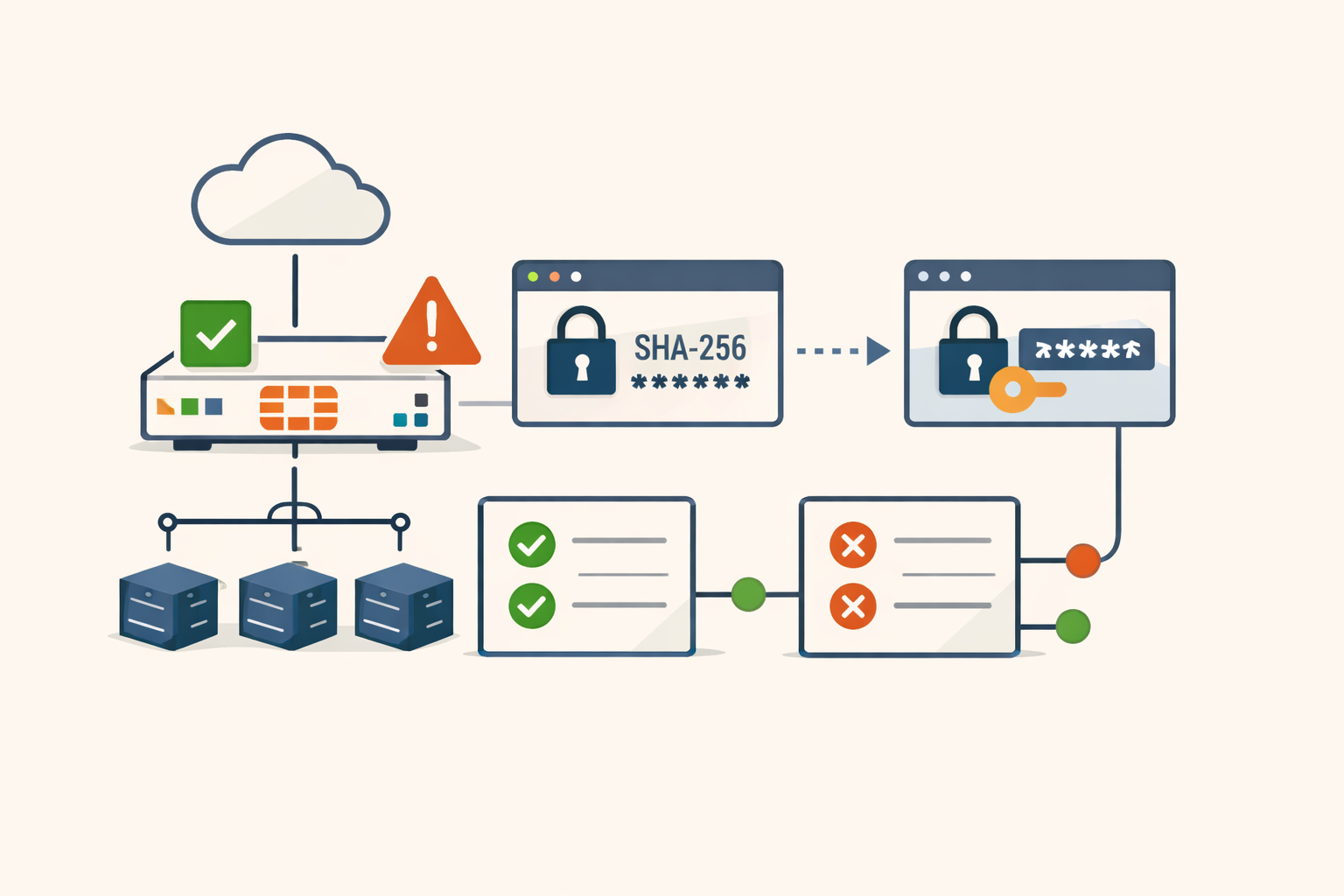
Tens of thousands of FortiGate firewalls were running PBKDF2-capable firmware when the FortiBleed campaign ran in June 2026. Their admin credentials were still SHA-256.
That’s not a contradiction. FortiOS 7.2.11, 7.4.8, and 7.6.1 introduced PBKDF2 password hashing for administrator accounts. What the upgrade does not do is re-hash existing credentials. The migration triggers per-account, on next successful login. An admin who upgraded firmware and didn’t log back in left their hash exactly where it was: in the crackable SH2 format, readable from any configuration backup a super_admin exports.
What FortiBleed actually was
The campaign documented by Arctic Wolf on June 17, 2026 compromised somewhere between 73,932 and 86,644 internet-facing FortiGate firewalls across 194 countries. Shodan put that at roughly half of all publicly reachable FortiGate firewalls globally. Recorded Future placed the first malicious HTTP activity at June 7. No zero-day was involved.
What the attackers built was an industrialized cracking pipeline: reconnaissance via Masscan and Shodan, traffic interception, a 45-GPU Hashtopolis cluster for recovering SHA-256 plaintexts, and credential validation routed through compromised VPN tunnels to blend into victim IP ranges. Revenue-enrichment scripts ranked cracked targets by company size, industry, and country before operators launched Active Directory enumeration and file-share collection. The broader haul reached over 110 million items, including RADIUS credentials and NTLM hashes from post-access lateral movement.
None of that required an unfixed software flaw. It required crackable credentials on devices that had cleared the patching checklist.
What the migration actually does
Fortinet’s documentation states this plainly: “If a system administrator does not log in to FortiGate after upgrading… their password remains saved as the SHA256 hashed password.”
The two states are distinguishable in a config dump by prefix. PBKDF2 accounts show ENC PB2. SHA-256 accounts show ENC SH2. There is no mass-migration command. The conversion happens per-account, per-login.
The exposure doesn’t end with the primary hash. FortiOS retains the previous SHA-256 hash in a hidden old-password field for backward compatibility, so the device can fall back to the weaker hash if firmware is downgraded. An admin can log in post-upgrade, generate a fresh PBKDF2 hash, and still have the old SHA-256 hash sitting in the config. This field is invisible through the management interface but fully accessible in any backup file.
Why the vendor designed it this way
The on-login migration isn’t laziness. It’s a tradeoff between two worse options.
Forcing a fleet-wide password reset the day firmware ships creates a phishing-mimicry attack surface: every admin gets an urgent password-reset prompt, which is exactly what a credential-harvesting campaign would send. Storing plaintext credentials on disk to re-hash them offline is straightforwardly worse than leaving SHA-256 in place.
The on-login window is the only moment the system legitimately sees the plaintext. So the migration waits.
Microsoft documented the identical tradeoff when deprecating LAN Manager hashes in Active Directory. Setting the NoLMHash Group Policy stops new LM hashes from being generated. KB299656 is explicit: “it doesn’t clear the history of previous LM hashes that are stored. Existing LM hashes that are stored will be removed as you change passwords.” An organization that deployed the policy and called itself remediated was still carrying crackable LM hashes for every account whose owner hadn’t changed their password since the policy applied.
Cisco has the same architecture with IOS password types. Type 5 (MD5) and Type 7 (reversible cipher) credentials persist in running configs when firmware advances to support Type 8 (PBKDF2) and Type 9 (scrypt). Penetration testers routinely find Type 7 credentials on devices running firmware that nominally supports Type 9, because no one rotated credentials after the upgrade. The upgrade changed what the device is capable of storing. It did not change what was already stored.
The pattern has a name in the engineering literature: silent rehashing. What it lacks, consistently, is a clear second step in the vendor’s remediation guidance that says “and now verify every account actually migrated.”
What remediation requires
Three steps, not one.
Step one: Upgrade to a PBKDF2-capable build. FortiOS 7.2.11, 7.4.8, 7.6.1, or later. Most patched organizations have done this.
Step two: Audit migration status per device. Run show system admin and look at each account’s password prefix. ENC SH2 means SHA-256, migration incomplete. ENC PB2 means done. There is no bulk verification command. For any stale or service-only account that won’t generate a natural login, a super_admin must manually reset the password to force the conversion:
config system admin
  edit <username>
  set password <new_password>
end
Step three: Enable the setting that purges the old-password SHA-256 remnant. On 7.6.x it’s login-lockout-upon-weaker-encryption; on 7.2.x and 7.4.x it’s called login-lockout-upon-downgrade:
config system password-policy
  set login-lockout-upon-weaker-encryption enable
end
Fortinet’s PSIRT blog response to FortiBleed calls out this command alongside credential rotation and MFA enforcement. The tradeoff is real: any downgrade to a pre-PBKDF2 build after enabling this will lock out all administrator accounts. That’s the point.
Singapore’s Cyber Security Agency advisory from June 22, 2026 adds steps beyond the hash migration: terminate all active administrative and VPN sessions, reset all passwords on internet-facing systems, and check for built-in account names like forticloud or fortinet-support as persistence indicators from post-exploitation access.
The distinction that matters
If your FortiGate fleet updated to a PBKDF2-capable release in the last year, that’s step one of three. The other two are a different category of work: not firmware deployment, but an audit and a CLI change. If they’re not in your remediation ticket, they haven’t happened.
“Firmware version changed” and “migration complete” are different events. FortiBleed operated in that gap.
If your team covers FortiGate patching, PatchDayAlert’s daily digest surfaces new CISA KEV additions and exploited-in-the-wild confirmations so this kind of context arrives the same day the advisory does, not weeks later.
Sources
- Active FortiBleed Campaign Impacting Fortinet Devices Across 194 Countries
- Inside FortiBleed: Reverse Engineering the CyberStrike Harvester
- Enhanced administrator password security 7.6.1 — Fortinet Document Library
- Technical Tip: Enforcing PBKDF2 as hash function for administrator accounts in FortiOS v7.2.11 and later
- Analysis of Reported Credential Compromise of FortiGate Devices
- Advisory on Credential Compromise of FortiGate Devices
- Prevent Windows from storing a LAN Manager (LM) hash of the password in AD and local SAM databases
Share
Related field notes
-
Five edge and gateway bugs went under active attack in one week. Here is the patch order.
Ivanti Sentry, Splunk, FortiSandbox, Ubiquiti UniFi OS, and Cisco SD-WAN Manager were all under active exploitation in the same seven days. A ranked, operator-focused breakdown of what to patch first and why.
-
FortiManager's FortiJump patch is the start of the job, not the end
Patching CVE-2024-47575 stops new exploitation. If an attacker reached your FortiManager first, they already have your FortiGate configs and password hashes. Here's what you actually have to do.
-
Edge devices need a tighter patch SLA than your servers
Vulnerability exploitation is now the top way attackers get in, and the edge is where it starts. A single blended remediation SLA prices that risk wrong. Here is the tiered math.
-
The Security Update Broke Production: A Rollback Runbook
A step-by-step runbook for when a security patch takes down production: pause the rollout, scope the damage, decide roll-back vs fix-forward, and keep the rolled-back host from becoming a silent unpatched asset.
Get the free CVE triage cheat sheet
Subscribe and we'll email you the one-page triage flow for fresh CVEs. Plus the weekly digest.
Subscribe