The Print Spooler keeps getting exploited. The fix is usually to turn it off.
PrintNightmare wasn't one bug. The KEV catalog holds a string of Print Spooler entries, from PrintNightmare to SpoolFool to the flaw APT28 paired with GooseEgg. They share a root cause, and for most servers the durable answer isn't a patch, it's disabling a service you don't need.
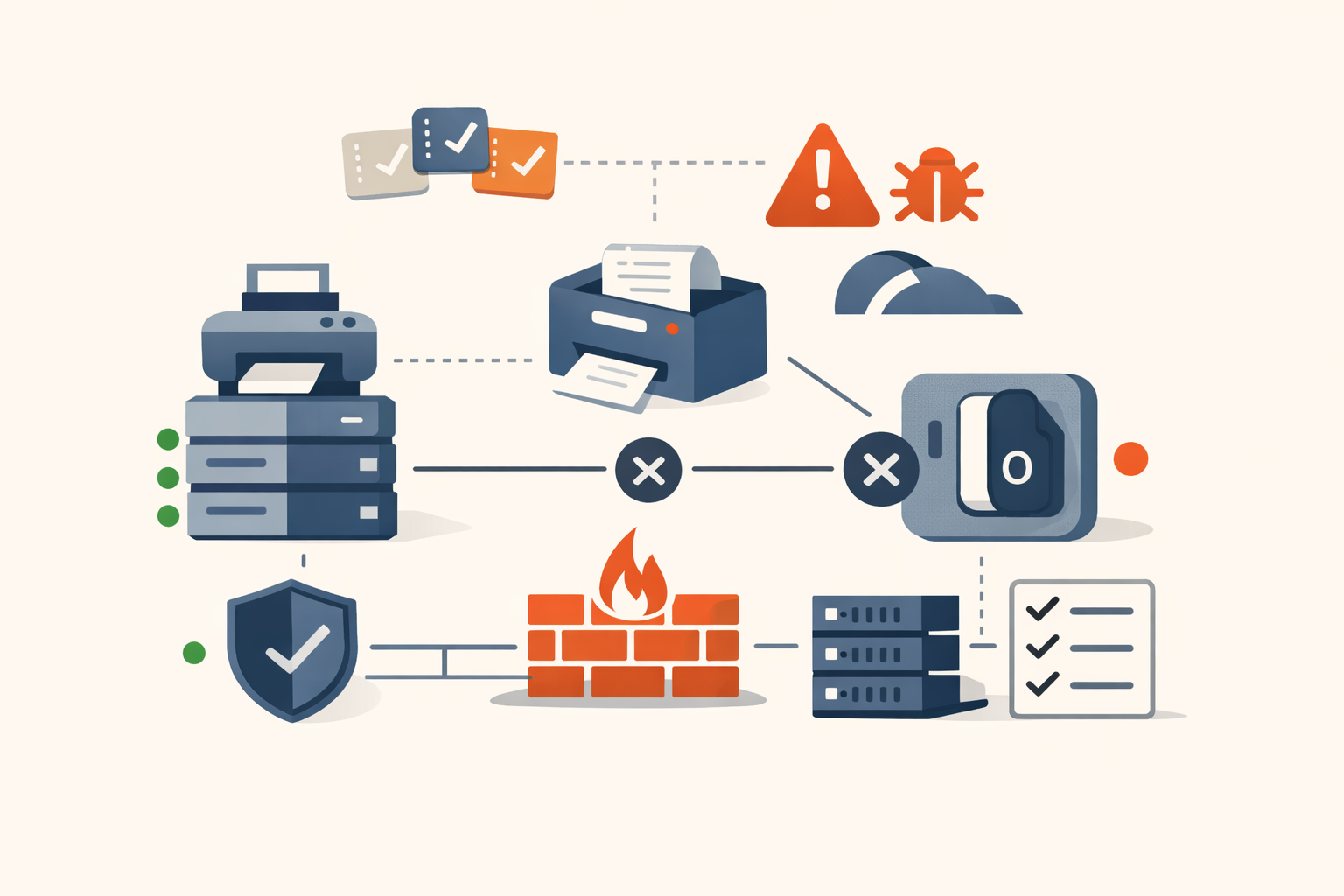
In the summer of 2021, PrintNightmare made the Windows Print Spooler famous, and not as one bug. Researchers, many of them at Microsoft, turned up roughly a dozen spooler vulnerabilities that year alone, and the stream didn’t stop. The Known Exploited Vulnerabilities catalog now holds a run of them: CVE-2021-1675 and CVE-2021-34527 (PrintNightmare itself), CVE-2022-22718, CVE-2022-21999 (SpoolFool), CVE-2022-41073, and CVE-2022-38028, the one Russia’s APT28 paired with its GooseEgg tool. Different bug numbers, one component, one root cause. And for most of your servers, the durable fix isn’t any of the patches; it’s disabling a service that has no business running there.
Why one component keeps breaking
The Print Spooler (spoolsv.exe) is a near-perfect storm of bad properties for security. It runs as SYSTEM. It’s enabled by default on essentially every Windows install, including servers that will never print anything, including domain controllers. It’s old and complex, carrying decades of legacy code. And it processes untrusted input by design: print jobs, and crucially, printer drivers.
That last part is the heart of it. The Windows Point and Print feature lets ordinary users automatically install printer drivers from a print server without administrator rights, which is convenient and which means low-privileged users can get the SYSTEM-level spooler to load driver code. PrintNightmare abused exactly that, using RpcAddPrinterDriver to make the spooler load an attacker-supplied driver DLL, turning a normal user (or a remote authenticated one) into SYSTEM or achieving remote code execution. The later bugs are variations on the theme: SpoolFool (CVE-2022-21999) manipulates a printer port’s path to drop and load a DLL from the spooler’s directory; CVE-2022-38028 modifies a spooler configuration file to load a malicious DLL, which is what APT28 automated with GooseEgg to escalate to SYSTEM across government, NGO, education, and transport targets.
The pattern is the lesson: when a SYSTEM service is designed to load code supplied by unprivileged users, you should expect a steady supply of escalation and execution bugs, because the trust boundary is fundamentally in the wrong place. Microsoft has hardened the defaults (Point and Print now restricts driver installation to administrators by default after the 2021 reckoning), but the component’s nature guarantees more will come.
Exploited by everyone
These bugs aren’t theoretical. PrintNightmare was used by ransomware groups for lateral movement and privilege escalation. SpoolFool has public, reliable exploit code. And CVE-2022-38028 was a preferred escalation vector for APT28 (Fancy Bear / Forest Blizzard), the Russian military-intelligence actor, via GooseEgg, used in espionage operations going back years. The spooler is a reliable SYSTEM-step for both commodity ransomware and nation-state crews, which is why CISA’s emergency directive ED 21-04 ordered federal agencies to disable the service where it wasn’t needed.
What to do
The good news about a recurring bug in an optional service is that you have a structural fix, not just a patch treadmill.
- Disable the Print Spooler service everywhere it isn’t needed. This is the highest-value action. Domain controllers do not need to print, and a DC should never run the spooler; disabling it there is a long-standing hardening baseline. Do the same for member servers, infrastructure hosts, and any system without a genuine printing requirement. A disabled spooler is immune to the entire bug class.
- On systems that must print, lock down Point and Print. Set the Group Policy that restricts driver installation and updates to administrators (
RestrictDriverInstallationToAdministrators), so non-admins can’t drive the spooler into loading driver code. This neutralizes the core PrintNightmare mechanism. - Patch the spooler bugs promptly and treat them as a class. Apply the cumulative updates that fix these CVEs, and when the next spooler entry appears, and it will, prioritize it; the component’s track record earns it. Don’t deprioritize spooler EoP as “just local,” because that local SYSTEM step is exactly what ransomware and APTs need.
- Detect spooler abuse. Alert on
spoolsv.exespawning child processes, writing or loading DLLs from spooler directories (%systemroot%\system32\spool\drivers), and unexpected printer-port or driver changes. These are high-fidelity signals of the SpoolFool / GooseEgg style of attack. - Inventory where the spooler is running. You can’t disable what you haven’t found. Enumerate the service’s state across the fleet and turn it off wherever printing isn’t a requirement.
The reframe is one of the cleaner ones in security: most vulnerability management is reactive patching, but the Print Spooler hands you a proactive option, because the safest configuration for the majority of your servers is simply not running the service at all. PrintNightmare and its successors are a recurring tax on every host that runs the spooler without needing to. Stop paying it where you can, lock down Point and Print where you can’t, and patch the rest as the perennial target it is. We track the spooler entries as a single ongoing story, because that’s what they are, and the answer rarely changes.
Sources
- CISA Known Exploited Vulnerabilities Catalog
- CISA: PrintNightmare, critical Windows Print Spooler vulnerability — 2021-06-30
- Microsoft: Clarified guidance for CVE-2021-34527 Windows Print Spooler vulnerability — 2021-07
- The Hacker News: Russia’s APT28 exploited Windows Print Spooler flaw to deploy GooseEgg (CVE-2022-38028) — 2024-04
- SpoolFool: CVE-2022-21999 analysis and exploit — 2022-02
- PrintNightmare (Wikipedia overview of the vulnerability cluster)
Share
Related field notes
-
BlueKeep: the wormable RDP bug Microsoft patched Windows XP for
CVE-2019-0708 was a pre-authentication, wormable RCE in Windows Remote Desktop. Microsoft was scared enough of a WannaCry repeat that it shipped patches for end-of-life XP and Server 2003. The worm never fully came, but the lesson did: RDP doesn't belong on the internet.
-
Scattered Spider didn't need a zero-day. They brought a decade-old driver Windows still loads.
CVE-2015-2291 is a vulnerable Intel Ethernet driver. Scattered Spider loaded it to reach the kernel and patch out Defender, CrowdStrike, SentinelOne, and Palo Alto in memory. It's the classic bring-your-own-vulnerable-driver attack, and the defenses are switches you can flip today.
-
Still running SMBv1? The catalog has a 2017 reminder for you.
A cluster of old Windows bugs sits in the KEV catalog: an SMBv1 information-disclosure from the MS17-010 family that powered WannaCry, plus assorted legacy privilege-escalation flaws. They share one fix path: keep supported Windows patched, kill SMBv1, retire end-of-life.
One email, every weekday morning.
You're in. Check your inbox.