DeadBolt skipped the network intrusion and just encrypted the NAS directly
Most ransomware has to break in, escalate, and spread before it encrypts anything. DeadBolt found internet-exposed QNAP NAS devices, exploited a Photo Station bug, and encrypted the files in place. On a NAS, the device is the data, and that changes the whole attack.
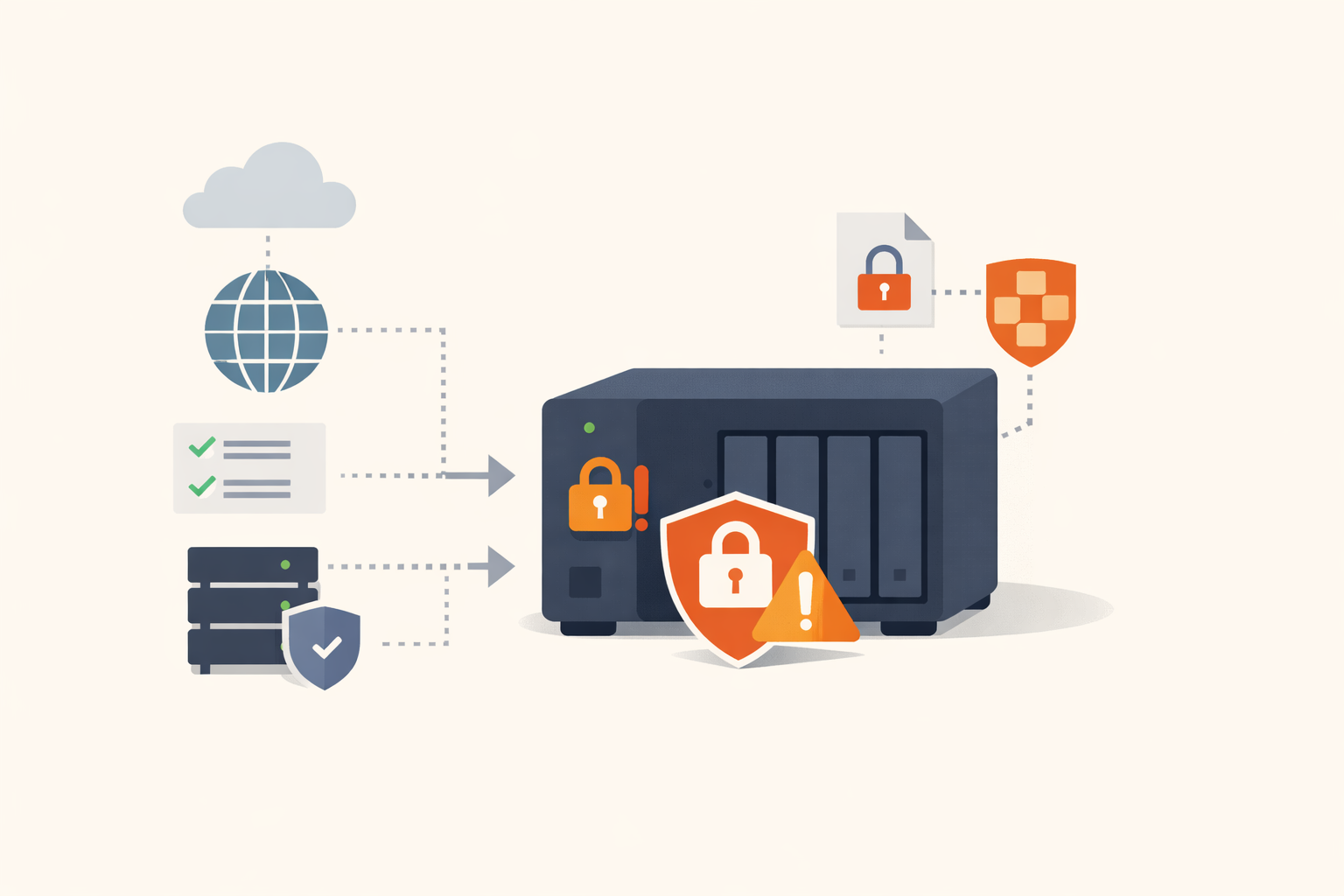
The usual ransomware story has a lot of steps: phish a user, get a foothold, escalate to admin, move laterally, find the file servers and backups, then encrypt. DeadBolt skipped almost all of it. It scanned the internet for QNAP NAS devices, exploited a vulnerability in the Photo Station app, and encrypted the files sitting on the device, directly. No lateral movement, no privilege escalation, no domain to compromise. On a NAS, the box is the data, so reaching the box is reaching the data. CVE-2022-27593 was the September 2022 entry point, and it’s one of a long run of QNAP bugs that turned consumer and small-business storage appliances into direct ransomware targets.
What the bugs are
CVE-2022-27593 is an externally-controlled-reference flaw (CWE-610) in QNAP’s Photo Station app that let a remote, unauthenticated attacker modify system files and install ransomware, with no user interaction. QNAP detected the DeadBolt campaign exploiting it on September 3, 2022, and CISA added it to the Known Exploited Vulnerabilities catalog on September 8 with the ransomware flag. Photo Station isn’t installed by default, but it’s popular, and the affected devices were the ones exposing it to the internet.
It wasn’t the first time. The 2019 QNAP Photo Station and QTS cluster, CVE-2019-7192 (improper access control), CVE-2019-7193, CVE-2019-7194, and CVE-2019-7195, chained for unauthenticated remote code execution on QNAP devices and were exploited by ransomware crews including eCh0raix and Qlocker. CISA listed those on June 8, 2022. QNAP appears in the catalog repeatedly; these appliances are a sustained target.
Why a NAS is a different kind of ransomware victim
The thing that makes NAS ransomware distinct is the collapse of the usual attack chain into a single step. For an enterprise file server, ransomware has to traverse the network to reach it. For an internet-exposed NAS, the data and the internet-facing vulnerable service are the same device, so the “intrusion” and the “encryption” happen in one move. That has a few consequences worth sitting with:
- The victims are often the least equipped. QNAP NAS devices are heavily used by home users, prosumers, and small businesses, exactly the populations without security teams, patch programs, or backups stored anywhere but the NAS itself.
- Port forwarding is the enabler. People expose their NAS to the internet for remote access, often by enabling UPnP or port forwarding without fully realizing they’ve put their entire file store one vulnerability away from the world. DeadBolt found those devices by scanning.
- The backup is on the box being encrypted. The cruel irony of NAS ransomware is that the NAS often is the backup, so encrypting it takes out both the primary data and the recovery copy at once.
DeadBolt also industrialized the model, encrypting thousands of devices and even offering QNAP itself a payment for a universal decryption key, which is a long way from the targeted, hands-on-keyboard enterprise ransomware playbook.
What to do
- Disable port forwarding and UPnP for the NAS, and take it off the internet. This is the single most effective step. A NAS that isn’t reachable from the internet can’t be found by mass-scanning ransomware. Use the vendor’s secure remote-access offering or a VPN if you need remote access, not a forwarded port.
- Update QTS/QuTS firmware and every installed app, especially Photo Station. Apply the fixed Photo Station versions for your QTS release, and keep apps current; these bugs are in the apps as much as the OS.
- Remove apps you don’t use. Photo Station isn’t installed by default. If you’re not using it, uninstall it and shrink the attack surface.
- Get backups off the NAS. The 3-2-1 rule exists for exactly this: keep at least one backup copy on separate media or offline, so encrypting the NAS doesn’t take your only copy with it. Test that you can restore from it.
- For MSPs and IT providers: inventory client NAS devices. Small-business QNAP and similar boxes are easy to forget and are prime DeadBolt targets. Track them, get them off the internet, and keep them patched.
The reframe is for how you think about storage appliances. A NAS feels like infrastructure, set-and-forget, but an internet-exposed one is a single device holding all your data and running internet-facing services with a patchy update history, which is the ideal ransomware target precisely because the attack is so short. DeadBolt proved you don’t need a sophisticated intrusion to ransom someone when their entire file store answers on a forwarded port. Get the NAS off the internet, patch its apps, and keep a backup it can’t reach. We track the NAS entries because they hit the people least able to recover, and the fix is mostly a router setting away.
Sources
- CISA Known Exploited Vulnerabilities Catalog
- NVD CVE-2022-27593 — 2022-09
- QNAP Security Advisory QSA-22-24: DeadBolt ransomware — 2022-09
- Help Net Security: Thousands of QNAP NAS devices hit by DeadBolt ransomware (CVE-2022-27593) — 2022-09-12
- Rapid7: QNAP Photo Station CVE-2019-7192 incorrect authorization — 2019
- Censys: The neverending story of DeadBolt — 2022
Share
Related field notes
-
Your attack surface isn't just port 443
CVE-2023-46604 is a perfect-10 RCE in Apache ActiveMQ. The exploit isn't a web request; it's a single message to the broker on port 61616, a port most web-focused scanning and firewalling never considers. The broker then fetches a remote XML file and runs whatever's in it.
-
Insecure deserialization isn't a Java problem. Ask Ruby's YAML.load.
CVE-2022-47986 is a pre-auth RCE in IBM Aspera Faspex from a single call to YAML.load on data an unauthenticated user controls. It's the Ruby version of the deserialization footgun, and ransomware crews used it to move onto Linux.
-
BlueKeep: the wormable RDP bug Microsoft patched Windows XP for
CVE-2019-0708 was a pre-authentication, wormable RCE in Windows Remote Desktop. Microsoft was scared enough of a WannaCry repeat that it shipped patches for end-of-life XP and Server 2003. The worm never fully came, but the lesson did: RDP doesn't belong on the internet.
One email, every weekday morning.
You're in. Check your inbox.