Russian intelligence turned off an NGO's MFA with a text file
AA22-074A didn't beat multi-factor auth with an exploit. It made the MFA server unreachable and let the fail-open default do the rest. Here's the twenty-minute audit that tells you whether yours would do the same.
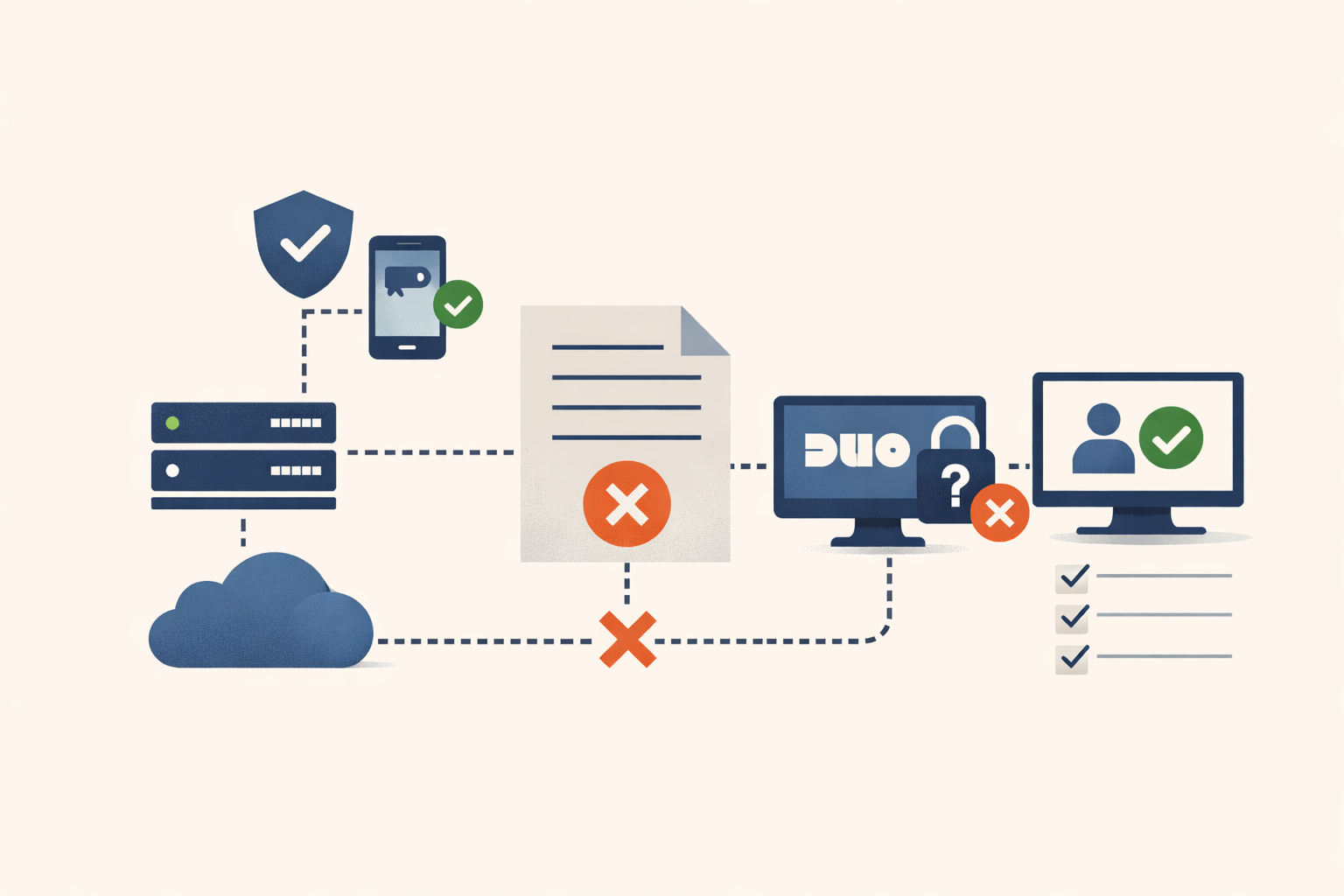
Russian intelligence turned off an NGO’s MFA with a text file. Not a zero-day, not a stolen signing key. The hosts file, the one that’s shipped in Windows since before some of your users were born. They pointed the Duo API at localhost, Duo went quiet, and the MFA did what it was configured to do when it can’t phone home: it waved everyone through.
That’s CISA advisory AA22-074A, published March 2022 and describing activity the FBI observed as early as May 2021. The attack chain is worth walking, not because any single step is exotic, but because the two configuration defaults that made it work are almost certainly sitting in your environment right now.
How a text file disabled MFA
The actors got in through a dormant account with a guessable password, brute-forced. That account had been un-enrolled from Duo for inactivity but never disabled in Active Directory, and Duo’s default let them enroll a device of their own on it. So the first factor was weak and the second factor was theirs for the taking.
From there they escalated with PrintNightmare (CVE-2021-34527) to get domain admin. With admin rights, they edited one file on a domain controller, c:\windows\system32\drivers\etc\hosts, to redirect Duo’s API hostname to localhost. Duo for Windows could no longer reach the Duo cloud to validate a second factor, and its default policy is to fail open: if the MFA server is unreachable, let primary authentication through on its own. MFA was effectively disabled for active domain accounts, which the actors used to reach cloud and email accounts and exfiltrate documents.
Nothing in that chain required a novel exploit against the MFA itself.
They didn’t beat the MFA. They made it unreachable, and it held the door.
You didn’t choose fail-open. A product manager did
MFA products default to failing open for a reason that makes sense right up until it doesn’t: if the vendor has an outage and your whole company gets locked out, you rip the product out and don’t renew. So the default trades security for availability, quietly, in a code path that only runs when the MFA server is unreachable — which, in normal operation, is never.
That’s why you’ve probably never questioned it. You rolled MFA out during some project, watched it prompt correctly, and closed the ticket. The setting that decides what happens when the server goes dark has been sitting there ever since, untested. In AA22-074A, the first party to exercise it was working for Russian intelligence.
Three checks, twenty minutes
Each of these answers one question: when my MFA can’t reach its server, does a password alone still get you in? The values below are the current documented defaults; verify against your own version.
# 1. Duo Authentication Proxy (RADIUS/LDAP front-end): the failmode setting.
grep -i "failmode" /opt/duoauthproxy/conf/authproxy.cfg
#   Bad:  failmode=safe      "safe" = fail OPEN: primary-only login succeeds when Duo is unreachable
#   Good: failmode=secure    fail CLOSED: no Duo, no login
#   Fix:  set failmode=secure on anything internet-facing or Tier 0 (default if unset: safe).

# 2. Duo for Windows Logon / RDP: the FailOpen registry DWORD, per endpoint.
reg query "HKLM\SOFTWARE\Duo Security\DuoCredProv" /v FailOpen
#   Bad:  0x1 (fail open)     Good: 0x0 (fail closed)
#   Fix:  set FailOpen to 0. The registry default is 1; an installer or GPO may set it.
#         If a GPO manages Duo, change the fail-open policy there — the GPO overrides regedit.

# 3. Prove it. On a test box, blackhole your MFA API host and try to log in:
#      echo 127.0.0.1 api-XXXXXXXX.duosecurity.com >> C:\Windows\System32\drivers\etc\hosts
#    If you reach a desktop with the host blackholed, that's your answer — not the config value, the login.
Check three is the one that counts. failmode=safe in a config file is a claim about behavior. A desktop appearing on a test box with the MFA host unreachable is the behavior itself. The Duo Authentication Proxy reference documents safe as the default, and the Windows Logon fail-mode docs document the FailOpen DWORD — but the advisory is a reminder that documented defaults are exactly what attackers read first.
The dormant account is the other half
Fail-open was door number two. Door number one was an account nobody had touched in months: un-enrolled from MFA by inactivity, never disabled in AD, still allowed to self-enroll whatever device showed up next.
Pull your list of accounts in a pending-enrollment or bypass state and read it for what it is — a set of credentials with no working second factor, sorted by how little anyone is watching them. Disable self-enrollment for anything inactive past your own staleness threshold, and route re-enrollment through a human who verifies identity rather than letting the next login claim the account.
Fail-closed costs something real: an MFA outage becomes a login outage. Size that risk on purpose — stand up a monitored break-glass account, decide your threshold, then flip the setting. The point isn’t that fail-open is always wrong. It’s that right now the availability-versus-security call was made for you by someone whose incentive was renewal rates, and you can make it yourself instead.
Sources
- Russian State-Sponsored Cyber Actors Gain Network Access by Exploiting Default Multifactor Authentication Protocols and “PrintNightmare” Vulnerability (AA22-074A) — CISA/FBI — 2022-03-15
- Duo Authentication Proxy Reference (failmode) — Cisco Duo
- How can I configure the fail mode for Windows Logon? — Cisco Duo
Share
Related field notes
-
Audit your suppression graveyard before a live page dies in it
Silences, downtimes, and maintenance windows get created for good reasons and never revisited. Here are the enumeration commands and three cleanup flags that find the ones that have quietly gone bad.
-
Five checks for Intune driver update policy coverage
Windows Autopatch manages your OS updates. Your kernel-level drivers are on their own unless you built a separate driver update policy. Here is how to tell if yours is missing and how to fix it.
-
Two profiles, one setting: how to catch the MDM overlap that makes enforcement random
When two configuration profiles set the same value on one device, macOS and Intune stop enforcing it deterministically. Here are the detection commands and reports that find the overlap before it burns you.
-
Nobody broke your MFA. They took the token it handed out.
Across four theft vectors and a half-dozen named campaigns, the pattern is the same: the session cookie, refresh token, or Entra PRT minted after MFA is the live credential, and the controls that guard the login don't guard the session.
Get the free CVE triage cheat sheet
Subscribe and we'll email you the one-page triage flow for fresh CVEs. Plus the weekly digest.
Subscribe