Blog
Everything between the weekly digests.
Commentary, field notes, compliance framing, and the analysis we couldn't fit into a morning email. One feed across every desk, ordered newest first.
-
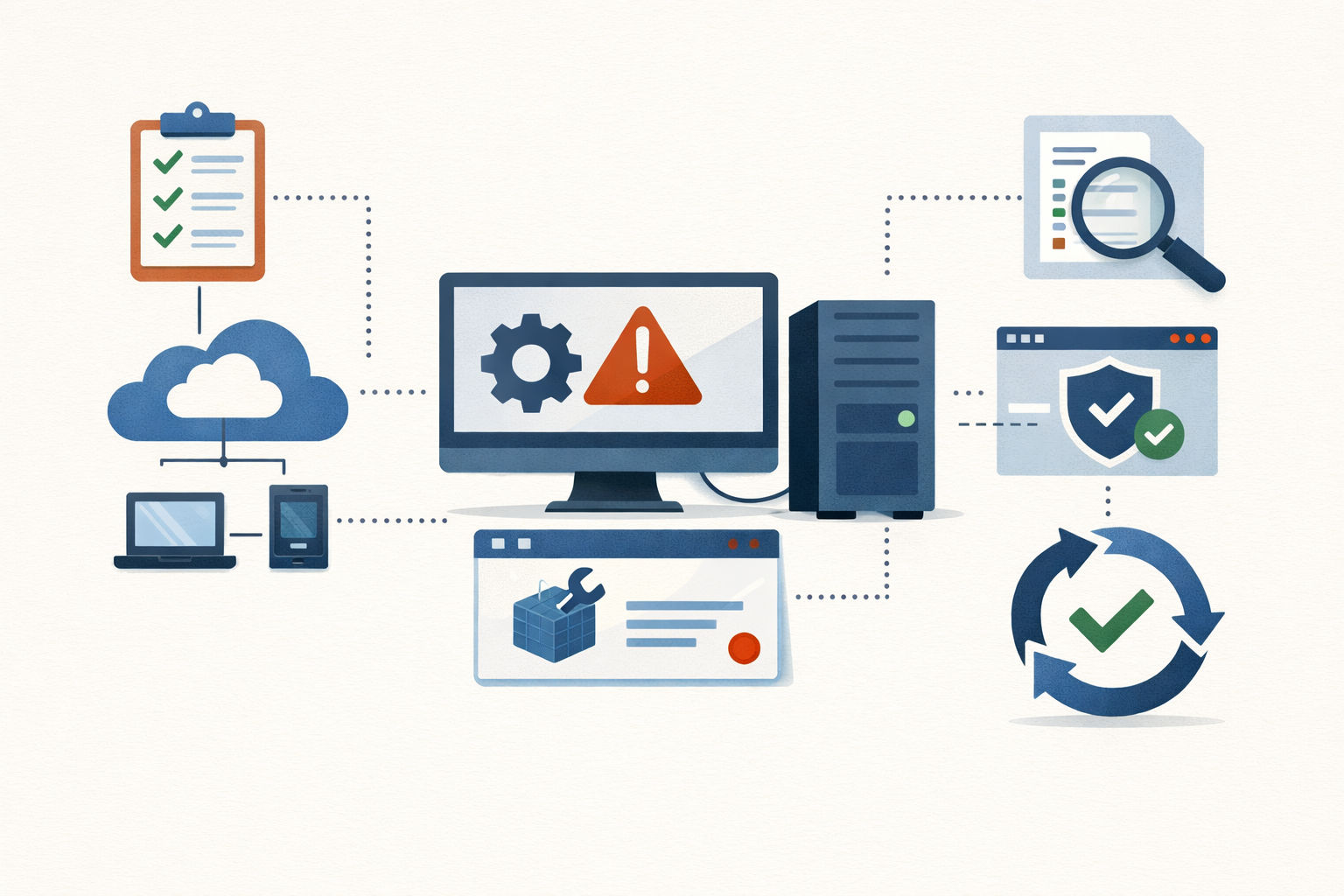
Field Note · Jul 18, 2026 · Colten Anderson
Close the gap between your declared policy and what the box is actually running
A one-off registry edit closes a ticket and never makes it back into the GPO. Here's the three-surface audit that catches the drift, plus the one decision that actually closes the loop.
#config-drift#group-policy#intune#dsc -

Field Note · Jul 18, 2026 · Colten Anderson
Audit your suppression graveyard before a live page dies in it
Silences, downtimes, and maintenance windows get created for good reasons and never revisited. Here are the enumeration commands and three cleanup flags that find the ones that have quietly gone bad.
#monitoring#alerting#on-call#checks-series -
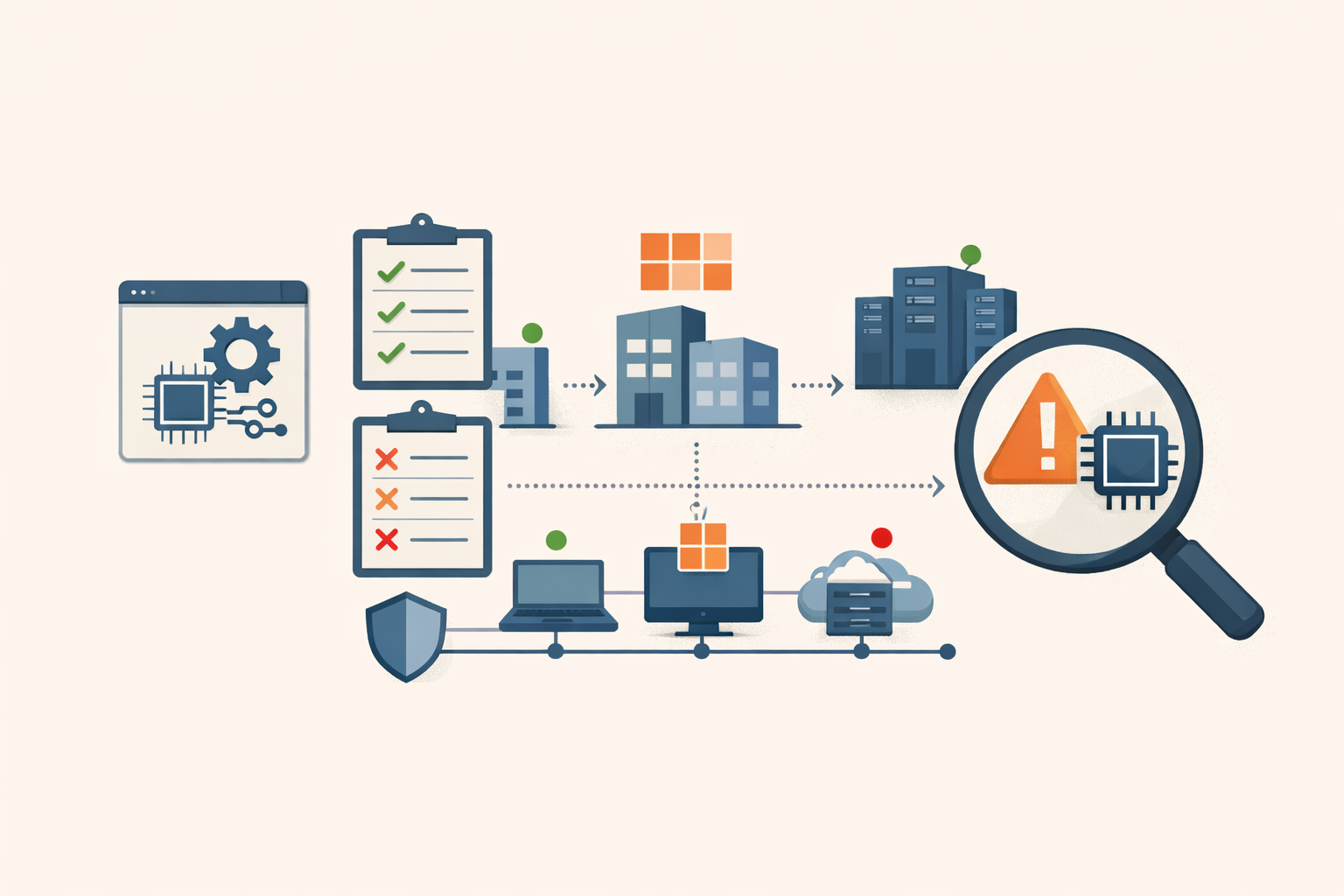
Field Note · Jul 13, 2026 · Colten Anderson
Five checks for Intune driver update policy coverage
Windows Autopatch manages your OS updates. Your kernel-level drivers are on their own unless you built a separate driver update policy. Here is how to tell if yours is missing and how to fix it.
#intune#windows#endpoint-management#driver-updates#checks-series -
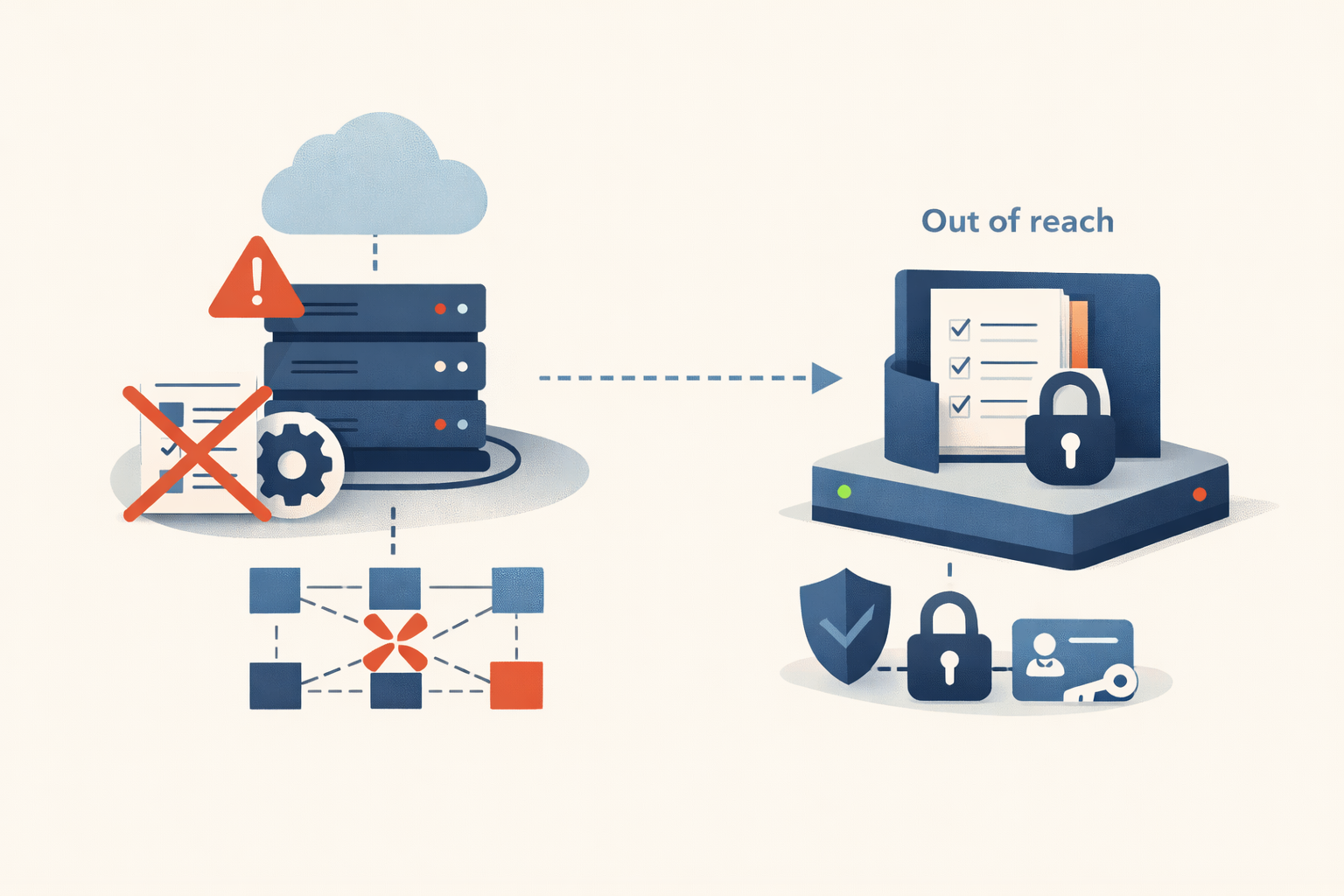
Analysis · Jul 8, 2026 · Colten Anderson
Your incident runbook is stored inside the system that just went down
Wikis, IR plans, and recovery steps usually live on the same infrastructure, identity provider, and cloud region that go dark during an incident. A runbook you cannot reach mid-incident is a bet, not a plan. Keep the critical ones out of band.
#incident-response#documentation#resilience -
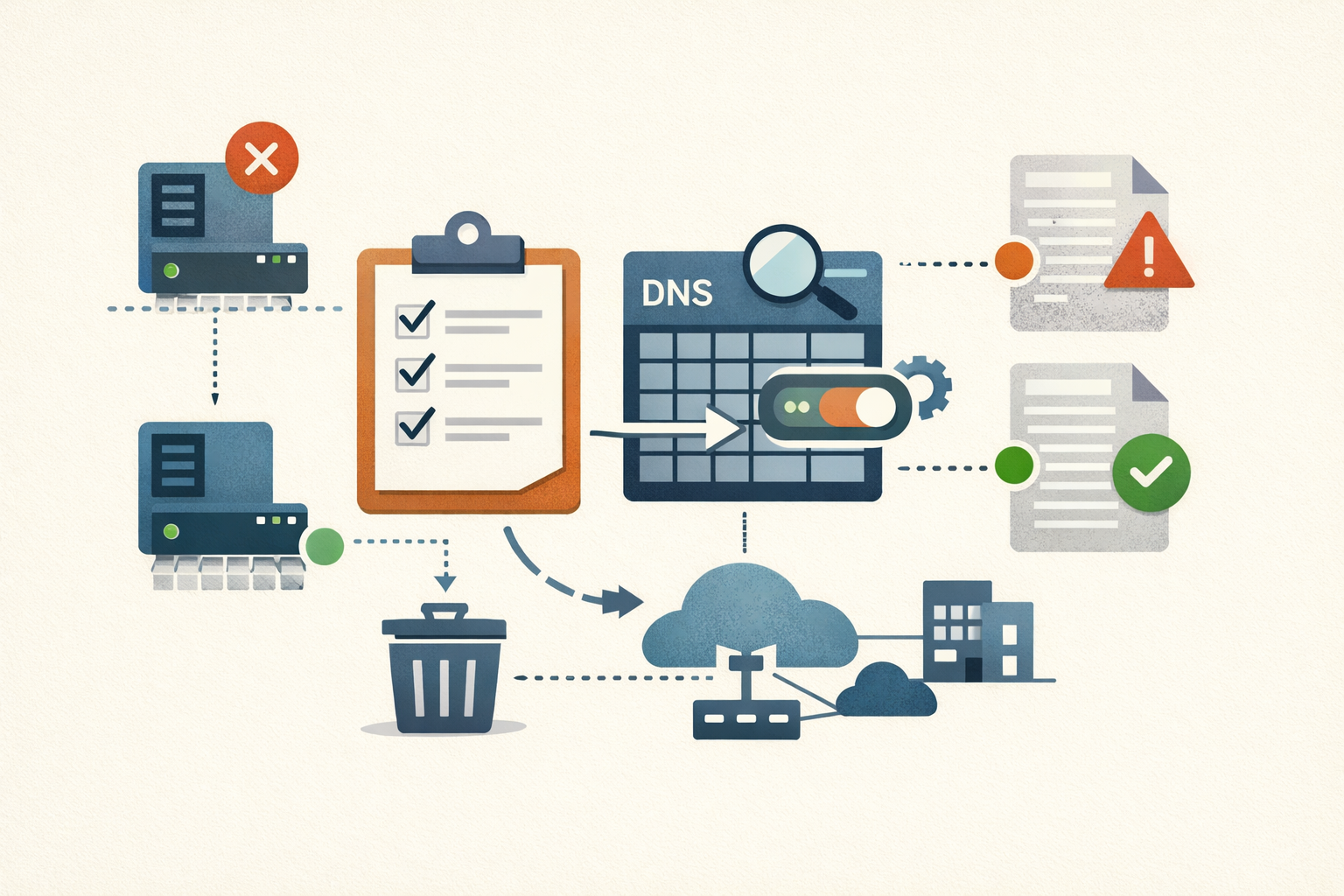
Field Note · Jul 8, 2026 · Colten Anderson
Turn on DNS scavenging without deleting records you still need
Windows DNS zones fill up with A and PTR records for servers you retired years ago. Aging and scavenging cleans them out, but a wrong interval deletes live records. Here is the careful way to enable it.
#dns#active-directory#windows-server -

Field Note · Jul 8, 2026 · Colten Anderson
Find the service accounts nobody has rotated
The Commvault Metallic breach ended with CISA telling customers to rotate static application secrets. Your Active Directory is full of the same thing: service accounts whose passwords were set once, years ago, and never touched. Here is the PowerShell to find them and put them on a cadence.
#active-directory#service-accounts#credentials -
Analysis · Jul 7, 2026 · Colten Anderson
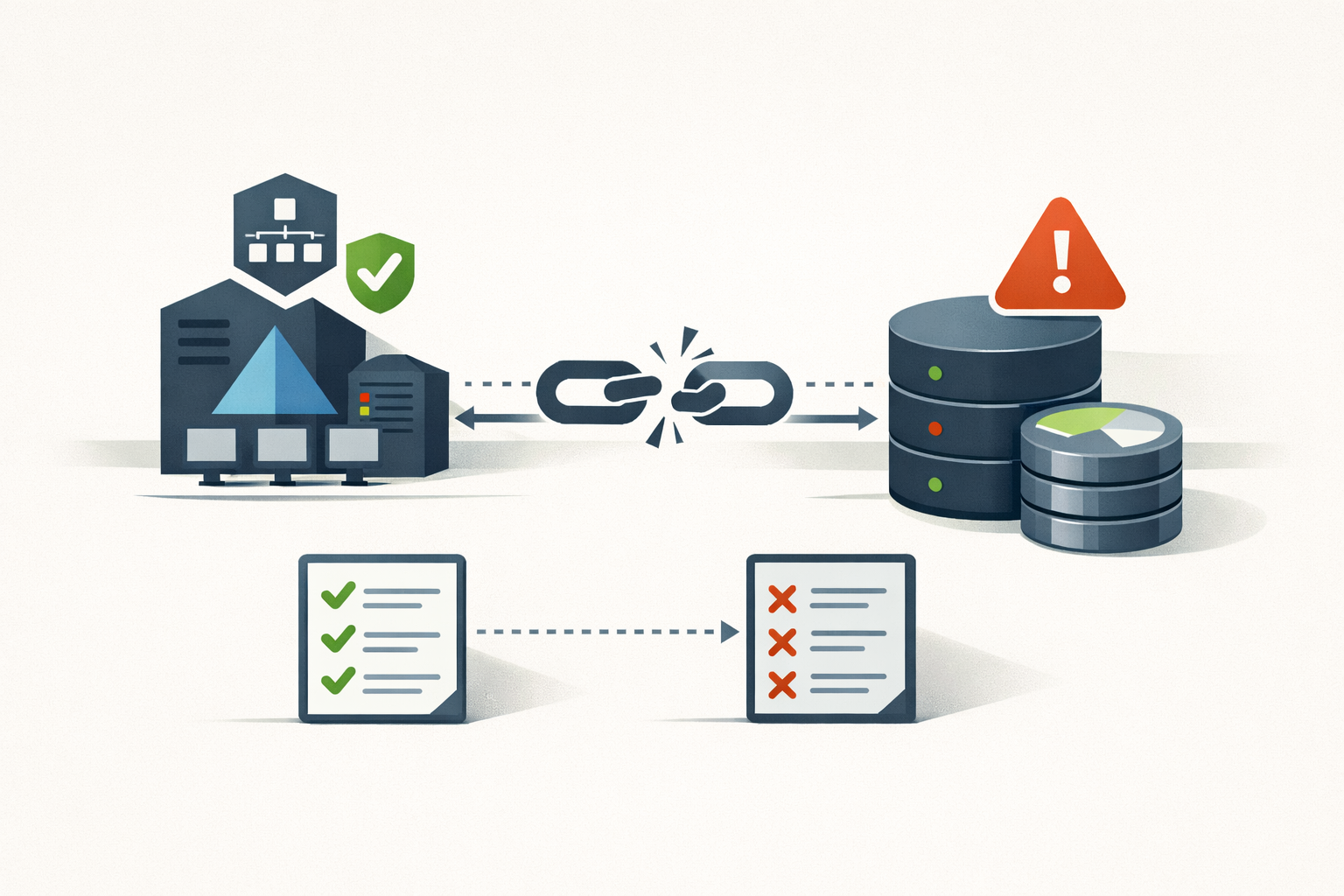
Your backup server is joined to the domain it exists to recover
Joining your backup server to the production Active Directory domain puts your last line of recovery inside the same trust boundary as the systems it protects, so one Domain Admin compromise reaches the backups too. Here is the evidence and what to change.
#backup#ransomware#active-directory -
Field Note · Jul 7, 2026 · Colten Anderson
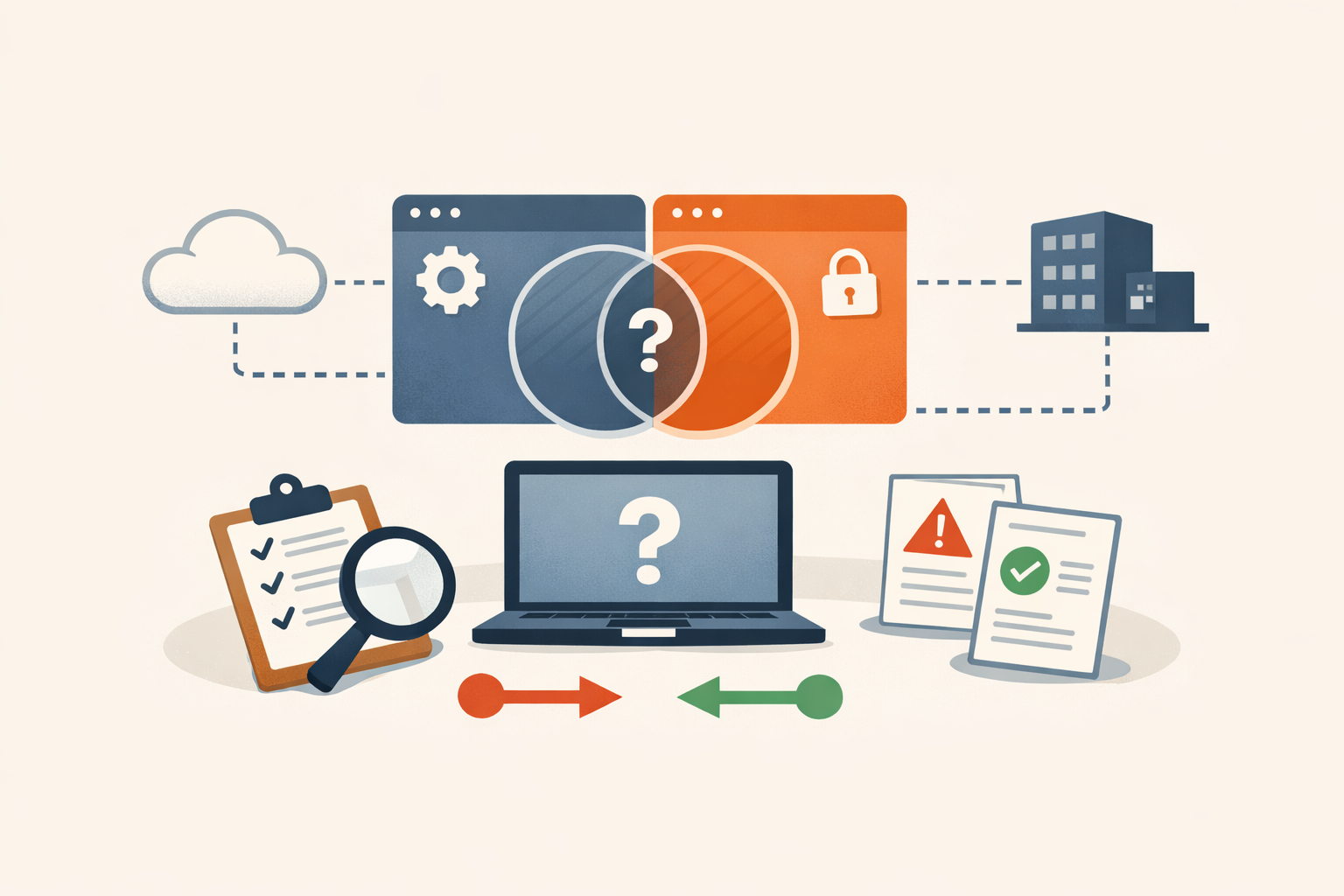
Two profiles, one setting: how to catch the MDM overlap that makes enforcement random
When two configuration profiles set the same value on one device, macOS and Intune stop enforcing it deterministically. Here are the detection commands and reports that find the overlap before it burns you.
#intune#mdm#macos#configuration-profiles#checks-series -
Analysis · Jul 7, 2026 · Colten Anderson
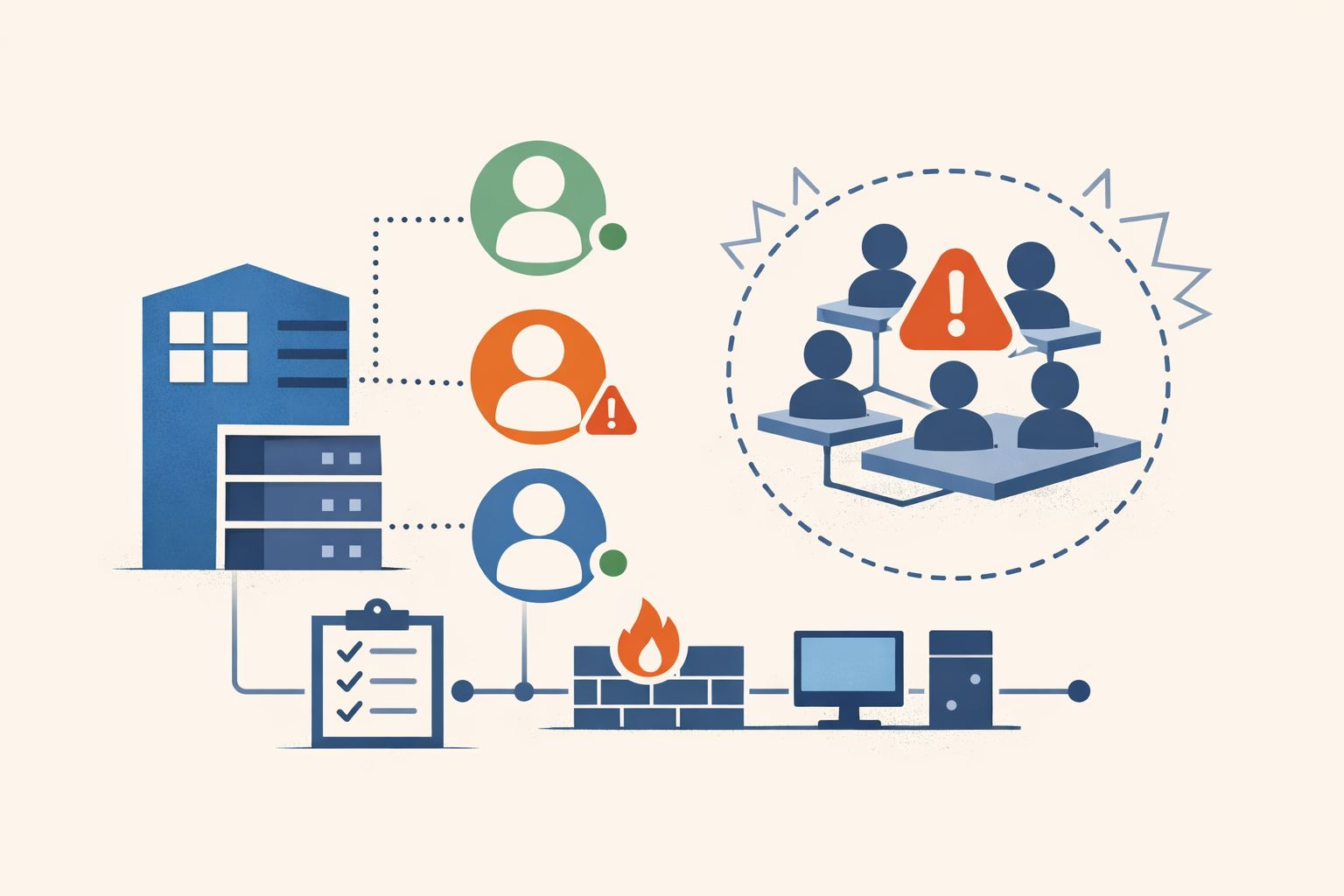
One in ten AD accounts is dormant. Here is the blast radius.
More than one in ten Active Directory user accounts is dormant, per Microsoft. Each one keeps its rights while nobody watches. The math, the queries to find them, and how to reap them without breaking a service.
#active-directory#identity#attack-surface -
Field Note · Jul 6, 2026 · Colten Anderson
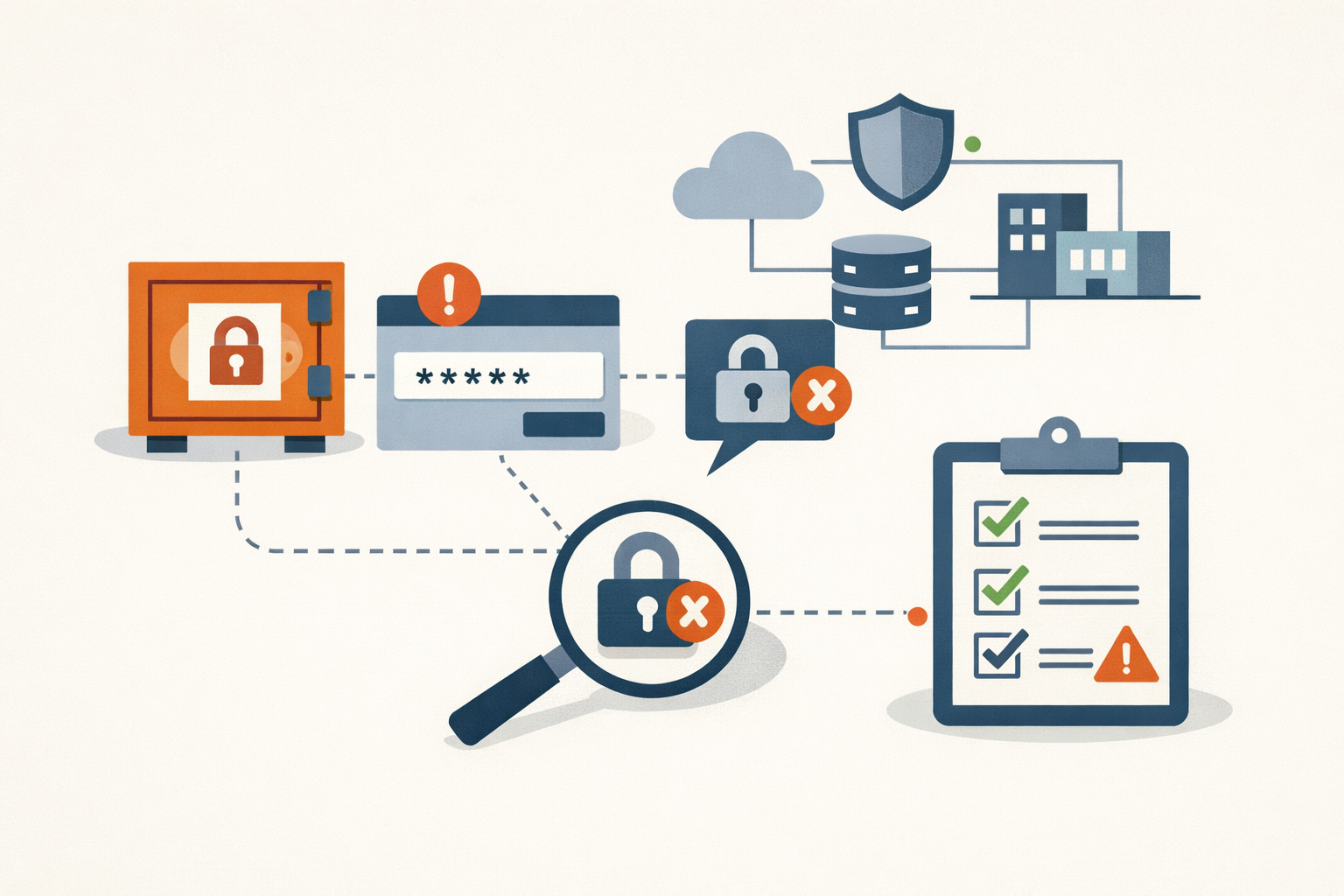
Your break-glass account probably can't sign in anymore. Test it this quarter.
Mandatory Entra MFA now gates the admin portals for every account, break-glass included. Here's how to audit, fix, and quarterly-test the emergency account you've never actually used.
#microsoft-entra#break-glass#conditional-access -
Field Note · Jul 6, 2026 · Colten Anderson
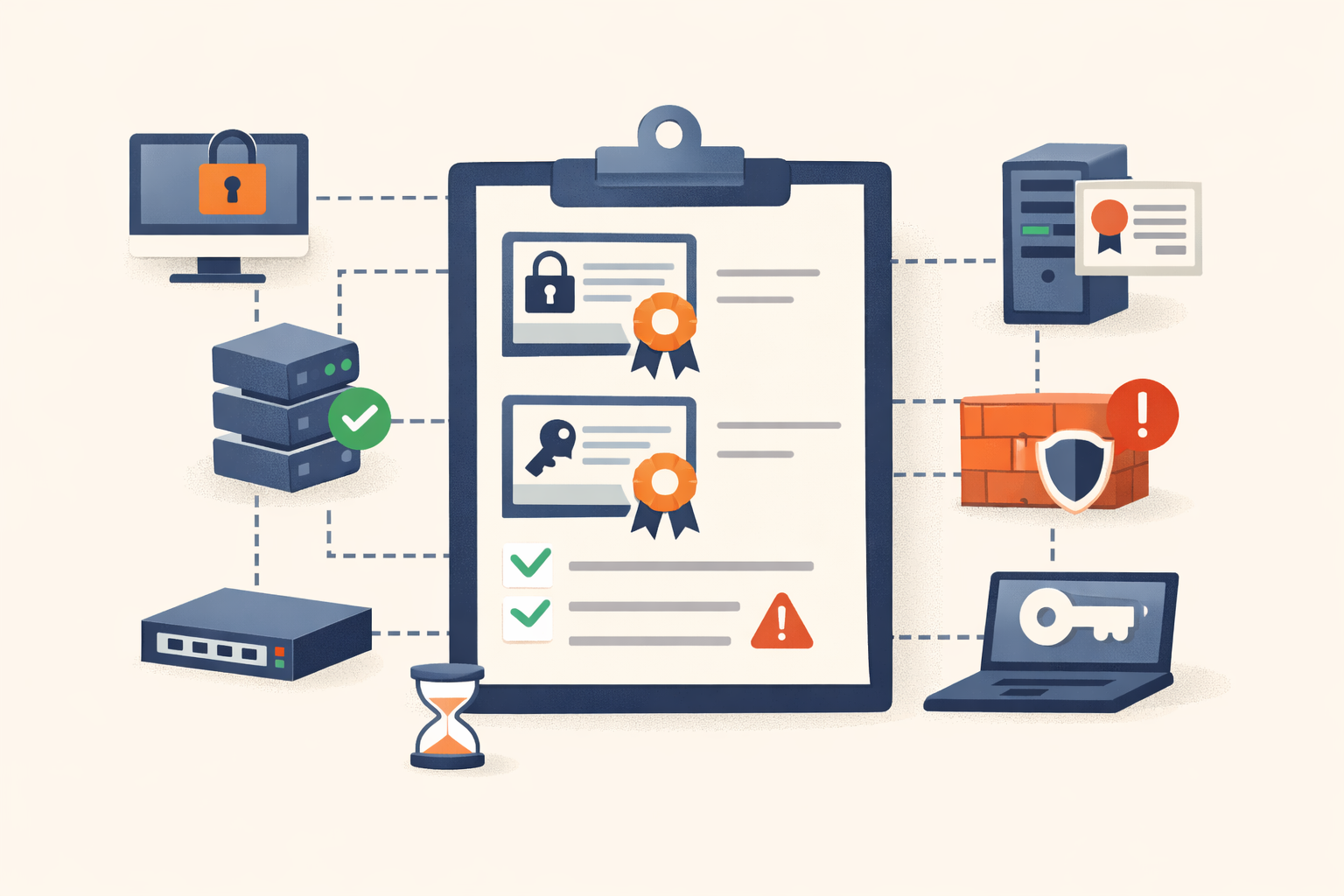
Inventory your certificates before one expires in production
Most shops have no central list of their TLS and code-signing certs. Here is a first-pass inventory across every surface, from Certificate Transparency logs to your internal CA, that you can build in under an hour.
#certificates#tls#pki#openssl#inventory -
Analysis · Jul 6, 2026 · Colten Anderson
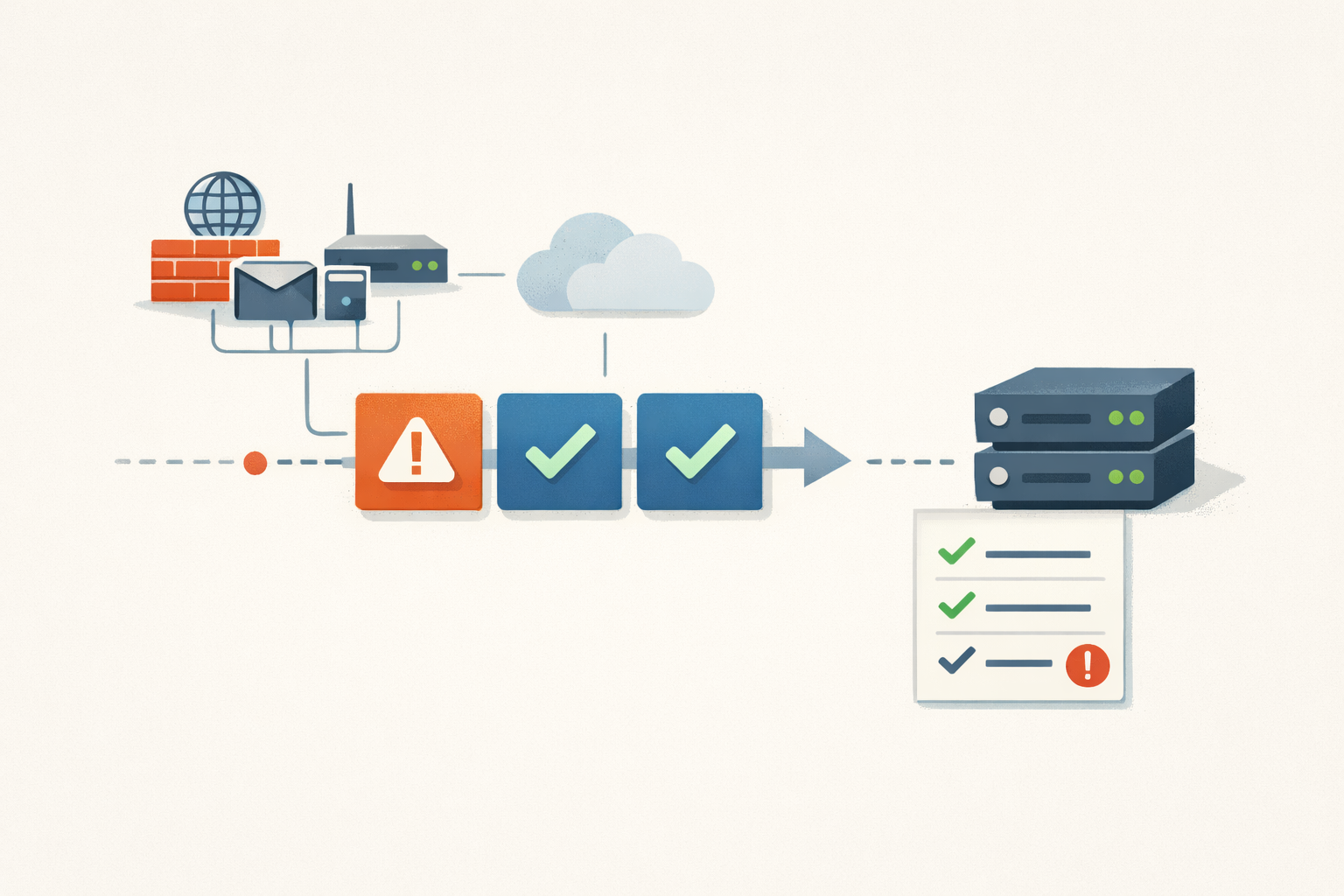
Edge devices need a tighter patch SLA than your servers
Vulnerability exploitation is now the top way attackers get in, and the edge is where it starts. A single blended remediation SLA prices that risk wrong. Here is the tiered math.
#patch-management#exposure-management#edge-devices -
Field Note · Jul 6, 2026 · Colten Anderson
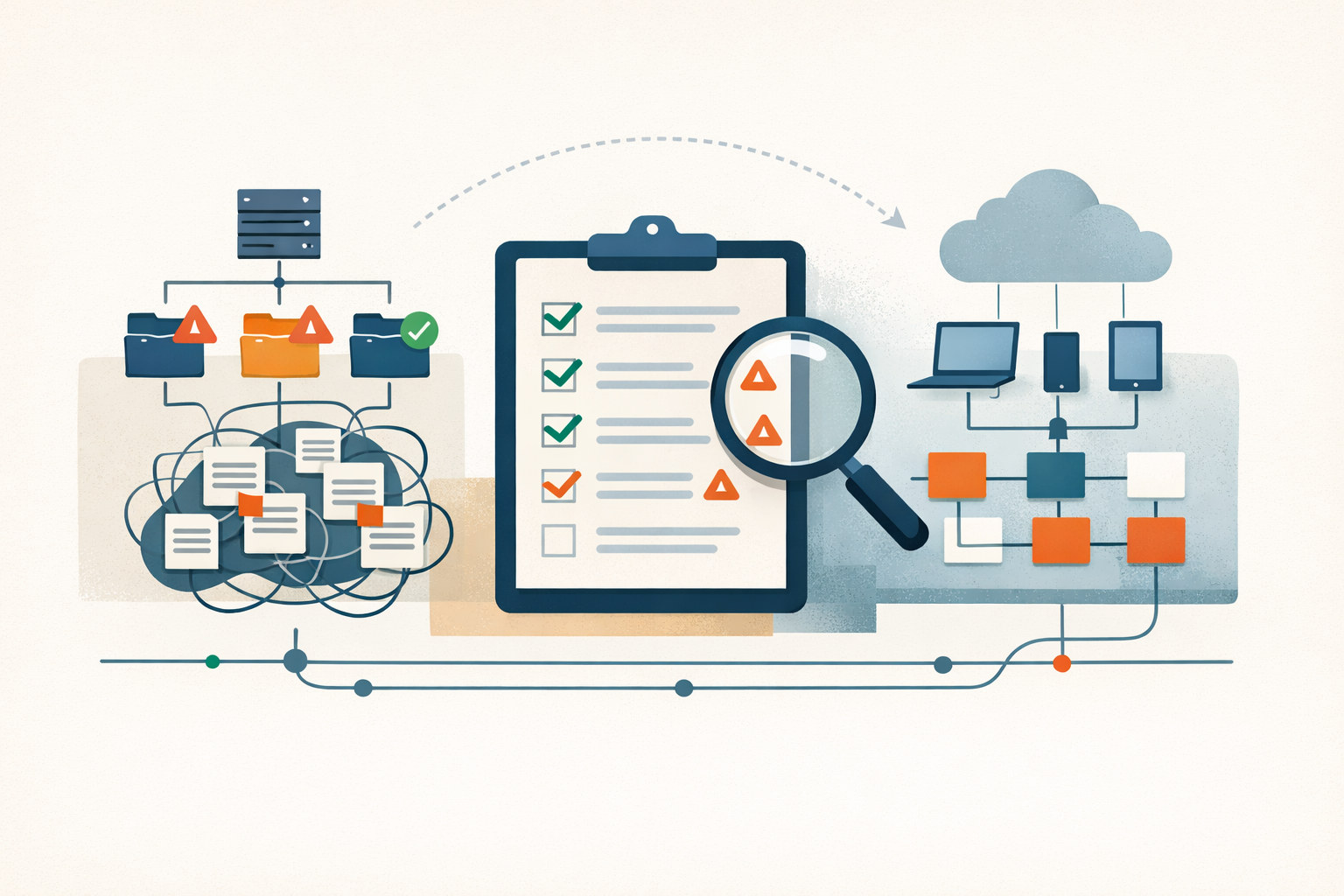
Audit your GPO sprawl before you commit to an Intune migration date
The blocker on a GPO-to-Intune migration isn't the cloud mechanics. It's the hundreds of undocumented policies you've been running on autopilot. Here's how to size the real work before you pick a date.
#intune#group-policy#migration -
Analysis · Jul 5, 2026 · Colten Anderson
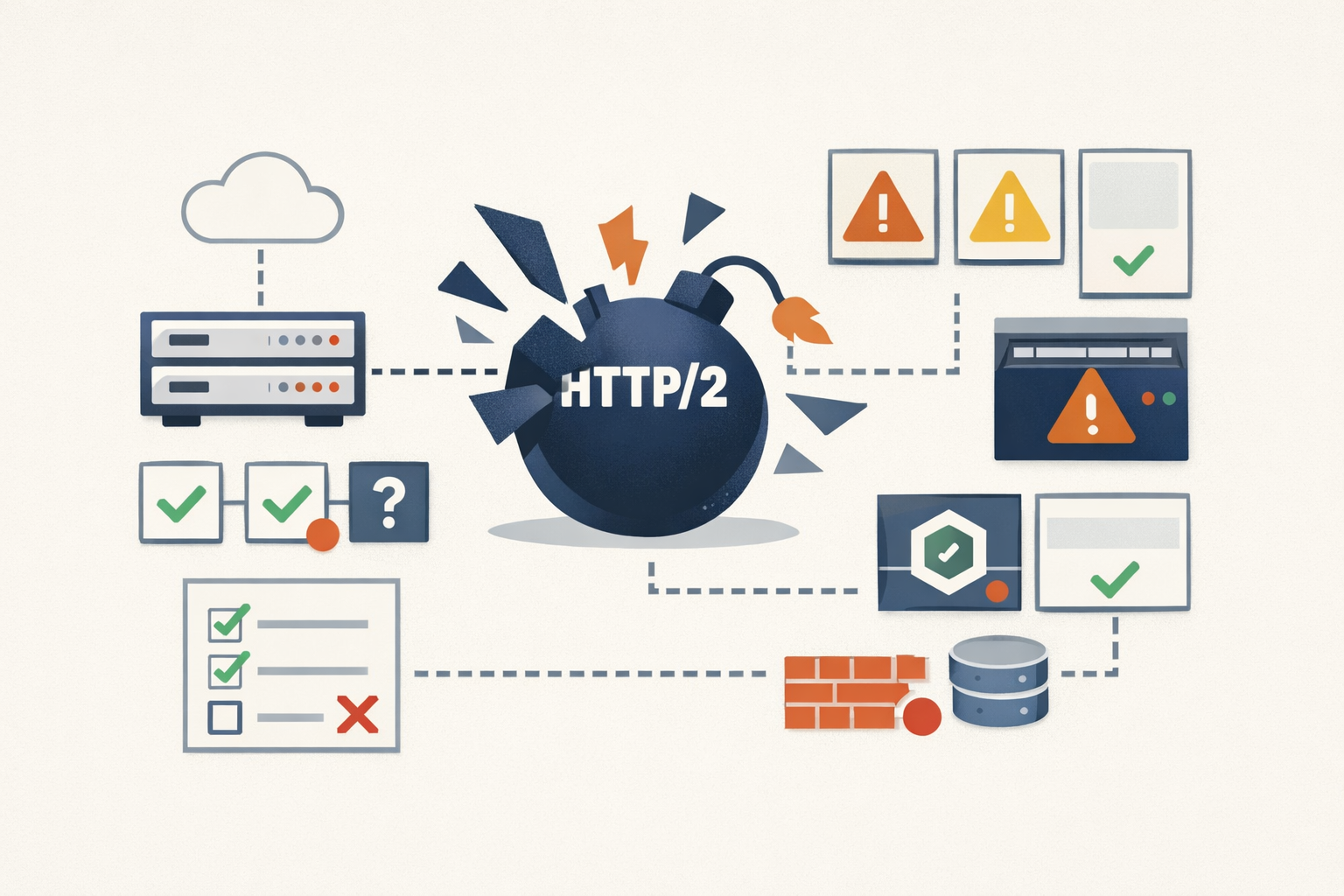
One HTTP/2 bug, three CVE numbers, and the patch you'll miss
The HTTP/2 Bomb fragments into at least three CVEs plus an unnumbered nginx fix. Search the wrong one and you'll conclude your edge is safe when a slice of it isn't.
#http2#denial-of-service#patch-prioritization -
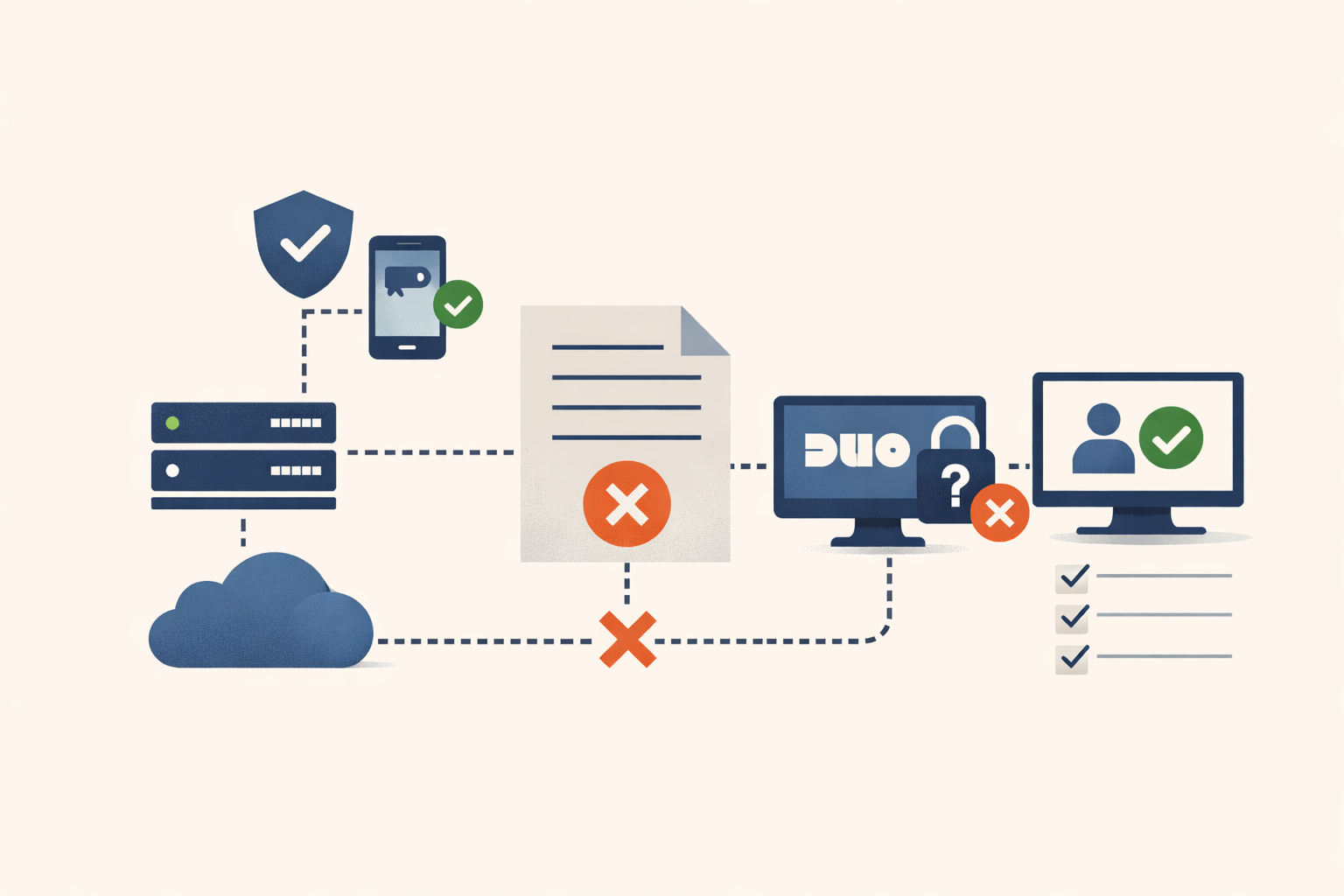
Field Note · Jul 5, 2026 · Colten Anderson
Russian intelligence turned off an NGO's MFA with a text file
AA22-074A didn't beat multi-factor auth with an exploit. It made the MFA server unreachable and let the fail-open default do the rest. Here's the twenty-minute audit that tells you whether yours would do the same.
#identity-access-lifecycle#mfa#checks-series -
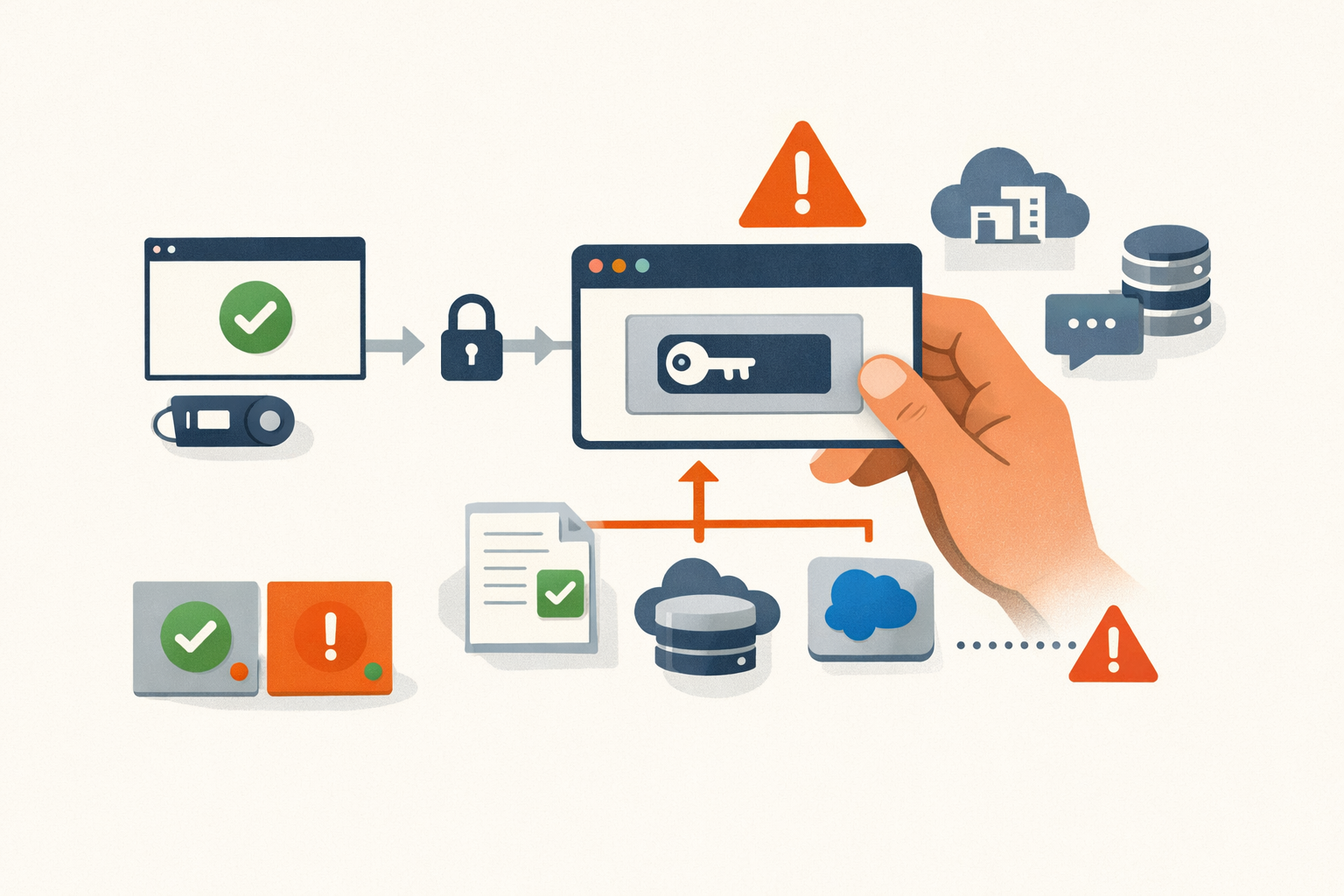
Analysis · Jul 5, 2026 · Colten Anderson
Nobody broke your MFA. They took the token it handed out.
Across four theft vectors and a half-dozen named campaigns, the pattern is the same: the session cookie, refresh token, or Entra PRT minted after MFA is the live credential, and the controls that guard the login don't guard the session.
#identity#microsoft-entra#mfa#oauth#conditional-access#session-hijacking -
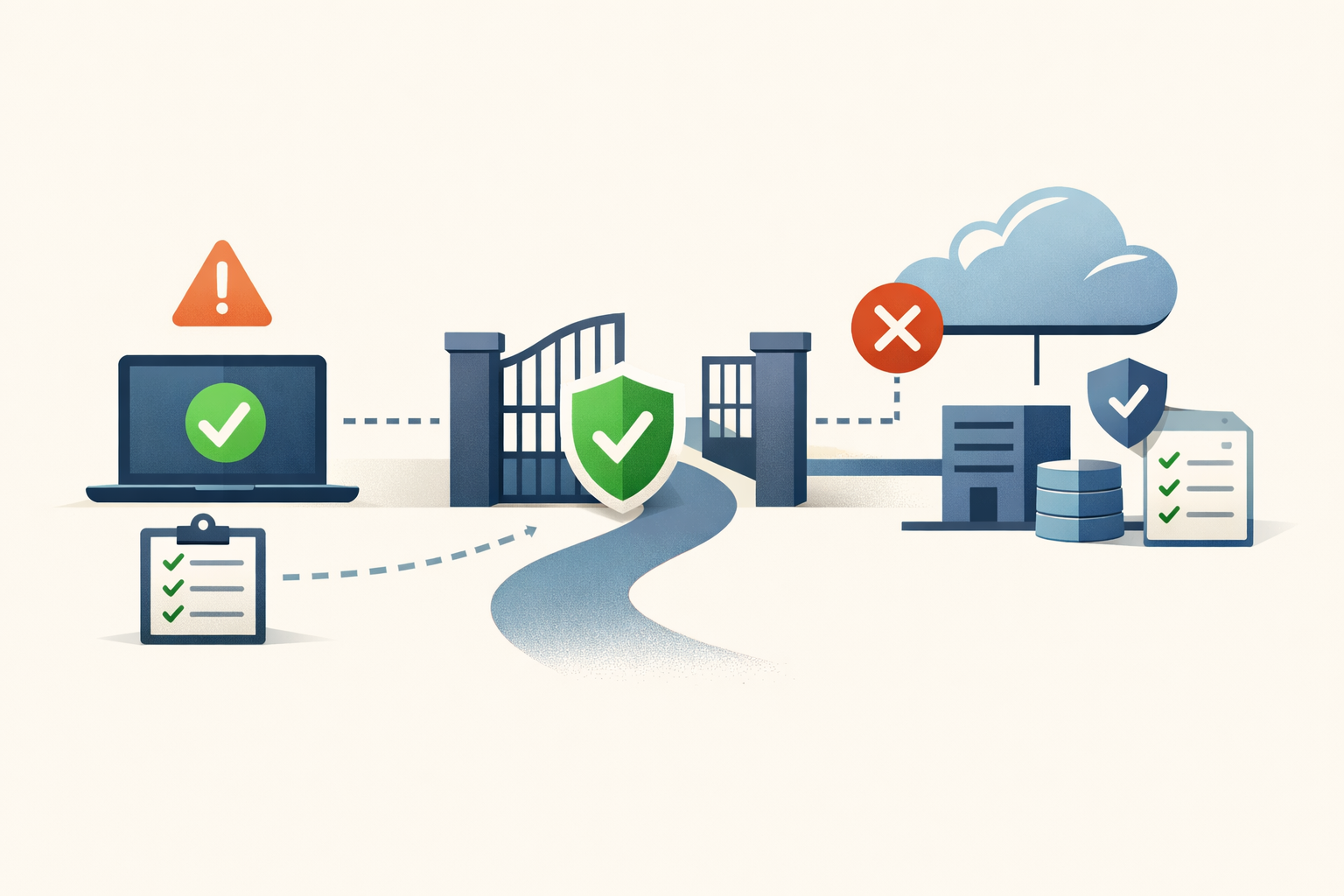
Field Note · Jul 5, 2026 · Colten Anderson
The Intune device that passes Conditional Access without ever being checked
Intune's default scores an unpoliced device as compliant, and Conditional Access opens the gate for it. Here's how to audit the gap and flip the switch without locking anyone out.
#intune#conditional-access#microsoft-entra#endpoint-management#checks-series -
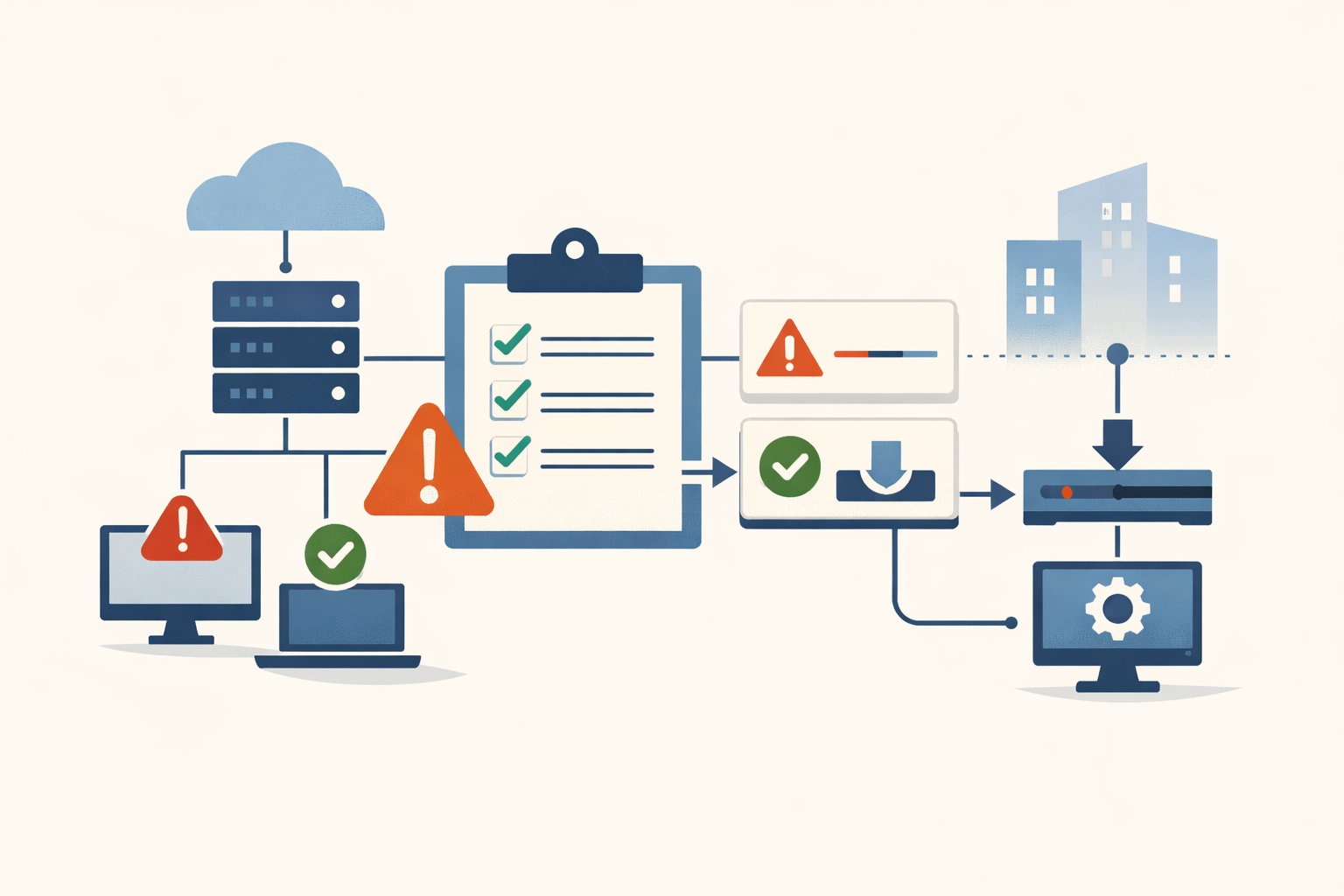
Analysis · Jun 30, 2026 · Colten Anderson
Every endpoint agent can stage updates, none default to it
CrowdStrike's July 2024 outage was called unprecedented. The same blast-radius pattern hit McAfee in 2010 and Webroot in 2017, and the operator gap underneath is still the category default.
#endpoint-security#crowdstrike#change-management -
Field Note · Jun 30, 2026 · Colten Anderson
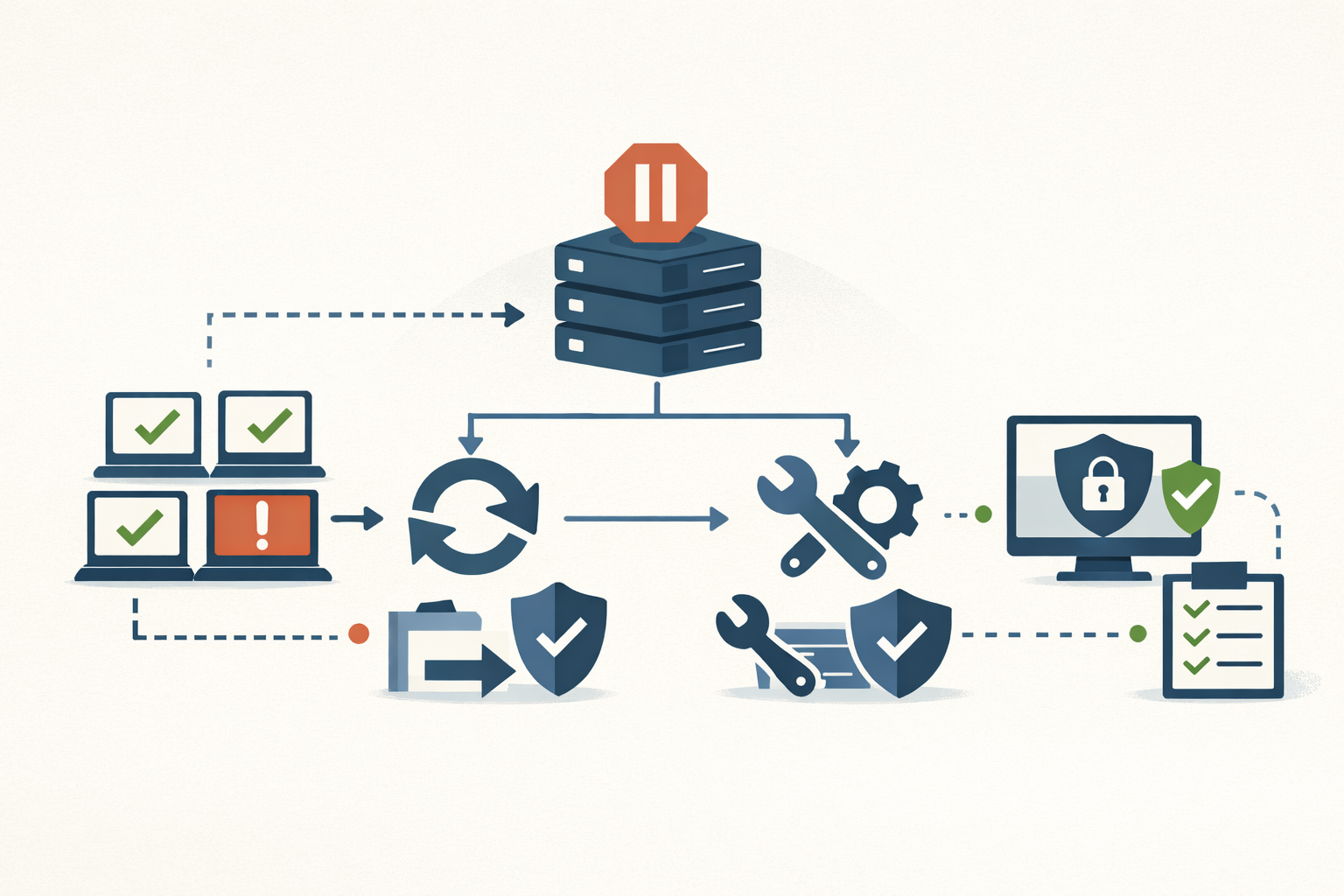
The Security Update Broke Production: A Rollback Runbook
A step-by-step runbook for when a security patch takes down production: pause the rollout, scope the damage, decide roll-back vs fix-forward, and keep the rolled-back host from becoming a silent unpatched asset.
#patch-management#incident-response#rollback#windows#intune -
Analysis · Jun 30, 2026 · Colten Anderson
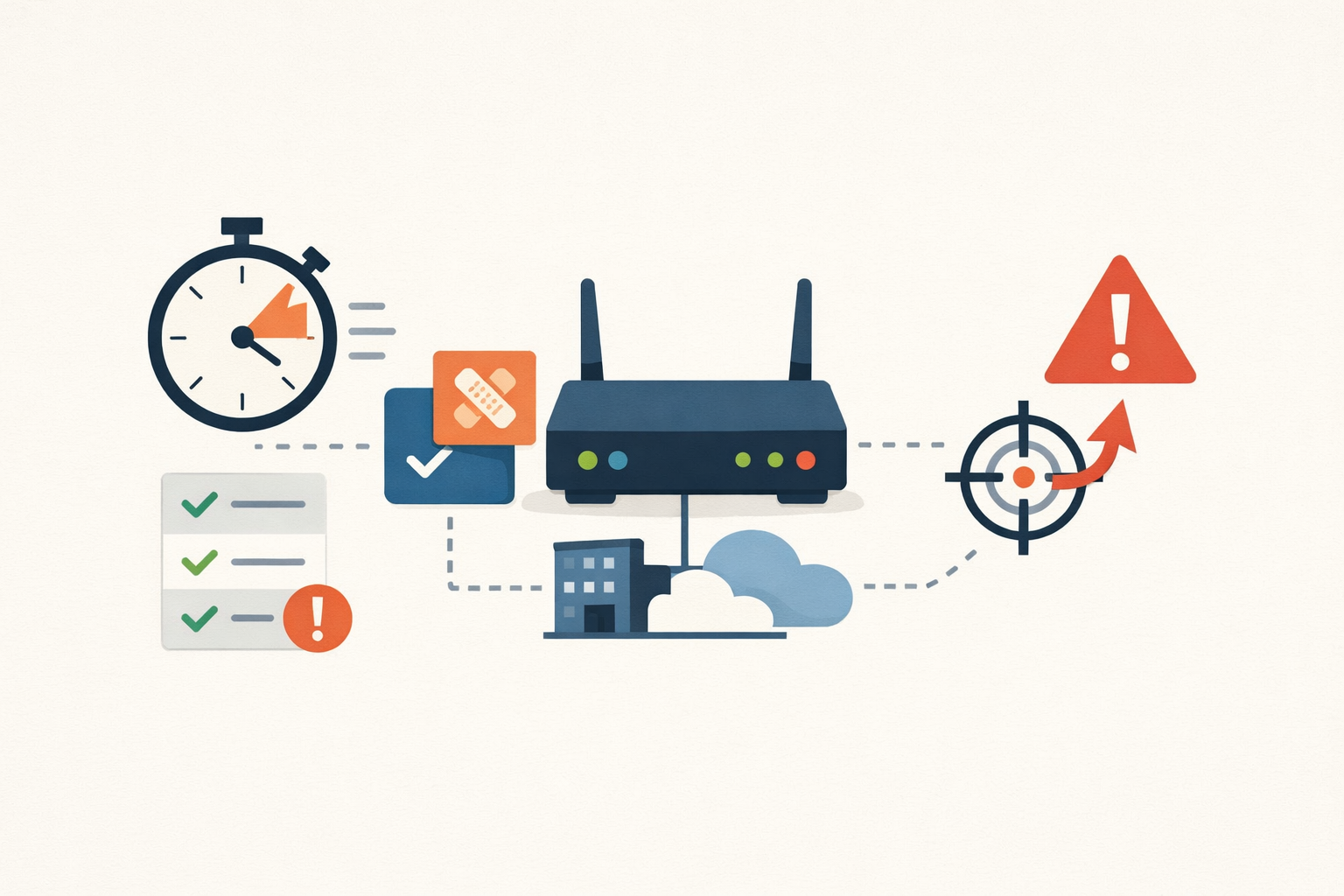
When the firmware patch drops, the exploit race has already started
For internet-facing appliances, the vendor's release is the disclosure. The clock starts when the patch ships, not when CISA lists it. Here is why that changes how you rank the queue.
#patch-management#edge-devices#vulnerability-prioritization -
Analysis · Jun 30, 2026 · Colten Anderson
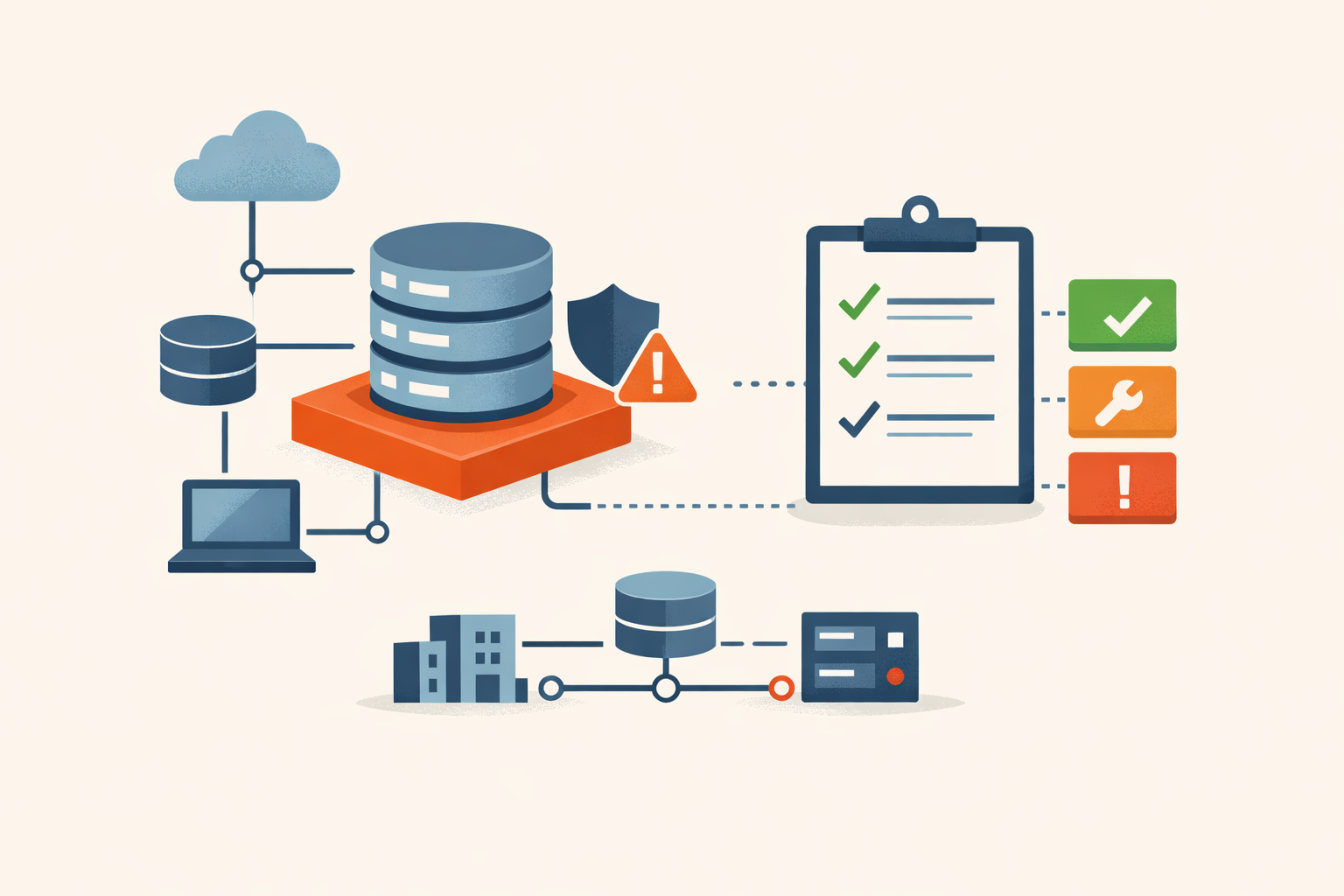
The patch queue is being rebuilt around the asset, not the score
In the same month, CISA and Microsoft both demoted CVSS as the thing that decides what to patch first. The order of operations is inverting: asset context is becoming the queue.
#prioritization#exposure-management#cvss -

Analysis · Jun 30, 2026 · Colten Anderson
The AI under your SOC just became a supply-chain dependency
In three weeks of June 2026, the US government delayed, gated, or killed three frontier models on capability grounds. The pattern matters less than the discipline it should force.
#ai-security#vendor-risk#secops -
Analysis · Jun 29, 2026 · Colten Anderson
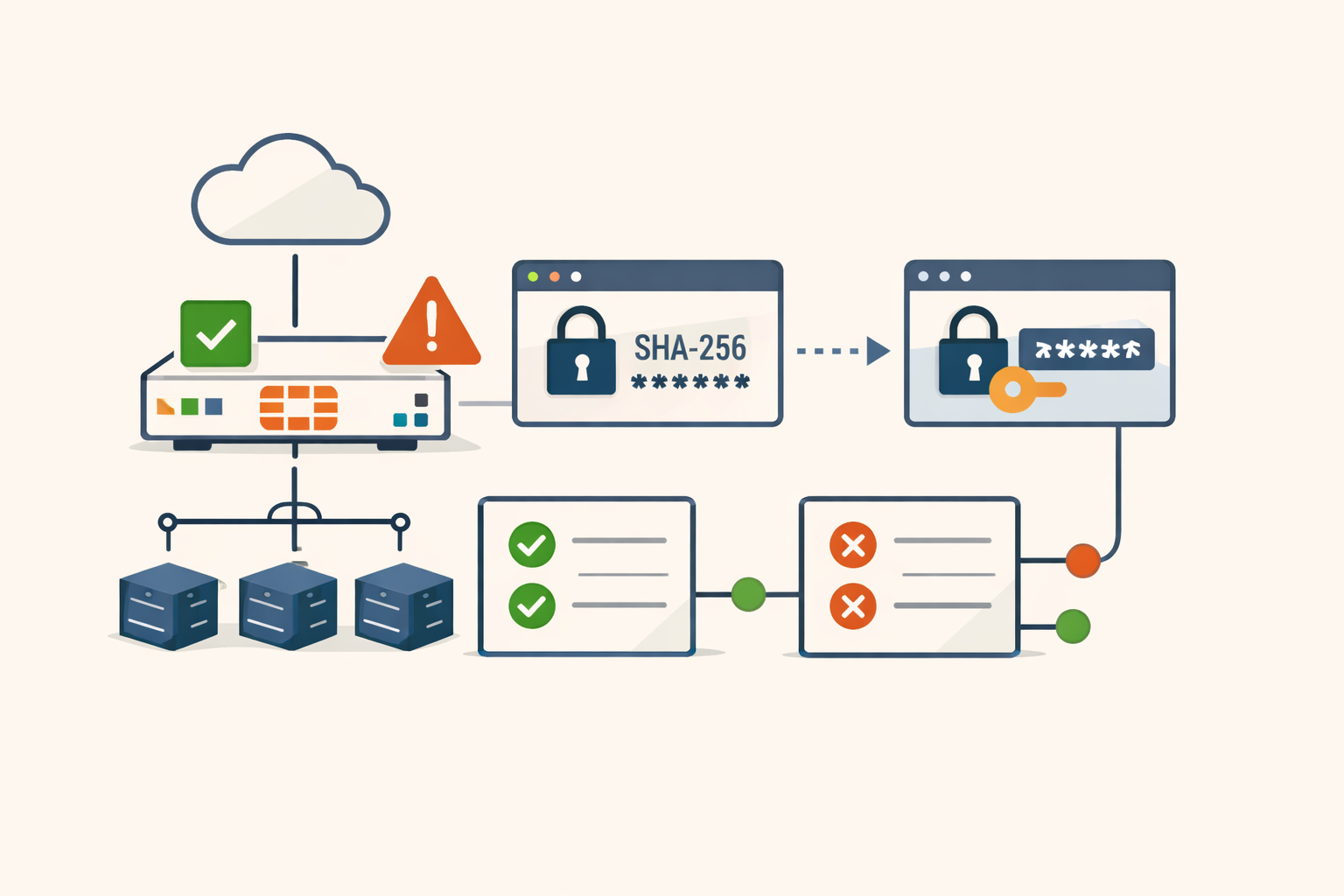
The FortiGate firmware was current. The admin password hashes were not.
FortiOS 7.2.11, 7.4.8, and 7.6.1 introduced PBKDF2 hashing for administrator accounts. The migration is per-login: SHA-256 hashes stay in place until each admin authenticates post-upgrade. The FortiBleed campaign in June 2026 compromised roughly 75,000 internet-facing firewalls by cracking credentials on devices that cleared the patching check.
#fortinet#fortibleed#credential-security#patch-management#password-hashing -
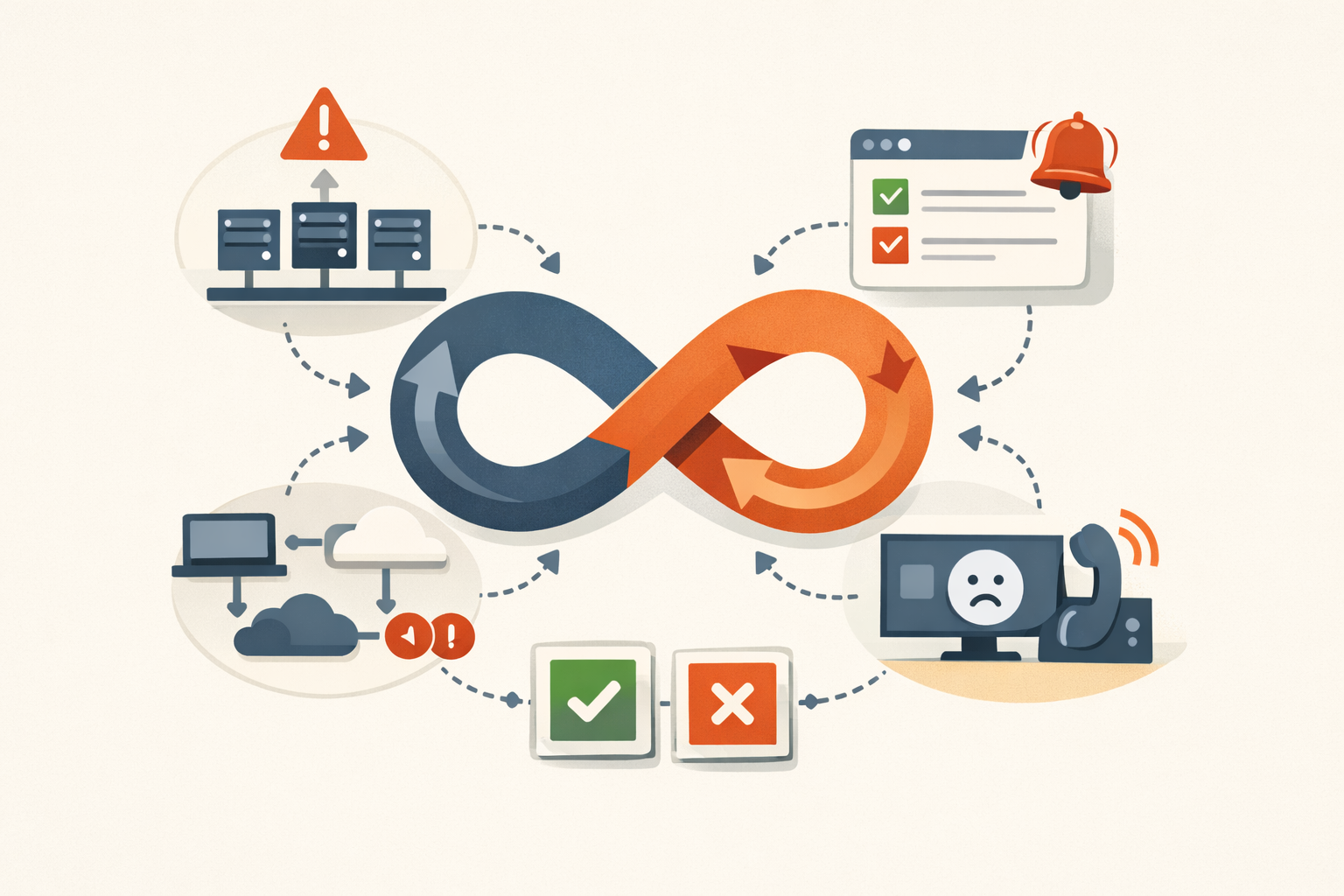
Analysis · Jun 26, 2026 · Colten Anderson
You don't have five reliability problems, you have one loop
Flapping autoscalers, retry storms, the on-call death spiral, SLOs that quietly rot. They're the same handful of feedback structures wearing different hats. Here's how to spot which loop you're feeding before you patch the symptom again.
#reliability#systems-thinking#on-call -
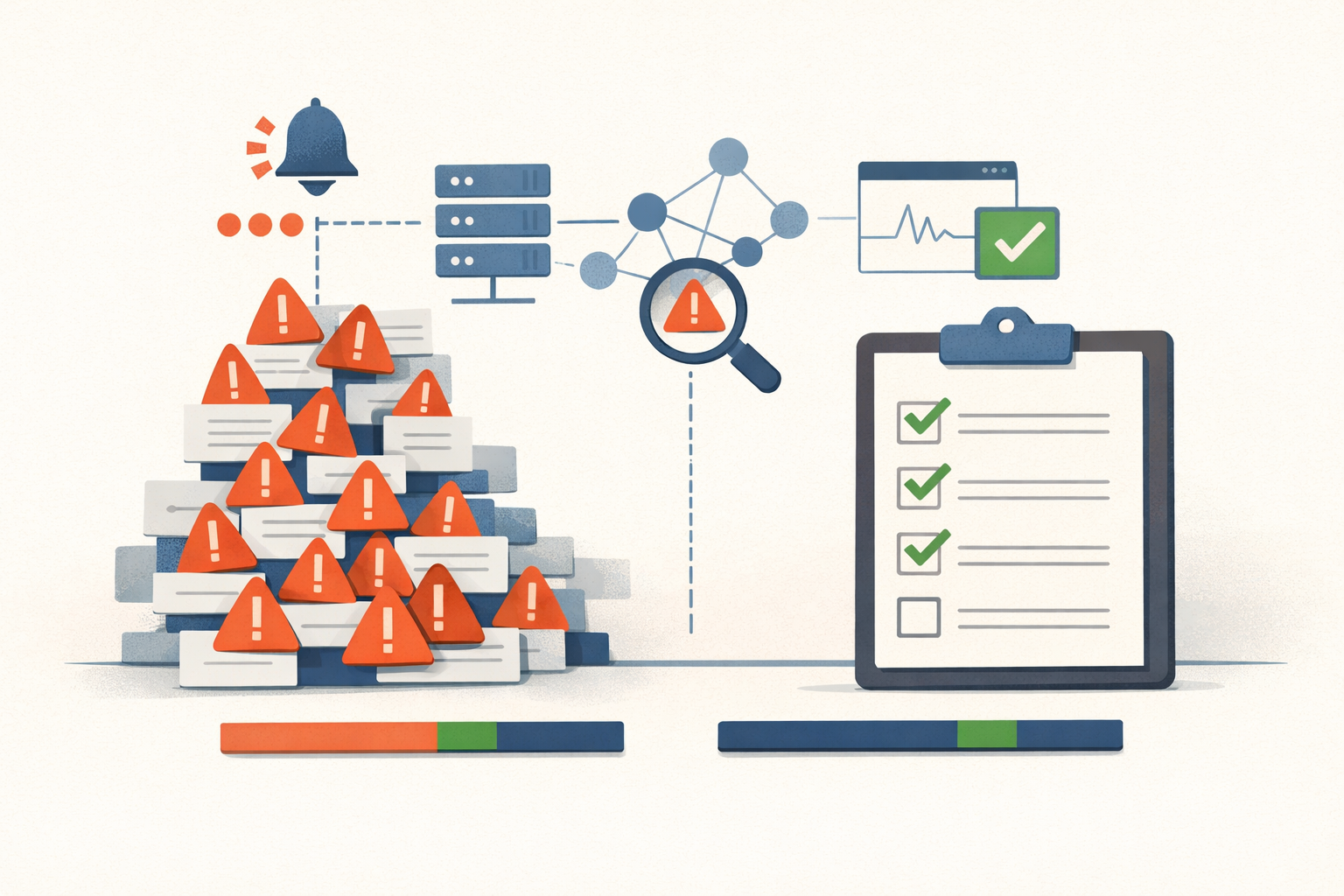
Analysis · Jun 25, 2026 · Colten Anderson
You're measuring how many alerts fired. The number that matters is how many you acted on
Most monitored environments fire far more alerts than anyone investigates, and almost nobody tracks the gap. That ratio is where the one real alert dies.
#alert-fatigue#monitoring#soc -
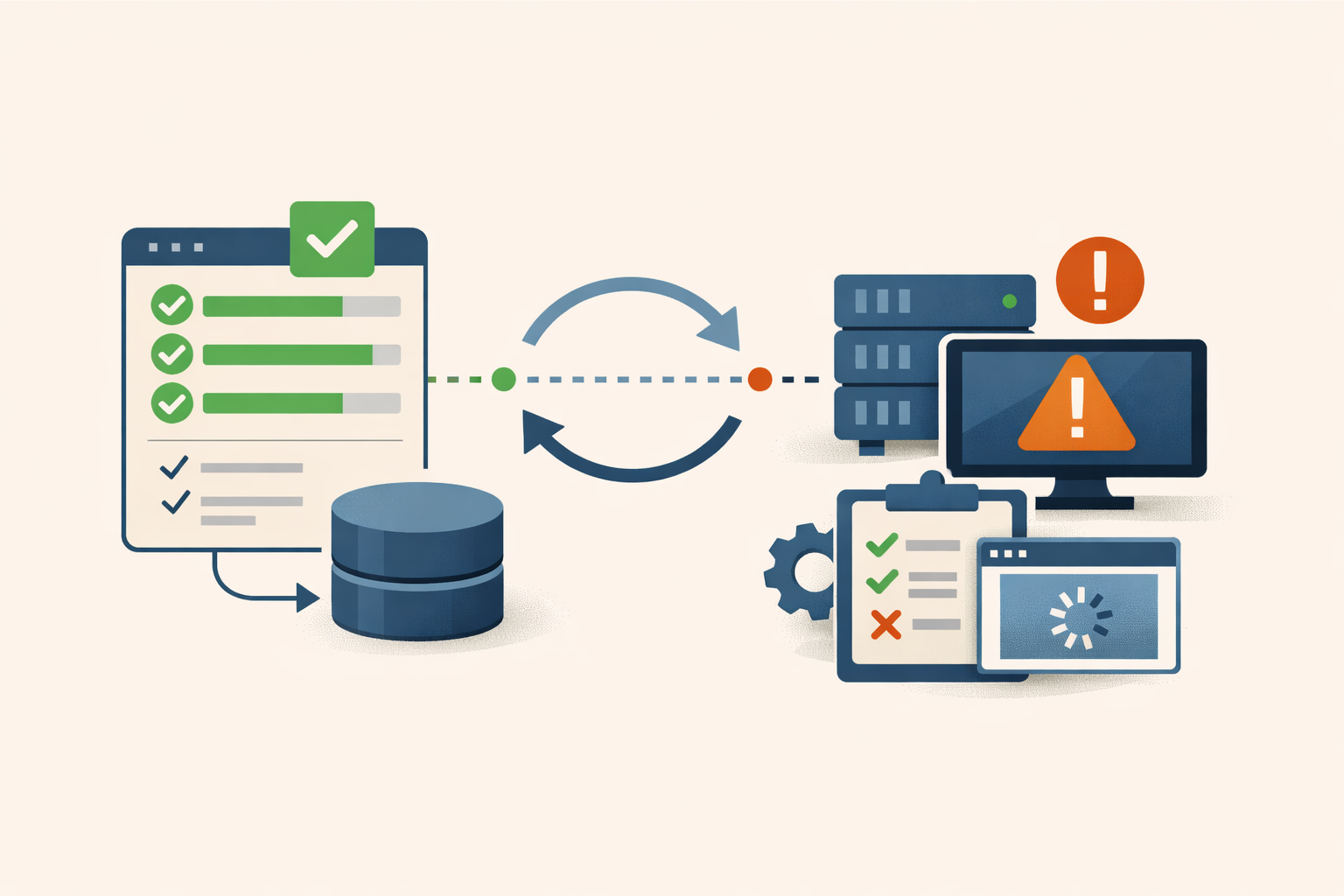
Field Note · Jun 24, 2026 · Colten Anderson
Your backups say success. Have you ever restored one?
A green backup job confirms bytes landed at the destination. It says nothing about whether you can boot the workload back. Here's the procedure to find out before the disaster does.
#backup#disaster-recovery#runbook -
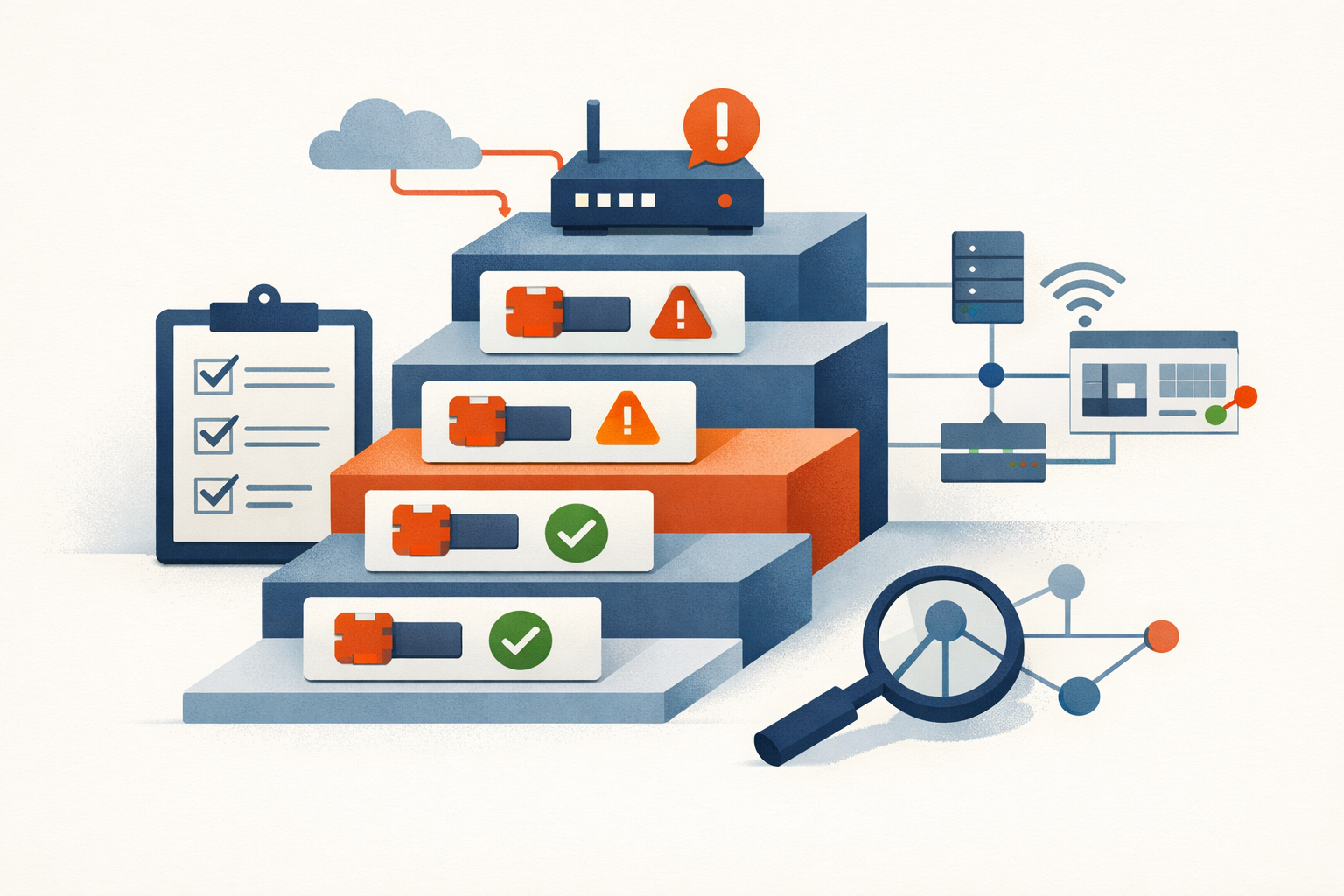
Analysis · Jun 24, 2026 · Colten Anderson
Five edge and gateway bugs went under active attack in one week. Here is the patch order.
Ivanti Sentry, Splunk, FortiSandbox, Ubiquiti UniFi OS, and Cisco SD-WAN Manager were all under active exploitation in the same seven days. A ranked, operator-focused breakdown of what to patch first and why.
#weekly-analysis#cisa-kev#ivanti#splunk#fortinet#ubiquiti#cisco#edge-security#patch-management#active-exploitation -
Analysis · Jun 23, 2026 · Colten Anderson
What CVE-2023-7028 says about the gap between vendor patches and your patch window
GitLab fixed a perfect-10 account-takeover bug in a day. Two weeks later, 5,379 self-managed instances were still exposed. The flaw isn't the story. The lag is.
#gitlab#kev#patch-management -
Field Note · Jun 23, 2026 · Colten Anderson
The migration tool you finished with in October is still holding your firewall passwords
Expedition stores cleartext PAN-OS admin credentials for every firewall it ever touched. Three critical CVEs, two of them actively exploited, and the tool went EOL in December. If it's still running, it's a credential dump waiting to happen.
#palo-alto-networks#expedition#cve-2024-9463#cve-2024-9465#cisa-kev#credential-theft#patch-management#firewall -
Field Note · Jun 22, 2026 · Colten Anderson
Patch Tomcat now, but the four-condition RCE probably isn't pointed at you
CVE-2025-24813 carries a 9.8 and a KEV listing, but real-world RCE needs four config conditions to all line up. Here's how to triage it against your actual deployment instead of the headline.
#tomcat#patching#kev -
Analysis · Jun 22, 2026 · Colten Anderson
CVE-2026-45657: 'Exploitation Less Likely' Is Not a Patch Window
Microsoft's June kernel use-after-free is wormable, CVSS 9.8, and sitting in researchers' hands. The hazard rating says 'Exploitation Less Likely.' Your patch cycle shouldn't read that as wait.
#windows#cve-2026-45657#windows-11#windows-server#rce#patch-management#kernel -
Field Note · Jun 22, 2026 · Colten Anderson
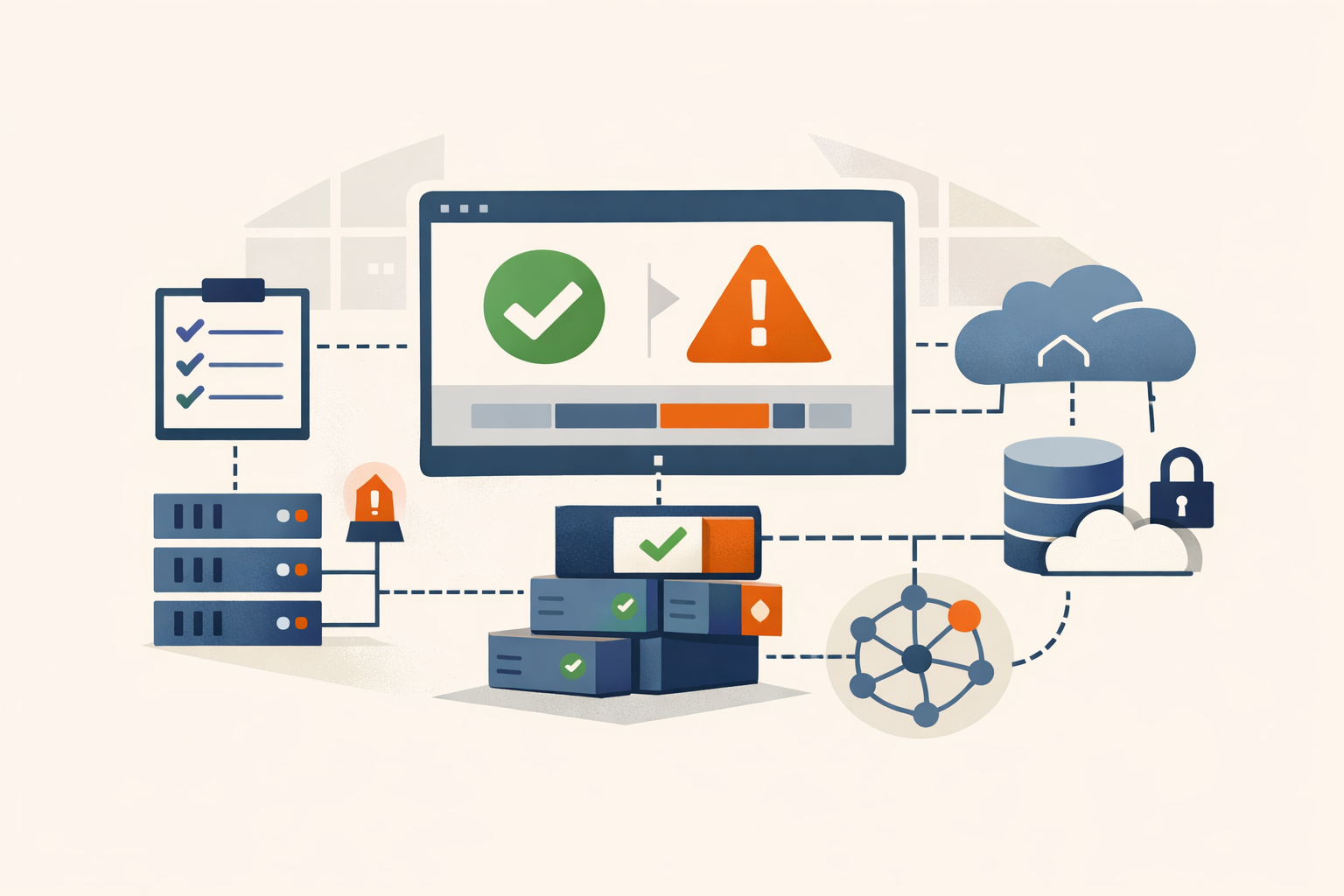
Commvault CVE-2025-34028: upgrading to 11.38.20 is not the whole fix
CVE-2025-34028 gives pre-auth RCE on Commvault Command Center. The patch landed in April and the federal deadline passed in May, but the fix requires supplemental update packages beyond the base version, and most shops check the version number and stop there.
#commvault#cisa-kev#backup#cve-2025-34028#ransomware -
Analysis · Jun 21, 2026 · Colten Anderson
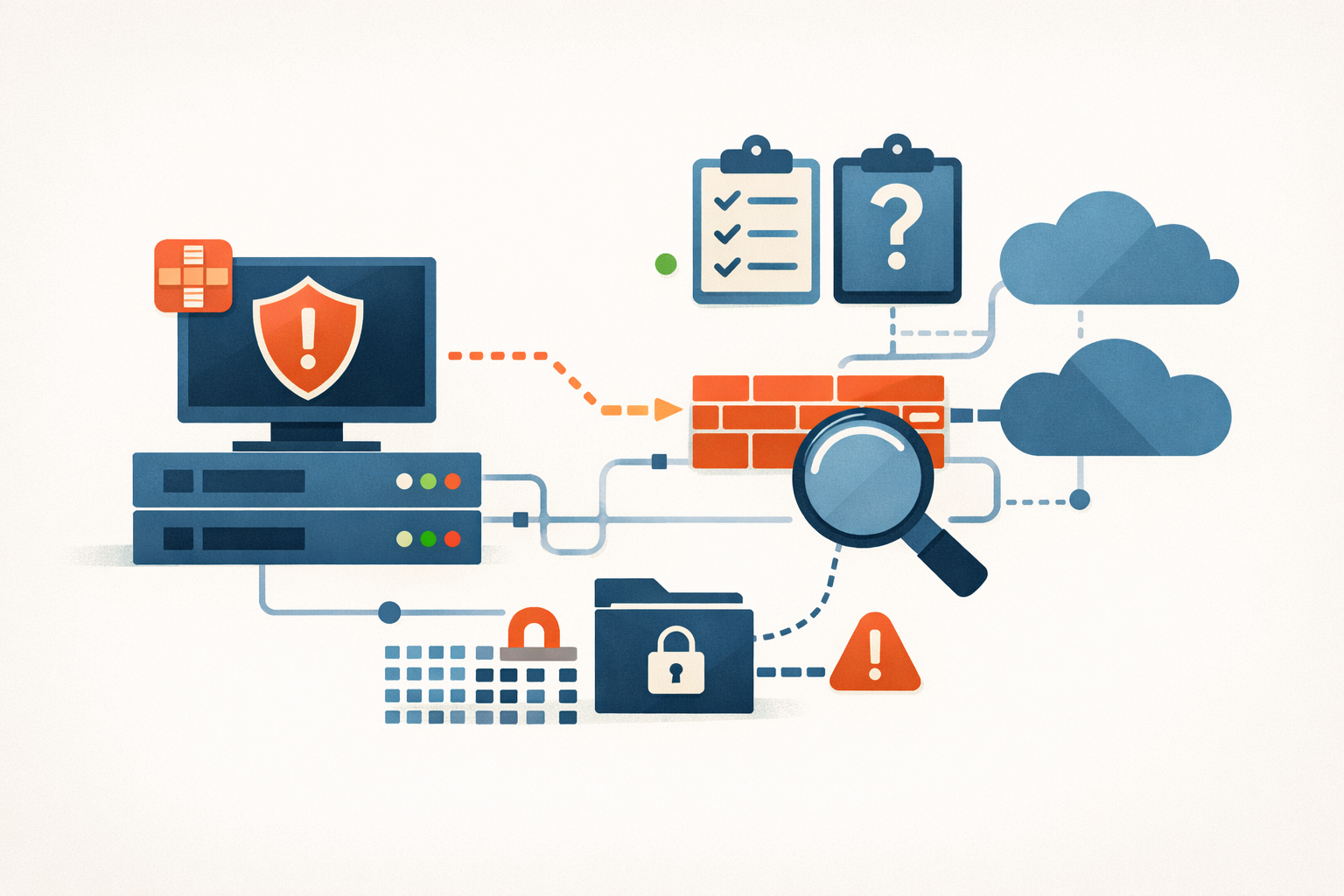
FortiManager's FortiJump patch is the start of the job, not the end
Patching CVE-2024-47575 stops new exploitation. If an attacker reached your FortiManager first, they already have your FortiGate configs and password hashes. Here's what you actually have to do.
#fortinet#fortimanager#cve-2024-47575#patch-management -
Analysis · Jun 21, 2026 · Colten Anderson
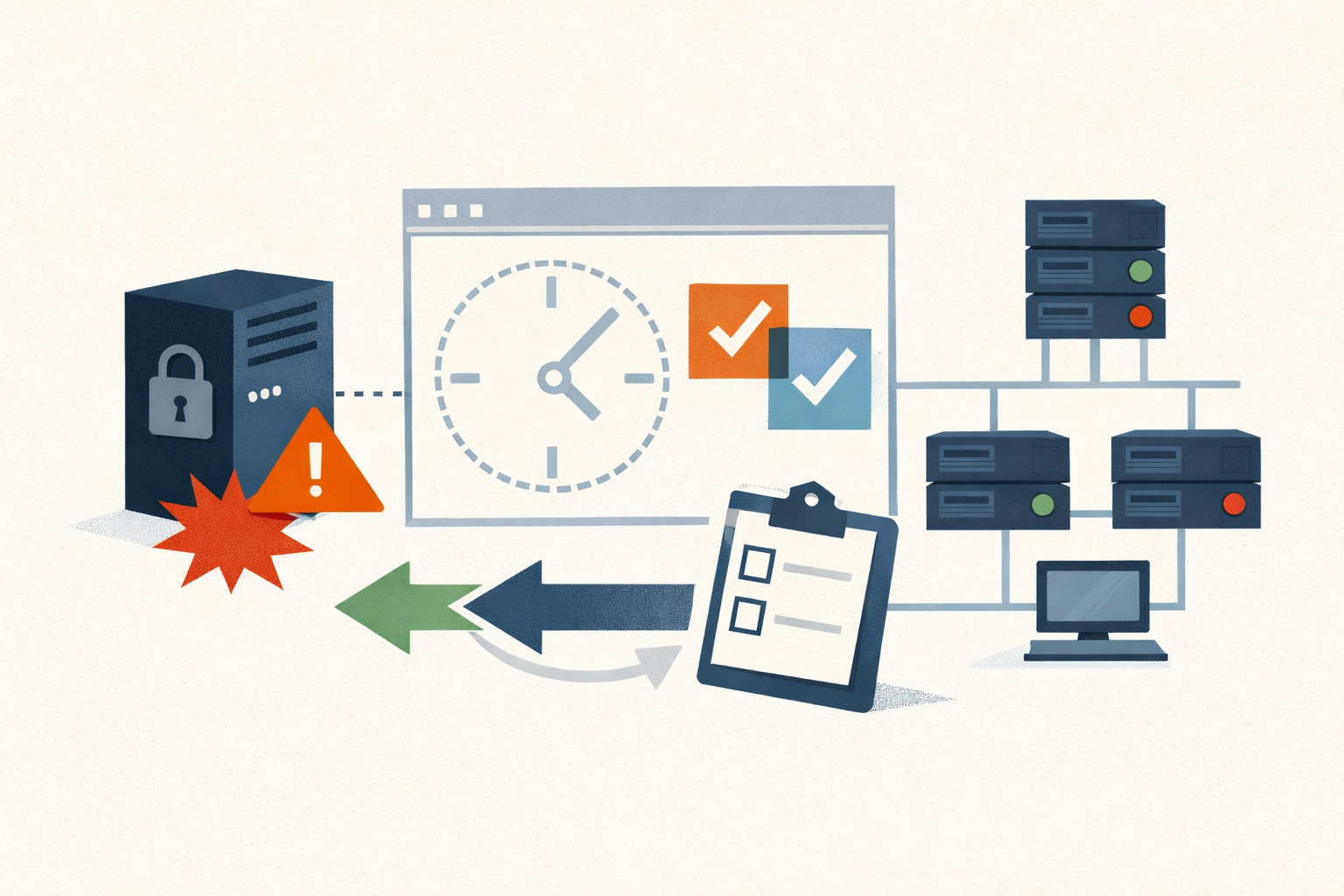
The CUPS chain needed a print job. The DDoS didn't.
Three CVEs in CUPS produced 20 months of scanning probes and zero attributed RCE exploitation. The constraint that stopped mass exploitation is also the reason cups-browsed still needs to go.
#cups#linux#cve-2024-47176#cve-2024-47076#cve-2024-47175#rce#ddos#patch-management -
Analysis · Jun 21, 2026 · Colten Anderson
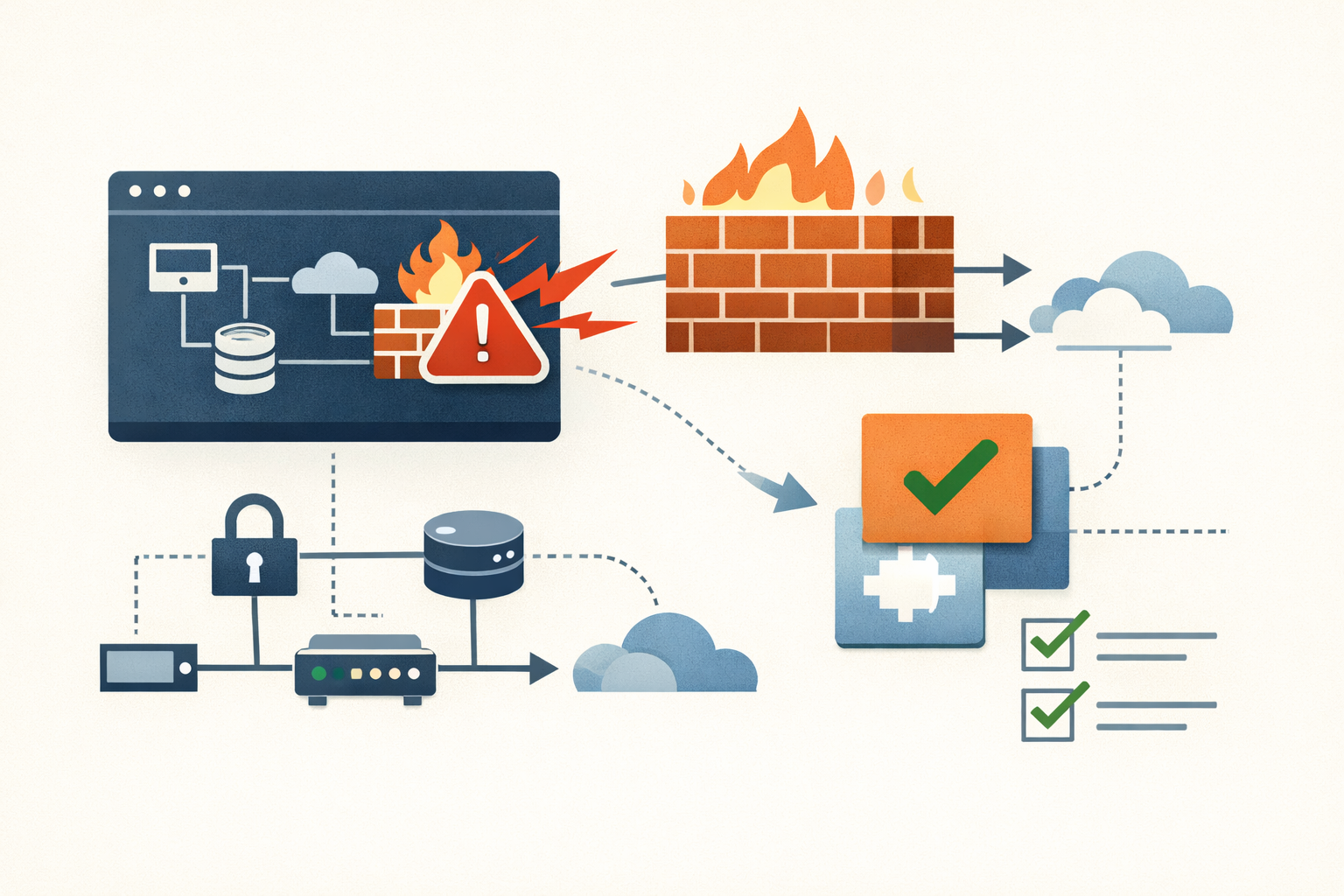
Arista EOS decapsulates tunnel traffic it was never configured for. No patch is planned.
CVE-2026-7473 lets attackers bypass VXLAN/GRE segmentation on Arista 7000R switches by sending mismatched tunnel protocols. Arista won't patch it. The fix is ACLs, and the federal deadline is June 23.
#arista#cisa-kev#network#vxlan#data-center#no-patch#patch-management -
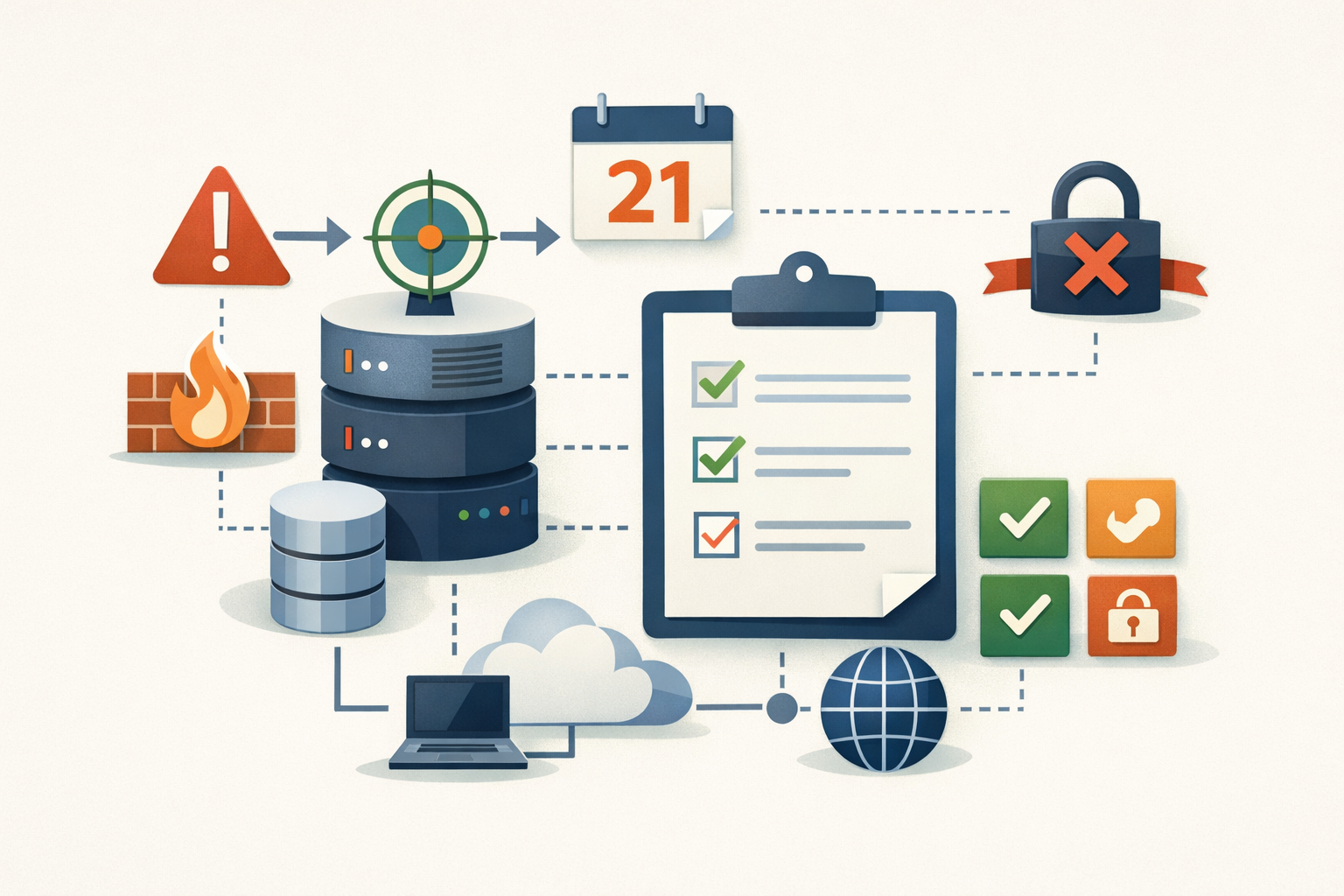
Analysis · Jun 20, 2026 · Colten Anderson
ShinyHunters had 13 days inside PeopleSoft before Oracle said anything
CVE-2026-35273 is a CVSS 9.8 unauthenticated RCE in PeopleTools 8.61-8.62 that ShinyHunters exploited as a zero-day against 100+ organizations. The June 10 advisory arrived after the data was already on the leak site.
#oracle#peoplesoft#cve-2026-35273#zero-day#shinyhunters#higher-education#cisa-kev#patch-management#rce#data-theft -
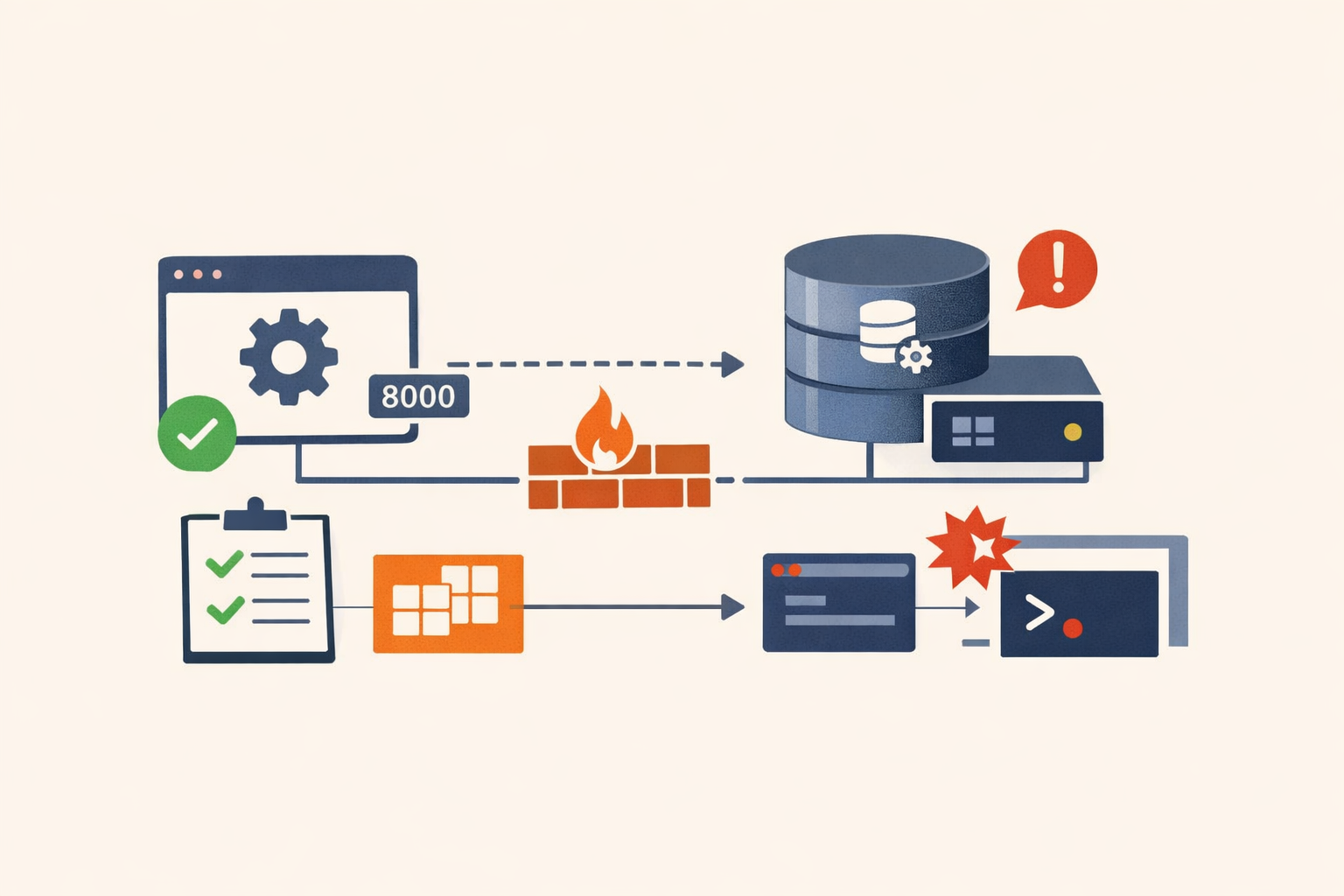
Analysis · Jun 20, 2026 · Colten Anderson
Splunk Enterprise 10 shipped an unauthenticated database endpoint on port 8000
CVE-2026-20253 (CVSS 9.8) exposes a PostgreSQL sidecar service introduced in Splunk Enterprise 10 with no HTTP-layer authentication, reachable through the same port as the login page. A published exploit chain reaches code execution in minutes. Exploitation is confirmed. The 'disable the sidecar' workaround breaks SPL2 and Edge Processor.
#splunk#cisa-kev#rce#siem -
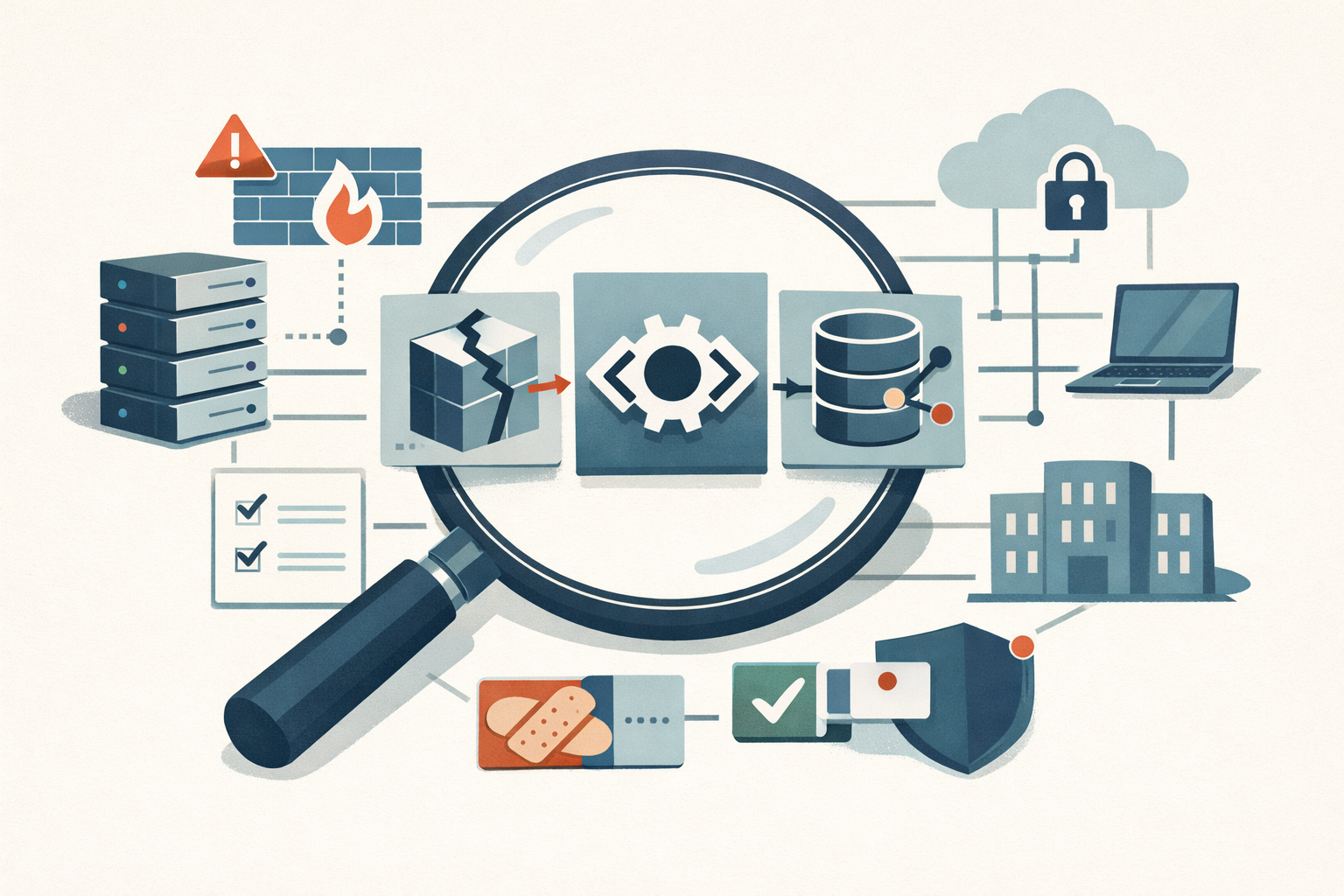
Analysis · Jun 20, 2026 · Colten Anderson
GeoServer CVE-2024-36401: The Map Nobody Owned
A CVSS 9.8 unauthenticated RCE in GeoServer sat unpatched at thousands of agencies for weeks. The bug was the easy part. The reason nobody patched it is the real story.
#cisa-kev#geoserver#rce#ot-scada#open-source#asset-management -
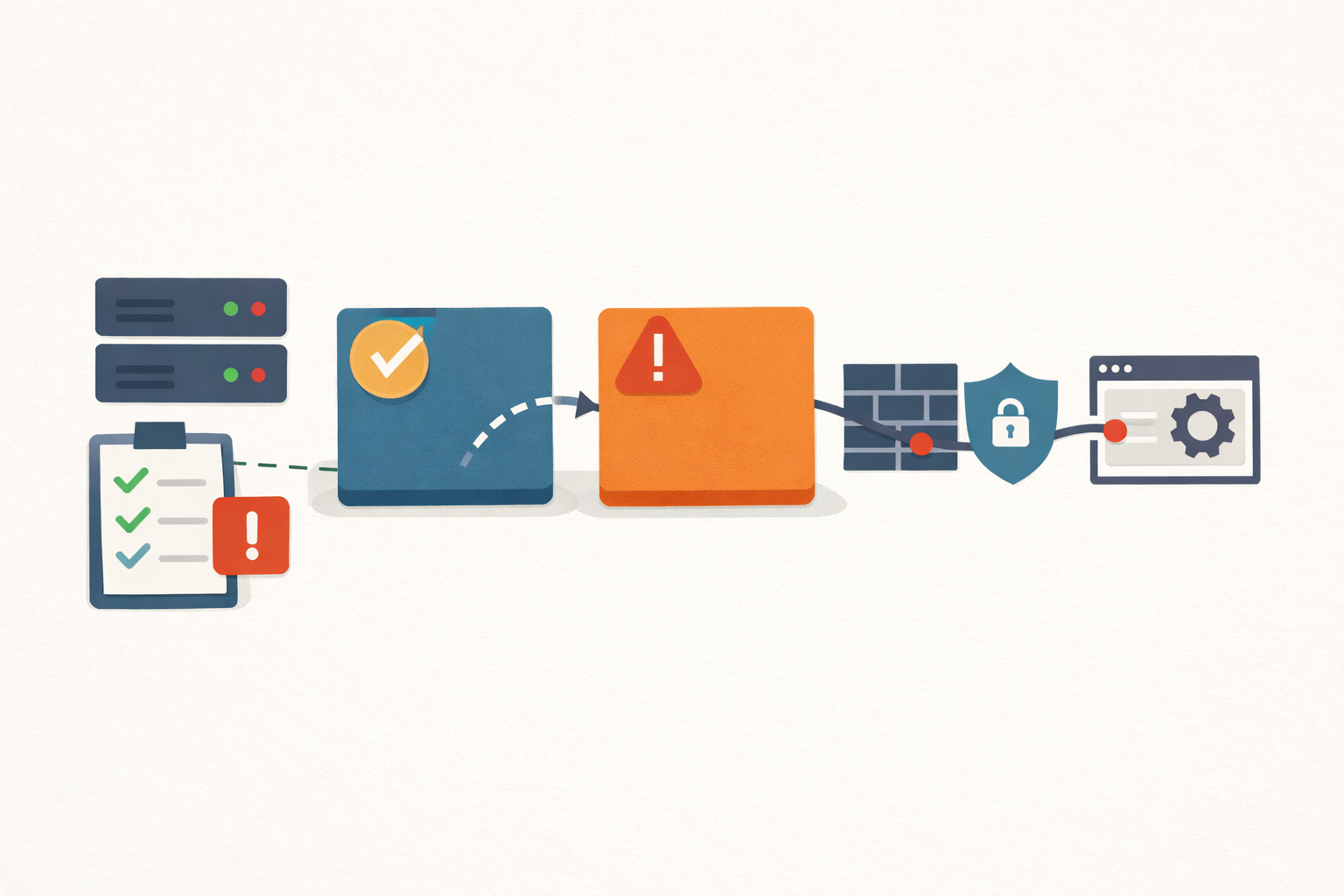
Analysis · Jun 19, 2026 · Colten Anderson
If you patched OFBiz to 18.12.15 in August, you were exposed again by September
Apache shipped four OFBiz releases in five months, each closing a different endpoint with the same root cause behind it. Patching the version number was never the same as fixing the bug.
#apache#cisa-kev#rce#authentication-bypass#erp -
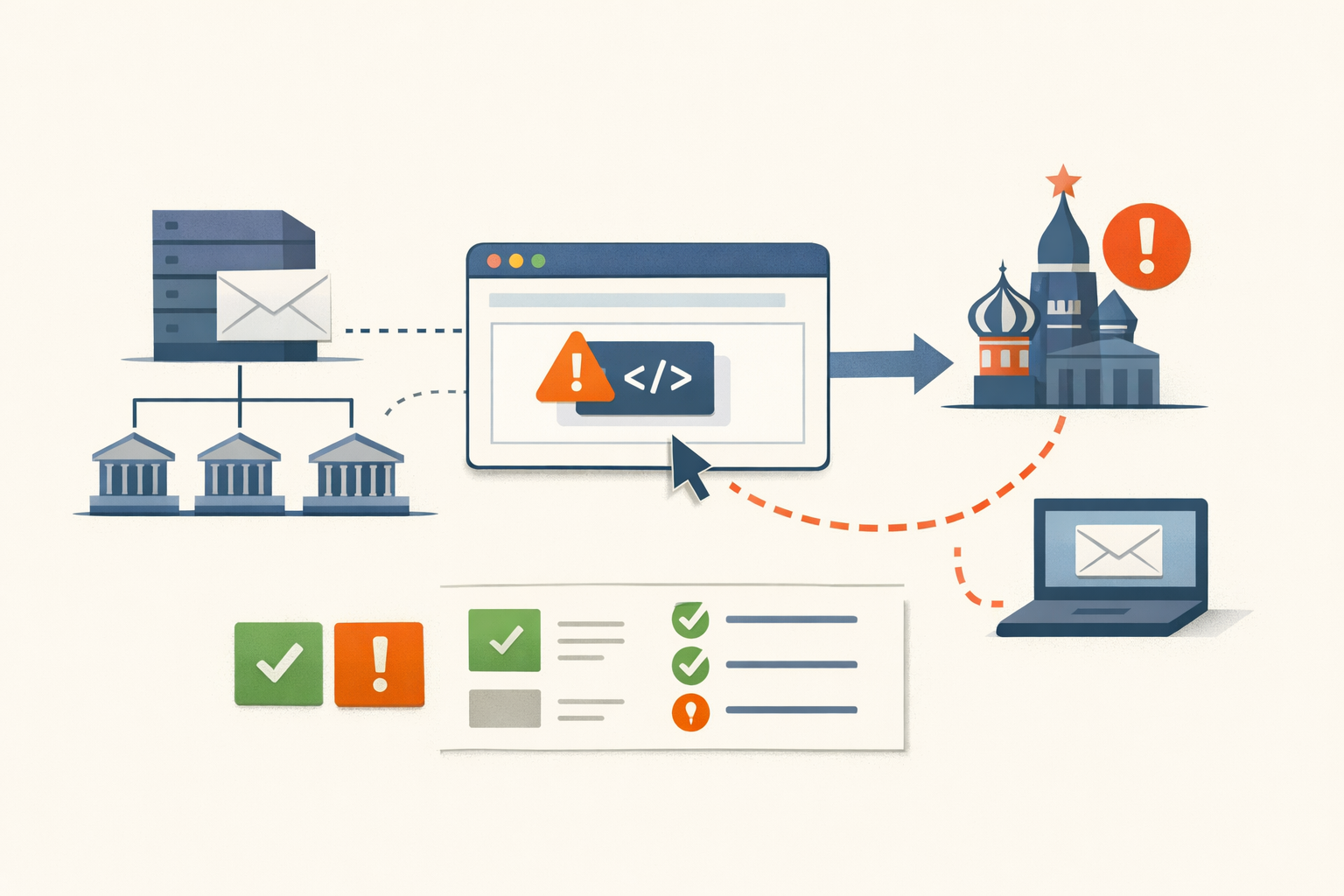
Analysis · Jun 19, 2026 · Colten Anderson
A 6.1 read European government email for two years
Two medium-severity Roundcube XSS bugs let Russian state actors read government email with no click required. The CVSS score said monitor. The KEV listing said move.
#roundcube#cvss#kev -
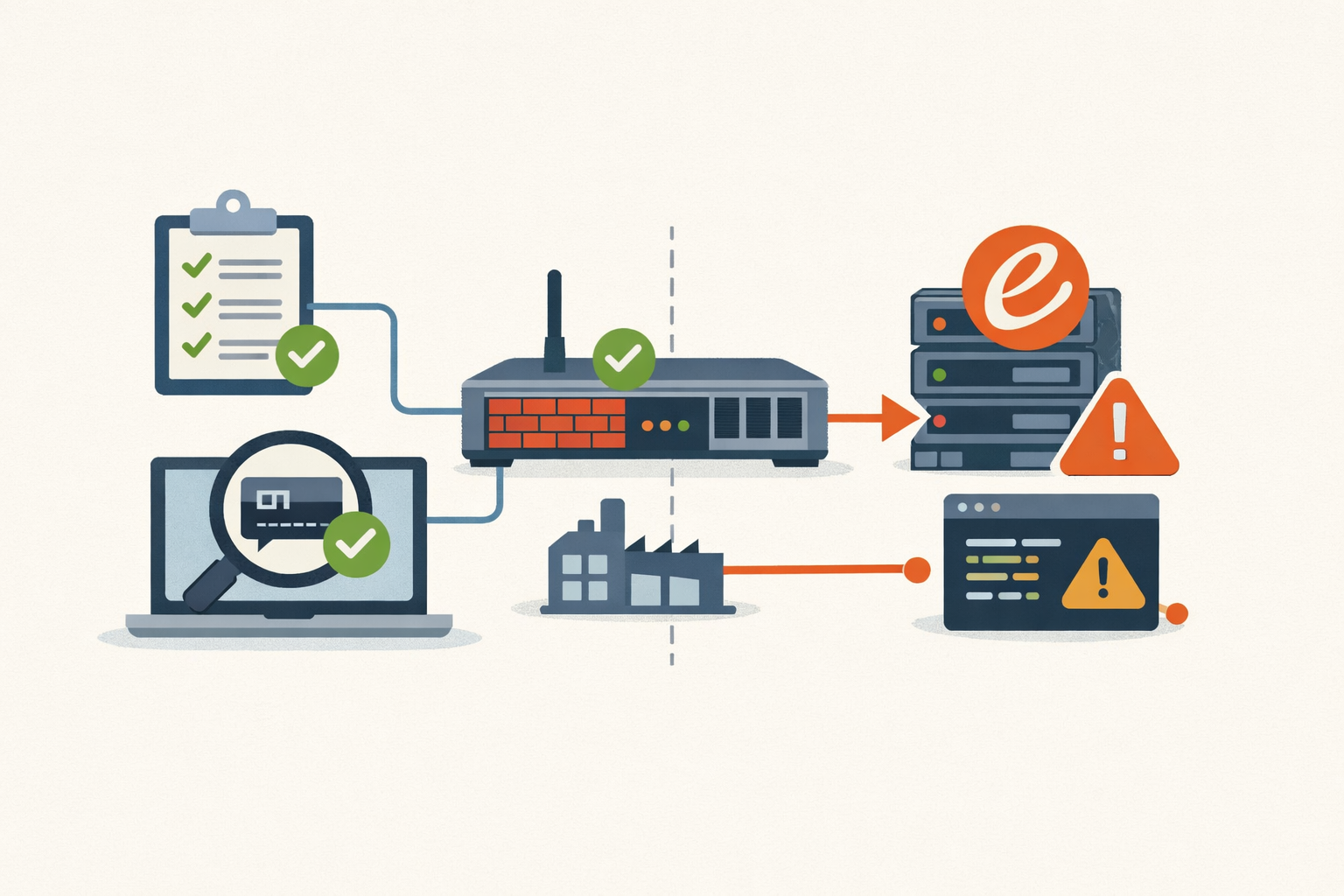
Analysis · Jun 19, 2026 · Colten Anderson
Your vuln scanner is looking for OpenSSH. The exploited bug is in Erlang.
CVE-2025-32433 is a CVSS 10.0 pre-auth RCE in Erlang/OTP's SSH server, and it's exploited in the wild against OT firewalls. The reason it slips past your scans is the whole point.
#erlang#otp#cve-2025-32433#ssh#rce#cisa-kev#ot-security#cisco#patch-management -
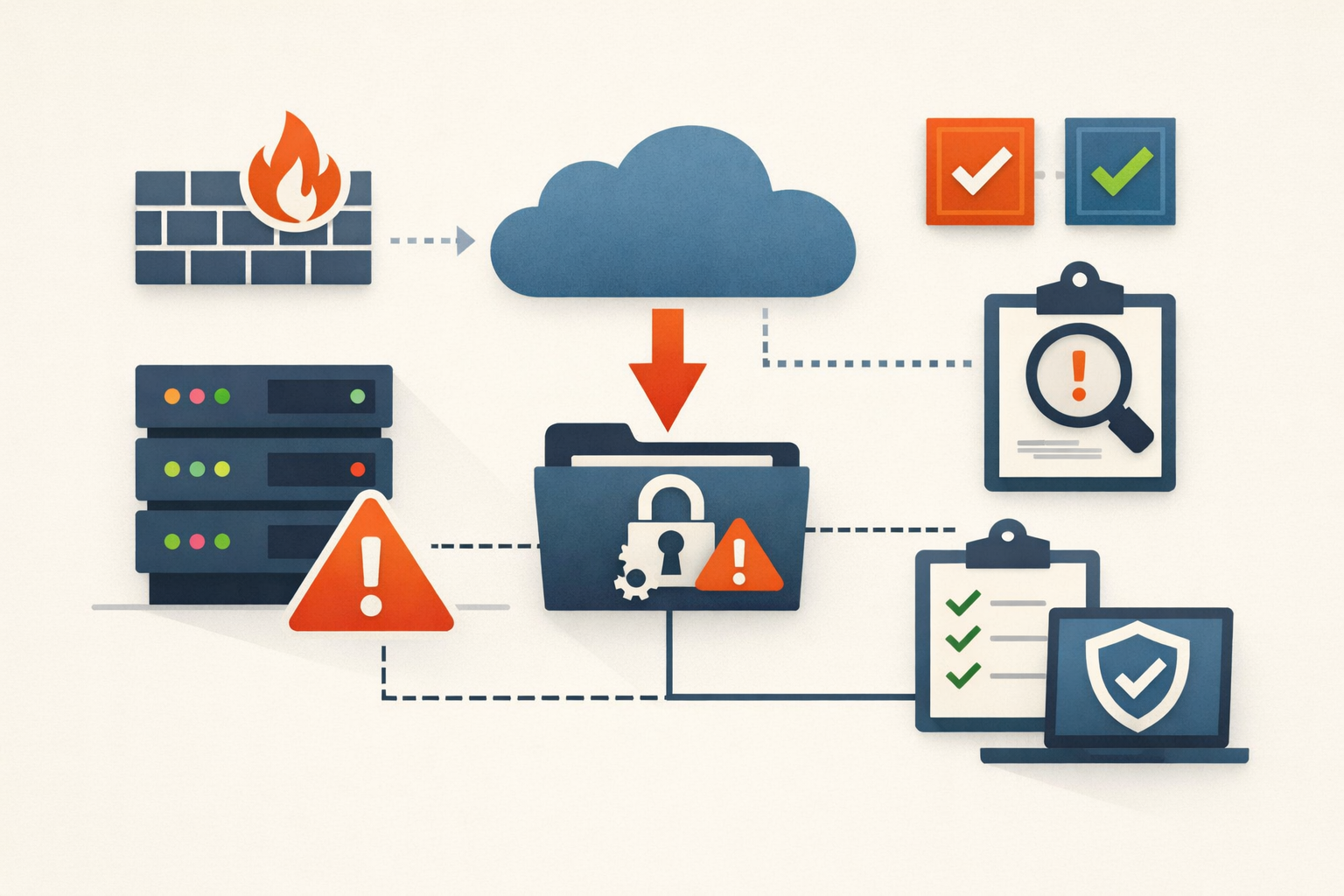
Field Note · Jun 18, 2026 · Colten Anderson
The tool you patch through also needs patching
ServiceNow's mid-2024 exploitation cluster exposed a gap most orgs didn't know they had: the ITSM platform itself wasn't in anyone's patch program.
#servicenow#cve-2024-4879#cve-2024-5217#cve-2024-5178#itsm#saas-security#patch-management -
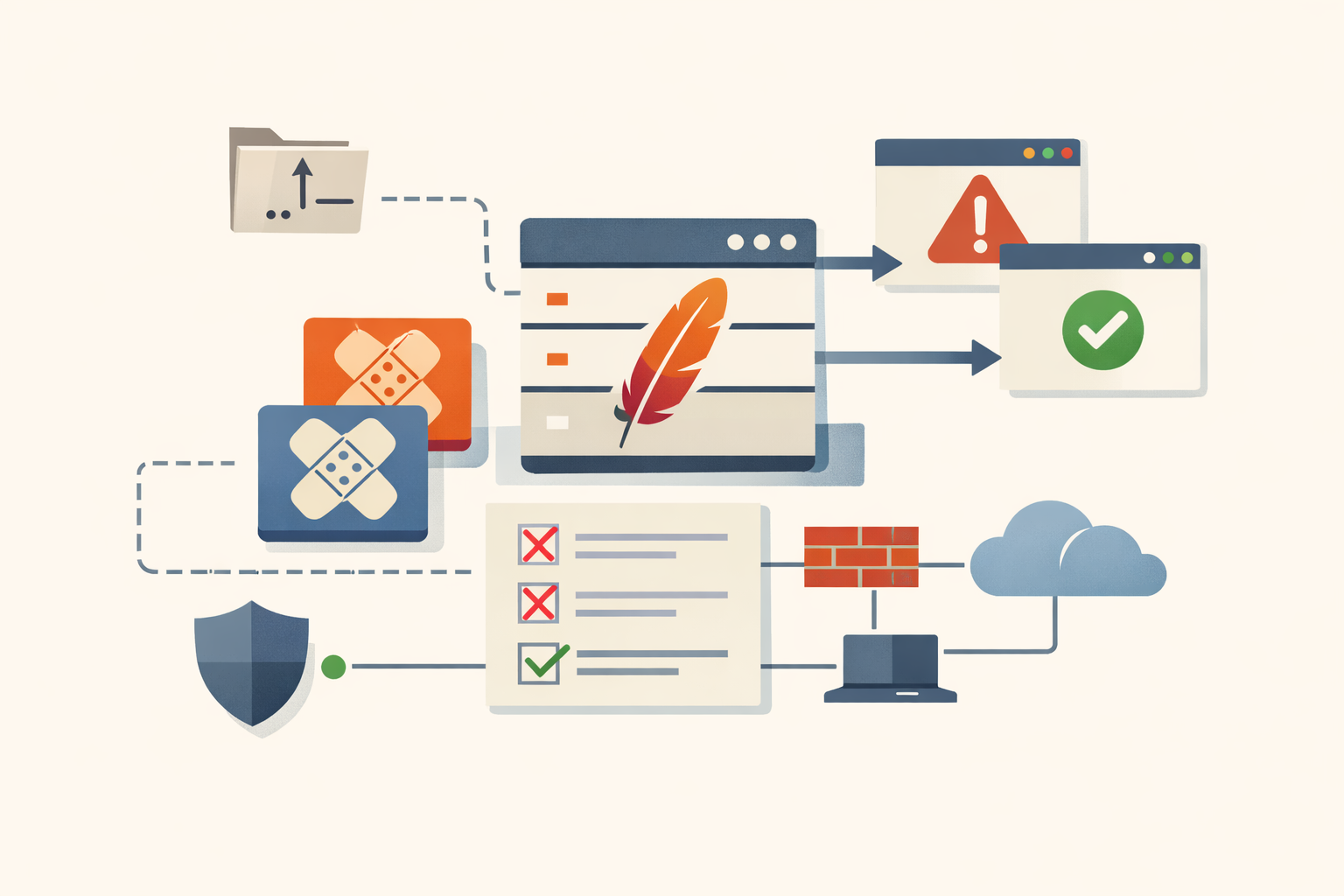
Analysis · Jun 18, 2026 · Colten Anderson
Two Struts CVEs, one incomplete fix, and the enterprise Java visibility problem
CVE-2023-50164 and CVE-2024-53677 hit the same file upload component in Apache Struts, a year apart. The second arrived because the fix for the first didn't go far enough. The real exposure is organizations that don't know where Struts lives in their stack.
#Apache#Java#CVE-2023-50164#CVE-2024-53677#file-upload#RCE#KEV#software-composition -
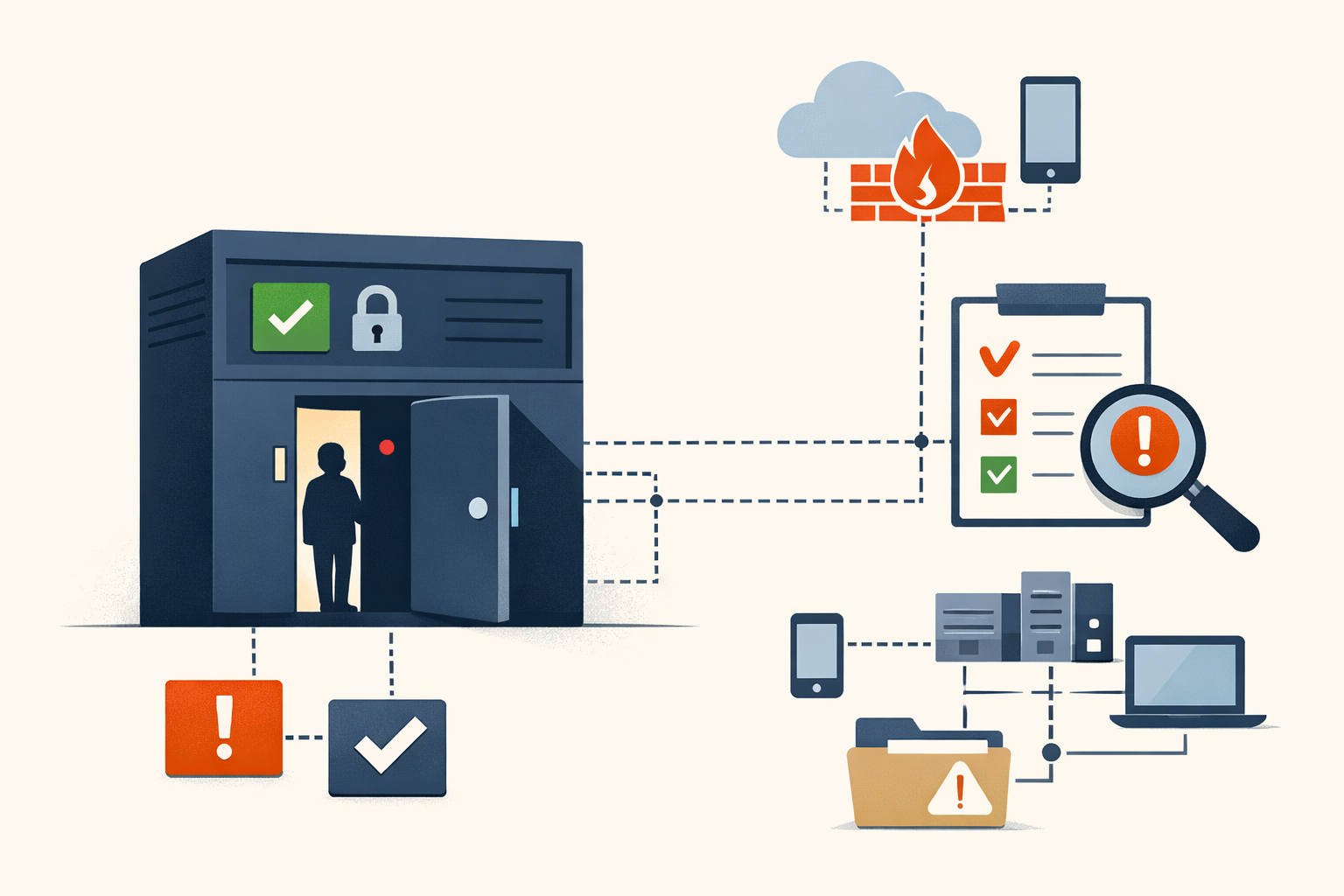
Analysis · Jun 18, 2026 · Colten Anderson
Patching Ivanti Sentry Closes the Door. It Doesn't Evict the Guest.
Shadowserver found backdoored Ivanti Sentry instances within 48 hours of the PoC and said the rest are most likely compromised. The patch is step one, not the answer.
#ivanti#cve-2026-10520#cve-2026-10523#mobile-security#patch-management#exploited-in-wild -
Analysis · Jun 17, 2026 · Colten Anderson
regreSSHion proved 'hard to exploit' is not a patch window
CVE-2024-6387 got filed under 'low priority' because it's slow on 64-bit. The CVSS score measured exploit difficulty, not what a root RCE in sshd actually puts at risk.
#openssh#linux#cve-2024-6387#rce#patch-management -
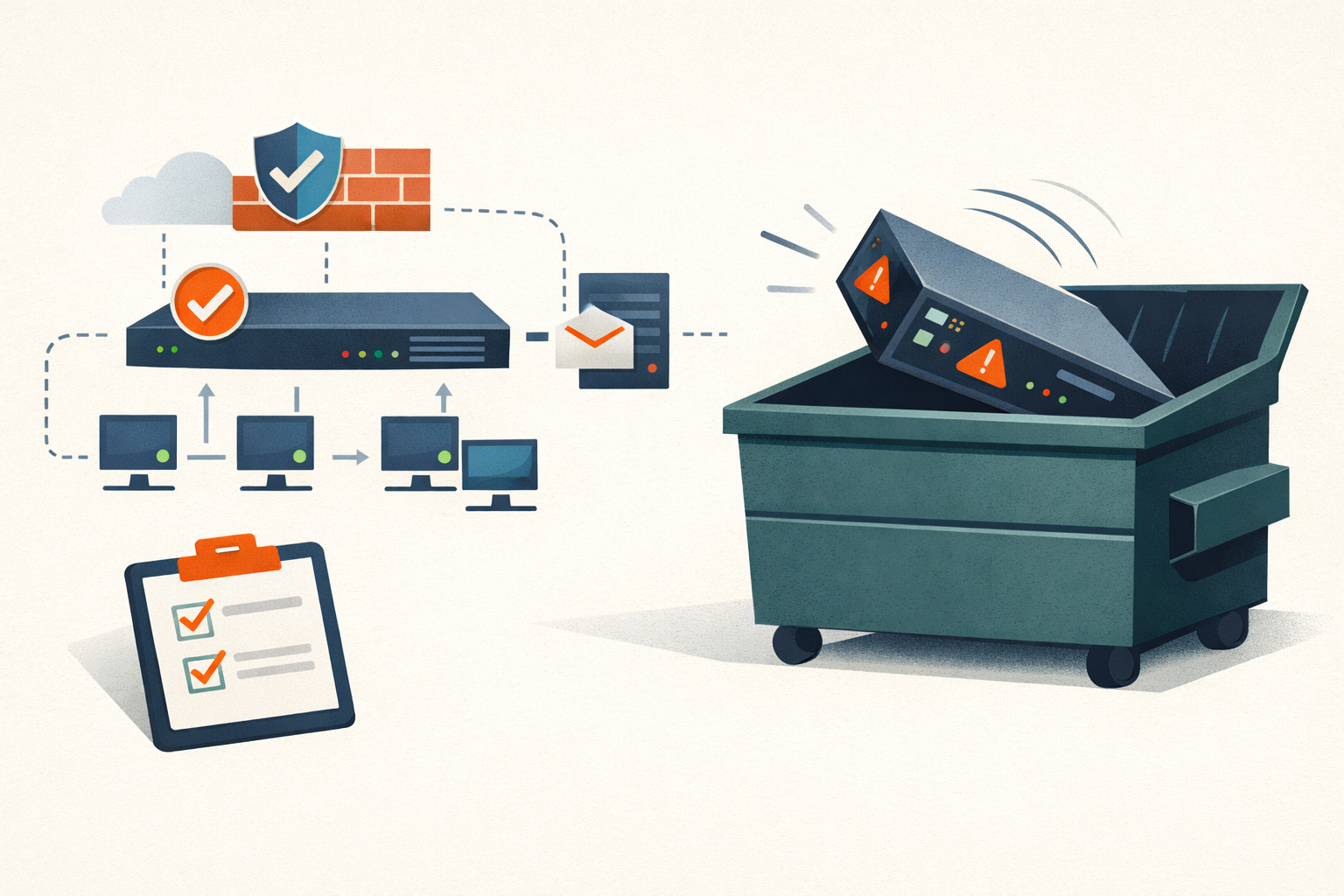
Analysis · Jun 17, 2026 · Colten Anderson
Barracuda's ESG patch worked, and you still had to throw the box in the dumpster
The May 2023 patch fixed the bug and changed nothing for compromised customers. The right move was to physically replace the appliance, and that gap is the lesson.
#barracuda#exploited-in-wild#vendor-accountability -
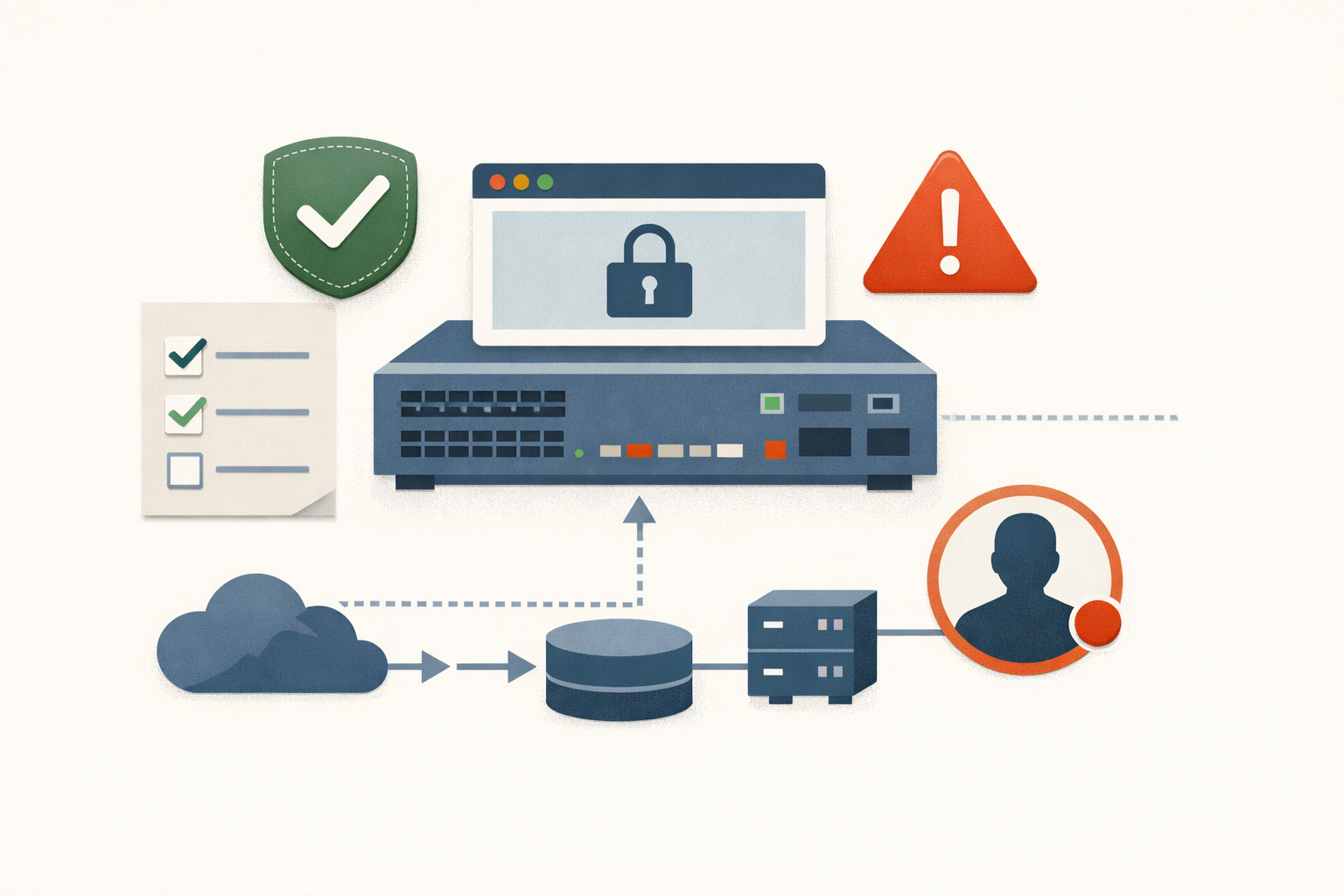
Analysis · Jun 17, 2026 · Colten Anderson
The Cisco IOS XE reboot that wasn't remediation
Patching CVE-2023-20198 and rebooting the box clears the web shell but leaves the rogue admin account behind. If you ran one IOS XE web UI on the public internet in late 2023, you have an account audit to do before you close the ticket.
#cisco#ios-xe#cisa-kev -
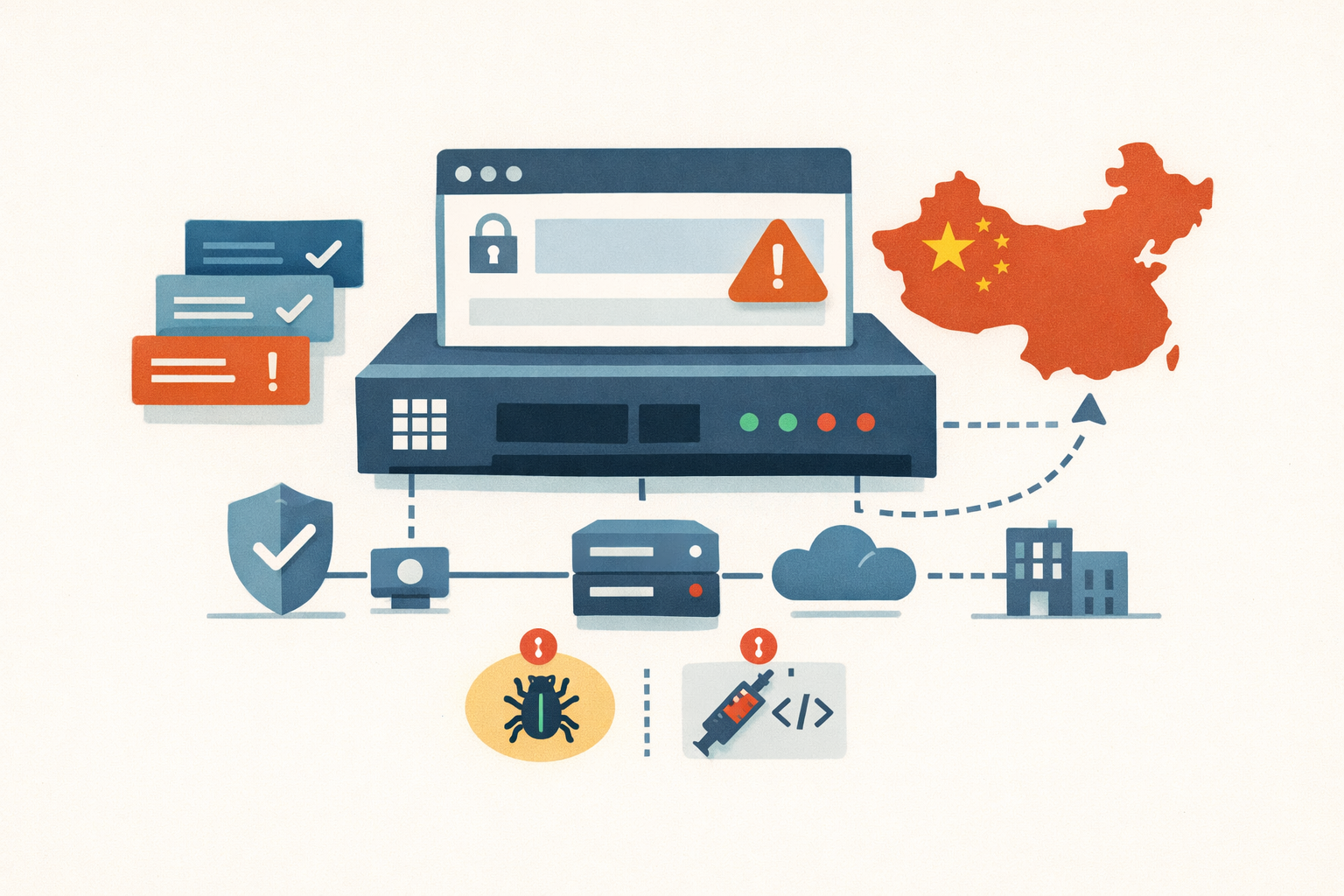
Analysis · Jun 16, 2026 · Colten Anderson
Sophos has seven CISA KEV entries. Five hit the same management interface.
The User Portal and Webadmin surface runs through SQL injection, buffer overflow, authentication bypass, and code injection across five years. Chinese state actors exploited several of them as zero-days, and the exploitation often started before Sophos knew about the bugs.
#sophos#cisa-kev#firewall#chinese-apt#perimeter-security -
Analysis · Jun 16, 2026 · Colten Anderson
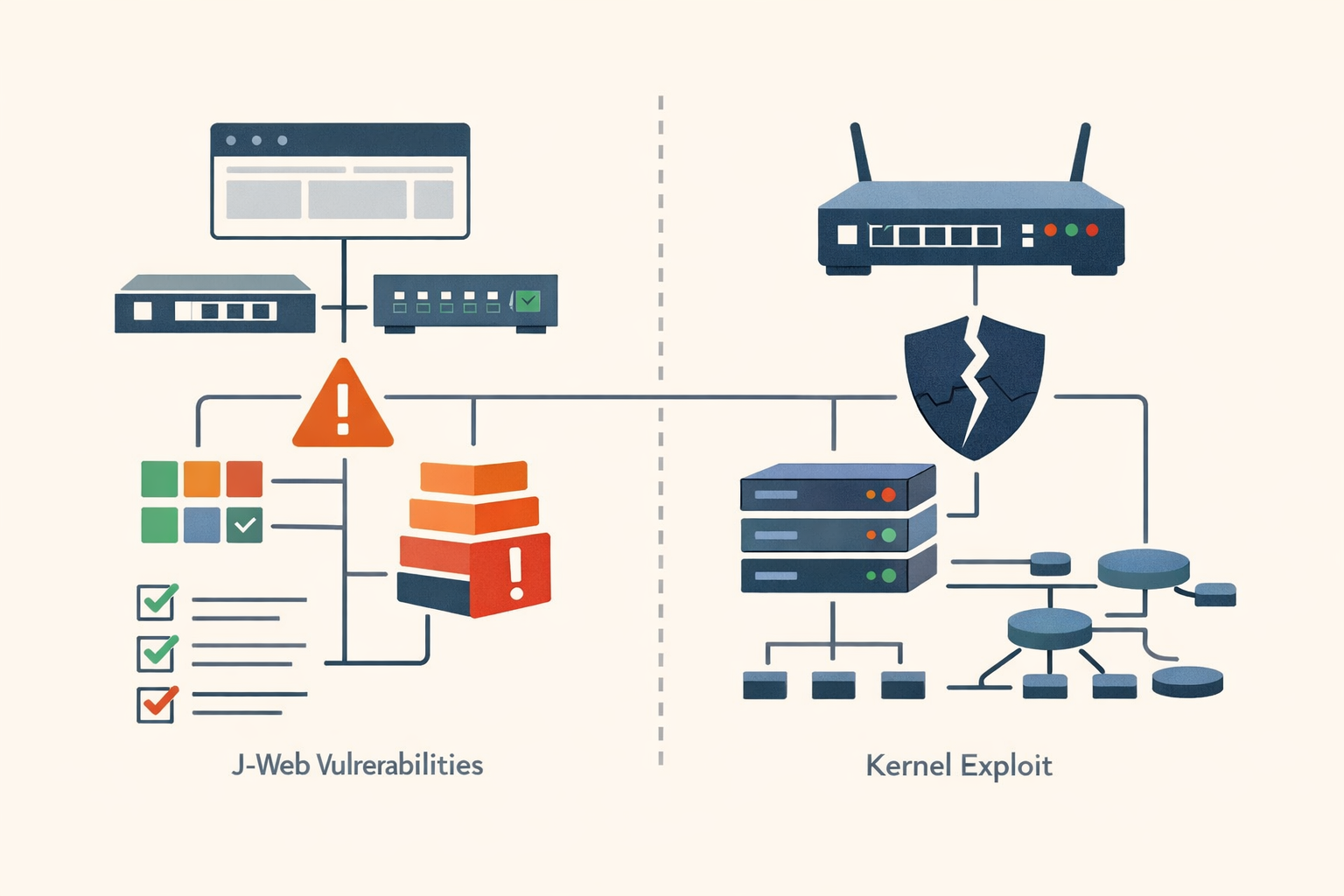
Juniper Junos OS has six KEV entries and two separate attack surfaces
Five J-Web bugs originally scored CVSS 5.3 that chain to unauthenticated RCE, and a kernel isolation flaw exploited by a China-nexus actor to root MX routers. The scoring gap on the first cluster is the operational lesson.
#juniper#junos-os#j-web#cve-2023-36844#cve-2025-21590#cisa-kev#unc3886#network-infrastructure -
Analysis · Jun 16, 2026 · Colten Anderson
A model was pulled for being too good at finding bugs
Anthropic shipped Claude Fable 5 and Mythos 5, then a federal directive killed both three days later. In May we forecast the patch window had gone negative; this is the first time a regulator reached for a kill switch to agree.
#ai-security#vulnerability-management#patch-prioritization -
Analysis · Jun 8, 2026 · Colten Anderson
A crash got a federal patch deadline. Here's why that's the right call
CVE-2026-28318 is a 7.5 denial-of-service bug in SolarWinds Serv-U, the kind that usually waits. CISA listed it on KEV two days after the fix shipped. The prioritization logic behind that is the story.
#vulnerability-management#solarwinds#cisa-kev -
Field Note · Jun 5, 2026 · Colten Anderson
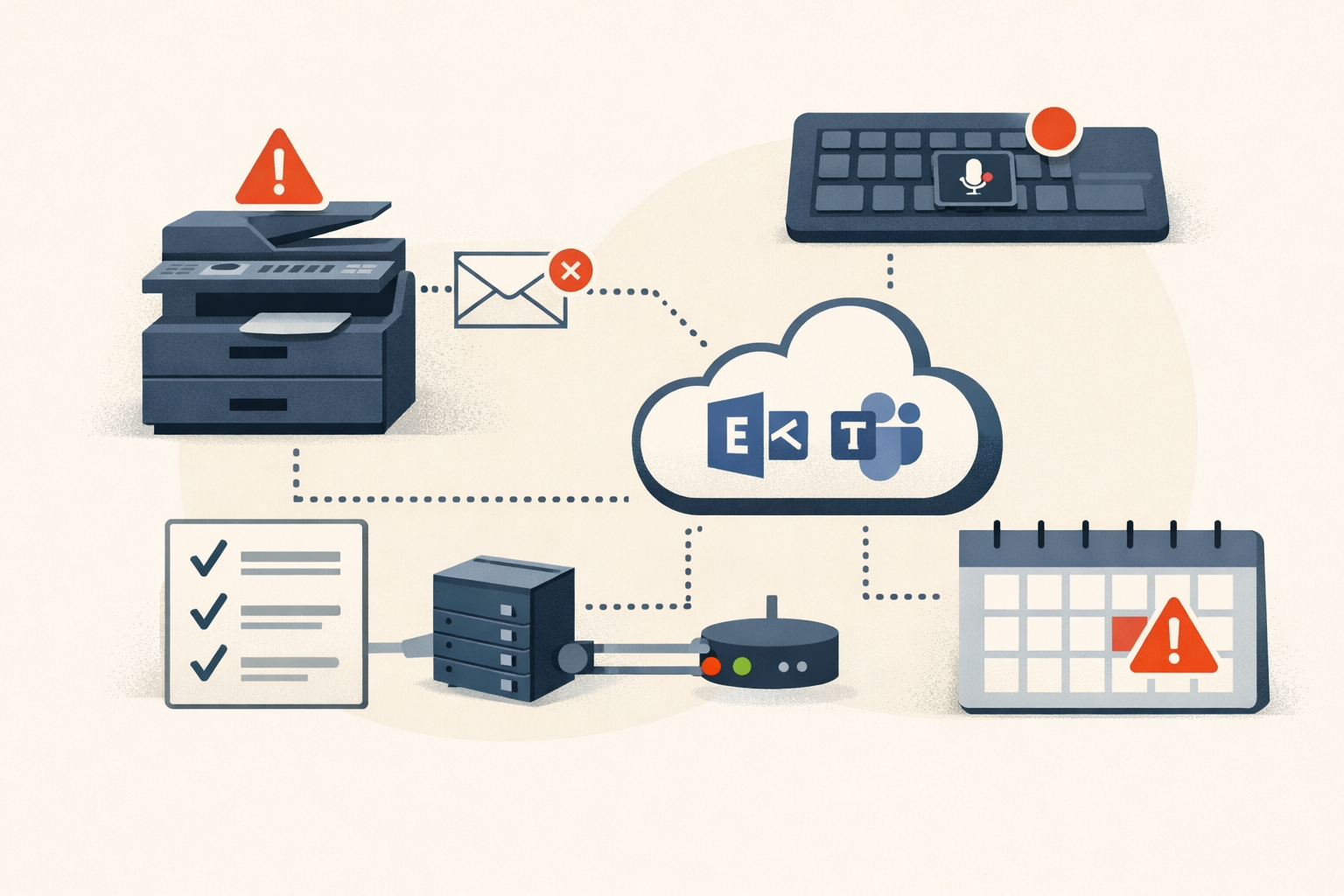
Three June 30 Microsoft 365 retirements that fail silently
A printer stops scanning to email, a conference-room keyboard's mute key dies, a town hall won't schedule. None of these will announce themselves on June 30, 2026.
#microsoft-365#exchange-online#microsoft-teams -
Field Note · Jun 5, 2026 · Colten Anderson
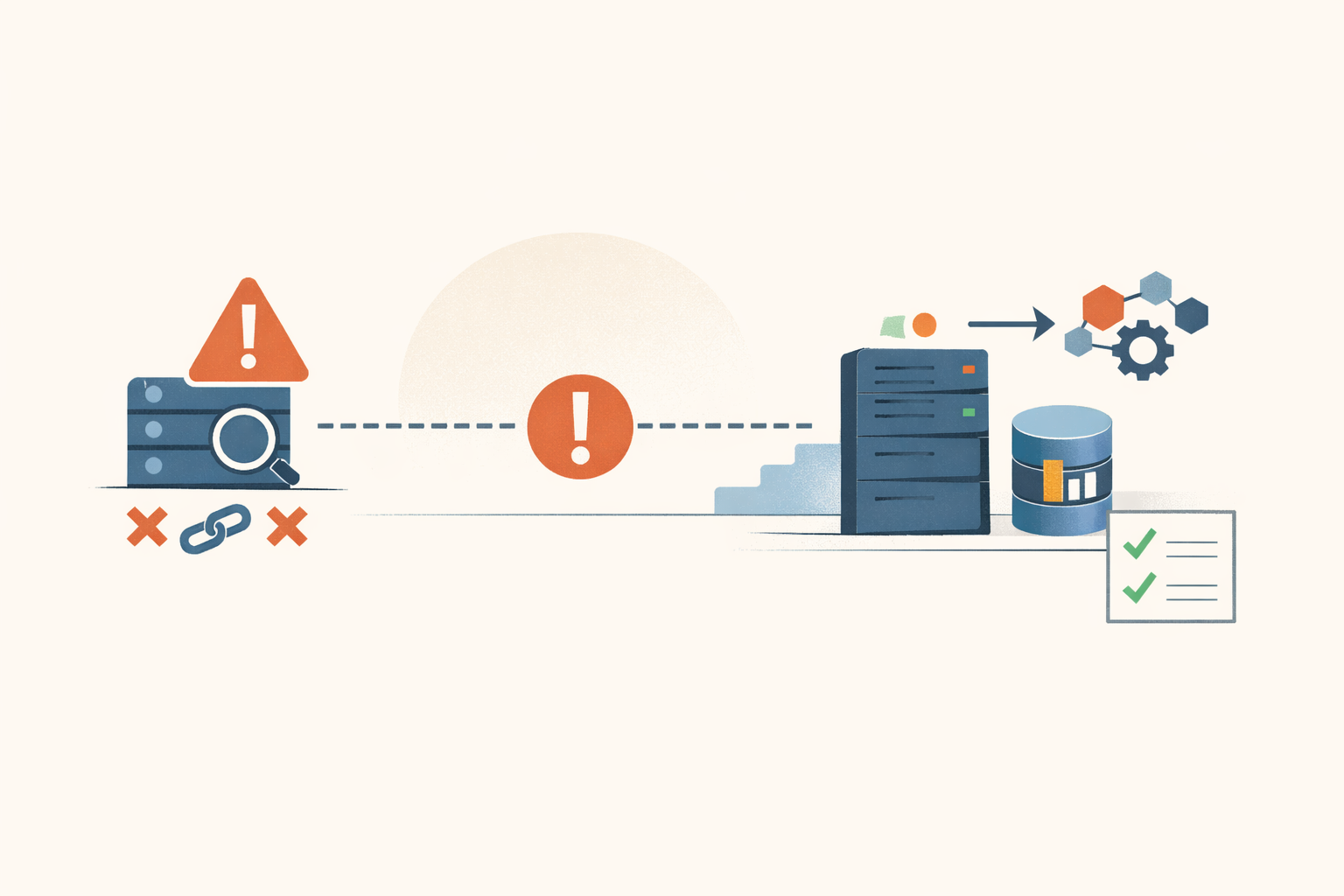
Promtail is end-of-life: your Loki shipper just lost its support floor
If Promtail still ships your logs to Loki, the agent reading every log file on the host has had no upstream remediation path since March 2, 2026. The migration to Alloy is mostly mechanical, except for the one file that decides whether you get duplicates or a gap.
#grafana#observability#loki -
Field Note · Jun 5, 2026 · Colten Anderson
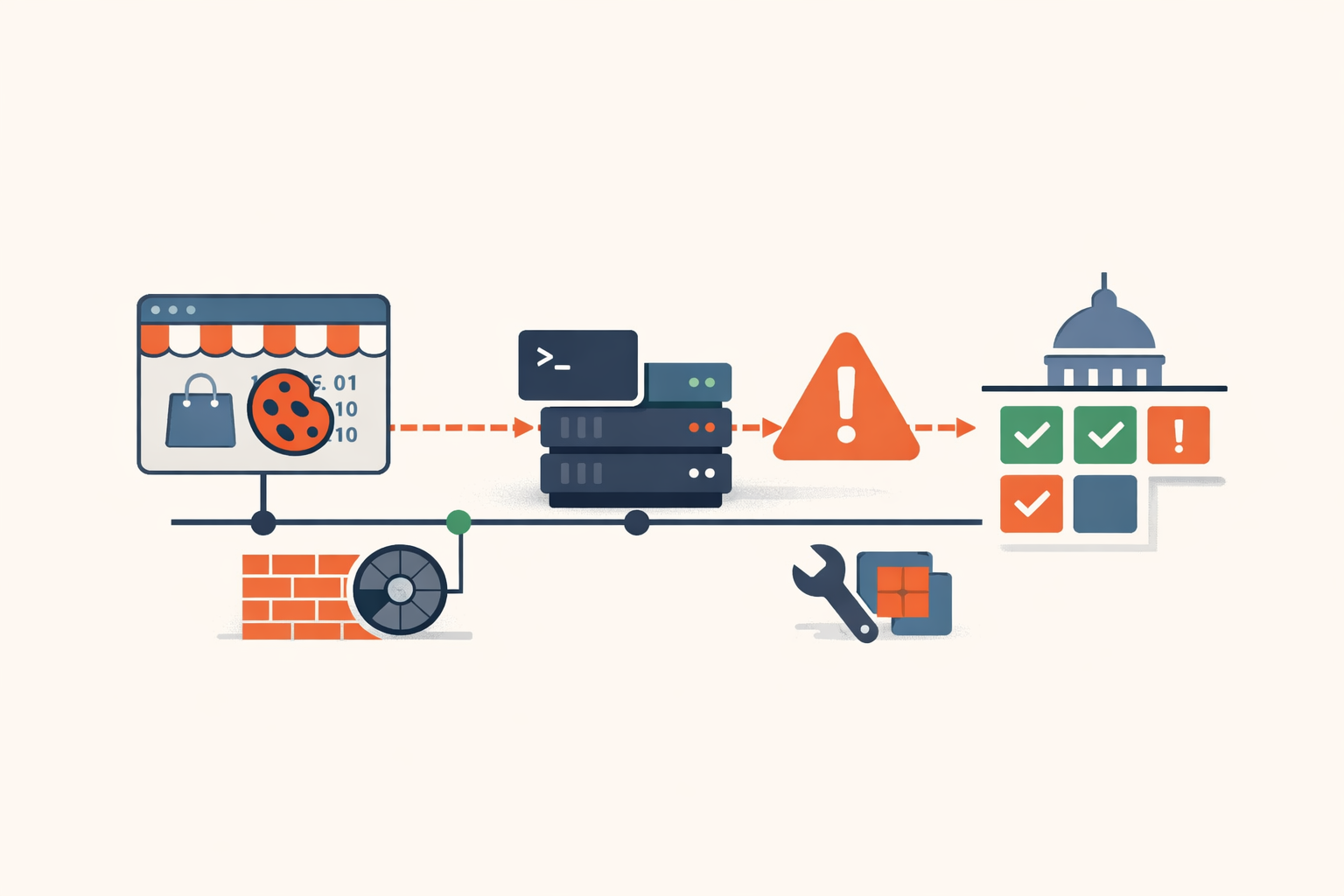
One cookie to your storefront homepage is shell. CVE-2026-45247 has a Saturday deadline.
An unauthenticated RCE in the Mirasvit Cache Warmer extension is already being hit at scale, and CISA's federal patch deadline is essentially now. If you run Magento, you act today.
#magento#cisa-kev#deserialization#patch-management -
Analysis · Jun 5, 2026 · Colten Anderson
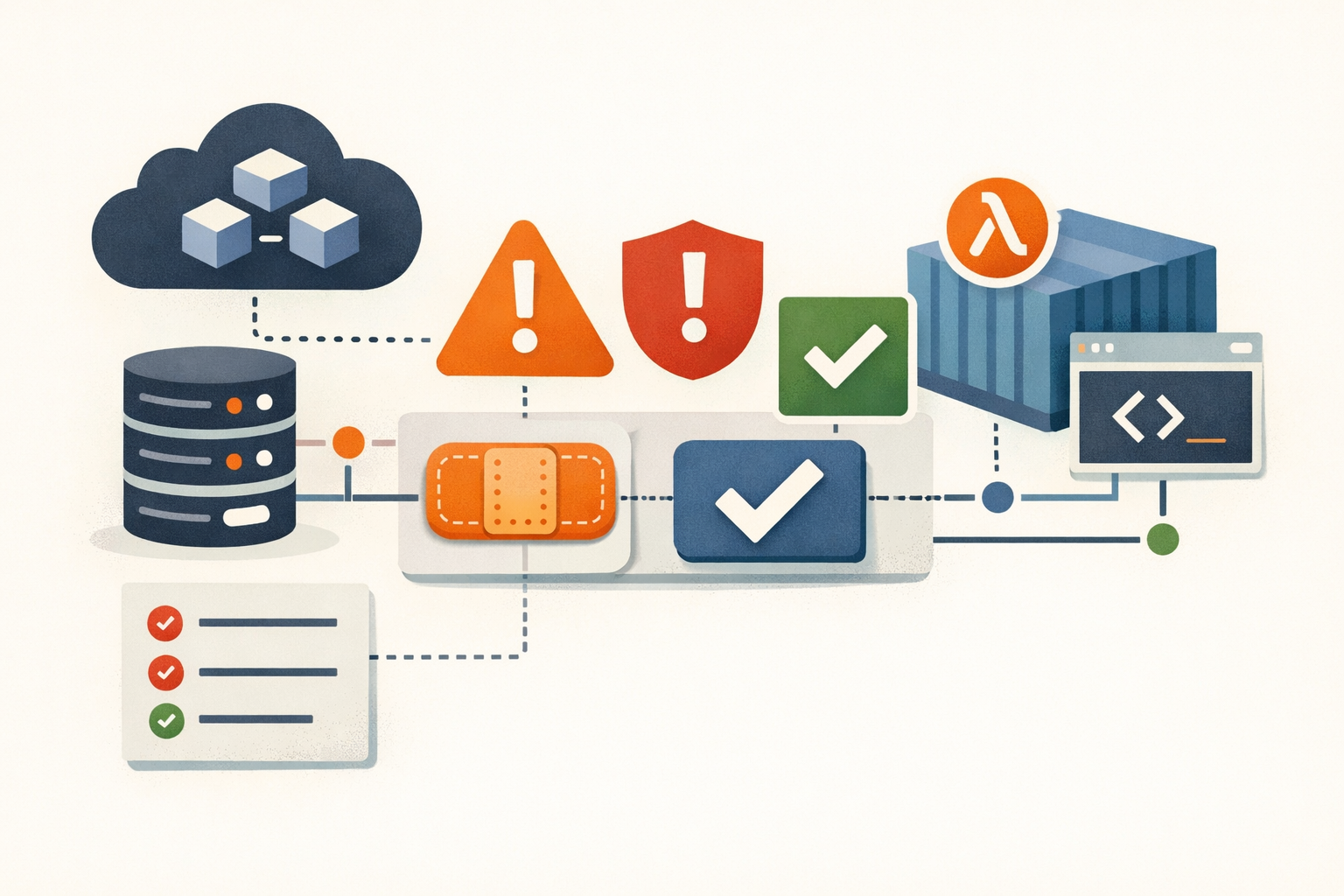
Two AWS bugs you'd never have heard about, and the fix was yours
AWS disclosed two SageMaker SDK flaws on its own bulletins page. They may carry a CVE ID with no CVSS, they'll never hit CISA KEV, and patching them is the customer's job.
#aws#cloud-security#vulnerability-management -
Analysis · Jun 5, 2026 · Colten Anderson
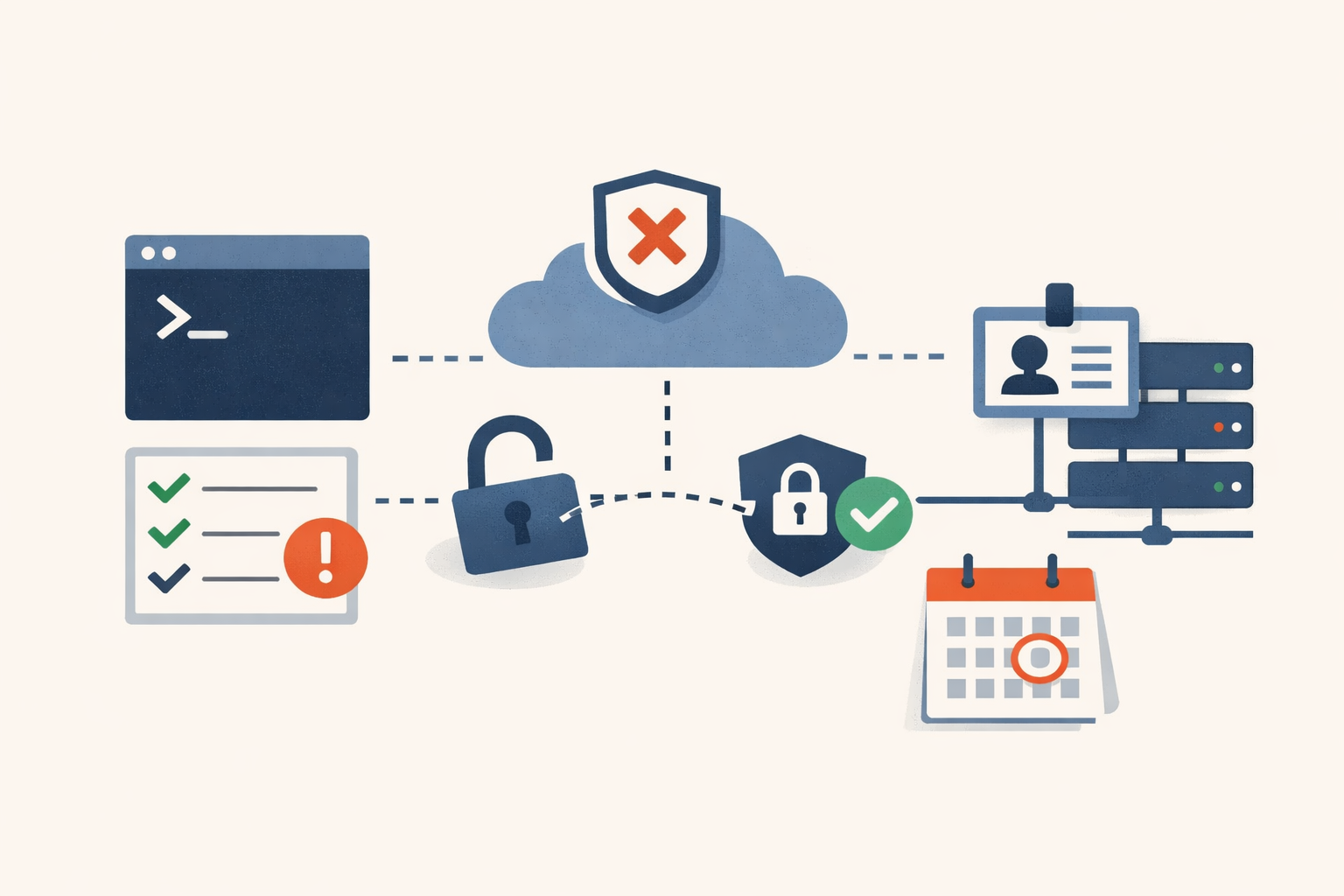
Your Azure CLI session has an MFA exemption you never asked for
Two Entra Conditional Access changes land in the same fortnight, and they're the lead evidence in a longer story: Microsoft is closing the identity opt-outs orgs have leaned on for years.
#microsoft-entra#conditional-access#identity -
Analysis · Jun 4, 2026 · Colten Anderson
The GlobalProtect bypass deadline already passed, but you might not be affected
CVE-2026-0257 is a GlobalProtect auth bypass with a KEV deadline that's come and gone. Whether it touches you comes down to a 60-second config check, not your PAN-OS version.
#palo-alto#cisa-kev#vpn#patch-management -
Analysis · Jun 3, 2026 · Colten Anderson
Three CVEs keep getting called the Nx attack, and only one of them is this one
An 18-minute window on the VS Code marketplace ended with 3,800 of GitHub's own repositories copied. The interesting part isn't the speed. It's the delivery channel nobody was watching.
#supply-chain#vs-code-extensions#nx -
Analysis · Jun 3, 2026 · Colten Anderson
Everything is critical, so nothing is critical
A third of last year's CVEs were rated High or Critical, but only a few percent ever get exploited. The severity score was never a risk score, and the queue that treats it like one is the reason confirmed-exploited bugs sit unpatched for 43 days.
#cvss#vulnerability-prioritization#cisa-kev#epss -
Analysis · Jun 3, 2026 · Colten Anderson
The patch triage meeting that ends with owners, not opinions
The short-list is built before anyone sits down. The meeting exists to put a name and a clock on each item, then end. Here's how to run it in fifteen minutes.
#patch-management#triage#ssvc#change-management#vulnerability-management -
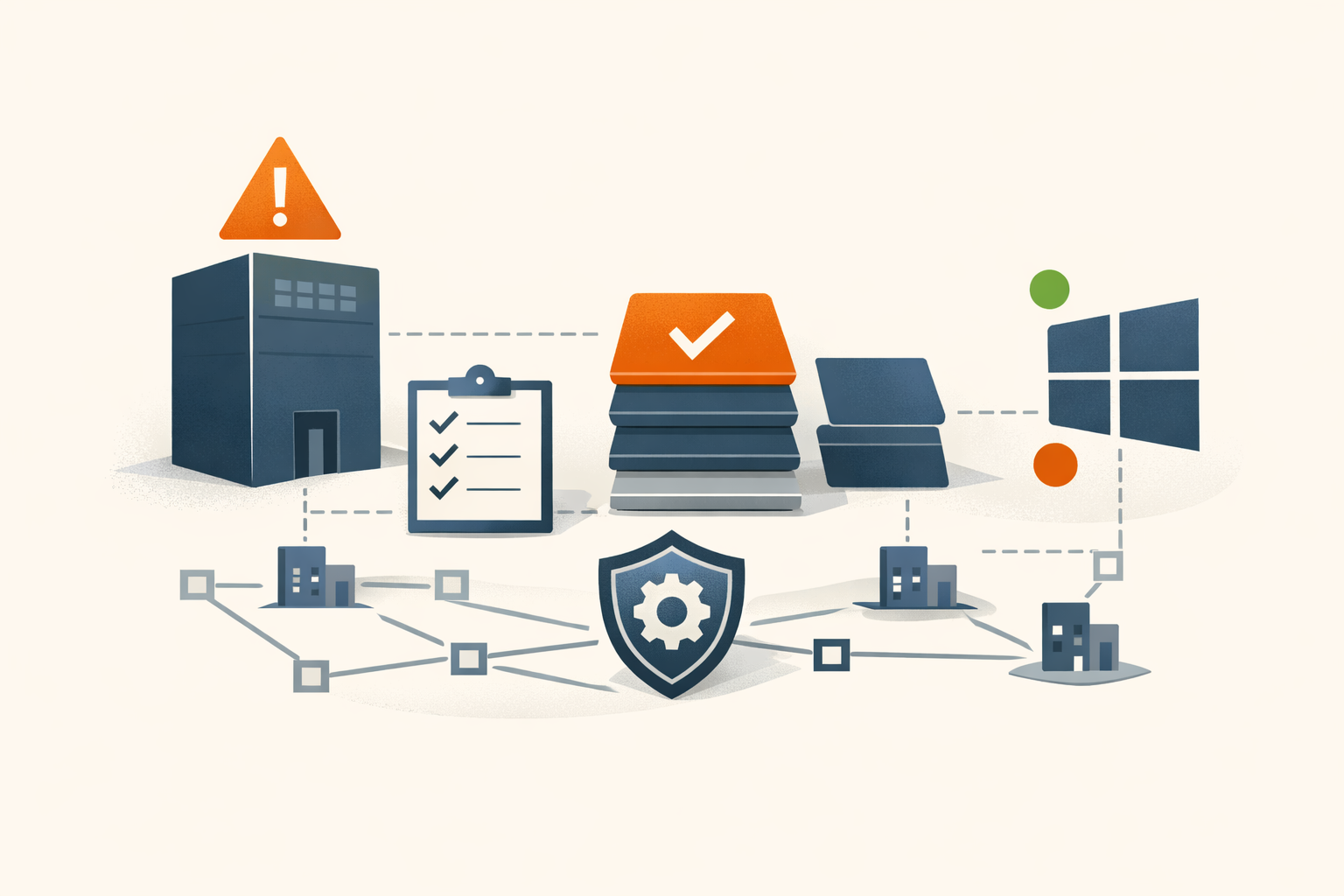
Analysis · Jun 2, 2026 · Colten Anderson
One CERT says it's exploited, Microsoft says it isn't, and you patch anyway
A pre-auth SYSTEM RCE on every domain controller doesn't need an exploitation rumor to earn the top of your patch queue. The interesting part is why the alarm and the data disagree, and why that disagreement shouldn't change your call.
#microsoft#netlogon#active-directory#patch-tuesday#cve-2026-41089 -
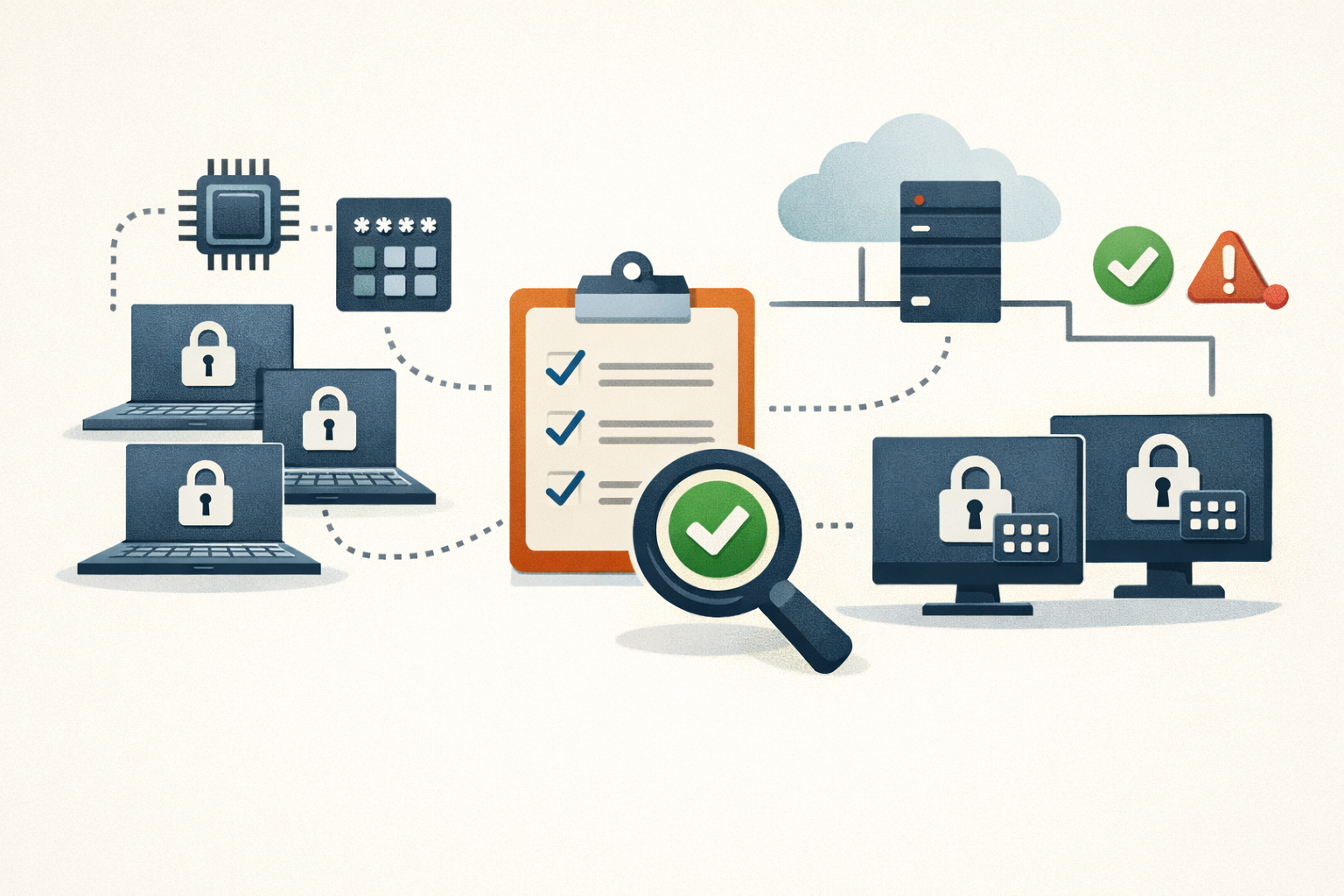
Field Note · May 29, 2026 · Colten Anderson
Enforcing and proving BitLocker TPM+PIN across an Intune fleet
Requiring a startup PIN is one toggle. Landing it on already-encrypted devices and proving it took across the whole fleet is the actual work. Here's the enforce-and-verify runbook.
#bitlocker#intune#compliance -
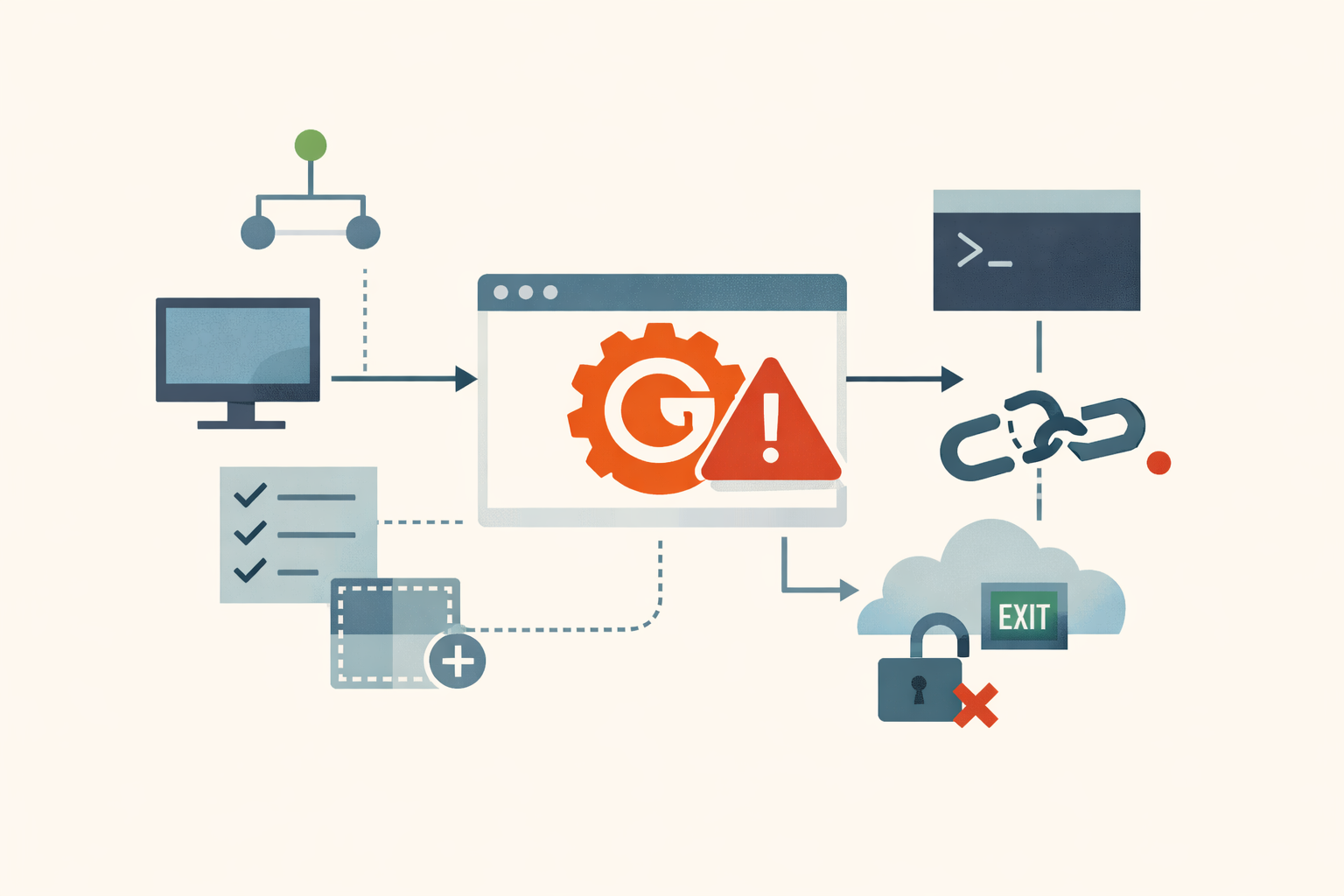
Analysis · May 29, 2026 · Colten Anderson
Gogs has a critical RCE and no one is coming to fix it
Rapid7 found a push-button remote code execution flaw in Gogs, shipped a Metasploit module with it, and ran 72 days from report to publication with no patch and two months of maintainer silence. There is no fix. There may never be one.
#gogs#unpatched-vulnerability#self-hosted-git#migration -
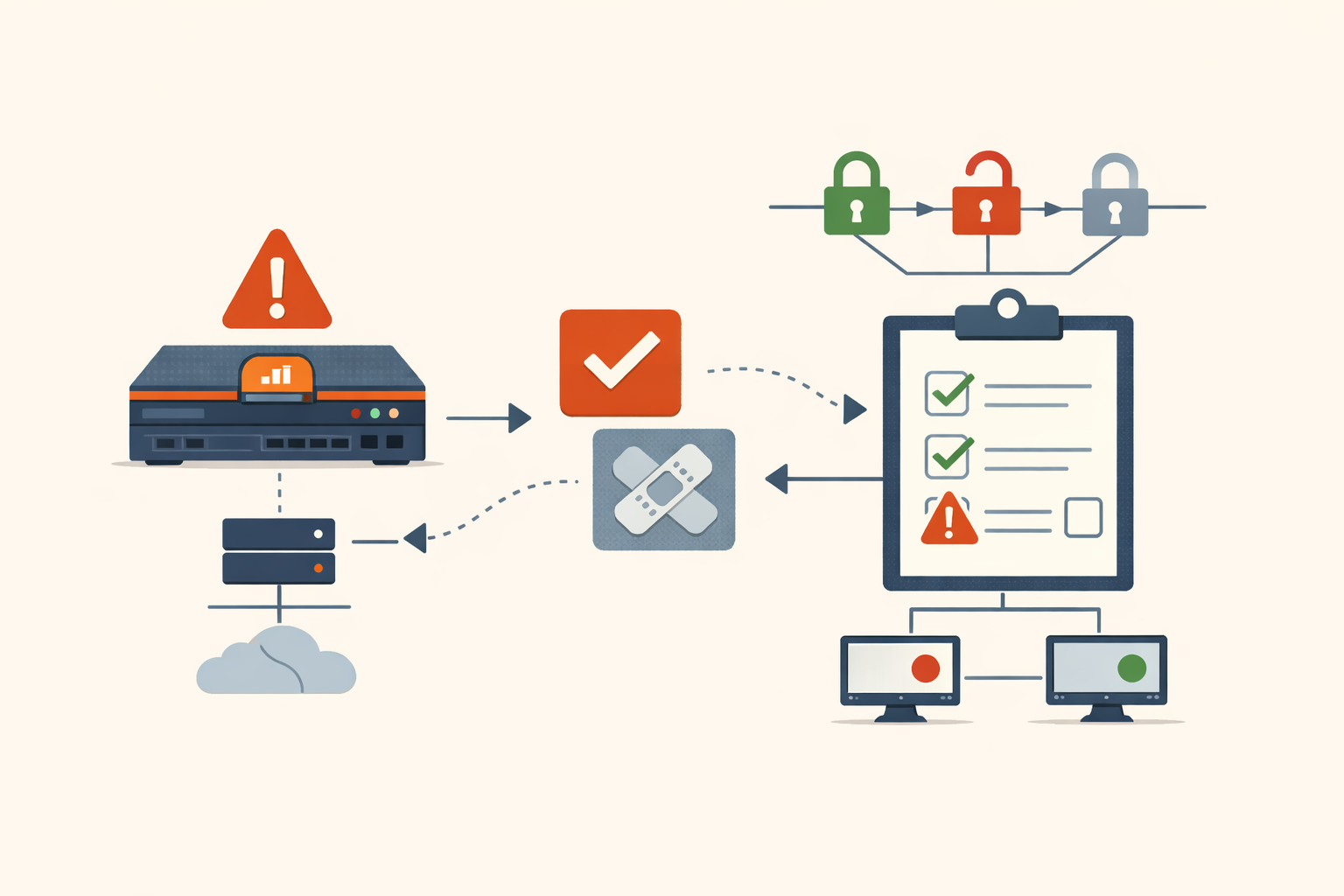
Analysis · May 29, 2026 · Colten Anderson
Palo Alto's third edge zero-day in two years rhymes with the first two
CISA's federal deadline for CVE-2026-0300 landed four days before a patch existed. The deadline is not the story. The third PAN-OS portal zero-day in under two years is.
#pan-os#edge-appliances#zero-day -
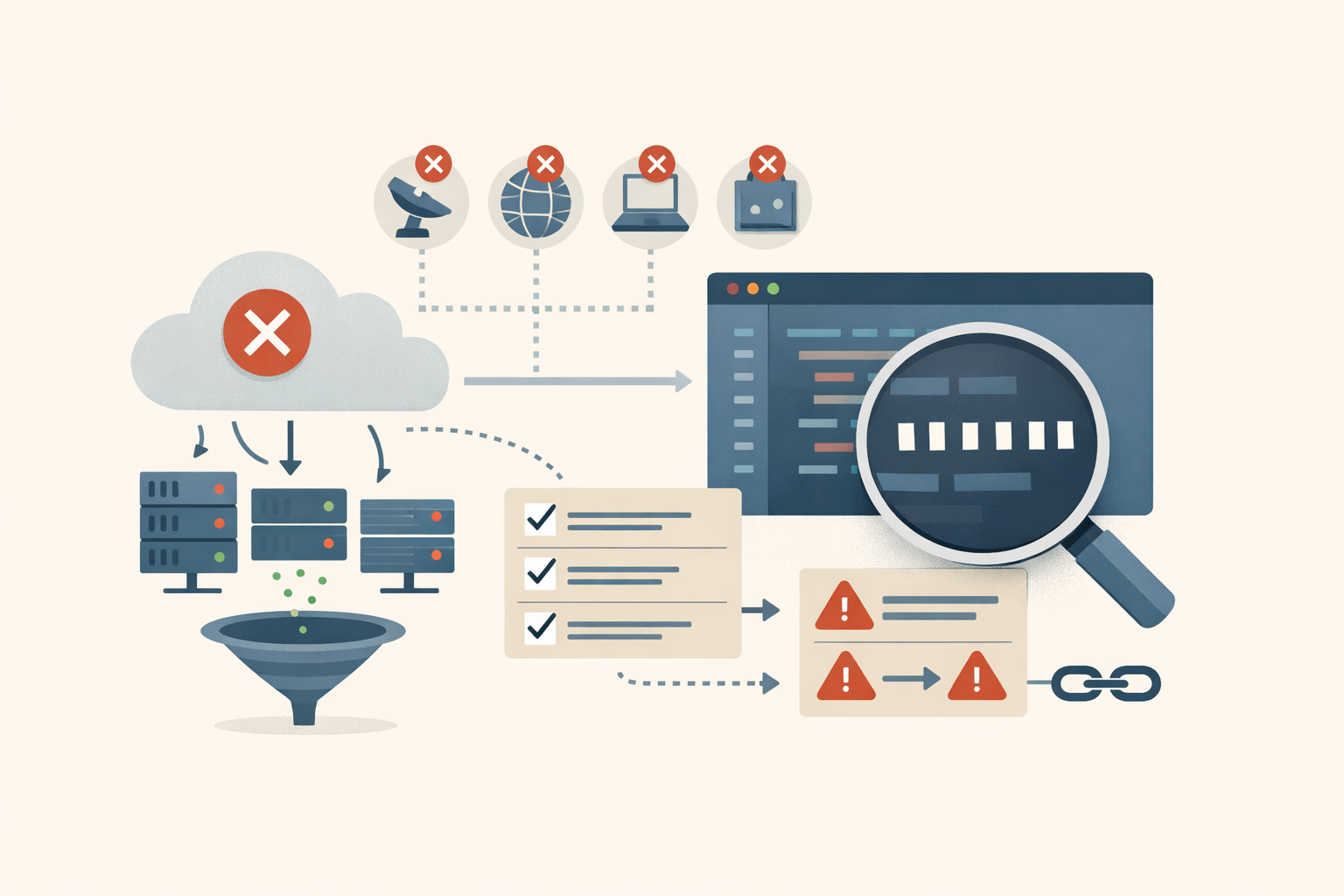
Analysis · May 28, 2026 · Colten Anderson
GlassWorm's botnet is down, but the technique it proved still works
CrowdStrike, Google, and Shadowserver knocked out all four C2 channels at once. That ends the infrastructure, not the playbook. Three primitives outlive the takedown.
#supply-chain#developer-tooling#threat-intel -
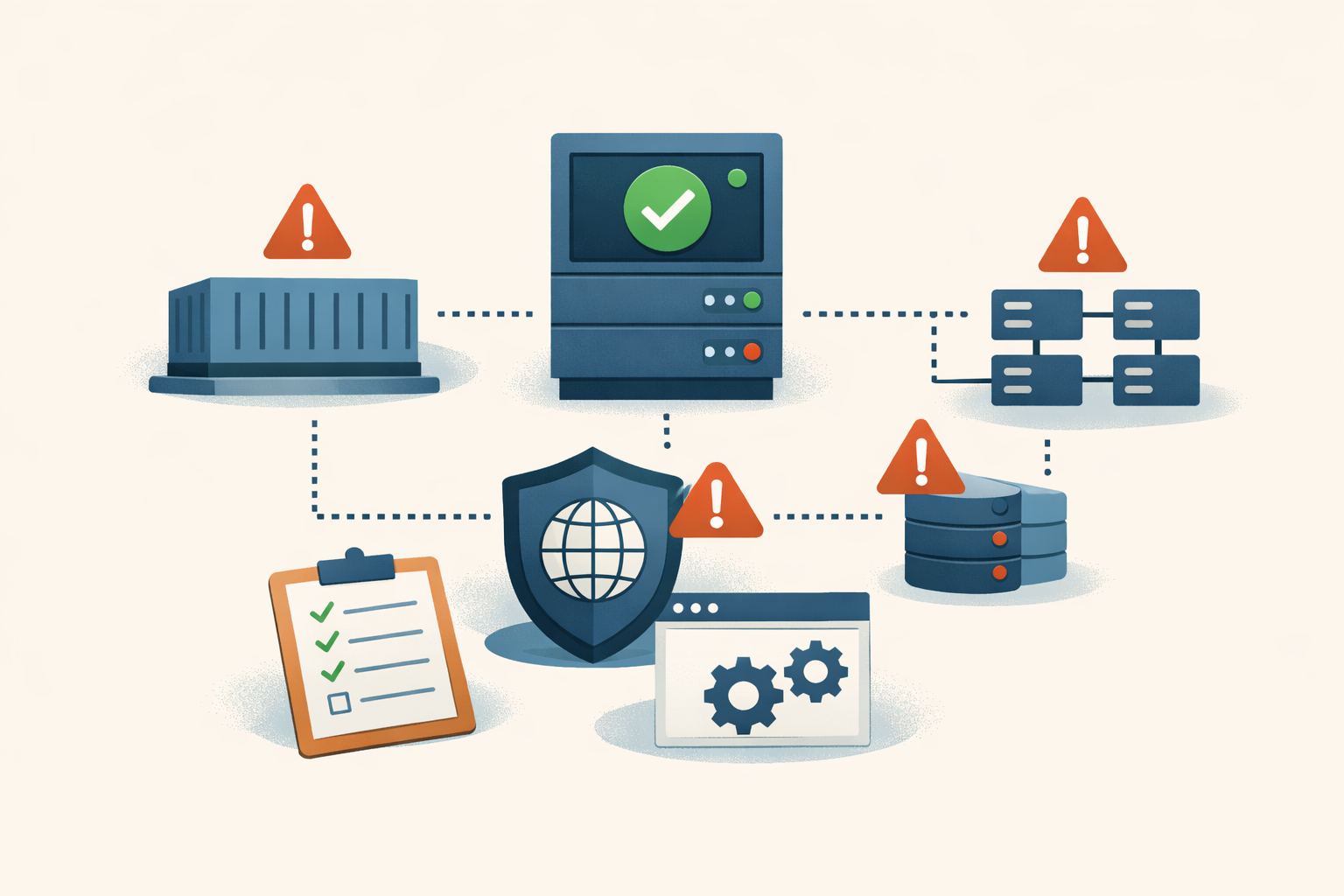
Field Note · May 28, 2026 · Colten Anderson
NGINX Rift: four places apt upgrade doesn't reach
The host patch for CVE-2026-42945 shipped on day one. The container images, the App Protect WAF in front of it, the downstream forks, and the config audit it leaves behind are separate jobs.
#nginx#patch-management#containers#waf#supply-chain -
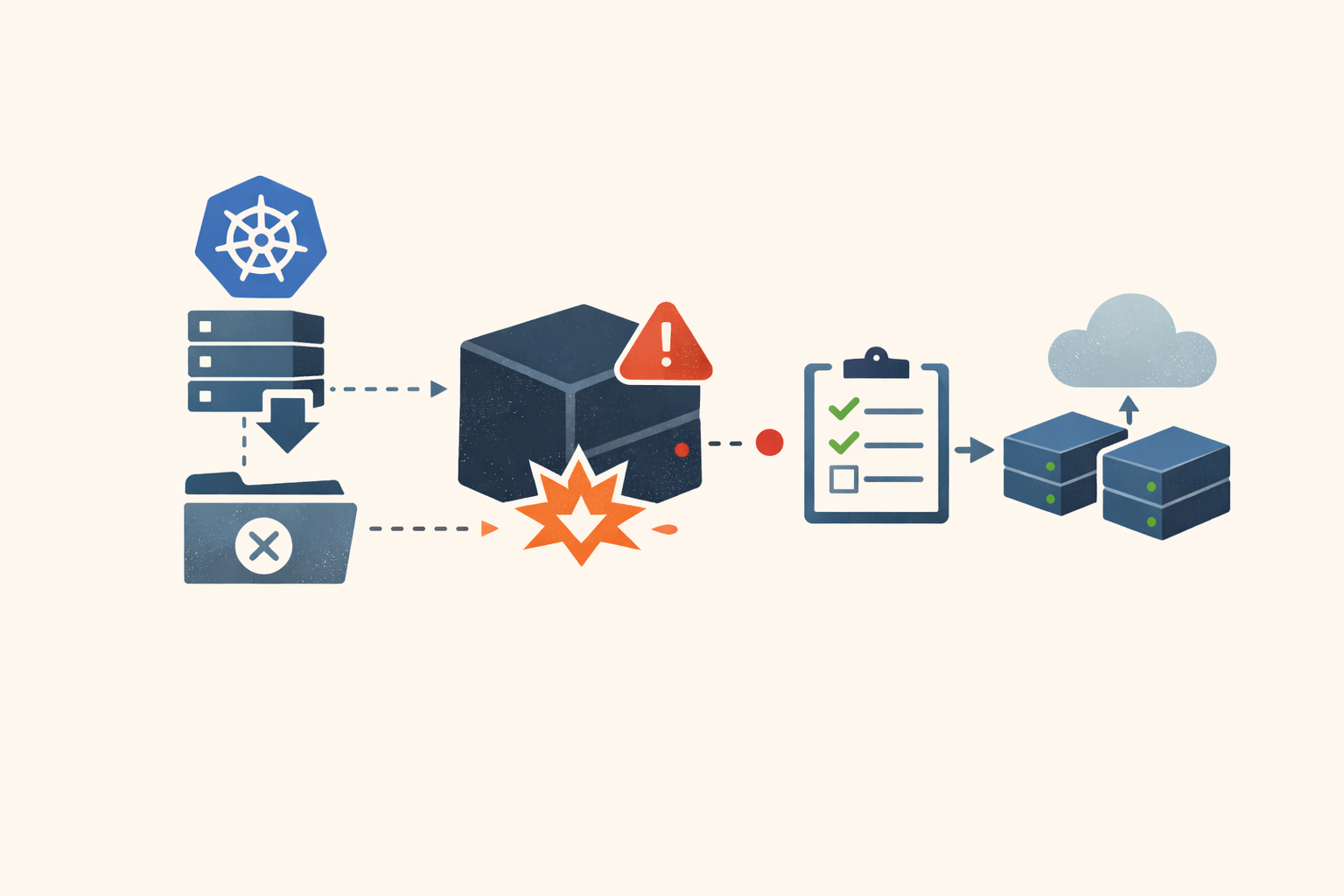
Analysis · May 28, 2026 · Colten Anderson
Ingress-nginx got archived in March. The first critical CVE arrived in May.
The Kubernetes community archived ingress-nginx seven weeks before an 18-year-old heap overflow dropped in the NGINX core it ships. The fix path is now a migration project, not a patch.
#kubernetes#nginx#open-source -
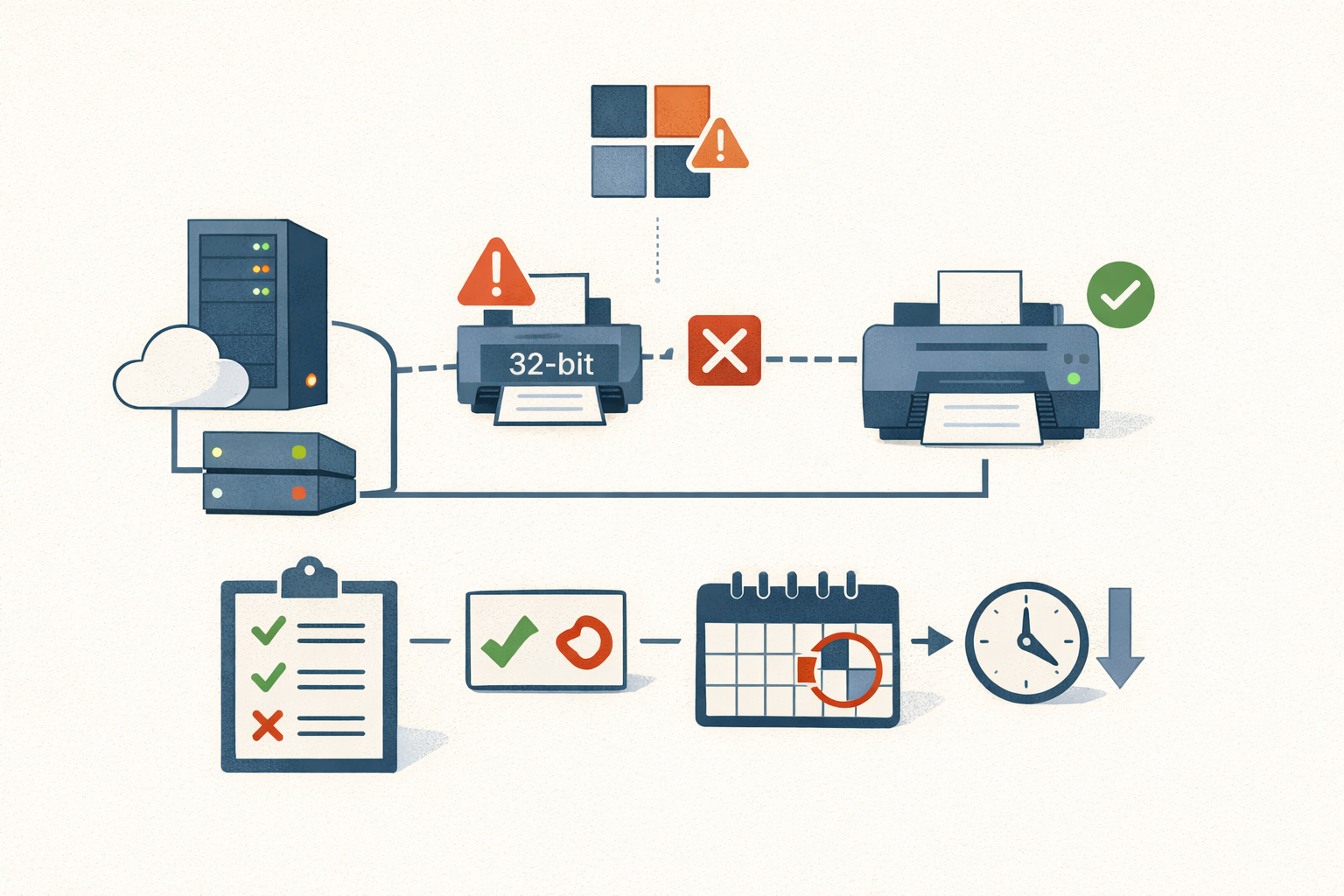
Analysis · May 28, 2026 · Colten Anderson
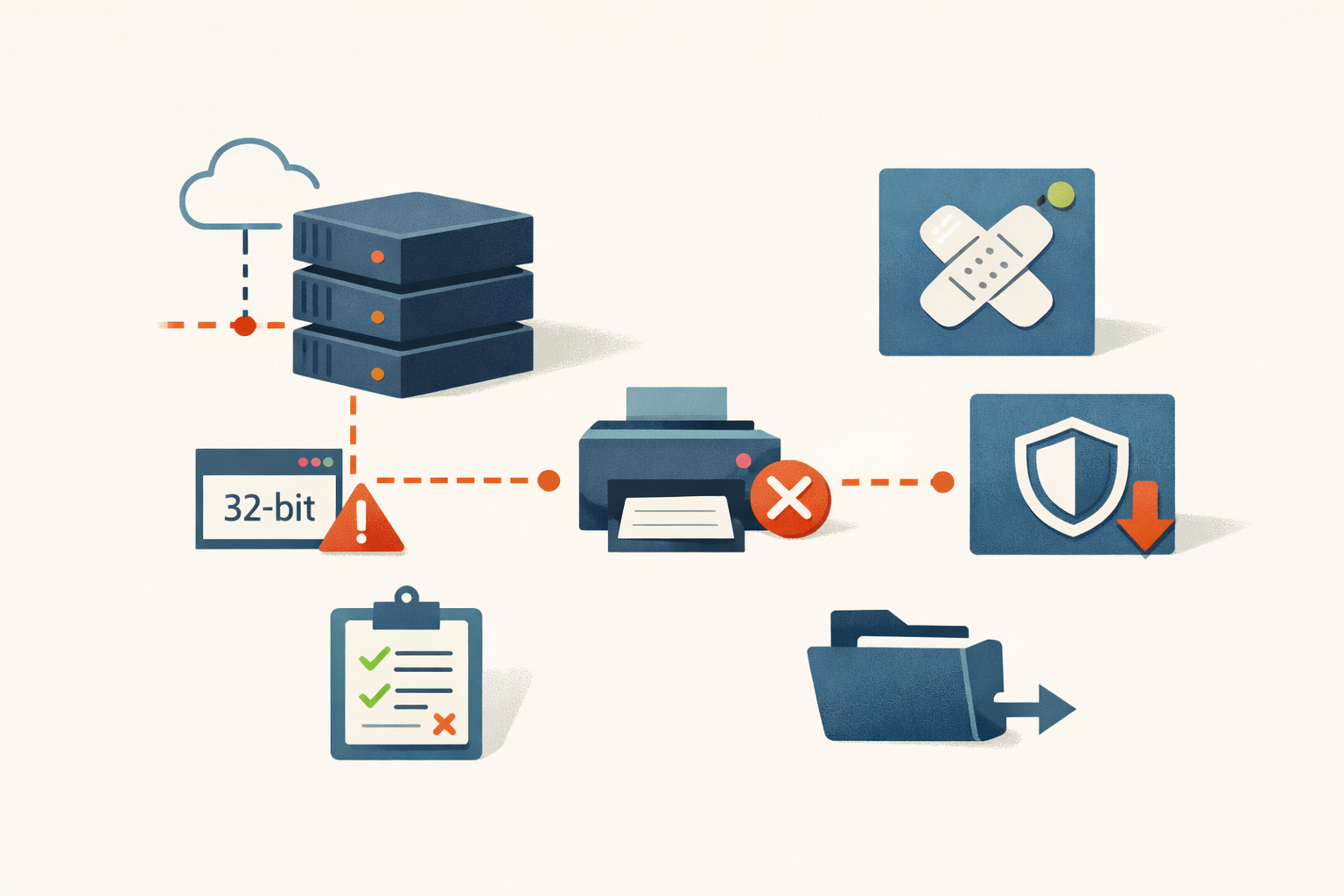
The print stack regresses on schedule
KB5087424 broke 32-bit printing on Windows Server 2022 hotpatch fleets. It's the latest data point in a five-year arc of print-stack regressions that track Microsoft's deliberate retirement of the legacy spooler architecture.
#windows-server-2022#print-spooler#hotpatch#patch-regression#microsoft#windows-protected-print -
Analysis · May 27, 2026 · Colten Anderson
Hotpatch was supposed to be the smoother path
KB5087424 broke 32-bit printing on Windows Server 2022, and the no-reboot delivery model that was supposed to reduce friction has no fix path that doesn't surrender the security content.
#windows-server-2022#hotpatch#print-spooler -
Analysis · May 25, 2026 · Colten Anderson
Microsoft patched a SYSTEM bug in 2020. It still works in 2026.
A pseudonymous researcher published MiniPlasma, a working PoC for CVE-2020-17103, and the only thing standing between you and a SYSTEM shell is a driver you cannot turn off.
#windows#patch-management#vulnerability-disclosure -
Analysis · May 25, 2026 · Colten Anderson
SonicWall patched CVE-2024-12802 and left the bug in place on Gen6
The firmware update closes the code path but does not rewrite the LDAP config the exploit actually uses. On Gen6, that distinction is the whole vulnerability.
#sonicwall#cisa-kev#vpn#mfa#gen6 -
Analysis · May 24, 2026 · Colten Anderson
The patch window went negative. Now what?
Mandiant's mean time-to-exploit is negative seven days. NVD gave up on enriching most of the catalog. Here's what the next 24 months of patch management actually look like with AI on both sides.
#ai-security#patch-management#forecast#vulnerability-management#regulatory -
Analysis · May 22, 2026 · Colten Anderson
Your antivirus runs as SYSTEM, and that's the whole story
Two actively-exploited Defender zero-days look like 'the AV is broken.' The pattern underneath is older and more boring: the scanner has run unsandboxed as SYSTEM for a decade, and that makes it a target, not a sentinel.
#microsoft-defender#privilege-escalation#kev -
Analysis · May 20, 2026 · Colten Anderson
CISA just gave the Conficker bug a 2026 deadline
Five of the seven CVEs CISA added on May 20 are 2008–2010 fossils, including MS08-067 and Operation Aurora. KEV inclusion means current exploitation, so the real signal isn't nostalgia.
#cisa-kev#legacy-systems#vulnerability-management -
Analysis · May 20, 2026 · Colten Anderson
CitrixBleed: the patch closed the leak but left the stolen keys working
CVE-2023-4966 leaked post-MFA session tokens from NetScaler. Organizations that patched and stopped there got breached anyway, because a stolen token still worked after the update. The action that mattered was killing every active session, and a lot of victims skipped it.
#citrix#netscaler#cisa-kev#lockbit#incident-response -
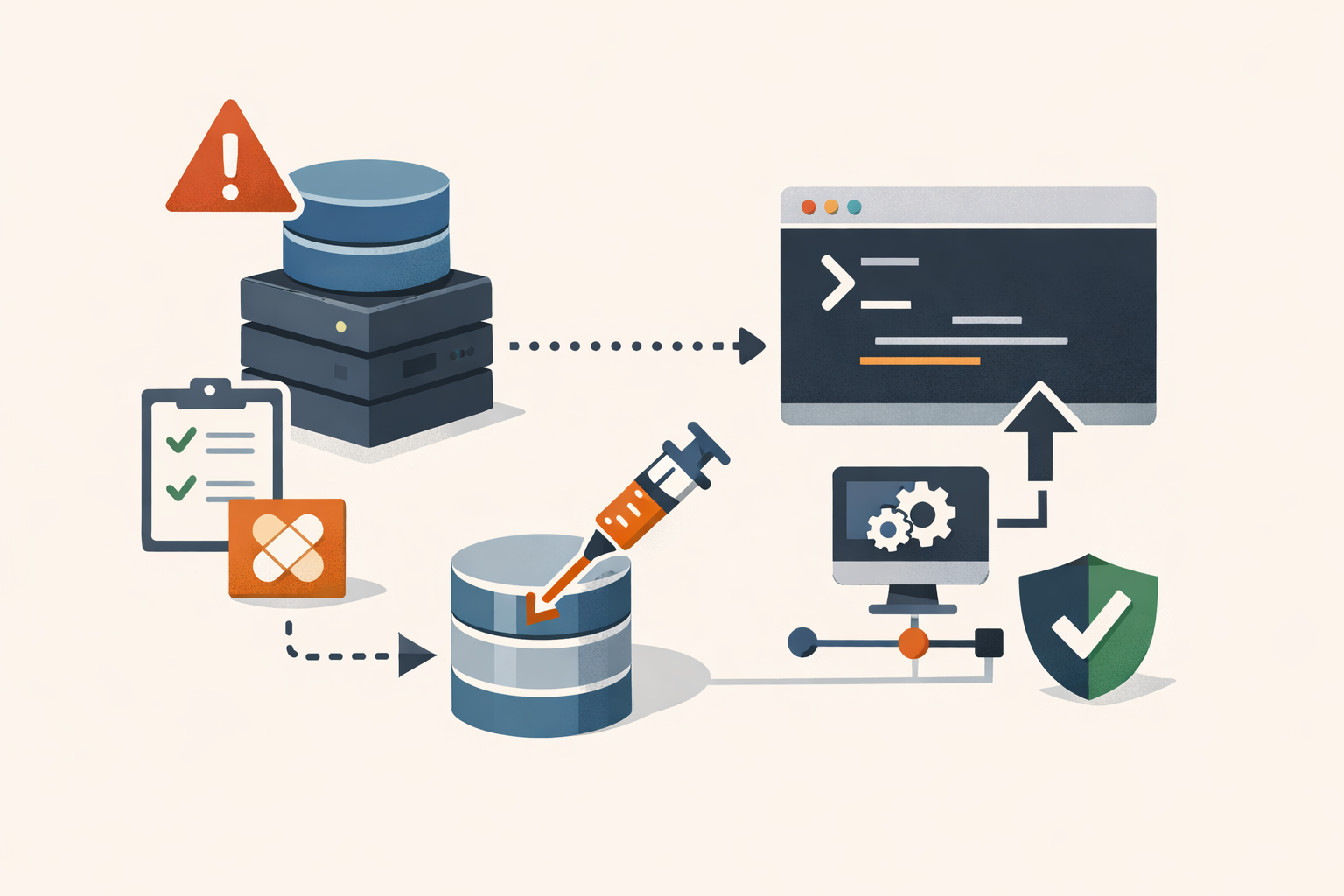
Field Note · May 20, 2026 · Colten Anderson
FortiClient EMS CVE-2023-48788: a SQL injection that talks the database into running SYSTEM commands
When a product runs on Microsoft SQL Server, a SQL injection is rarely just a data leak. The attacker turns on xp_cmdshell from inside the injection and gets OS command execution. On FortiClient EMS that's unauthenticated, as SYSTEM. Here's how to check, patch, and detect it.
#fortinet#forticlient-ems#cisa-kev#sql-injection#incident-response -
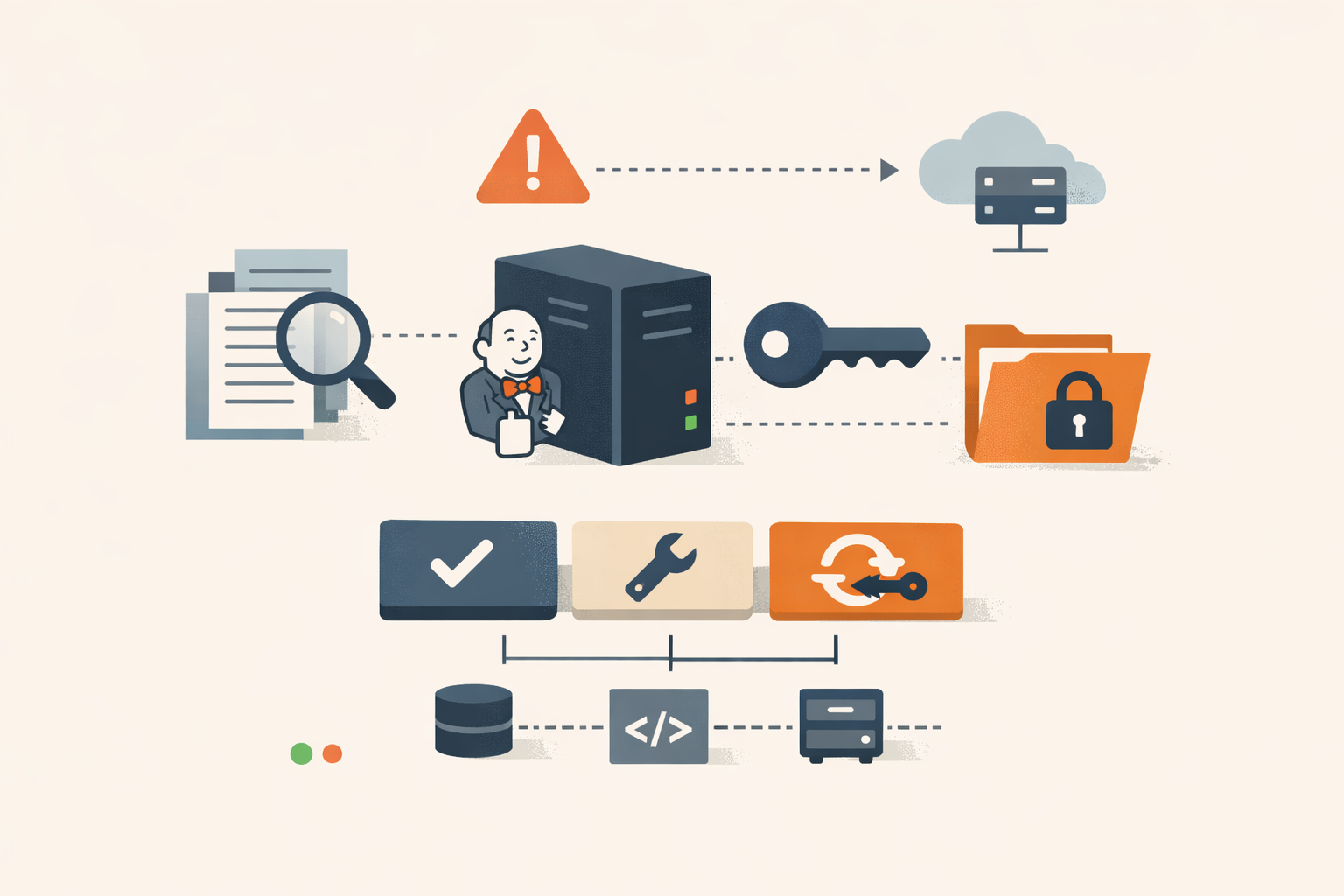
Field Note · May 20, 2026 · Colten Anderson
Jenkins CVE-2024-23897: from 'limited file read' to your secret key
The KEV entry calls it 'limited read access to certain files.' On a Jenkins controller, the files include the cryptographic key that turns read into remote code execution. Here's how to check, patch, and what to rotate if you were exposed.
#jenkins#cisa-kev#ci-cd#ransomware#incident-response -
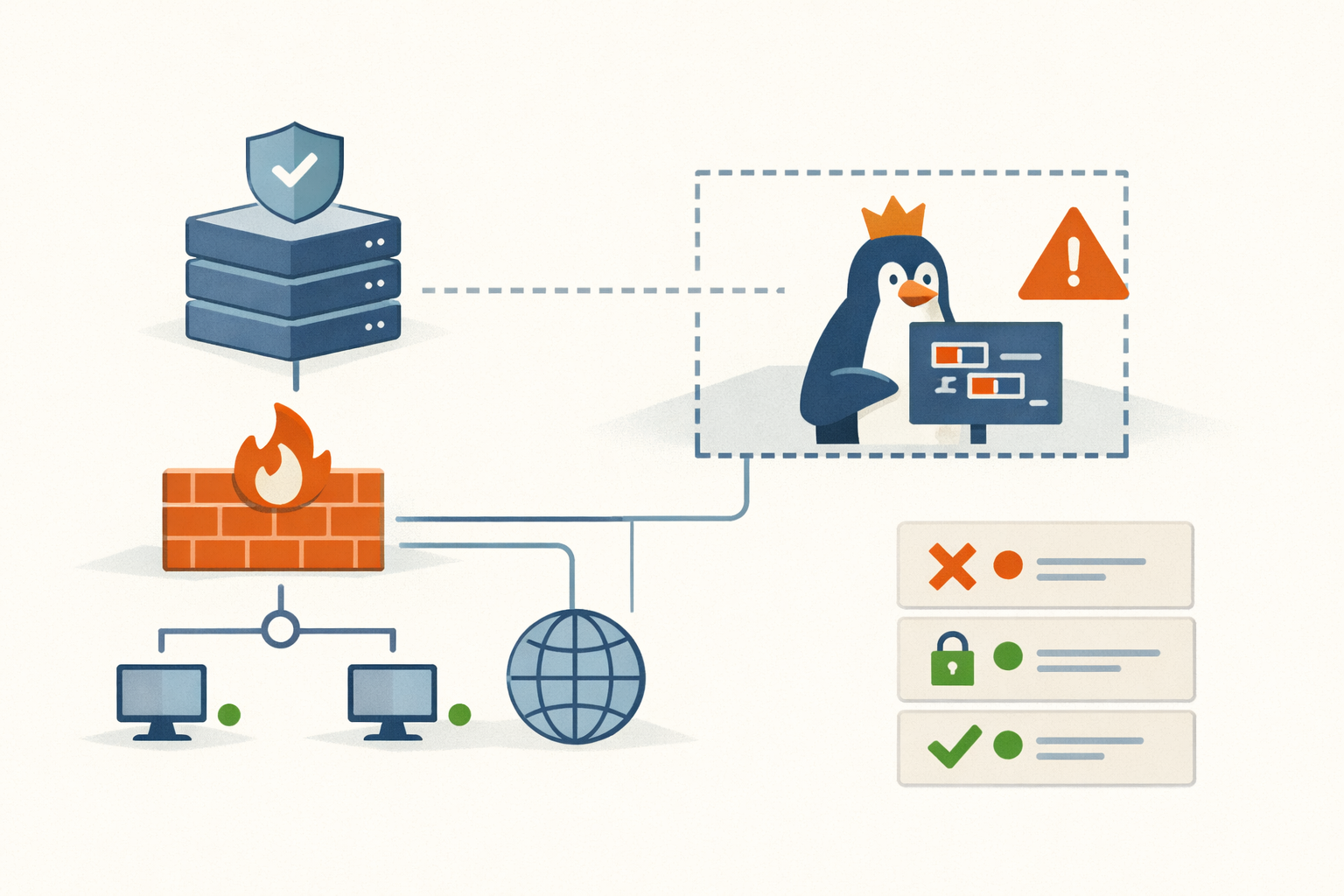
Analysis · May 20, 2026 · Colten Anderson
The Linux firewall bug your users can reach because you gave them a private root
CVE-2024-1086 is an nf_tables use-after-free that hands a local user root. The reason an unprivileged user can touch the kernel's packet-filtering engine at all is unprivileged user namespaces, and turning those off defuses a whole class of these bugs at once.
#linux#cisa-kev#privilege-escalation#ransomware#hardening -
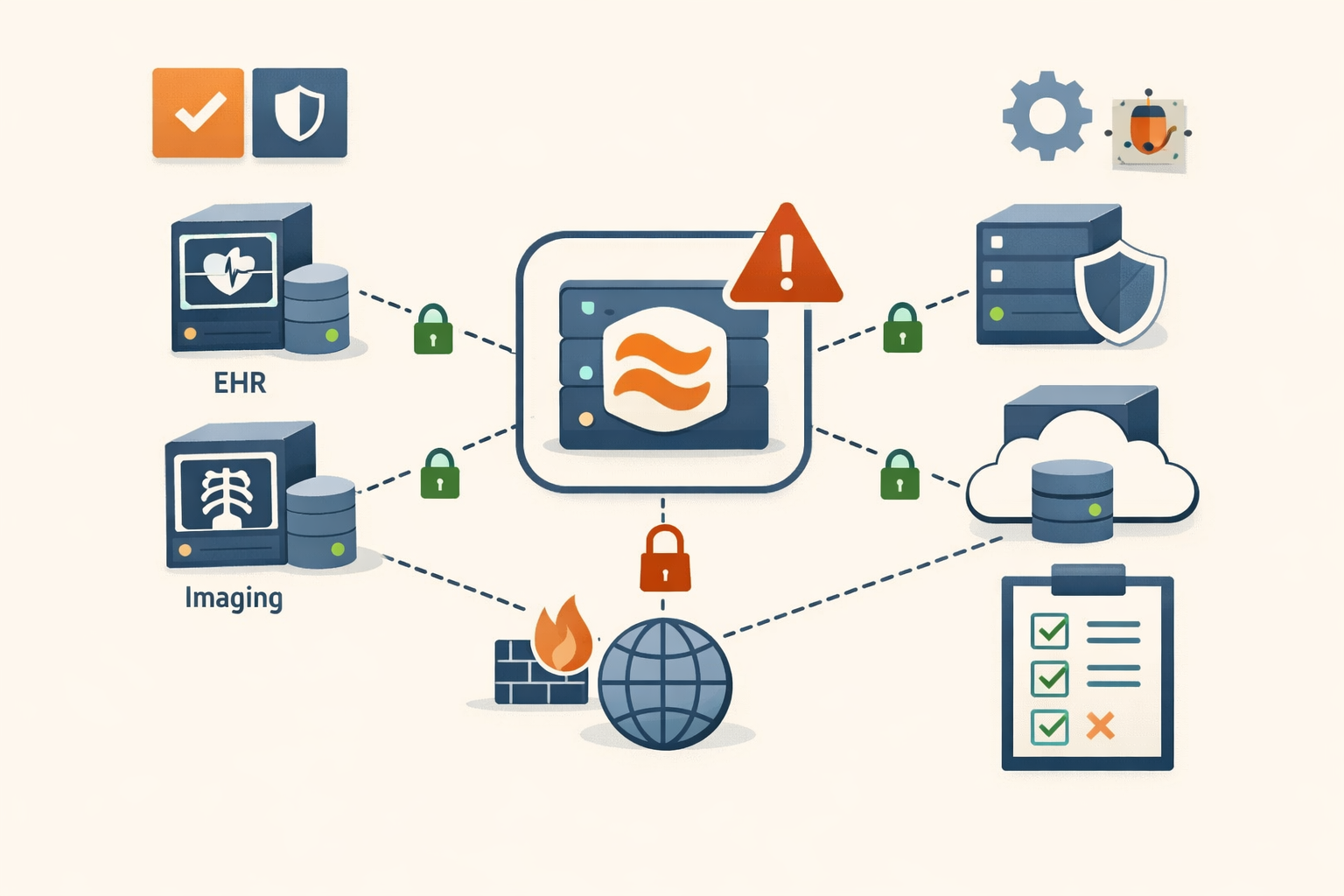
Analysis · May 20, 2026 · Colten Anderson
The most dangerous server in the hospital is the one nobody can name
Mirth Connect moves patient records between systems and runs with high privileges, and a lot of installs sit on the open internet. CVE-2023-43208 is an unauthenticated RCE in it, and it's a patch bypass: the first fix used a denylist, and a researcher walked around it.
#healthcare#cisa-kev#deserialization#ransomware#middleware -
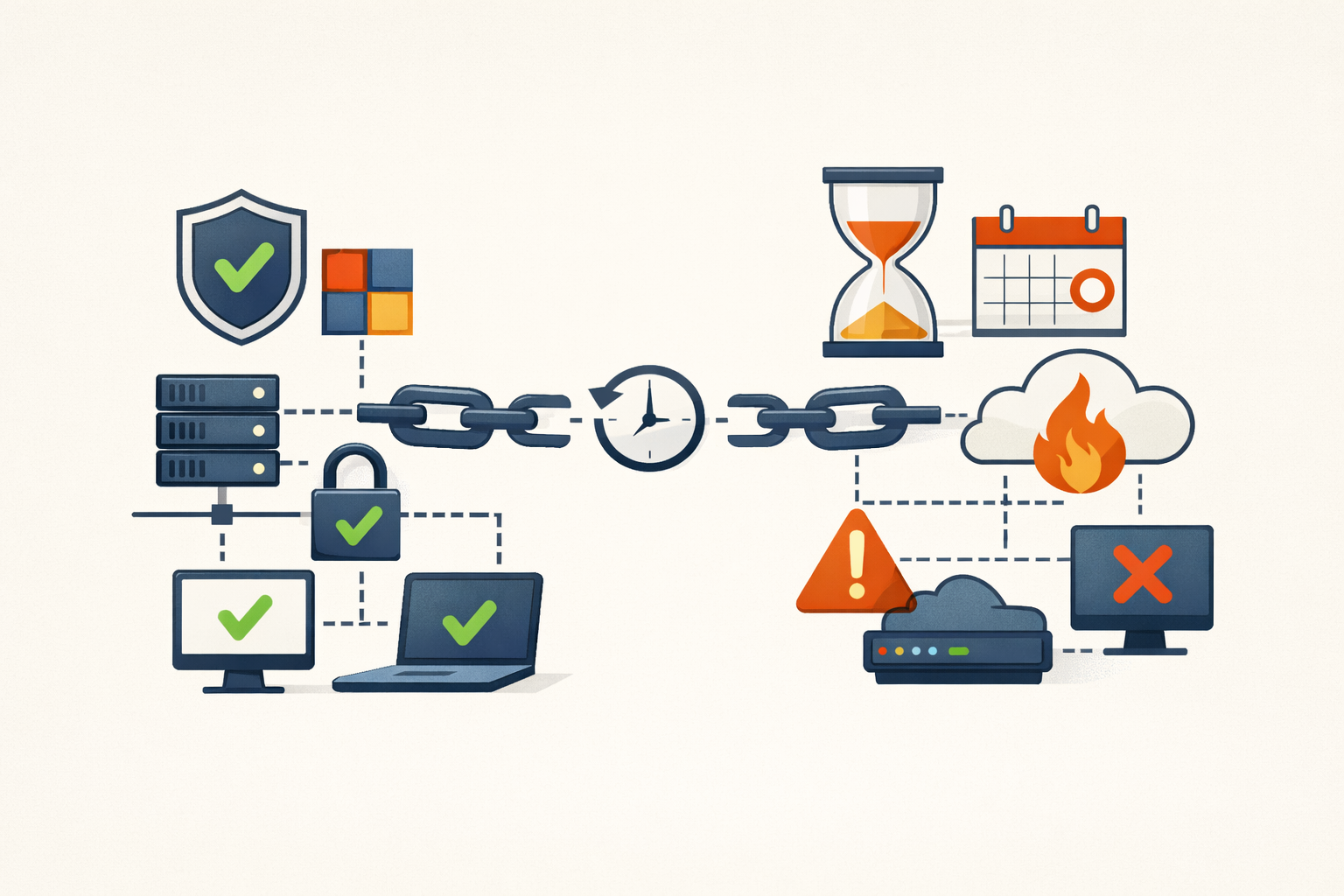
Analysis · May 20, 2026 · Colten Anderson
The other half of the ScreenConnect chain just got a 2026 deadline
CVE-2024-1709 got the CVSS 10 and the headlines in February 2024. The path-traversal half that actually lands code execution, CVE-2024-1708, only got its own KEV deadline on April 28, 2026. Two years late, same chain.
#connectwise#cisa-kev#ransomware#remote-access -
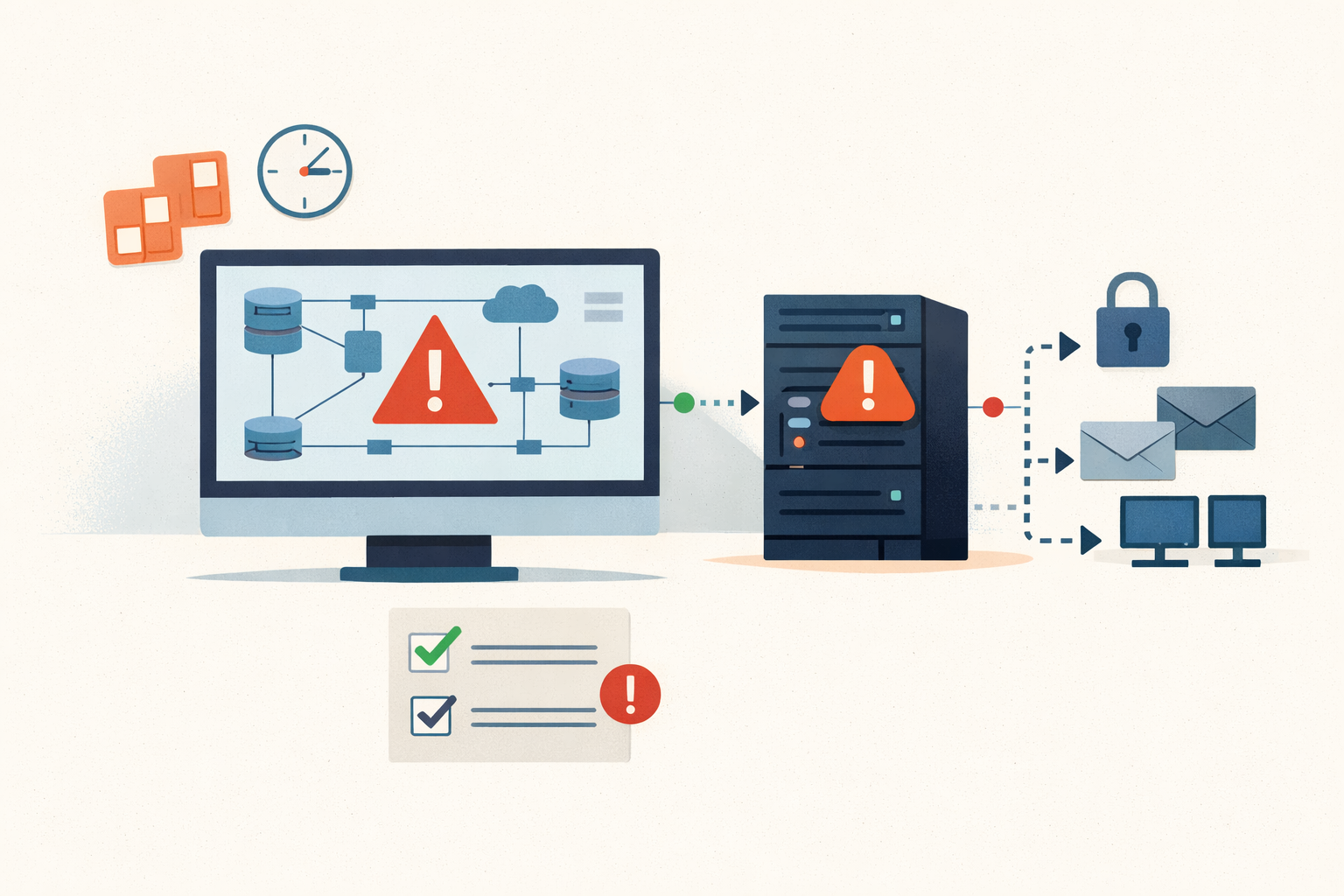
Analysis · May 20, 2026 · Colten Anderson
Five hours from public PoC to live exploitation on your monitoring server
CVE-2024-6670 is an unauthenticated SQL injection in WhatsUp Gold. The exploit went public at 5pm UTC; Trend Micro saw the first real attack by 10pm. The tool that watches your whole network became the way in.
#progress#whatsup-gold#cisa-kev#ransomware#patch-management -
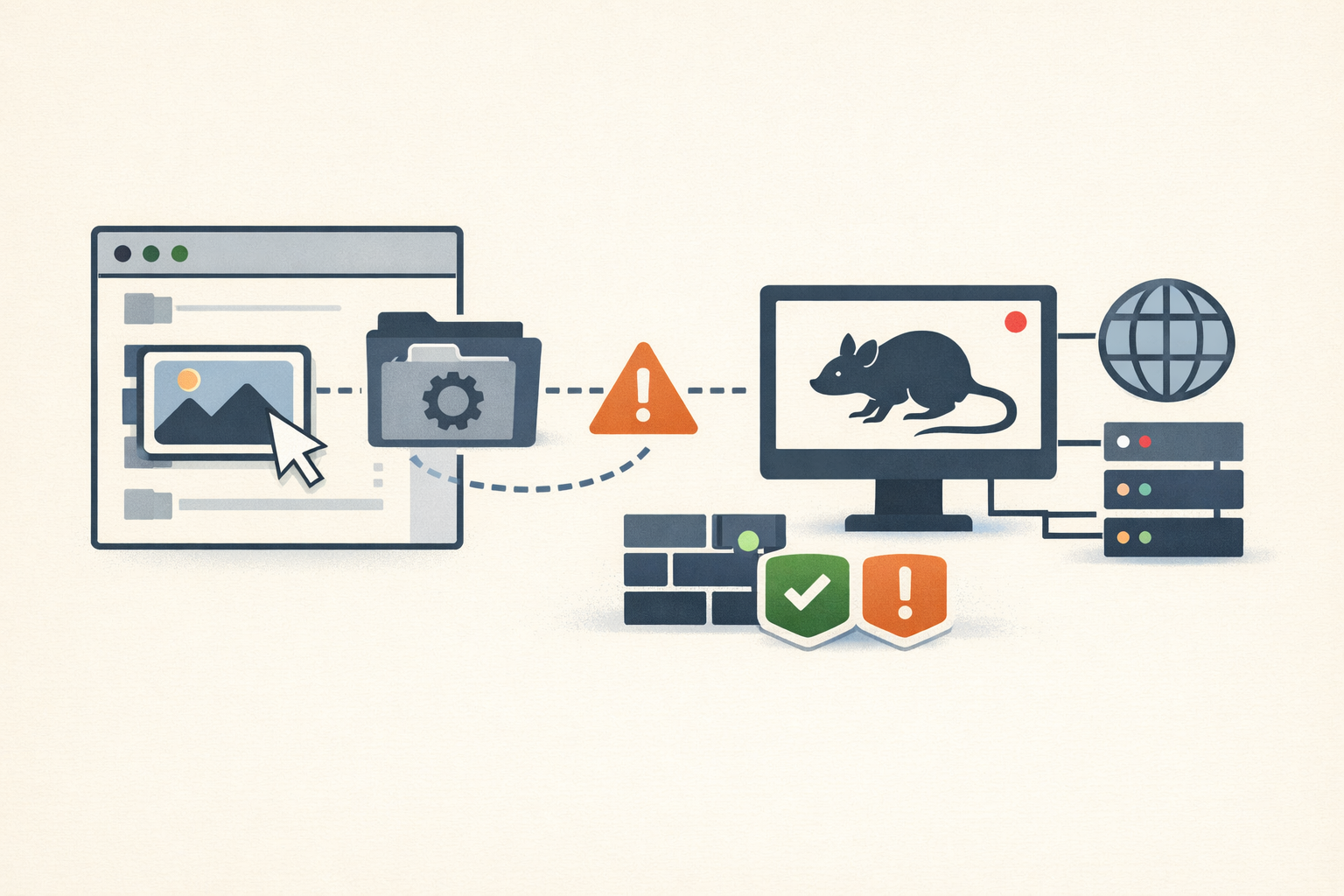
Analysis · May 20, 2026 · Colten Anderson
The user opened a JPG they could see in the archive. A RAT installed behind it.
CVE-2023-38831 weaponizes the one thing you tell users is safe: opening a file they can see. A WinRAR archive hides a script in a folder named identically to a benign file, and double-clicking the file runs the script. You can't train this away, and WinRAR doesn't auto-update.
#winrar#cisa-kev#phishing#apt#patch-management -
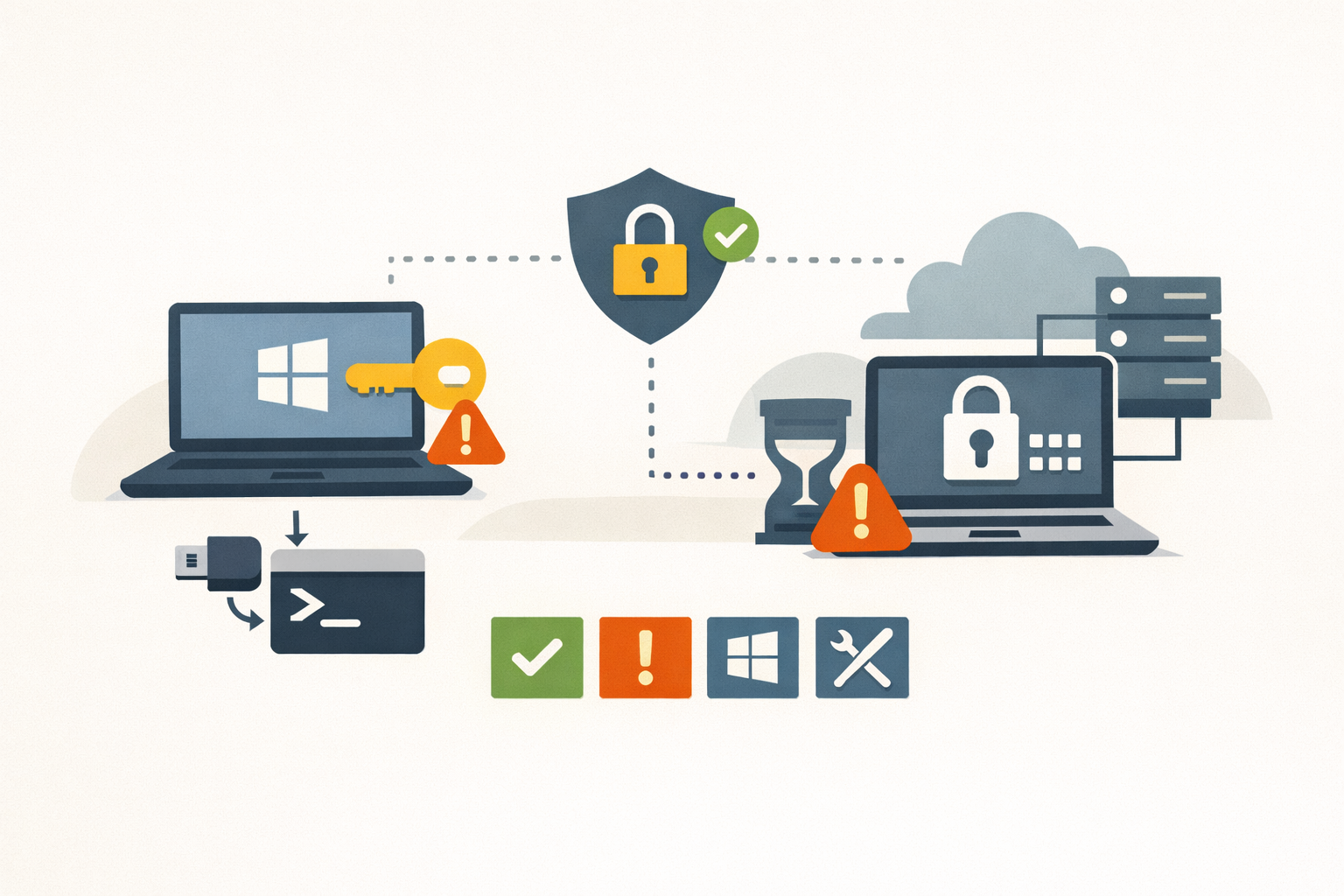
Analysis · May 19, 2026 · Colten Anderson
YellowKey is unpatched and your travel laptops are exposed today
A public PoC, a TPM-only default, and no patch in sight. TPM+PIN stops the live exploit, but the researcher says a second variant is waiting.
#bitlocker#windows#winre -
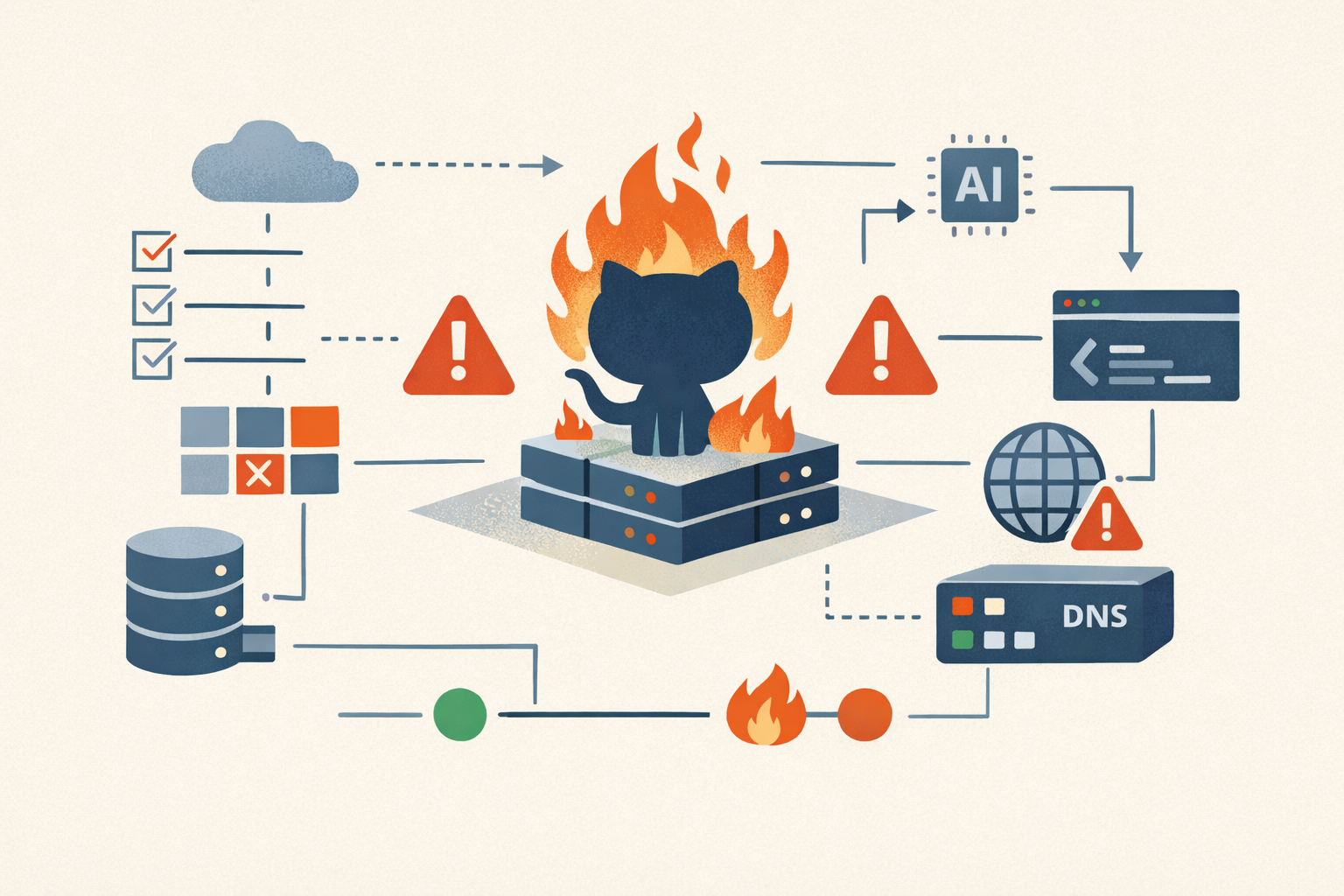
Analysis · May 18, 2026 · Colten Anderson
5 Ways GitHub Spent April Lighting Itself On Fire
GitHub logged ten separate outages in one month, including one fixed by turning DNS off and on again. Here are the five most absurd.
#github#availability#ai-scrapers#experiment#cracked-style -
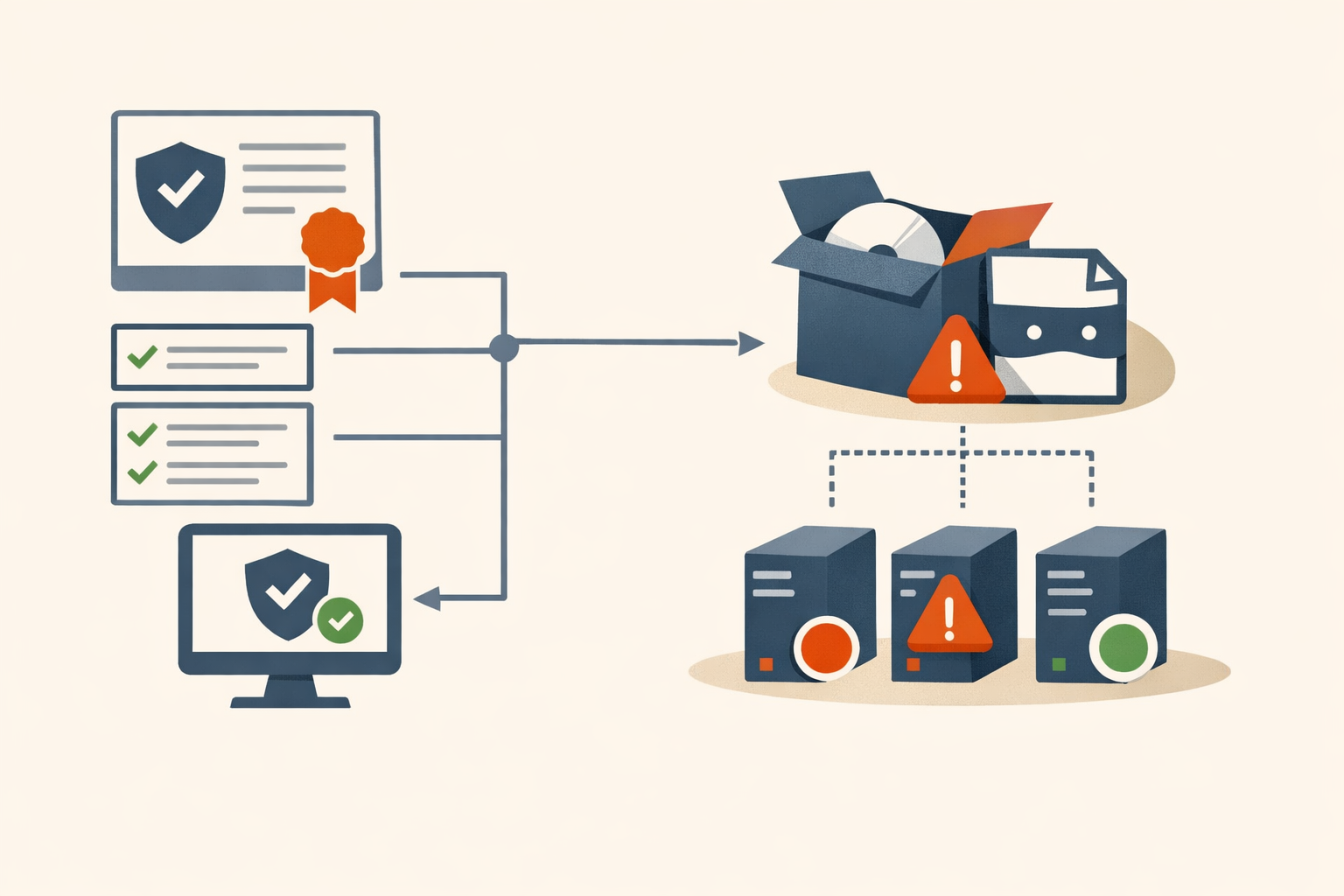
Analysis · May 18, 2026 · Colten Anderson
A valid signature is not a vouch
For 27 days the official DAEMON Tools installer carried a clean Disc Soft signature and a backdoor. The signature did exactly what it was designed to do. That is the problem.
#supply-chain#code-signing#vendor-accountability -
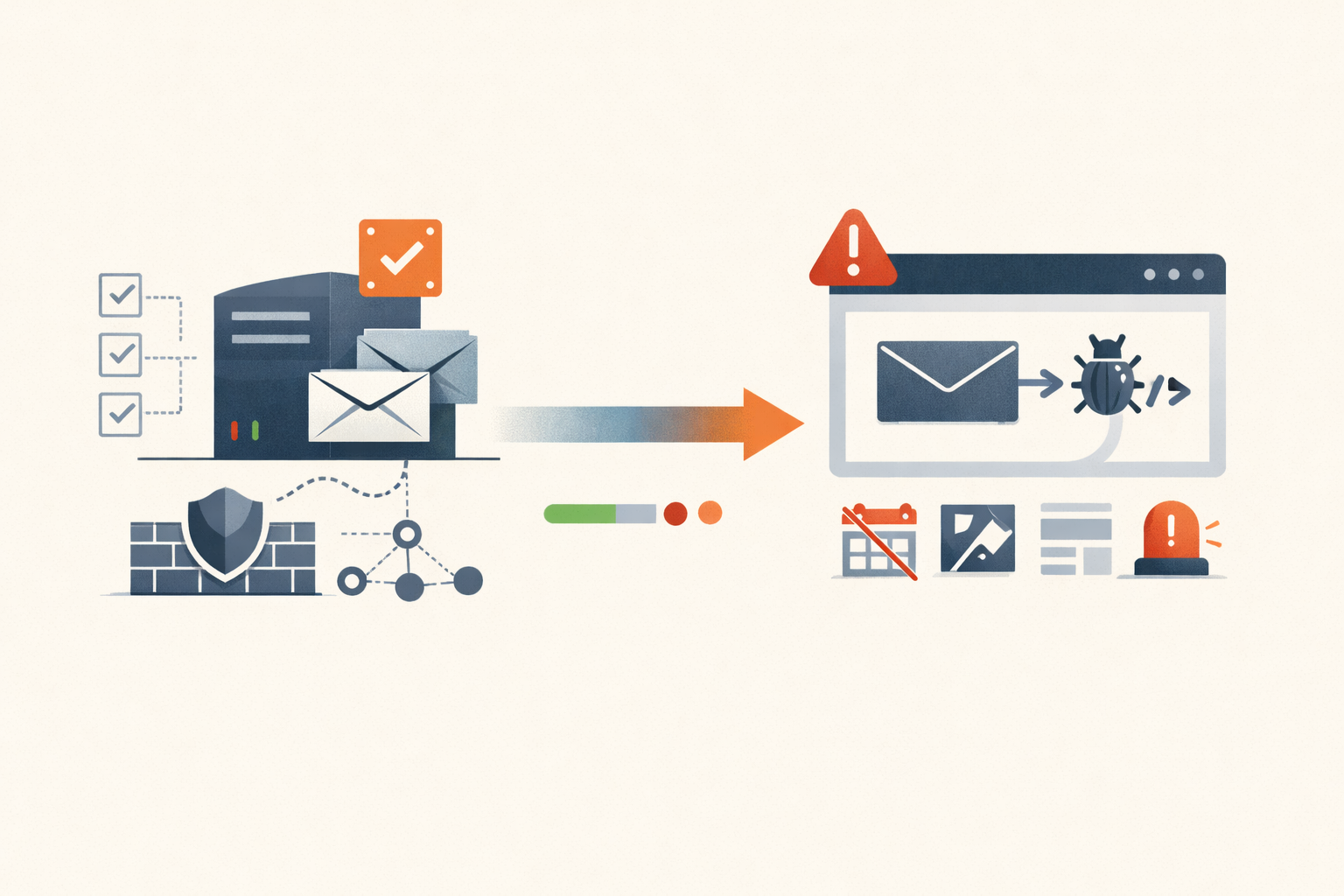
Analysis · May 18, 2026 · Colten Anderson
Microsoft titled it Spoofing. It's session hijacking.
CVE-2026-42897 is the first real test of Exchange Server Subscription Edition's new servicing model. Four days in, the answer is a mitigation that breaks four OWA features and an SU with no ship date.
#exchange#cisa-kev#microsoft#on-premises#cve-2026-42897 -
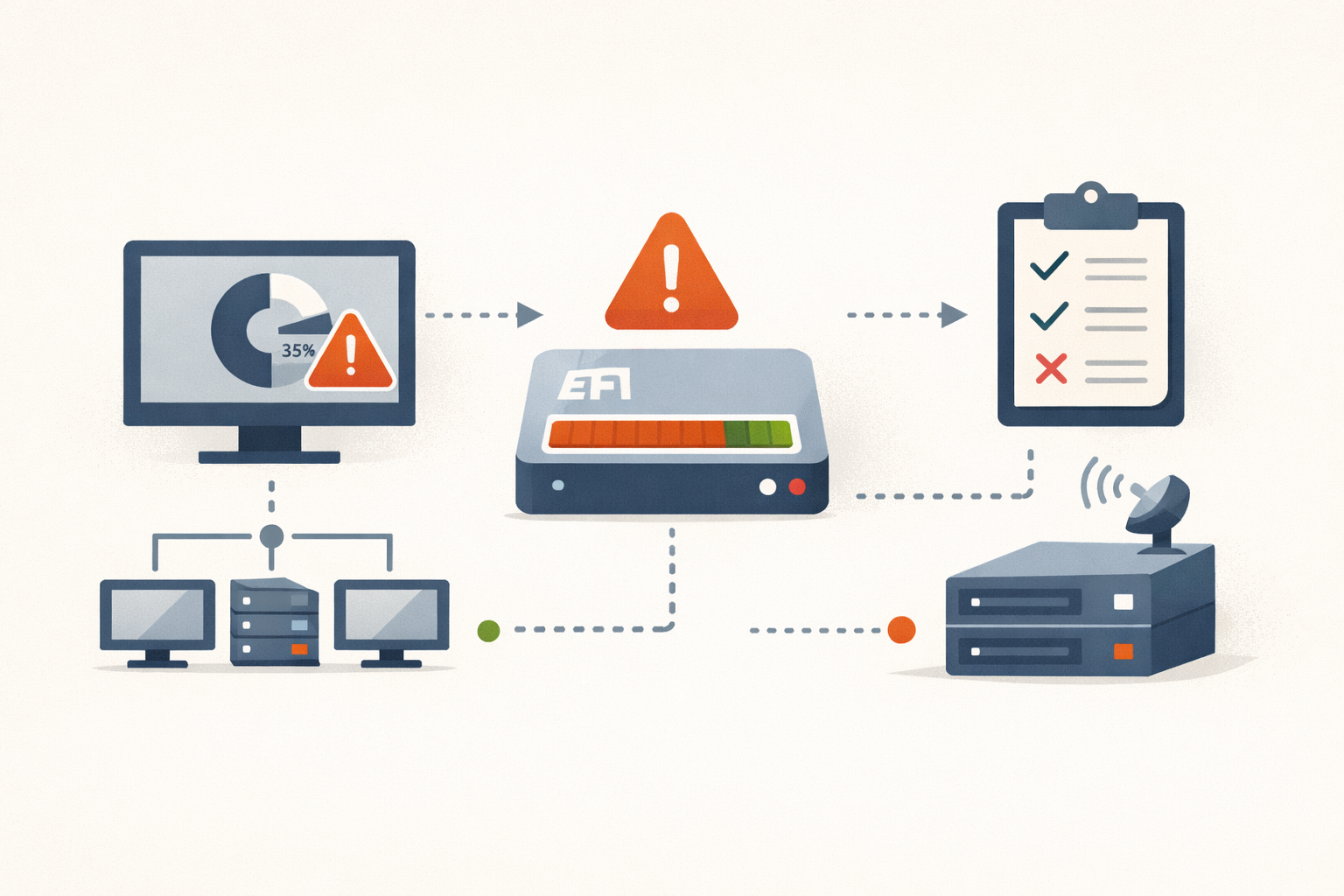
Analysis · May 18, 2026 · Colten Anderson
KB5089549 fails at 35% because your ESP is full
May's Windows 11 cumulative dies at the boot-file write step on machines with under 10 MB free in the EFI System Partition. Here's the registry fix, the detection query, and the WSUS decision.
#patch-management#windows-11#microsoft#kb5089549#efi-partition -
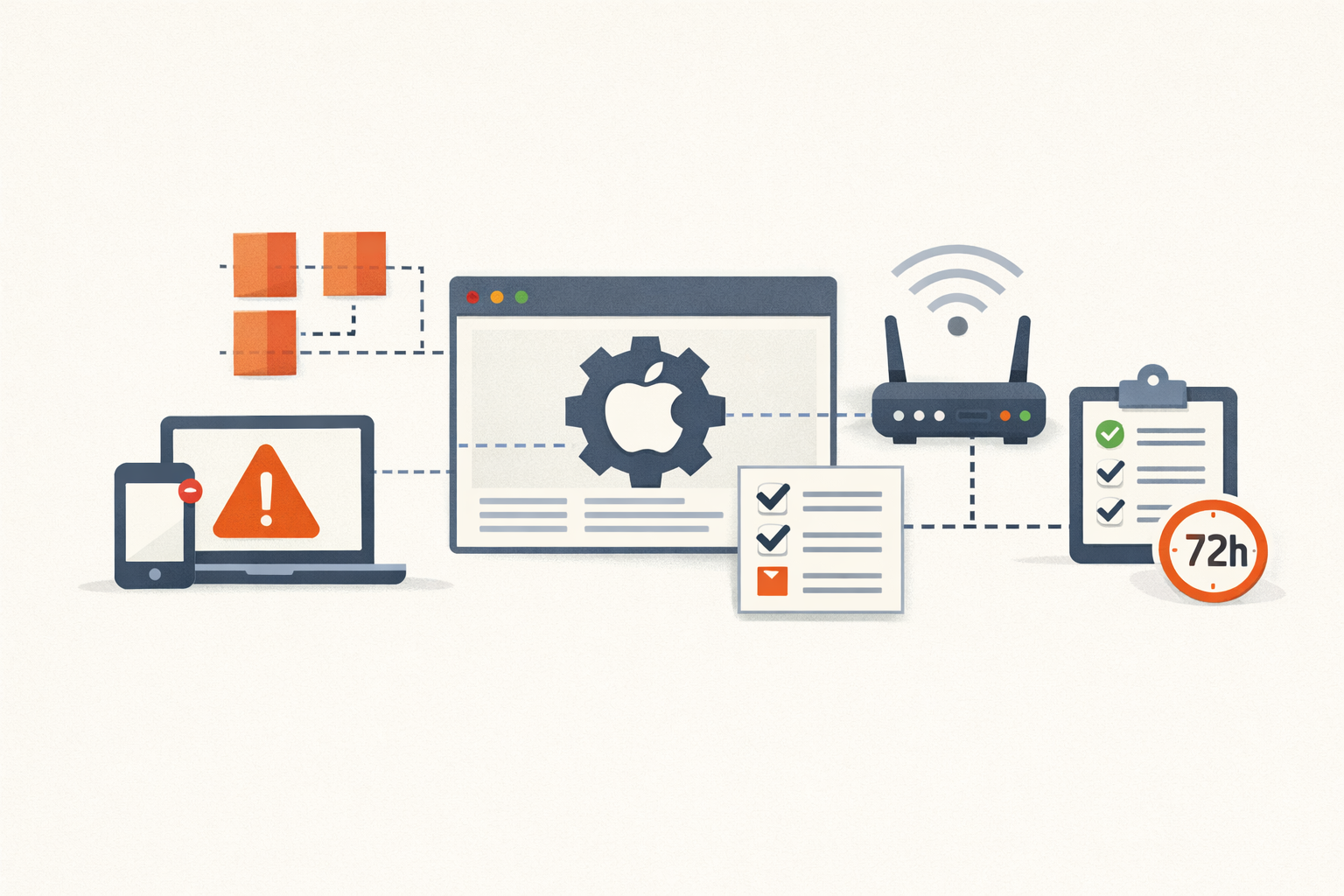
Analysis · May 18, 2026 · Colten Anderson
Apple's May Wi-Fi kernel bug is bad, but it's probably not Broadpwn
CVE-2026-28819 gets kernel code execution on macOS, but Apple's wording points at a local-app trigger, not a rogue access point. Patch on a 72-hour clock, not a panic clock.
#apple#macos#patch-management -
Analysis · May 17, 2026 · Colten Anderson
Three CitrixBleeds in 30 months is not a streak, it is a code surface
CVE-2026-3055 is the third pre-auth memory disclosure in NetScaler's authentication stack in 30 months. Citrix says they are unrelated. The endpoints, the class, and the exploitation tempo say otherwise.
#Citrix#NetScaler#CitrixBleed#KEV#memory-safety#pre-auth#SAML#secure-by-design -
Analysis · May 17, 2026 · Colten Anderson
Dead.Letter is a Debian and Ubuntu problem, and the popular workaround is wrong
Exim 4.99.3 patches a pre-auth RCE that only exists on GnuTLS-linked builds. Several outlets are recommending a config change that does not close the hole.
#exim#patch-management#debian -
Analysis · May 17, 2026 · Colten Anderson
The malware was signed. The signature was real. The package was poison.
TanStack's npm release pipeline published 84 malicious package versions with valid SLSA provenance. The attestation was correct. It just wasn't the question that mattered.
#supply-chain#npm#github-actions -
Analysis · May 15, 2026 · Colten Anderson
When breaking the maintenance window is cheaper than waiting
The change board exists to make change safer, not slower. Here's the operational math for when the window has to move.
#patch-management#change-management#vulnerability-management -
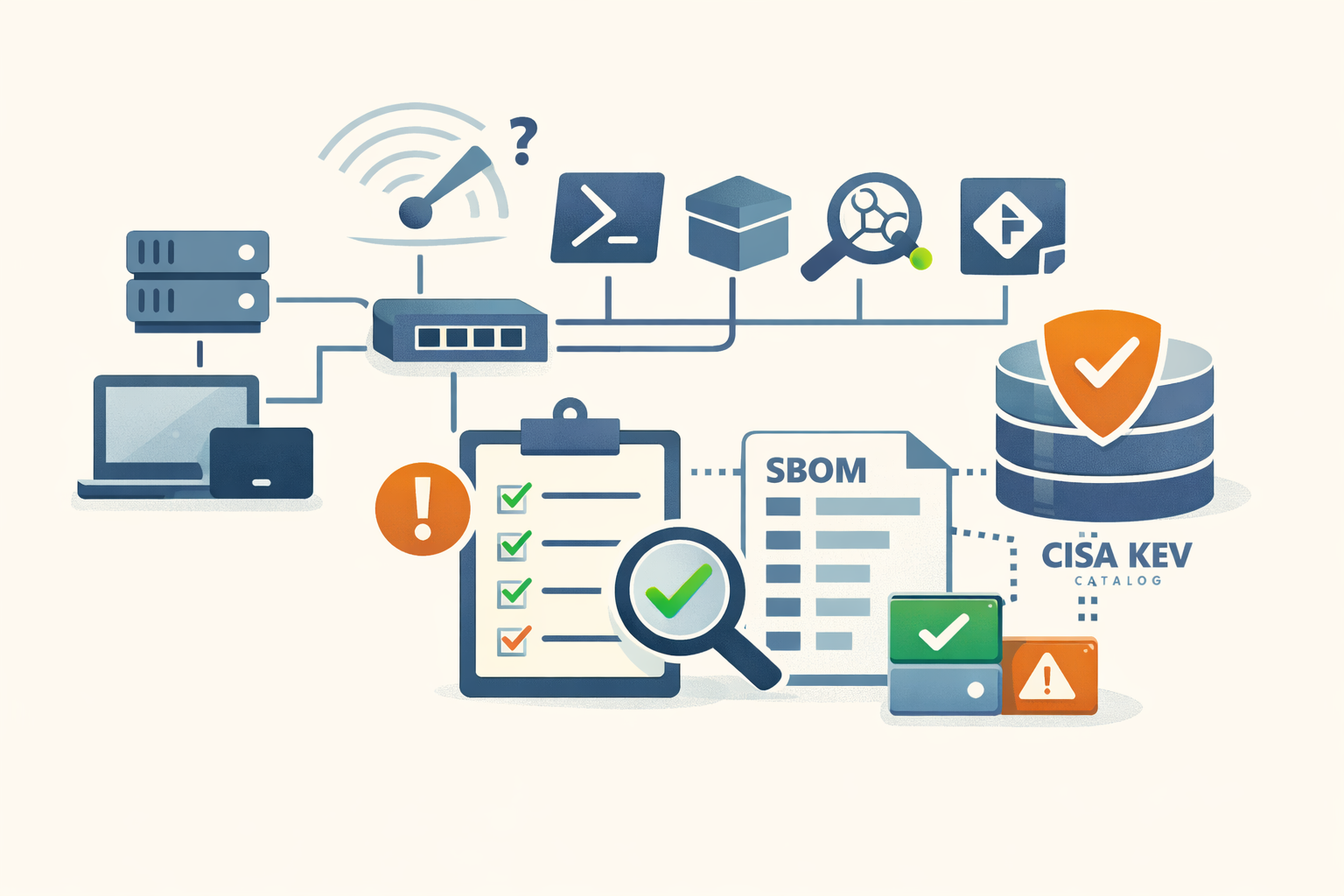
Field Note · May 15, 2026 · Colten Anderson
A defensible software inventory you can build with the tools you already have
PowerShell, dpkg, system_profiler, Nmap, and a git repo will produce a weekly software inventory that joins cleanly against the CISA KEV catalog. Here are the parts that look right and aren't.
#asset-inventory#vulnerability-management#powershell#nmap#kev#sbom -
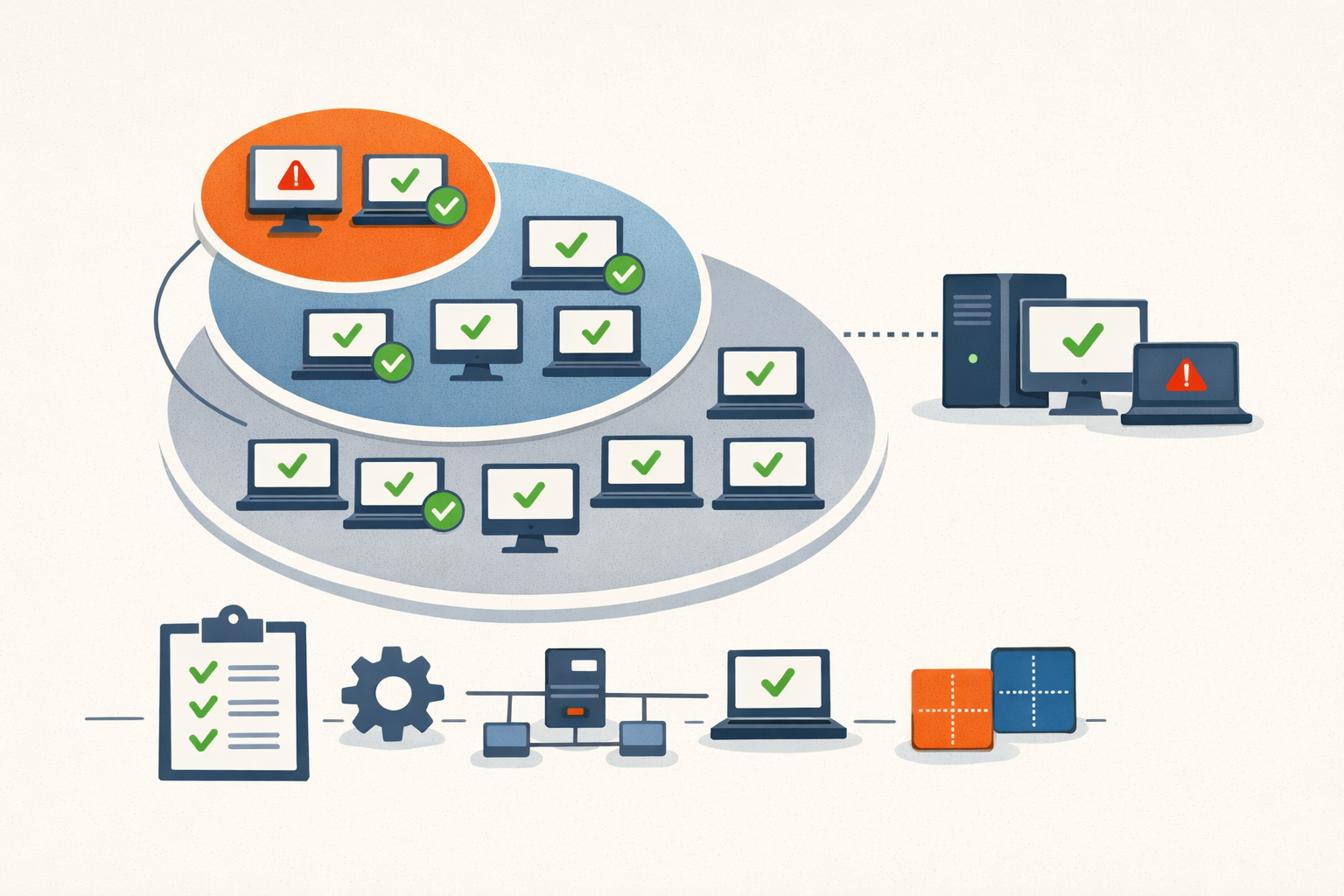
Analysis · May 15, 2026 · Colten Anderson
The patch ring math stops working at fifty endpoints
Enterprise ring guidance assumes a fleet big enough that 5% is a meaningful sample. At 50 machines, it's 2.5 boxes.
#patch-management#smb#deployment-rings -
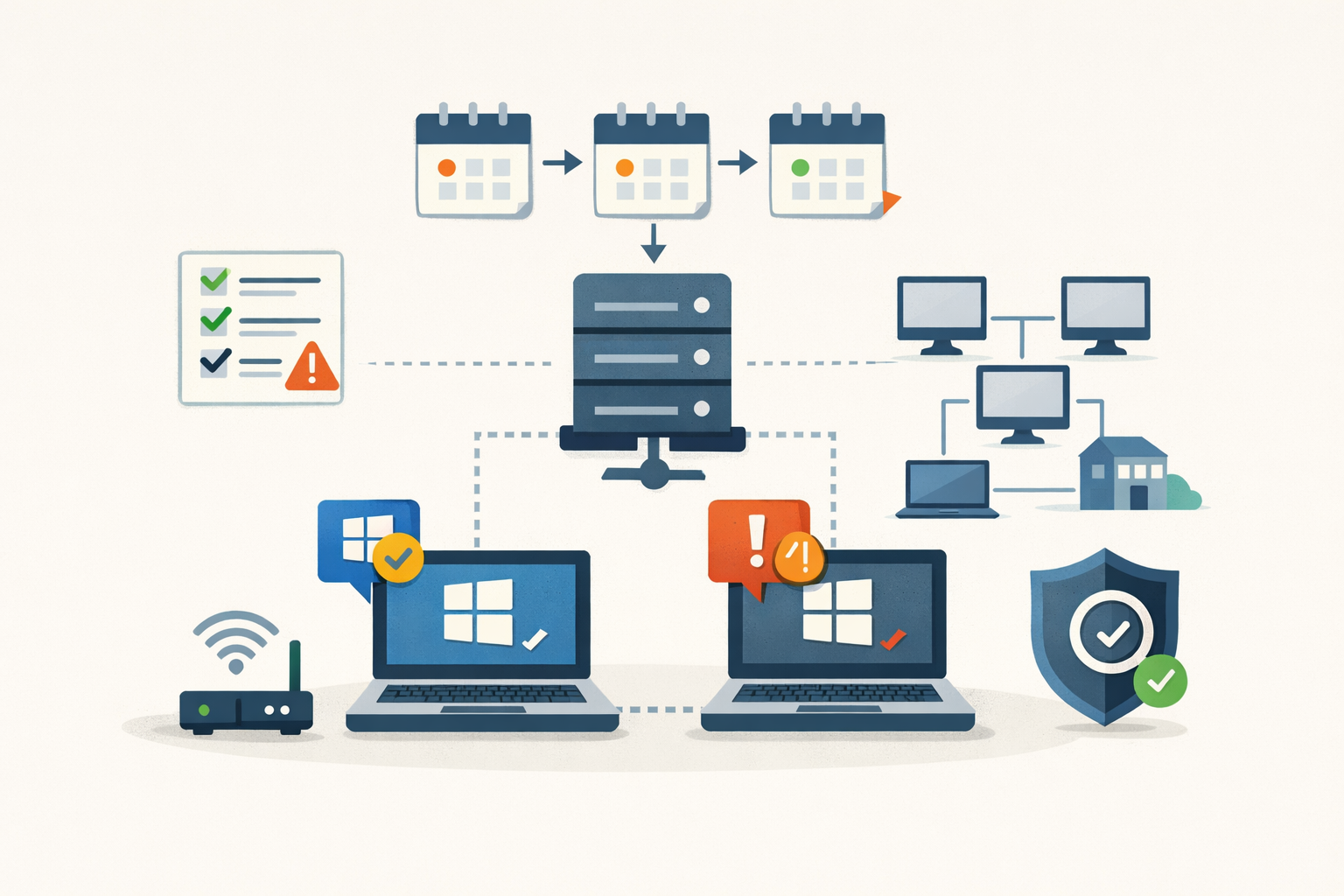
Field Note · May 15, 2026 · Colten Anderson
Patching Windows when your test ring is two laptops
Microsoft's deployment-ring guidance was written for orgs where 5% of the fleet is dozens of machines. Here's what the model actually buys you when 5% is two laptops, and what to substitute for the rest.
#windows-update#patch-management#autopatch#intune#small-business -
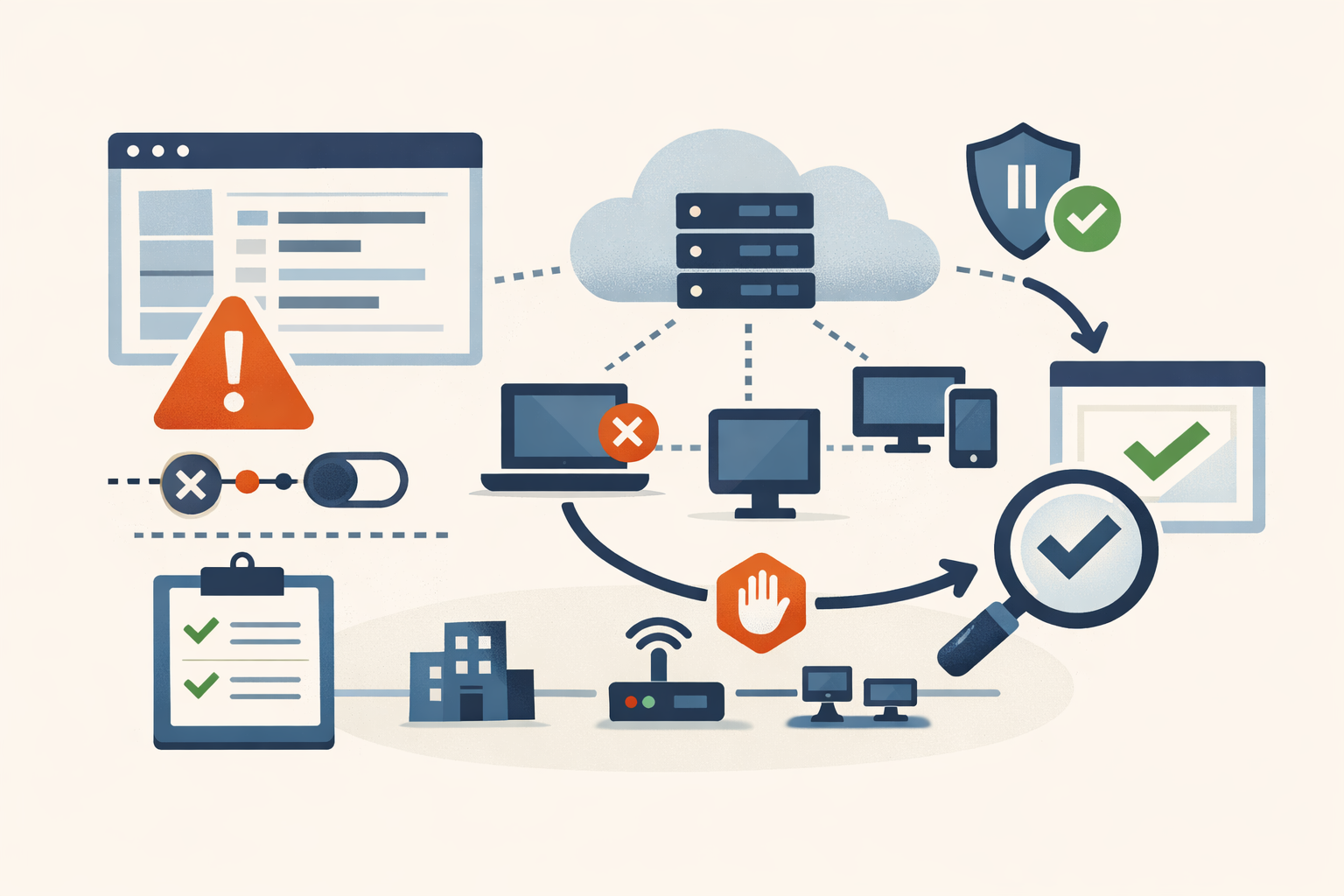
Field Note · May 15, 2026 · Colten Anderson
Recovering from a bad Intune deployment without making it worse
Stop the spread, unwind the damage, verify it took. A failure-mode-to-action playbook for when a config profile, app push, or CA policy goes sideways.
#intune#endpoint-management#incident-response#microsoft-365 -
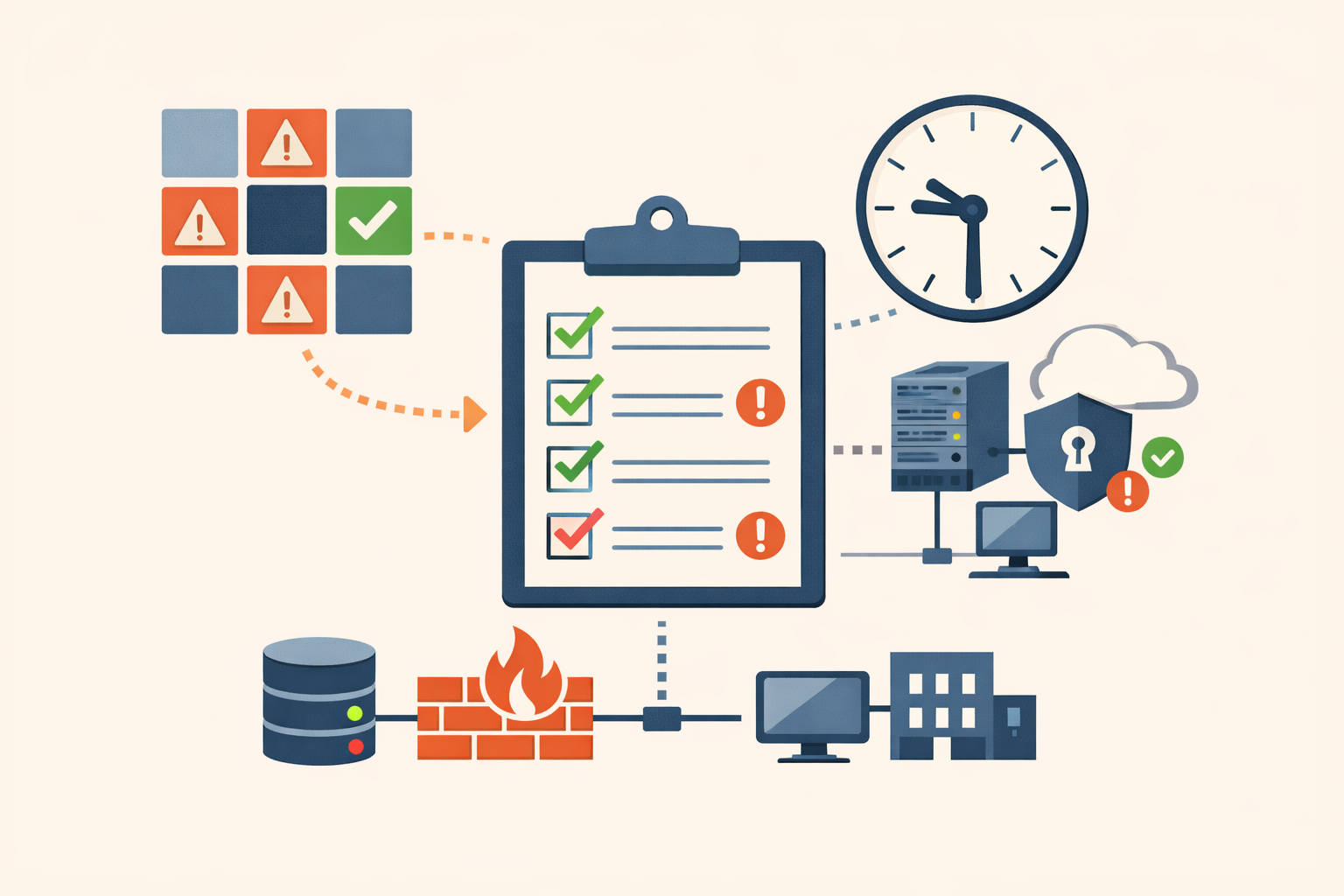
Field Note · May 15, 2026 · Colten Anderson
A 30-minute Patch Tuesday triage you can actually run
How to get from 150 CVEs to the 4-8 that change your week, using only public signals and a clock.
#patch-tuesday#microsoft#triage#kev -
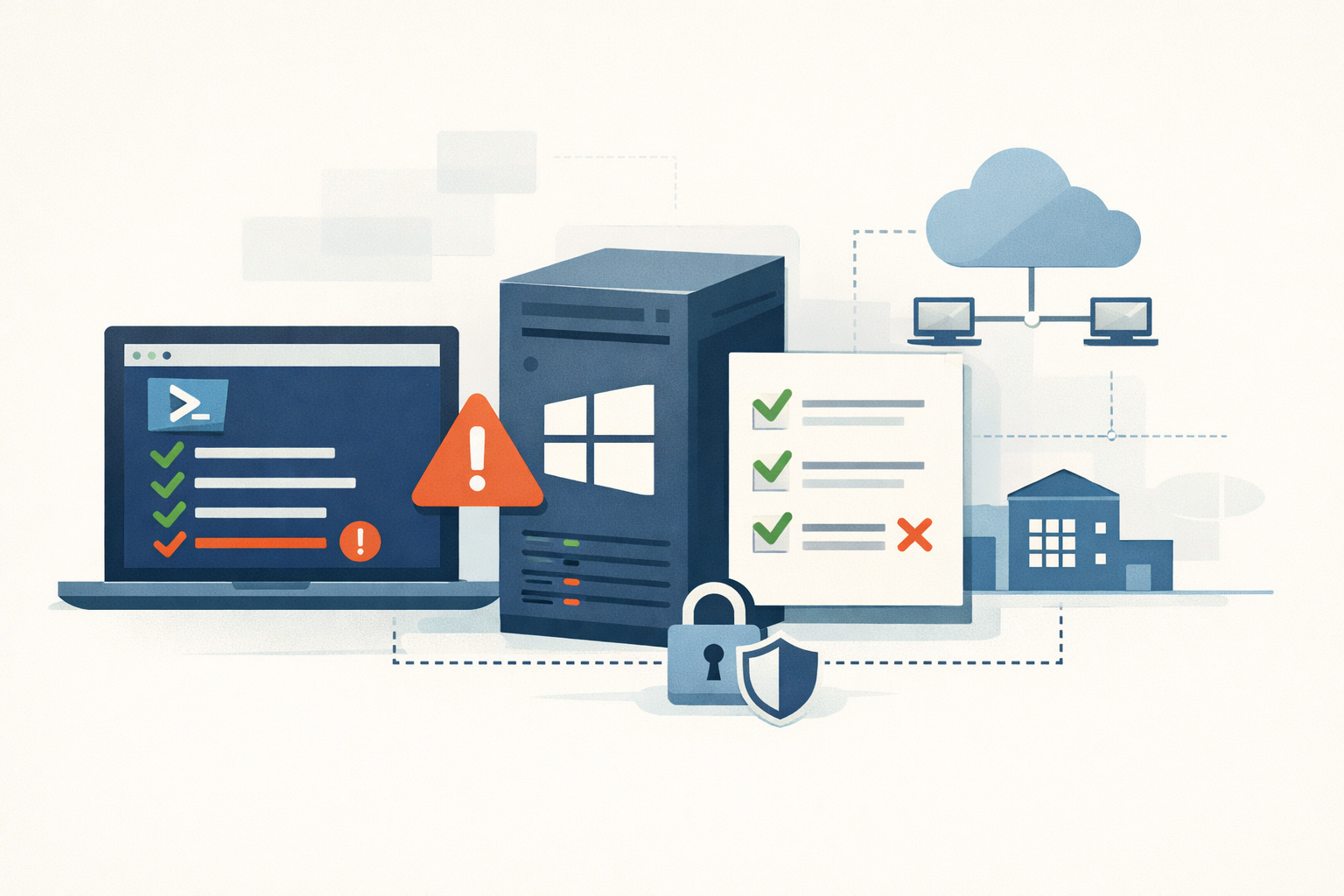
Field Note · May 15, 2026 · Colten Anderson
Nine PowerShell checks before you trust a Windows host
A short, native-PowerShell audit a Windows admin can run on any host in about ten minutes. The bad answers are unambiguous and the fixes are cheap.
#windows#powershell#hardening#audit#active-directory -
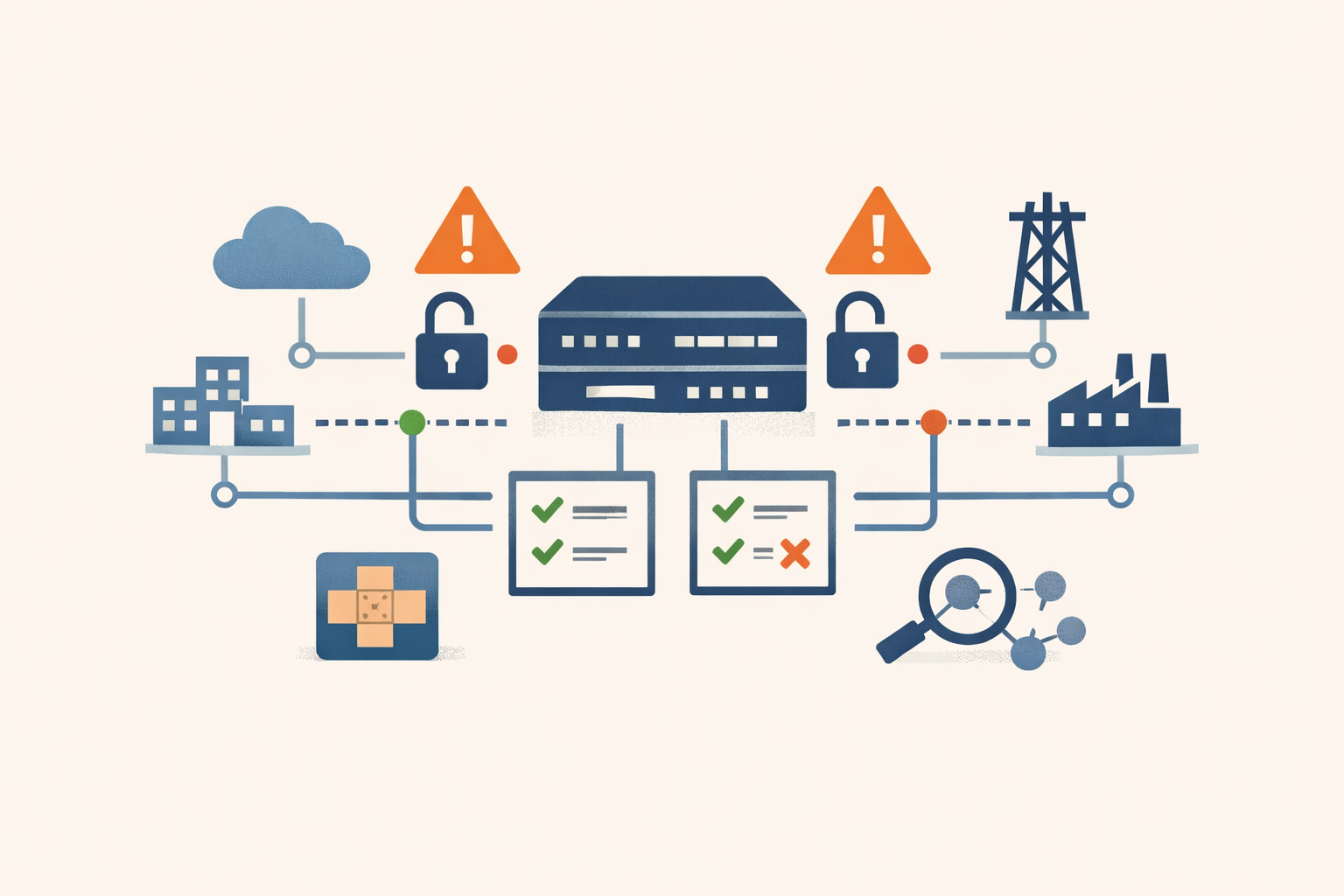
Analysis · May 14, 2026 · Colten Anderson
Rapid7 found a second CVSS 10 in Cisco SD-WAN while researching the first
Two unauthenticated auth bypasses in the same Cisco vdaemon in under three months, both being exploited by the same actor that has been sitting in critical-infrastructure fabrics since 2023.
#cisco#sd-wan#vulnerability -
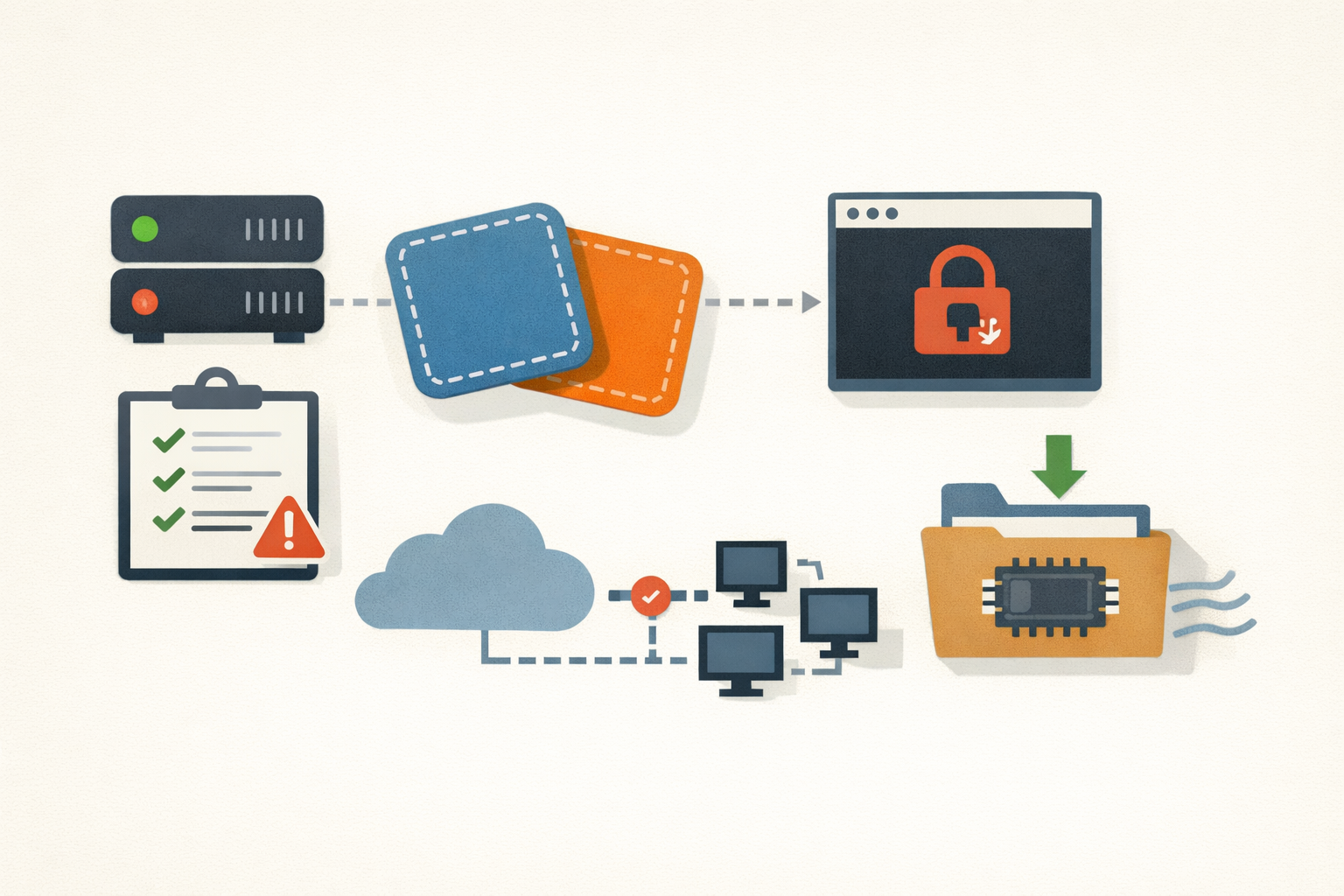
Analysis · May 14, 2026 · Colten Anderson
Fragnesia is the patch you already deployed, bypassed
If you rolled the Dirty Frag kernel update last week and called it done, your fleet is exposed again. Worse, patched hosts may still hand out root shells until you drop the page cache.
#linux-kernel#patch-management#privilege-escalation -
Analysis · May 14, 2026 · Colten Anderson
Vercel shipped the framework. You're shipping the patch
CVE-2026-44578 is a CVSS 8.6 SSRF in self-hosted Next.js. The fix for 13.x and 14.x users is a major-version migration, filed against your product team as a Dependabot chore.
#nextjs#ssrf#vercel#self-hosting -
Analysis · May 14, 2026 · Colten Anderson
Does this CVE actually apply to you? Three filters before you patch
Single-score triage fails in both directions: 10.0s that don't apply, 4.3s that get exploited for 13 days. Three filters reduce the queue.
#prioritization#triage#cvss#kev#epss#ssvc -
Analysis · May 13, 2026 · Colten Anderson
Daybreak shipped without a single number of its own
OpenAI announced an end-to-end vulnerability detection and patching platform on May 12, then borrowed every performance figure from its predecessors. The borrowed figures don't help its case.
#openai#ai-security#vendor-claims -
Analysis · May 12, 2026 · Colten Anderson
What 14 days of TeamPCP told us about registry defense in 2026
Five compromises across two ecosystems in six weeks, then a 169-package npm wave on May 11. One threat actor, two very different defensive postures. The pattern is the point.
#npm#pypi#supply-chain#software-dependencies#ci-cd -
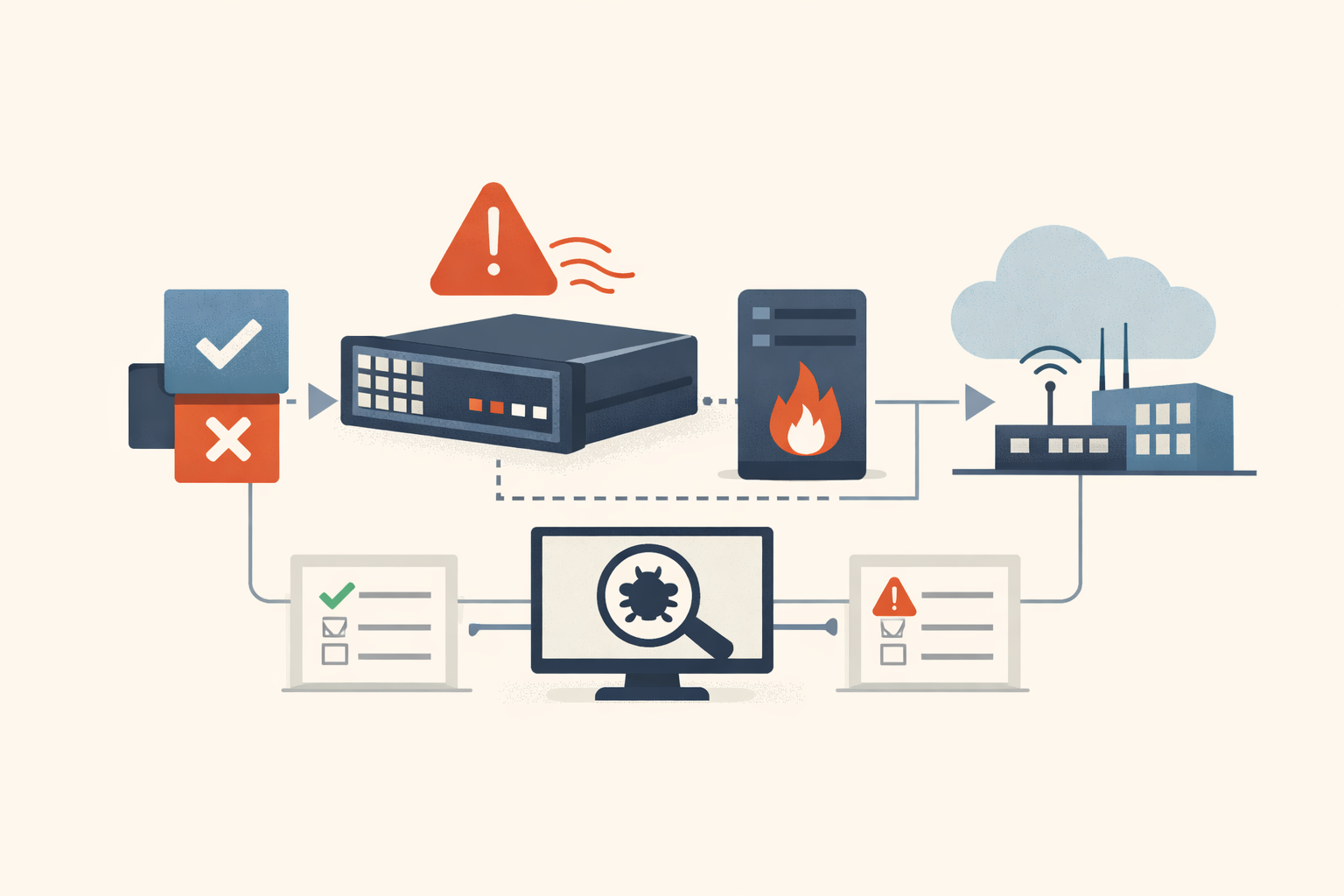
Analysis · May 11, 2026 · Colten Anderson
Cisco is now telling you the patch doesn't clean the box
Cisco's April 23 PSIRT advisory says the ArcaneDoor implant survives upgrading to the September 2025 fixes for CVE-2025-20333 and CVE-2025-20362. Reimage, do not patch.
#cisco#asa#firepower#arcanedoor#perimeter-security#cve-2025-20333#cve-2025-20362 -
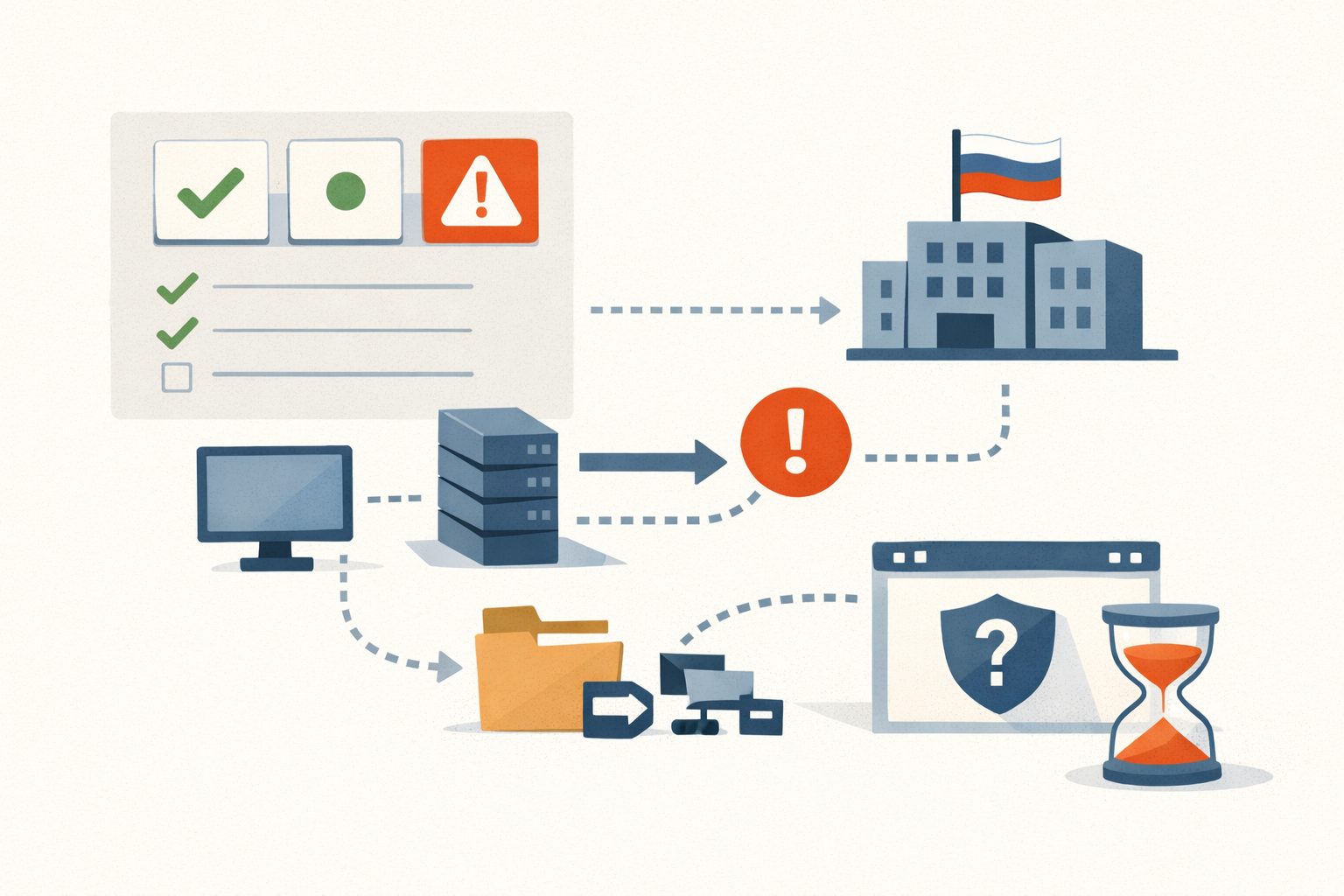
Analysis · May 11, 2026 · Colten Anderson
The CVSS 4.3 that APT28 was already using
Microsoft shipped the fix for CVE-2026-32202 without an exploitation flag while Russian state actors had a five-month head start. Vendor-tag triage missed it. The federal deadline is tomorrow.
#cve-2026-32202#apt28#ntlm#windows#cisa-kev#incomplete-patch -
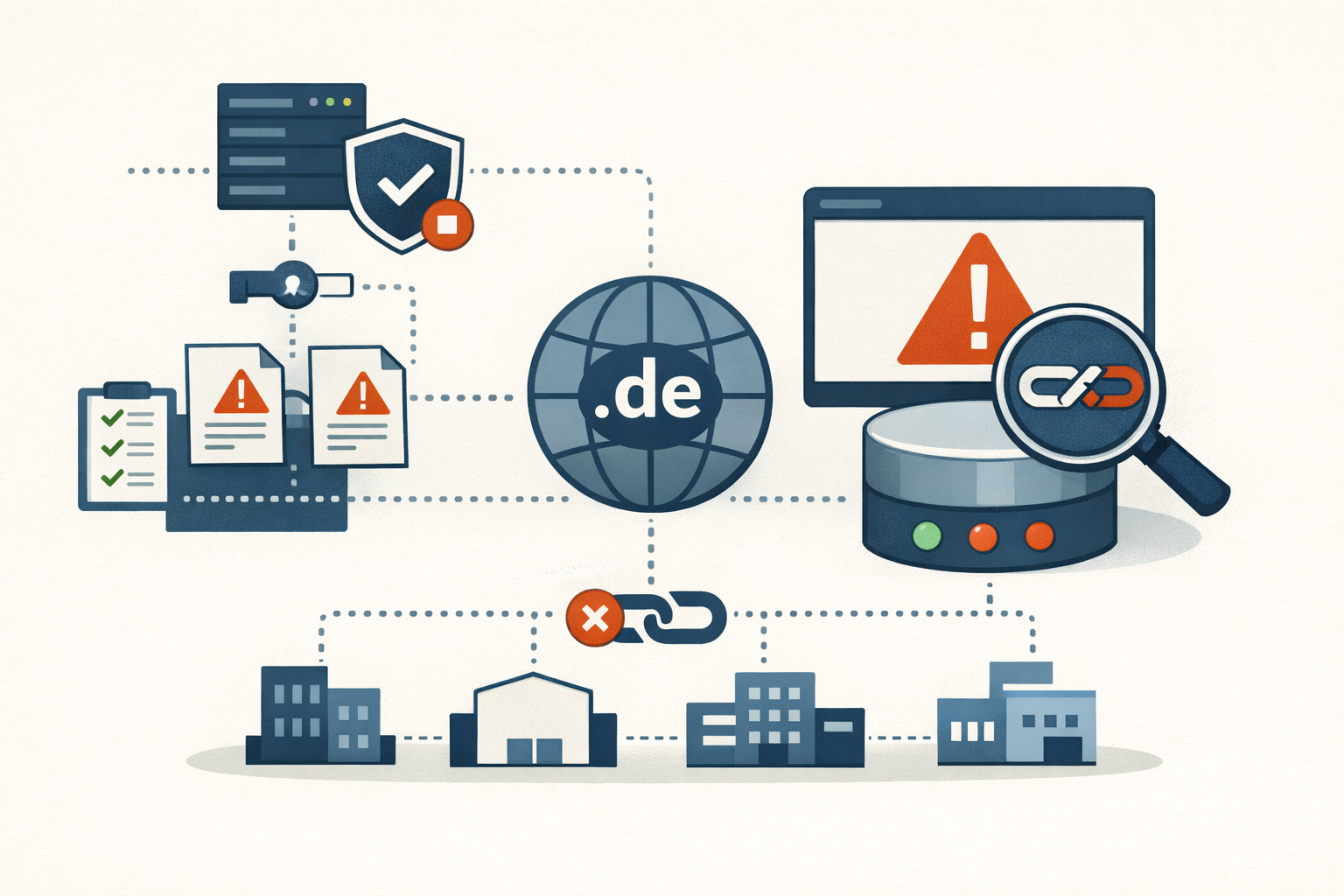
Analysis · May 11, 2026 · Colten Anderson
The .de outage was a TLD postmortem, not a patch you missed
DENIC's signing pipeline shipped two-thirds bad signatures during a routine ZSK rotation on May 5. Nothing in your environment caused it, and nothing in your environment could prevent it. Here's what you can still change at your resolver.
#dns#dnssec#denic#tld#outage-postmortem#operations -
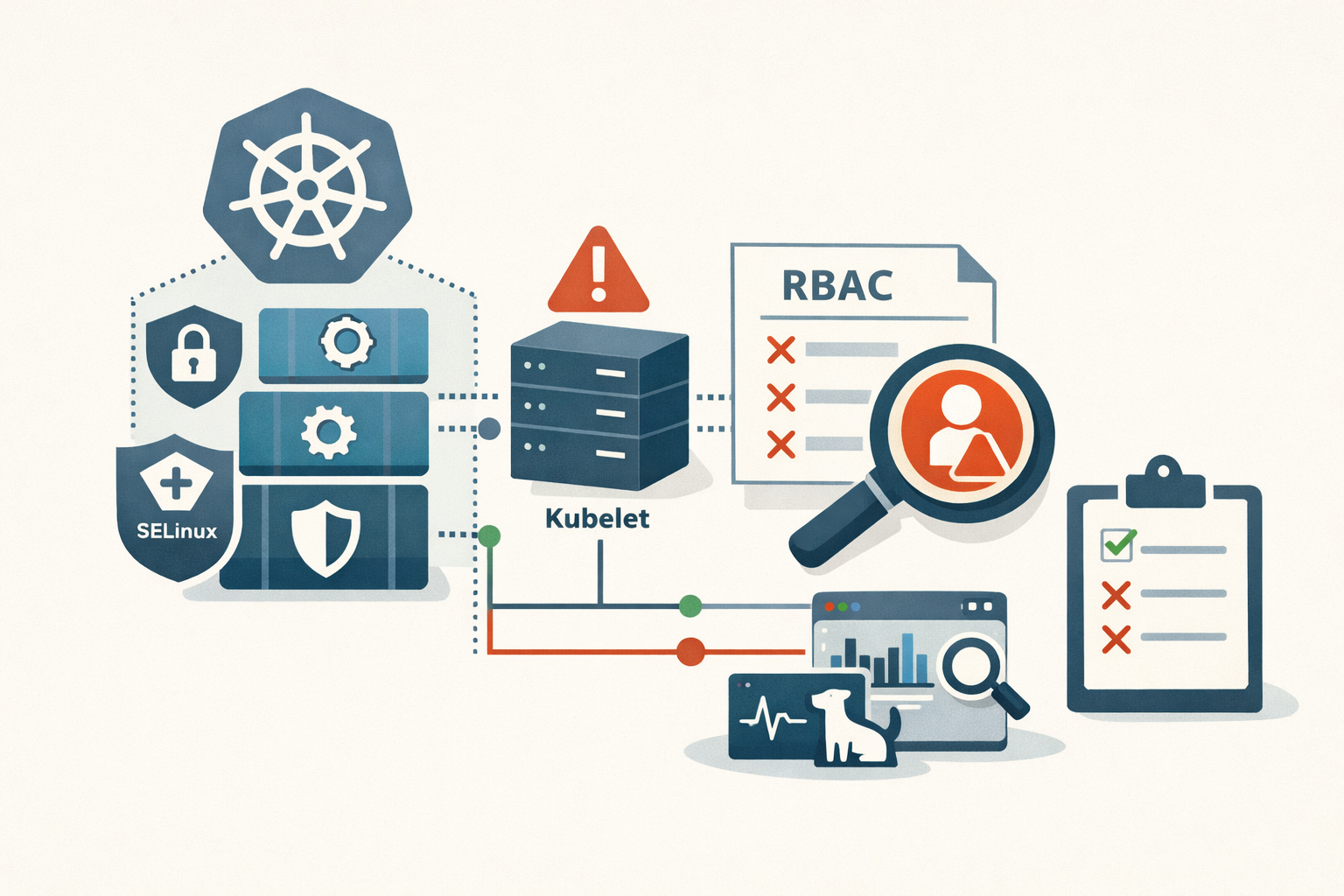
Analysis · May 11, 2026 · Colten Anderson
Kubernetes 1.36 is the upgrade that quietly rewrites your RBAC
The headline features in 1.36 are user namespaces and SELinux. The thing that will actually bite you on Monday is a single locked-on feature gate that turns every nodes/proxy grant in your cluster into an audit finding.
#kubernetes#selinux#container-security#upgrade-planning#kubelet#rbac -
Analysis · May 11, 2026 · Colten Anderson
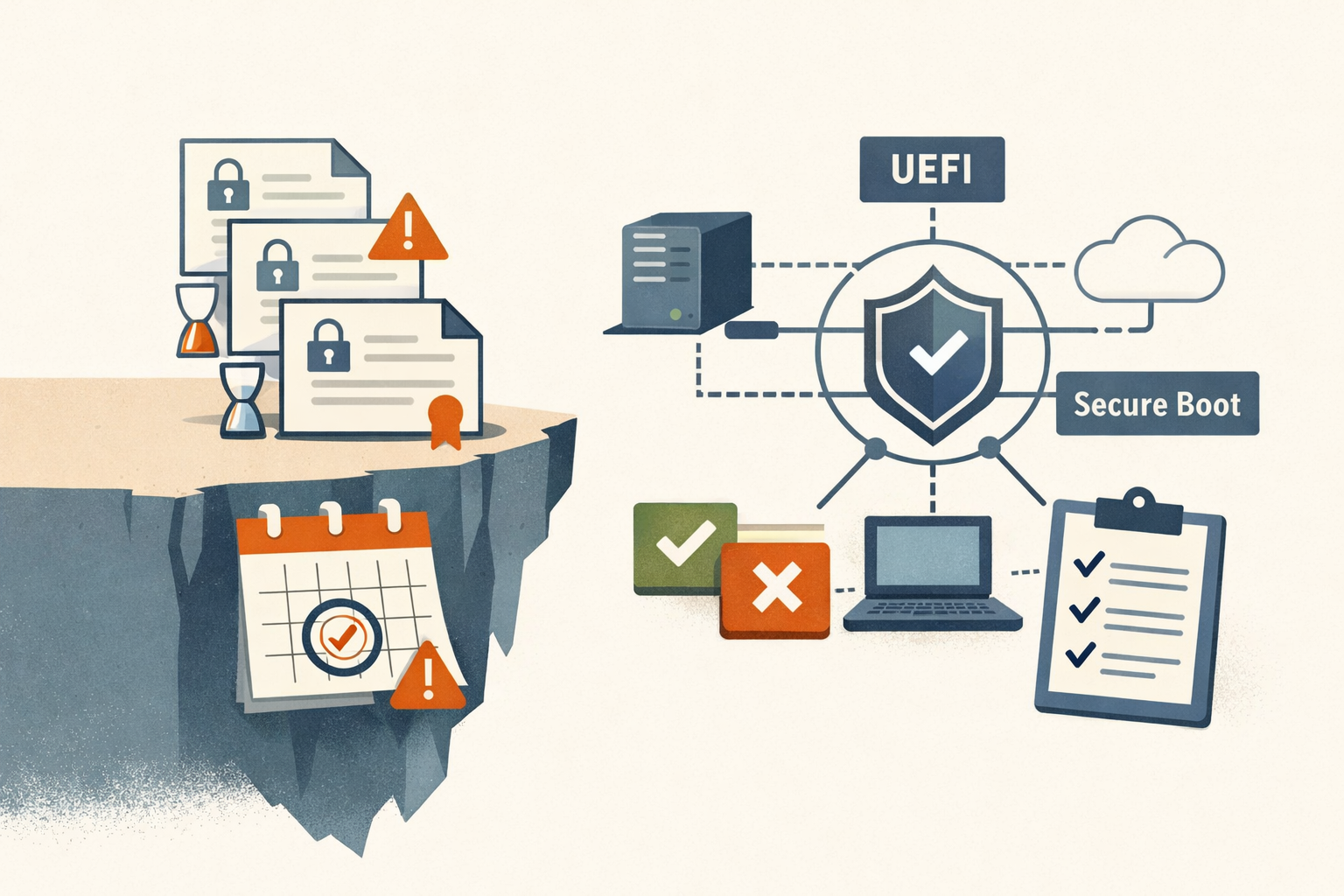
The June 2026 Secure Boot cliff: tomorrow is your last clean window
Three Microsoft Secure Boot certificates from 2011 expire in June. May 12 is the last Patch Tuesday before the cliff, and the registry trigger isn't going to set itself.
#secure-boot#windows#uefi#patch-management#microsoft -
Analysis · May 10, 2026 · Colten Anderson
Array Networks patched in a week and forgot to build a security program
CVE-2023-28461 is a CVSS 9.8 auth bypass on an SSL VPN that Earth Kasha was already exploiting. The fix shipped fast. The disclosure infrastructure around it doesn't exist.
#vendor-accountability#ssl-vpn#disclosure#cve-2023-28461#array-networks#kev -
Analysis · May 10, 2026 · Colten Anderson
The most expensive sentence Microsoft can write is 'no customer action required'
CVE-2026-33823 ships with a server-side fix and a 9.6 CVSS, but the audit log doesn't record portal-layer access. The patch is free. The compliance work isn't.
#microsoft-teams#cloud-cve#compliance -
Analysis · May 10, 2026 · Colten Anderson
The seven-year gap is the story, not the CVE
Microsoft patched CVE-2018-8639 in December 2018. CISA added it to the KEV catalog in March 2025. The interesting number isn't the bug's age. It's the distance between when a fix shipped and when the exposed fleet was acknowledged.
#cve-2018-8639#cisa-kev#windows#patch-management#legacy-systems -
Analysis · May 10, 2026 · Colten Anderson
The second bug is the easy one now
Two unrelated actors weaponized the same Task Scheduler zero-day at the same time. The reason isn't sophistication, it's that missing-auth on local RPC is sitting under most of Windows.
#windows#exploitation-trends#rpc -
Analysis · May 10, 2026 · Colten Anderson
Zyxel patched CVE-2024-11667 in September. They named it in November
The fix shipped on September 3, 2024. The CVE assignment came eleven weeks later, after Helldown was already in production networks. The customers who patched on time still got compromised.
#zyxel#ransomware#vendor-disclosure -
Analysis · May 10, 2026 · Colten Anderson
SimpleHelp CVE-2024-57727: a seven-day patch and a sixteen-month leak
SimpleHelp shipped a fix in seven days from full disclosure. Then they posted it to a forum. Ransomware affiliates have been pulling hashed admin credentials out of unpatched servers ever since.
#simplehelp#rmm#msp#cve-2024-57727#cve-2024-57726#cve-2024-57728#cisa-kev#ransomware#dragonforce#medusa#supply-chain#horizon3 -
Analysis · May 9, 2026 · Colten Anderson
Skip the optional preview: KB5083631 isn't worth your Tuesday morning
May 12 ships the same 34 fixes plus the month's security patches in one tested package. The preview brings the same risk for none of the upside.
#patch-management#windows-11#microsoft#backup#bitlocker -
Analysis · May 8, 2026 · Colten Anderson
Cleo shipped a fix in October. Cl0p was bypassing it by December.
CVE-2024-50623 was patched in 5.8.0.21 on October 27. By December 3, Huntress had a working PoC against fully patched hosts and Cl0p was running it in production. This is the fifth MFT vendor in five years to hand Cl0p the same playbook.
#cleo#cleo-harmony#cleo-vltrader#cleo-lexicom#cve-2024-50623#cve-2024-55956#cisa-kev#cl0p#clop-ransomware#managed-file-transfer#ransomware -
Analysis · May 8, 2026 · Colten Anderson
Qlik patched the smuggling bug, then Praetorian beat it with one extra letter
On August 29, 2023, Qlik shipped a literal-string filter for chunked transfer encoding. Three weeks later Praetorian sent tchunked, the desync came back, and Cactus ransomware spent the next two months harvesting the administrators who thought they were done patching.
#qlik#qlik-sense#cve-2023-41265#cve-2023-41266#cve-2023-48365#cisa-kev#cactus-ransomware#http-request-smuggling#patch-bypass#praetorian -
Analysis · May 8, 2026 · Colten Anderson
Mitel MiCollab keeps shipping the same path-traversal bug class
watchTowr published a working unauth file-read chain on December 5, 2024 with one of the two CVEs still a 0-day. The pattern across NPM, ReconcileWizard, and AWV is structural, and operators tolerate it because UC is the most upgrade-averse tier in the enterprise.
#mitel#micollab#cve-2024-41713#cve-2024-55550#cve-2022-29499#cve-2024-35286#cisa-kev#watchtowr#path-traversal#unified-communications -
Analysis · May 8, 2026 · Colten Anderson
Five critical Fortinet CVEs in 28 months is not a streak of bad luck
Three heap overflows, two auth bypasses, all pre-auth, all ransomware-linked. The pattern in FortiOS and FortiProxy is structural, and patching alone has not been enough to remove attacker access.
#Fortinet#FortiOS#SSL-VPN#KEV#ransomware#perimeter-security#memory-safety#silent-patching -
Analysis · May 8, 2026 · Colten Anderson
Three root shells in seven months. All from the same firewall.
CVE-2024-3400, CVE-2024-0012, and CVE-2024-9474 gave attackers unauthenticated root on Palo Alto firewalls twice in 2024. The pattern isn't bad luck. It's the architecture.
#palo-alto#cisa-kev#firewall#zero-day#ransomware#pan-os -
Analysis · May 8, 2026 · Colten Anderson
Your LiteLLM proxy needs to be on 1.83.10 by May 11
CISA gave a three-day deadline on a pre-auth SQL injection in LiteLLM. The patch is one version bump; the rotation work after it is the real job.
#litellm#kev#patch-management -
Analysis · May 8, 2026 · Colten Anderson
The researcher who reported two Windows bugs to Microsoft was exploiting a third
CVE-2025-26633 turns MMC's localization feature into a code execution vector. EncryptHub exploited it as a zero-day while simultaneously disclosing other vulnerabilities to Microsoft for credit.
#windows#mmc#cve-2025-26633#zero-day#ransomware#encrypthub#patch-tuesday#msc-eviltwin -
Analysis · May 8, 2026 · Colten Anderson
Broadcom turned an ESXi zero-day into a patch-access crisis
CVE-2025-22225 was exploited for over a year before Broadcom patched it. Then perpetual license holders couldn't download the fix.
#vmware#esxi#cve-2025-22225#zero-day#ransomware#broadcom#vm-escape#hypervisor -
Analysis · May 8, 2026 · Colten Anderson
Ivanti Connect Secure: the perimeter that keeps breaking
Five KEV-listed Ivanti Connect Secure bugs in fifteen months, all ransomware-tagged, all on the unauthenticated path. The pledge bought goodwill. The code did not change.
#ivanti#ivanti-connect-secure#pulse-connect-secure#cve-2023-46805#cve-2024-21887#cve-2024-21893#cve-2025-0282#cve-2025-22457#cisa-kev#ransomware#unc5221#secure-by-design#cwe-121#memory-safety -
Analysis · May 8, 2026 · Colten Anderson
Ivanti EPMM has produced a confirmed zero-day every year since 2023. Here's the full chain.
Thirteen CVEs, nine of them exploited. Four exploitation waves. Three years. One product line. A complete accounting of Ivanti EPMM's zero-day history, from the Norwegian government breach to this week's credential chain.
#ivanti#epmm#cisa-kev#credential-chain#zero-day#MDM#unc5221 -
Analysis · May 7, 2026 · Colten Anderson
CISA says patch by Friday. Palo Alto's fix ships next Tuesday.
CVE-2026-0300 is an unauthenticated RCE in PAN-OS Captive Portal, exploited since April 9 by a state-aligned actor. The KEV deadline is May 9. The first patch lands May 13. Here's what to do with the four days in between.
#palo-alto#cisa-kev#zero-day#firewall#patch-management -
Analysis · May 6, 2026 · Colten Anderson
Citrix shipped CitrixBleed again
Citrix shipped the same pre-auth memory disclosure bug class it patched in 2023. Same binary, same attack surface, same session token leakage. Its own post-patch guidance still doesn't invalidate the tokens attackers actually steal.
#citrix#netscaler#cve-2025-5777#citrixbleed#ransomware#memory-safety#edge-devices -
Analysis · May 6, 2026 · Colten Anderson
CrushFTP chose the narrative over its customers
CrushFTP tried to keep a CVSS 9.8 auth bypass quiet. The disclosure mess that followed, two CVEs, public PoC code, and CEO threats, helped attackers move faster.
#disclosure#MFT#CrushFTP#CVE-2025-31161#KEV#ransomware -
Analysis · May 6, 2026 · Colten Anderson
Fortinet encrypted your config backups with 'Mary had a littl' for six years
Every FortiGate encrypted config backups with the same AES key for years. Akira ransomware automated the decryption. Fortinet keeps shipping this class of bug.
#fortinet#fortios#cve-2019-6693#hard-coded-credentials#cwe-798#ransomware#akira#cisa-kev#configuration-security -
Analysis · May 6, 2026 · Colten Anderson
SAP NetWeaver was owned for ten weeks before anyone said anything
Five threat groups were already inside SAP NetWeaver when the emergency patch shipped. One confirmed victim reported multi-billion dollar profit impact. SAP's initial workaround guidance was later marked 'Do Not Use.'
#sap#netweaver#cve-2025-31324#cisa-kev#zero-day#webshell#patch-management#china#ransomware -
Analysis · May 6, 2026 · Colten Anderson
Six zero-days in three years: the CLFS pattern Microsoft can't outrun
Microsoft patched a CLFS zero-day on April 8 but left Windows 10 without a fix for five weeks. Two unrelated ransomware groups were already using it. It was the sixth CLFS zero-day since 2022.
#windows#clfs#cve-2025-29824#zero-day#ransomware#privilege-escalation#patch-tuesday#windows-10 -
Analysis · May 5, 2026 · Colten Anderson
Oracle blamed its customers for a zero-day it hadn't patched
Oracle's first public statement during active Cl0p exploitation told customers the breach was their fault for not applying a patch that didn't exist. The correction came Saturday night, behind a paywall.
#oracle#cisa-kev#zero-day#ransomware#erp#disclosure -
Analysis · May 5, 2026 · Colten Anderson
BeyondTrust RS/PRA hit again. Same endpoint, same bug class, 15 months later.
The researcher who found CVE-2026-1731 did it by asking one question about the December 2024 fix: did the same pattern exist elsewhere? It did. Third critical BeyondTrust RCE in 15 months, confirmed ransomware, CISA gave you 3 days.
#beyondtrust#cisa-kev#command-injection#ransomware#remote-access#patch-management -
Analysis · May 5, 2026 · Colten Anderson
Your firewall management console was the breach. Cisco FMC CVE-2026-20131.
CVSS 10.0 unauthenticated RCE in Cisco FMC was exploited as a zero-day for 36 days. Here's what the upgrade actually looks like.
#cisco#cisa-kev#deserialization#firewall#ransomware#patch-management -
Analysis · May 5, 2026 · Colten Anderson
Exchange's deserialization problem didn't start in 2023. It still isn't fixed.
A ransomware group picked up a three-year-old Exchange RCE because scanning at scale still finds unpatched servers. The bug isn't the story. The patching economics are.
#exchange#cisa-kev#deserialization#patch-management#ransomware#on-premises -
Analysis · May 5, 2026 · Colten Anderson
GoAnywhere MFT gets its third critical RCE in three years
Storm-1175 was exploiting CVE-2025-10035 two days before Fortra even shipped the hotfix to customers. Under 24 hours from initial access to ransomware. GoAnywhere's third year in a row.
#goanywhere-mft#cve-2025-10035#ransomware#fortra#managed-file-transfer#storm-1175#deserialization -
Analysis · May 5, 2026 · Colten Anderson
Cl0p chained an Oracle EBS SSRF into a mass extortion campaign. Your patch window is 21 days.
CVE-2025-61884 is a pre-auth SSRF in Oracle E-Business Suite that Cl0p weaponized into a full RCE chain hitting 100+ organizations. Here's what patching EBS actually looks like under a KEV deadline.
#oracle#cisa-kev#ssrf#ransomware#erp#patch-management -
Analysis · May 5, 2026 · Colten Anderson
PaperCut's other bug just became a ransomware vector again
CVE-2023-27351, the auth bypass that lived in CVE-2023-27350's shadow, is back. Storm-1175 is deploying Medusa ransomware through it with sub-24-hour exploitation tempo. CISA added it to KEV in April 2026. If you patched the RCE in 2023 and moved on, check whether the auth bypass actually closed.
#papercut#ransomware#cisa-kev#authentication-bypass#medusa#patch-management -
Analysis · May 5, 2026 · Colten Anderson
React2Shell turned every Next.js App Router deployment into a pre-auth RCE target
Lachlan Davidson reported CVE-2025-55182 to Meta on a Saturday. By the following Friday, ransomware groups were deploying payloads within one minute of initial access. A 200-byte POST, CVSS 10, 137,000 exposed instances, and most developers never knew their frontend had server-side attack surface.
#react#nextjs#cisa-kev#ransomware#deserialization#react-server-components#supply-chain -
Analysis · May 5, 2026 · Colten Anderson
SharePoint's two-week window: patched servers were still exploitable
Organizations that patched SharePoint on July 9 did everything right and were still vulnerable. Microsoft's first fix was incomplete, and ransomware operators had the gap memorized.
#sharepoint#cve-2025-49704#cve-2025-49706#cve-2025-53770#ransomware#microsoft#patch-bypass#toolshell -
Analysis · May 5, 2026 · Colten Anderson
The 6.5 that enabled 400 compromises: authentication bypasses and the CVSS blind spot
CVE-2025-49706 scored CVSS 6.5. It enabled unauthenticated RCE across 400+ SharePoint servers. Authentication bypasses are consistently underscored, and consistently the vulnerability class that turns a bad bug into a mass-exploitation campaign.
#sharepoint#cve-2025-49706#authentication-bypass#cvss#cwe-287#microsoft#toolshell -
Analysis · May 5, 2026 · Colten Anderson
The patch that wasn't: why SharePoint's fix needed a fix
CVE-2025-53770 bypassed Microsoft's July patch for SharePoint within days. The problem isn't bugs. It's that incomplete fixes are a pattern, and patch compliance frameworks can't measure patch quality.
#sharepoint#cve-2025-53770#patch-bypass#microsoft#deserialization#incomplete-patch -
Analysis · May 5, 2026 · Colten Anderson
SmarterMail fixed a CVSS 10 and told no one for two months
CVE-2025-52691 is a pre-auth RCE in SmarterMail's file upload API. SmarterTools patched it silently in October 2025 with no CVE, no advisory, and release notes that said 'critical security fixes.' watchTowr found the silent fix two months later. Here's why that matters.
#smartertools#smartermail#cisa-kev#silent-patching#file-upload#vulnerability-disclosure#ransomware -
Analysis · May 5, 2026 · Colten Anderson
48 hours from patch to exploitation: CVE-2026-23760 and the window that doesn't exist anymore
SmarterMail's patch shipped January 15. Attackers decompiled the .NET assemblies, found the fix, built a working exploit, and were inside production systems by January 17. Then they breached SmarterTools itself.
#smartertools#smartermail#cisa-kev#ransomware#authentication-bypass#time-to-exploit#patch-management -
Analysis · May 5, 2026 · Colten Anderson
SmarterMail's ConnectToHub API gave attackers SYSTEM in a single POST request
CVE-2026-24423 is an unauthenticated RCE in SmarterMail's ConnectToHub API. No credentials, no interaction, CVSS 9.8, confirmed ransomware. One of three critical SmarterMail CVEs in ten days. Here's what happened and what to do about it.
#smartertools#smartermail#cisa-kev#ransomware#missing-authentication#email-server#unauthenticated-rce -
Analysis · May 5, 2026 · Colten Anderson
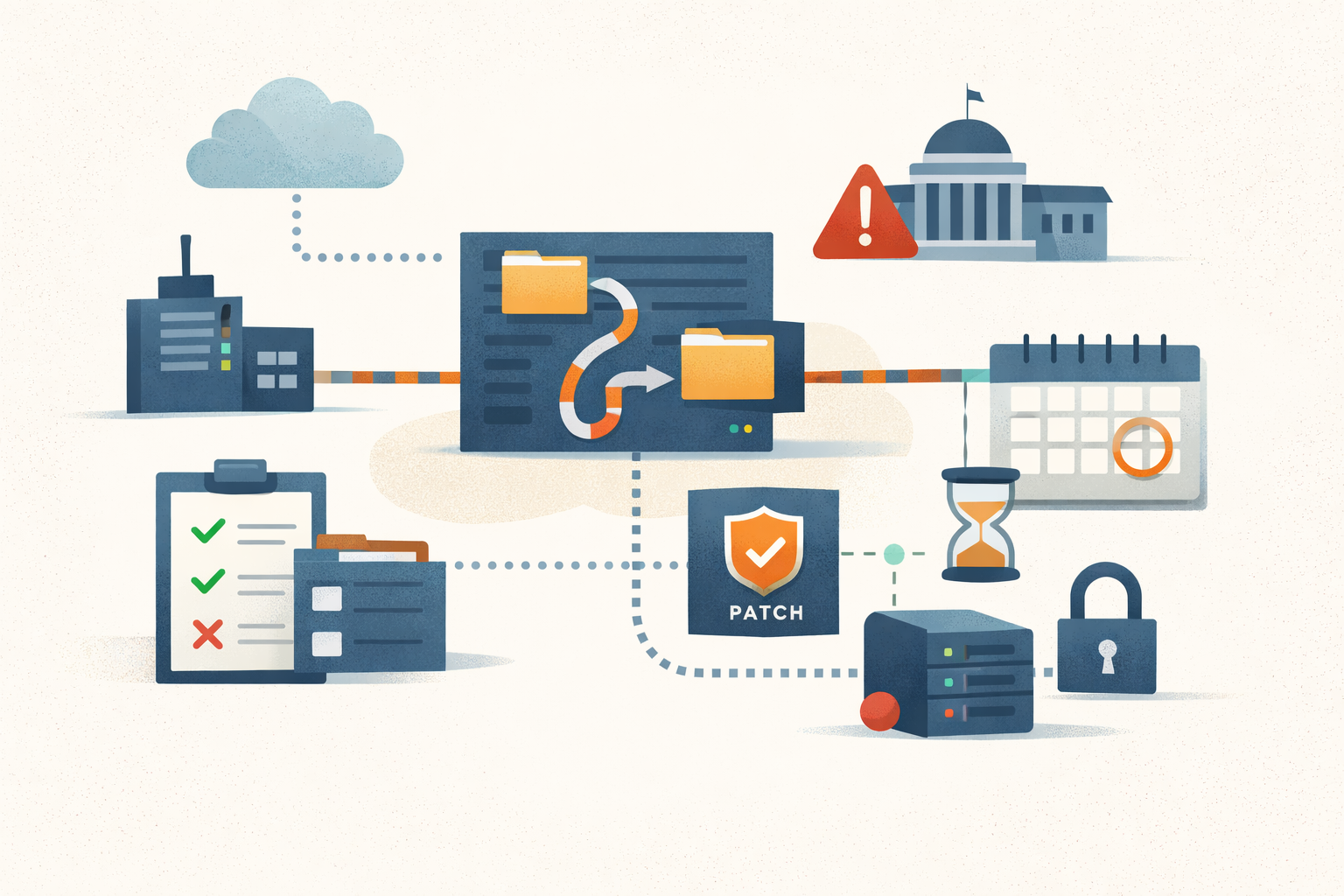
TeamCity's path traversal took two years to reach KEV. That's a long time to leave a CI server exposed.
CVE-2024-27199, a path traversal in JetBrains TeamCity On-Premises, was patched in March 2024 and exploited by BianLian ransomware within days. CISA added it to KEV in April 2026 with a May 4 federal deadline. If you're still below 2023.11.4, this is two years overdue.
#teamcity#jetbrains#cisa-kev#path-traversal#ransomware#bianlian#ci-cd#patch-management -
Analysis · May 4, 2026 · Colten Anderson
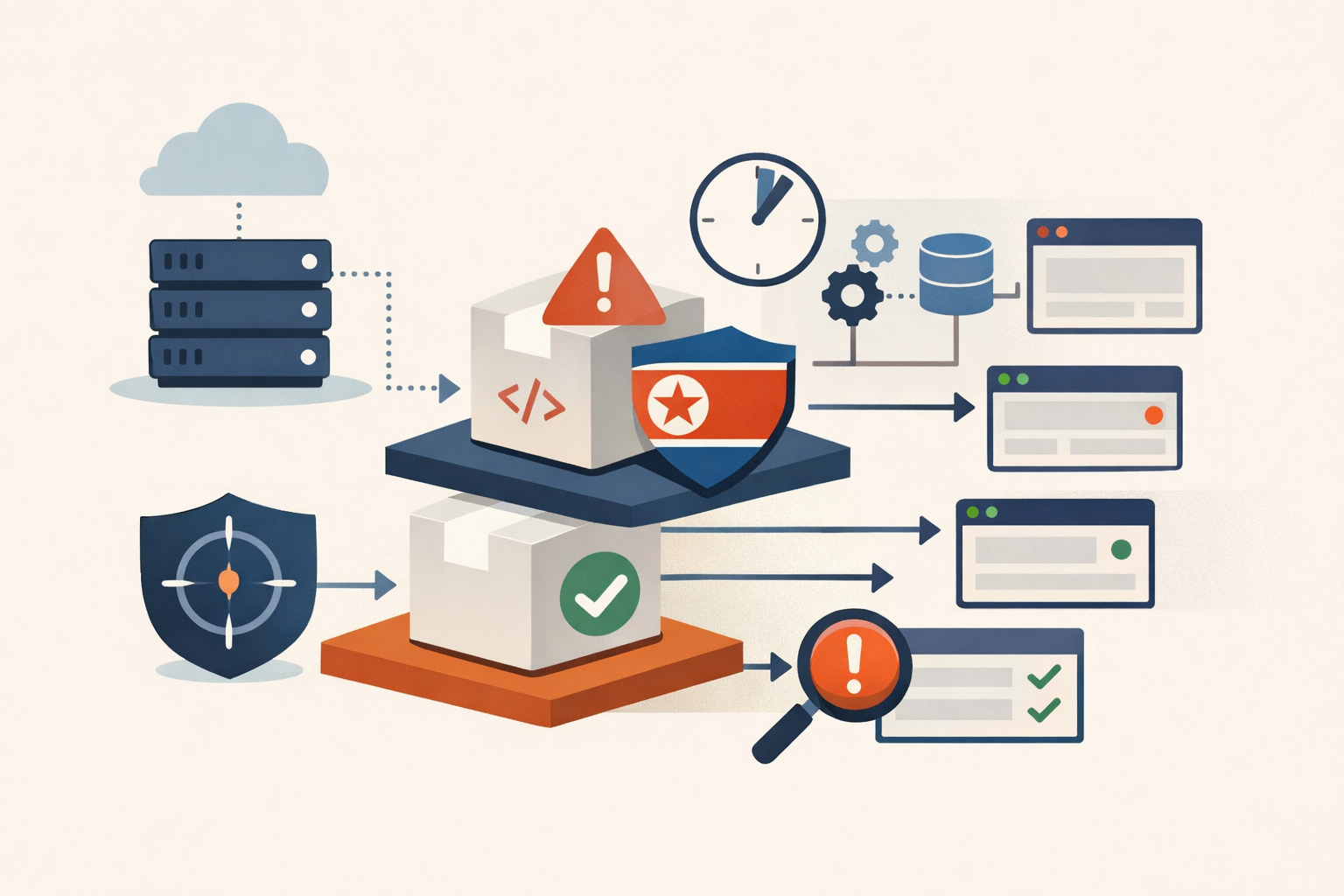
Three hours was the good outcome: npm's trust model and the Axios compromise
A DPRK threat actor backdoored two Axios versions on npm. Socket flagged the malicious dependency in six minutes. Nothing stopped the downstream publish fifteen minutes later. The system worked exactly as designed.
#npm#supply-chain#axios#dprk#software-dependencies -
Analysis · May 3, 2026 · Colten Anderson
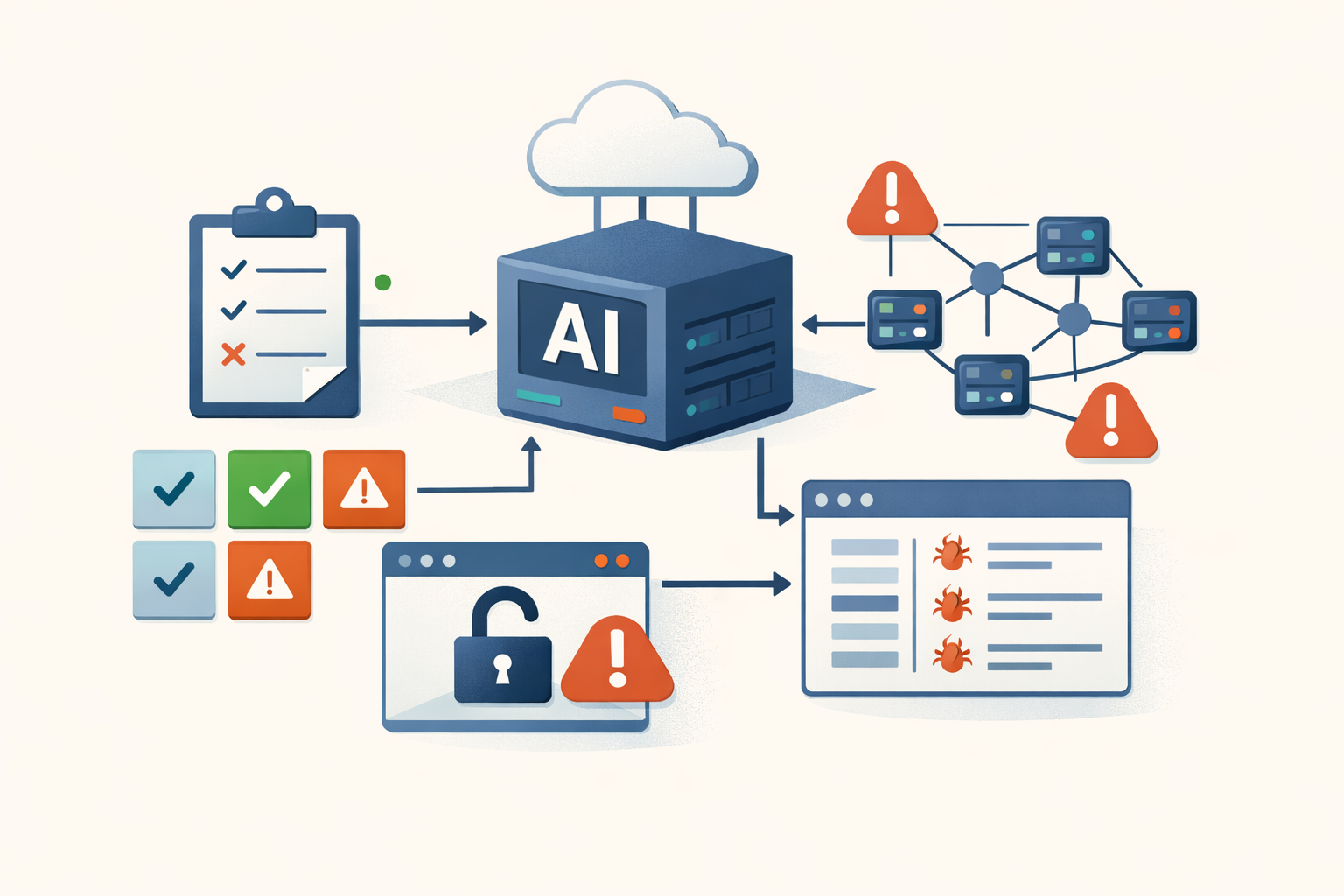
50 CVEs in 18 months is not a growing pain. It's a design choice the industry keeps making.
MCP went from unknown to default AI integration in under two years. The vulnerability count, the OWASP Top 10, and the simultaneous client failures tell a story about what happens when adoption is the only metric.
#mcp#oauth#ai-security#supply-chain#agentic-ai -
Analysis · May 3, 2026 · Colten Anderson
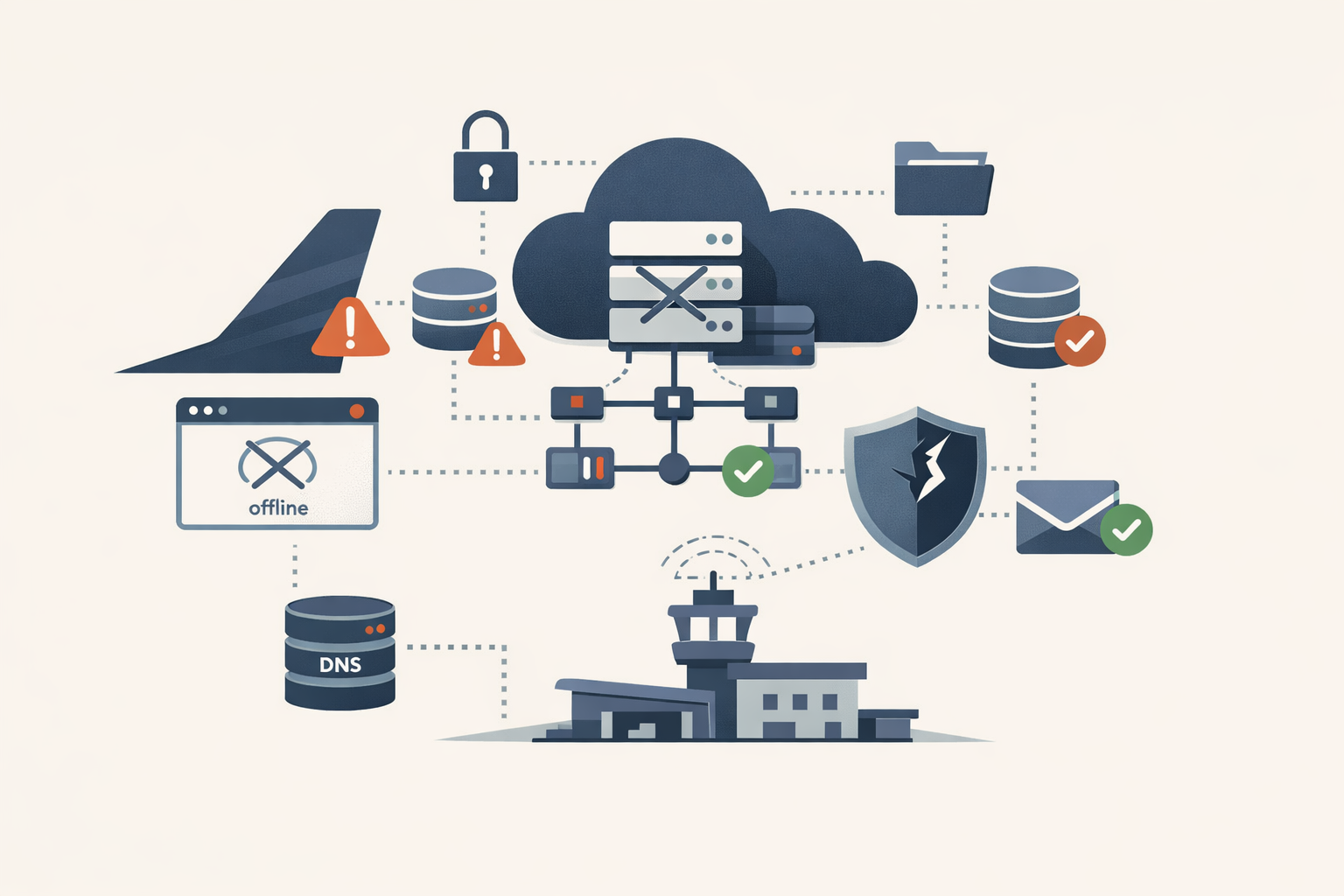
Spirit Airlines is dead. Its attack surface isn't.
The security story isn't that an airline went bankrupt. It's what happens to 132 APIs, years of customer PII, and a cloud footprint when a company dies overnight and nobody is left to decommission it.
#abandoned-infrastructure#dns#subdomain-takeover#supply-chain#data-protection -
Analysis · May 3, 2026 · Colten Anderson
Copy Fail is a 732-byte root shell. Patch your Linux fleet this week.
CVE-2026-31431 is a deterministic privilege escalation in the Linux kernel affecting versions 4.14 through 6.19. A Python script gives any local user root. Every major distro is affected, containers don't help, and the mitigation is trivial.
#linux#kernel#cve-2026-31431#privilege-escalation#containers#kubernetes#cisa-kev -
Analysis · May 3, 2026 · Colten Anderson
Cerdigent was a false positive. Check what Defender actually removed.
Defender definition 1.449.424.0 flagged two legitimate DigiCert root CA certificates as a high-severity trojan. The alert was a false positive, but if auto-remediation ran before the fix shipped, your certificate store may now be missing trust anchors that TLS depends on.
#defender#microsoft#windows#certificates#digicert#false-positive -
Analysis · May 1, 2026 · Colten Anderson
The security work that landed on ops
Cloud shared responsibility, compliance mandates, and insecure defaults have quietly moved security execution onto ops teams that were never staffed for it.
#shared-responsibility#ops#burnout#compliance#patch-management -
Analysis · May 1, 2026 · Colten Anderson
People problems wearing a server badge
The sysadmin job was sold as infrastructure. The actual job is diplomacy, and the burnout numbers show it.
#career#communication#burnout#workplace-culture#soft-skills -
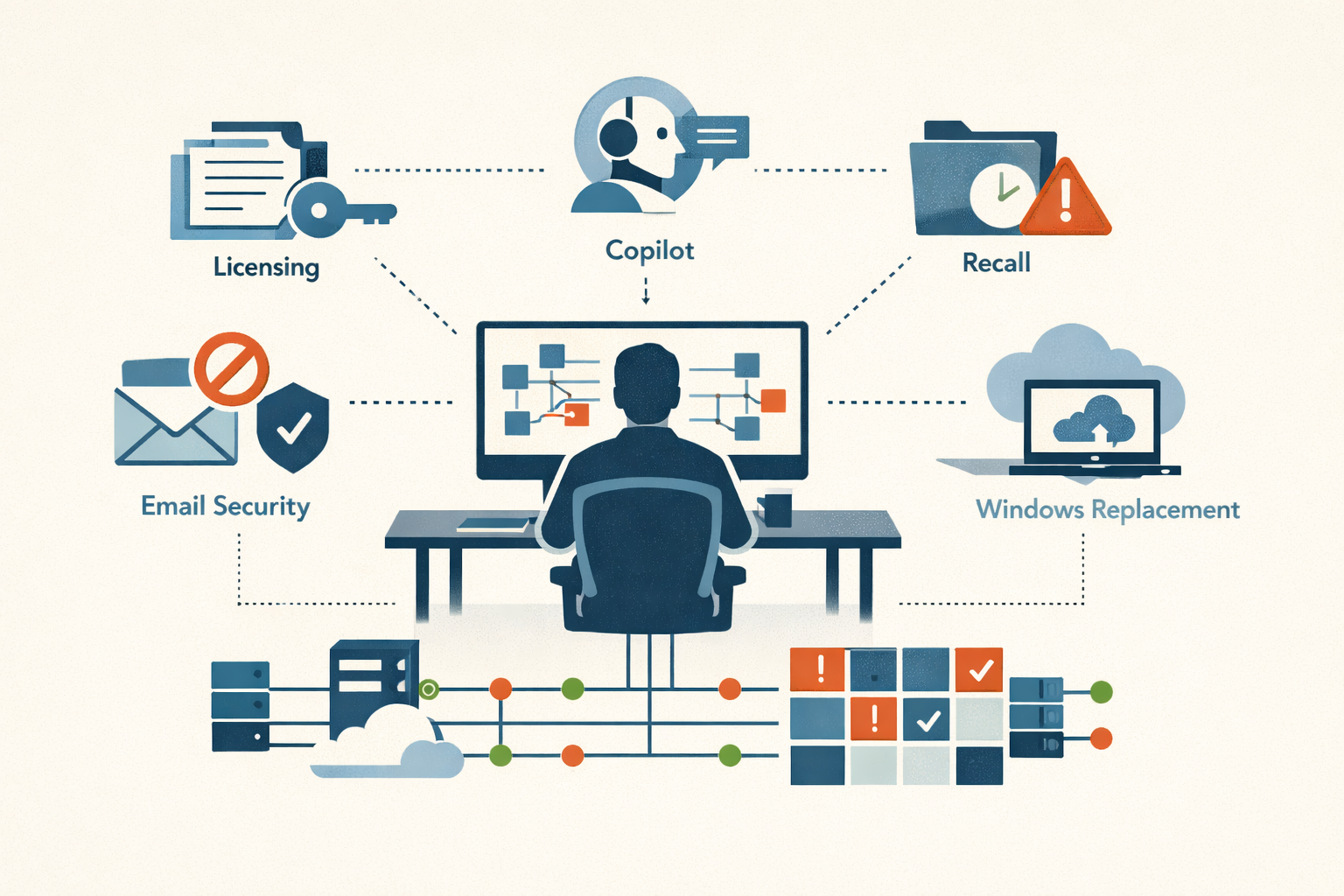
Analysis · May 1, 2026 · Colten Anderson
Microsoft: the Patch Day cinematic universe
Licensing, patches, email blocking, Copilot, Recall, Windows replacement. Every subplot lands on the same sysadmin's desk.
#microsoft#licensing#windows#copilot#opinion -

Analysis · May 1, 2026 · Colten Anderson
The feedback loop is broken
Executives keep making the same categories of bad IT decisions because the consequences land on operators, not decision-makers. The pattern is structural, not accidental.
#governance#risk-management#executive-decisions#IT-operations -
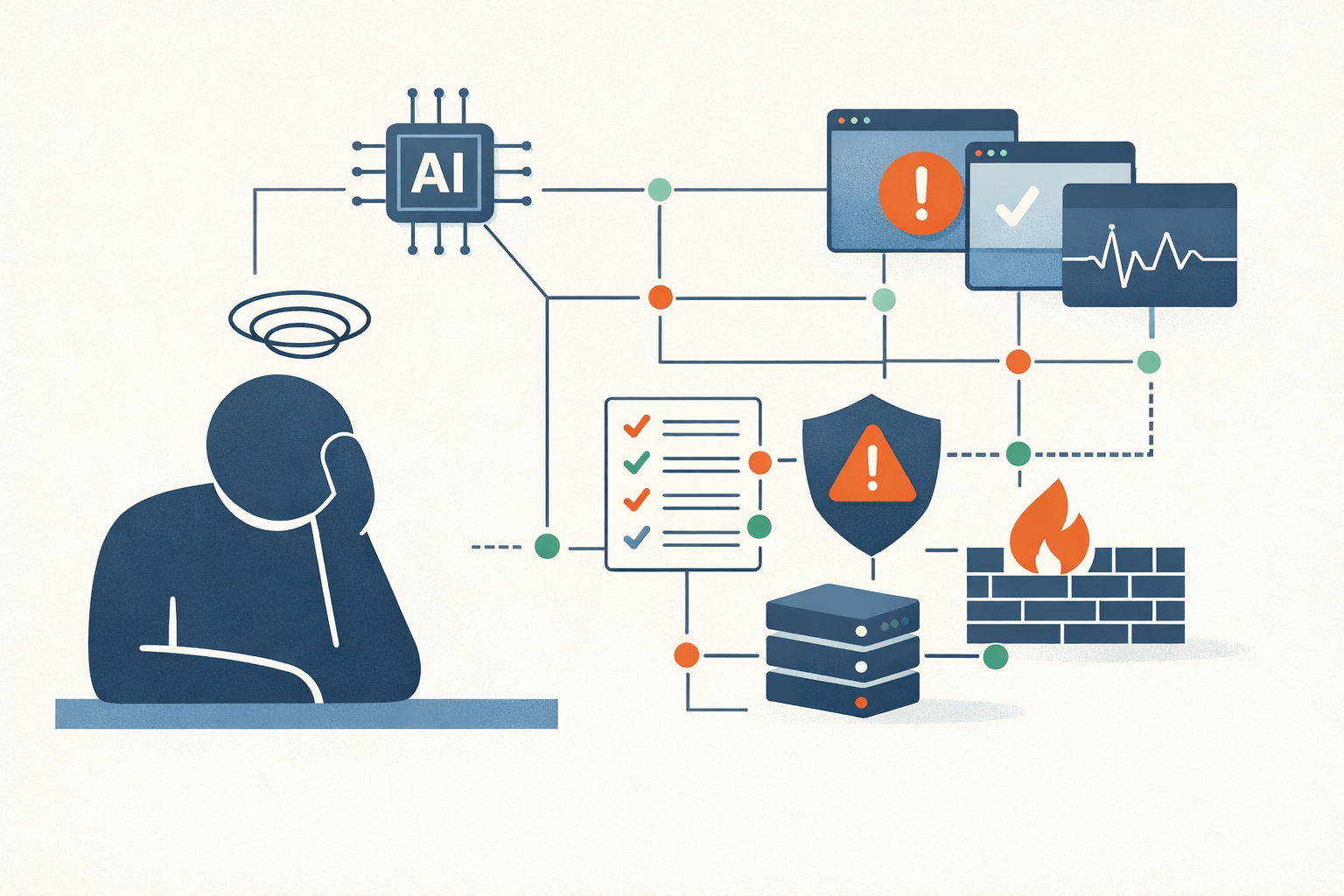
Analysis · May 1, 2026 · Colten Anderson
Your security vendor's AI isn't making you safer. It's making you tired.
76% of cybersecurity professionals say the AI landscape is overwhelmed by overpromotion. The operational cost of that fatigue is starting to show up in the places that matter.
#ai#vendor-hype#soc#burnout#tool-sprawl -
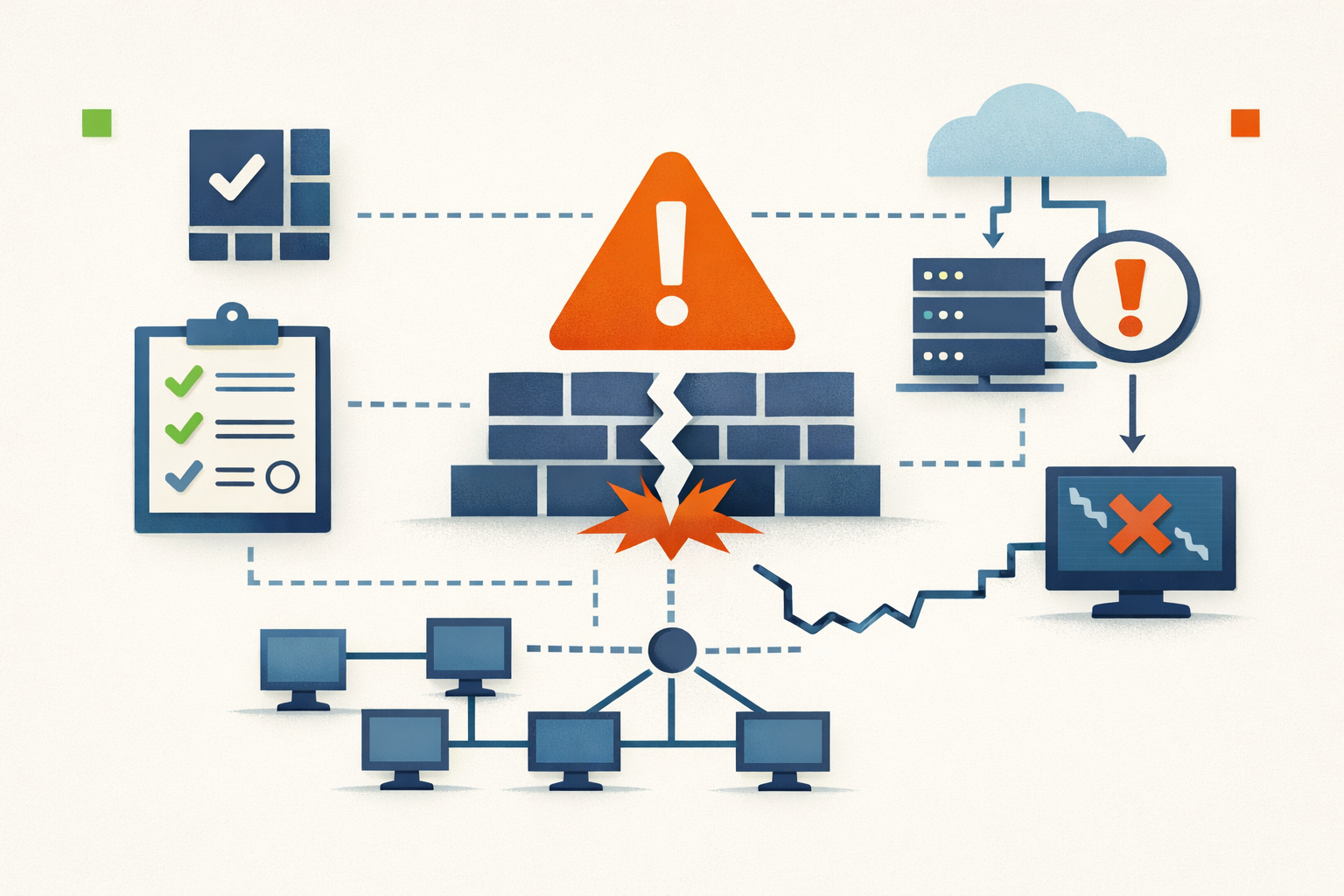
Analysis · May 1, 2026 · Colten Anderson
The most dangerous sentence in a code comment is 'this should never happen'
From Therac-25 to CrowdStrike, the same pattern keeps producing catastrophic failures: an engineer reasons that a condition is impossible, skips the guard, and the system outgrows the assumption.
#reliability#architecture#incident-patterns -
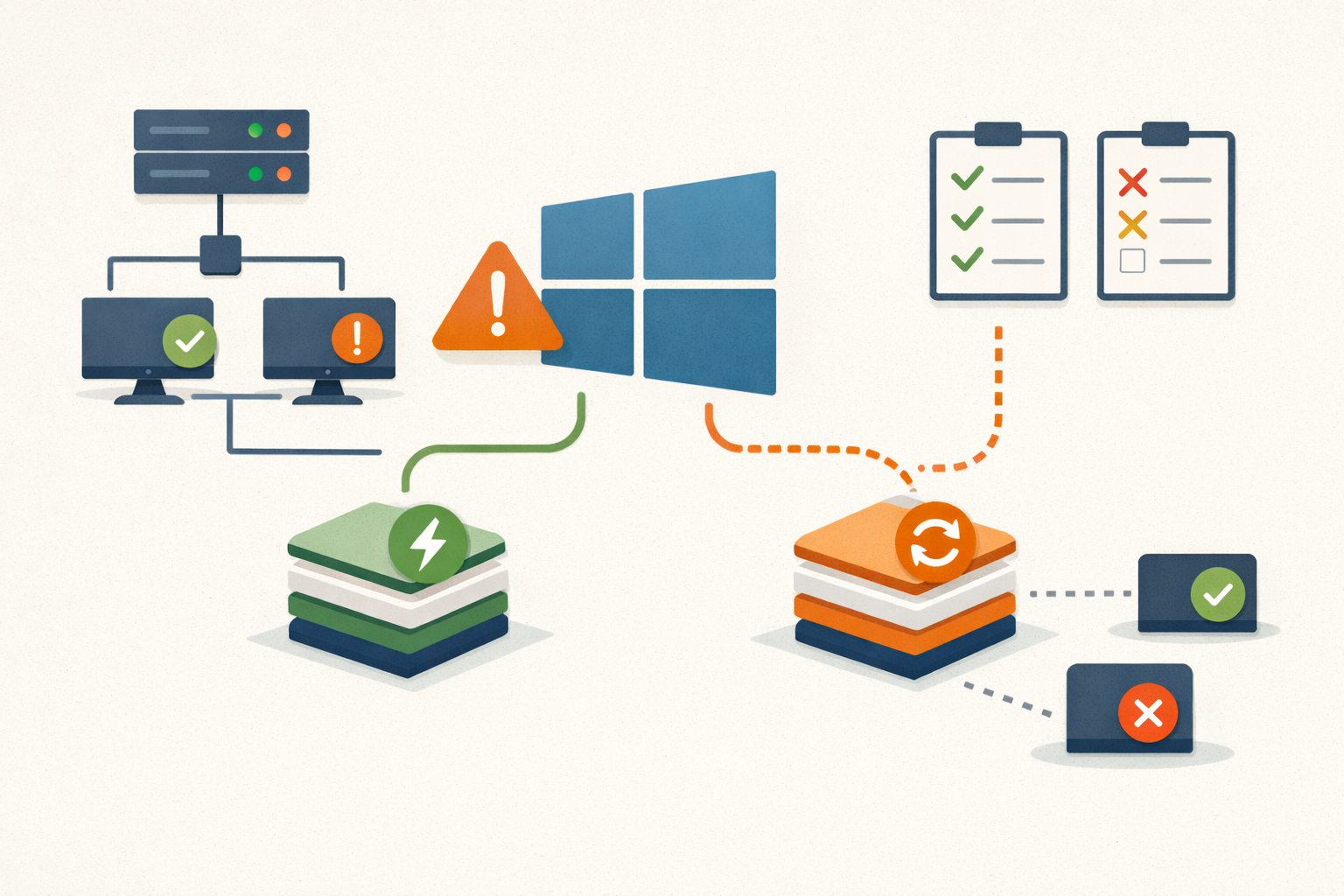
Analysis · May 1, 2026 · Colten Anderson
Hotpatch goes default in Autopatch. You have 10 days.
Microsoft flips hotpatch on by default for all Autopatch tenants May 11. If you haven't inventoried your fleet against the requirements, you're about to get a split patching model you didn't plan for.
#autopatch#hotpatch#microsoft#patching#windows-11 -
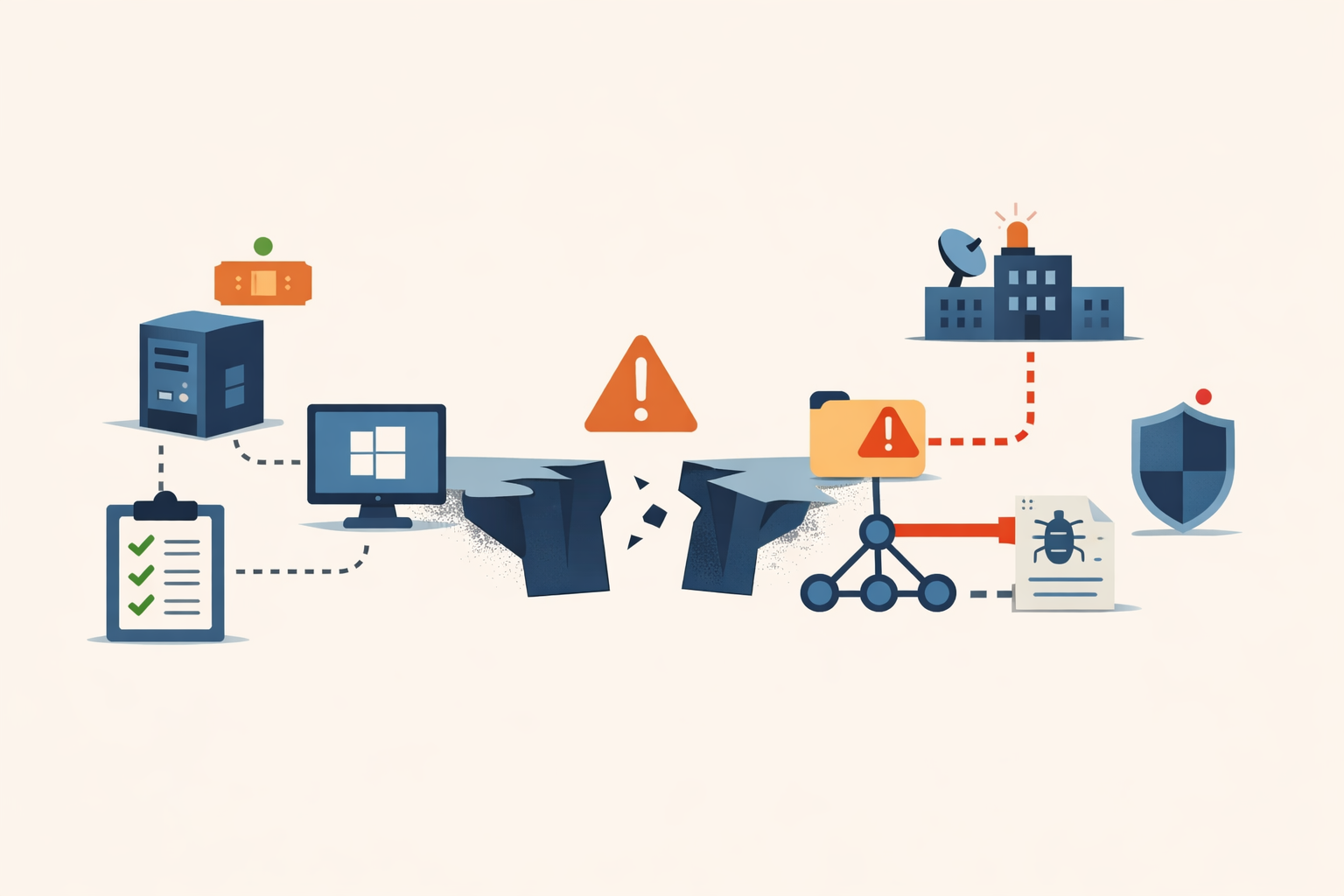
Analysis · May 1, 2026 · Colten Anderson
A 4.3 that mattered: the 13-day gap between patch and exploitation flag
Microsoft patched CVE-2026-32202 on April 14 without marking it exploited. APT28 had been using it since at least December. The gap between those two facts is where triage models break.
#ntlm#microsoft#apt28#cisa-kev#triage#patch-tuesday#windows -

Field Note · May 1, 2026 · Colten Anderson
Patch CVE-2026-40372, then rotate the keys
The ASP.NET Core DataProtection fix stops new forged payloads. It does not clean up tokens your app may have issued while the vulnerable code was live.
#aspnet-core#dotnet#cve-2026-40372#patch-management -
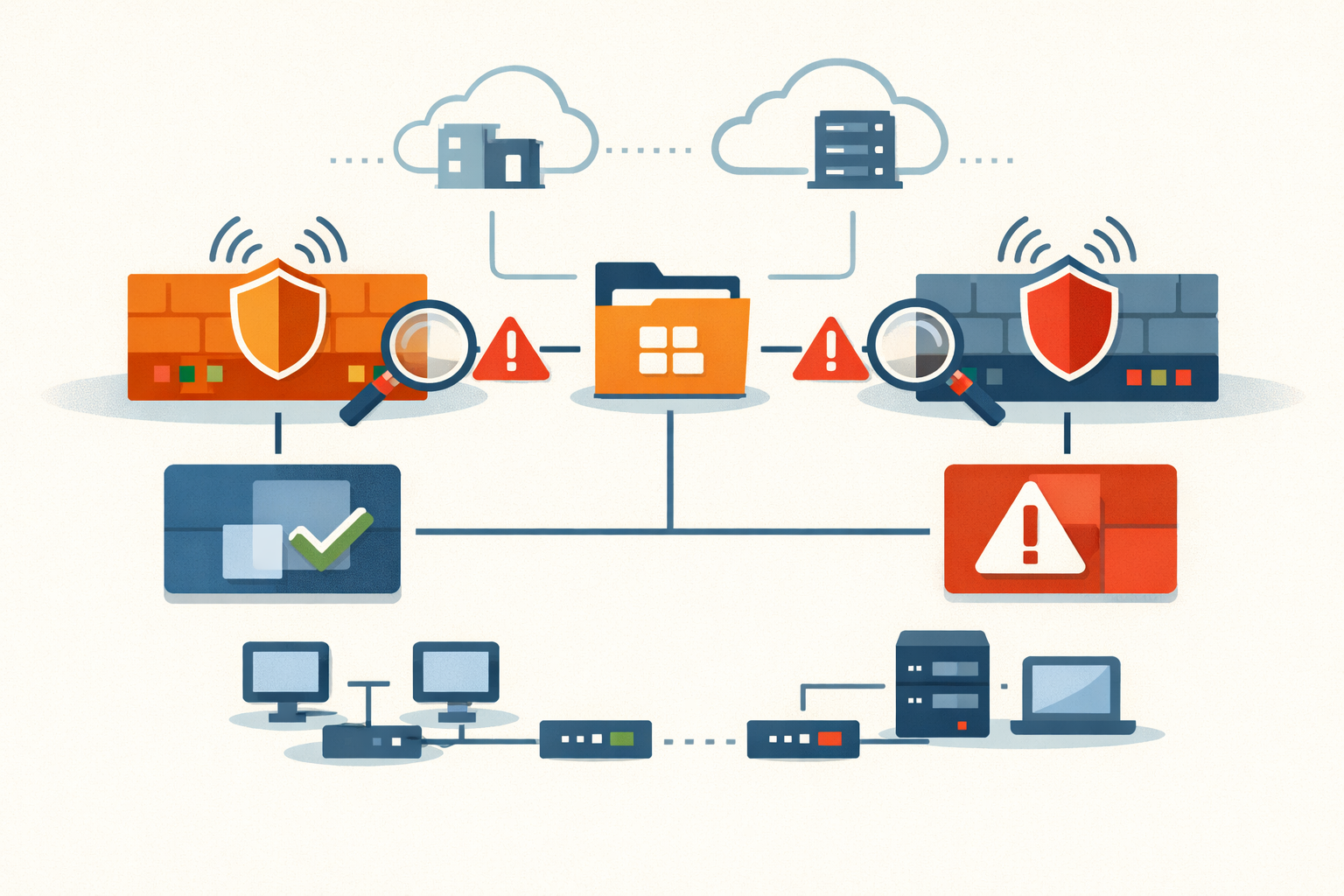
Analysis · May 1, 2026 · Colten Anderson
The same LDAP injection, in two firewalls, in the same month
OPNsense shipped a textbook LDAP filter injection that hid for eleven years. WatchGuard disclosed the same class of flaw weeks later. The pattern is not coincidence.
#ldap#opnsense#network-security -
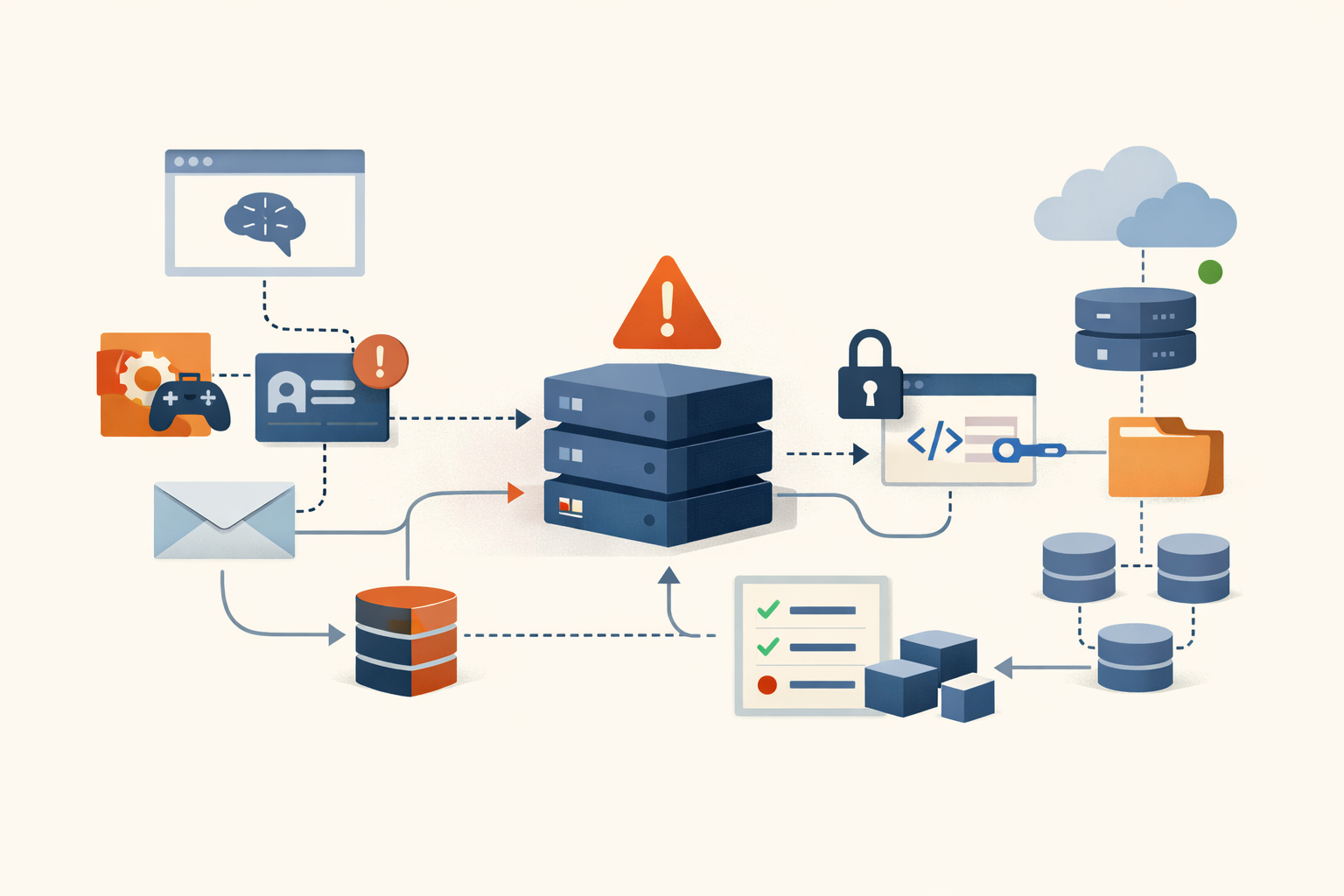
Analysis · May 1, 2026 · Colten Anderson
The Vercel breach is the Heroku/Travis CI playbook, rerun through an AI tool
A compromised OAuth token at a small AI productivity company gave attackers a path into Vercel's internal systems. The structural pattern is four years old. AI tools are making it worse.
#oauth#supply-chain#vercel#ai-tools#credential-theft -
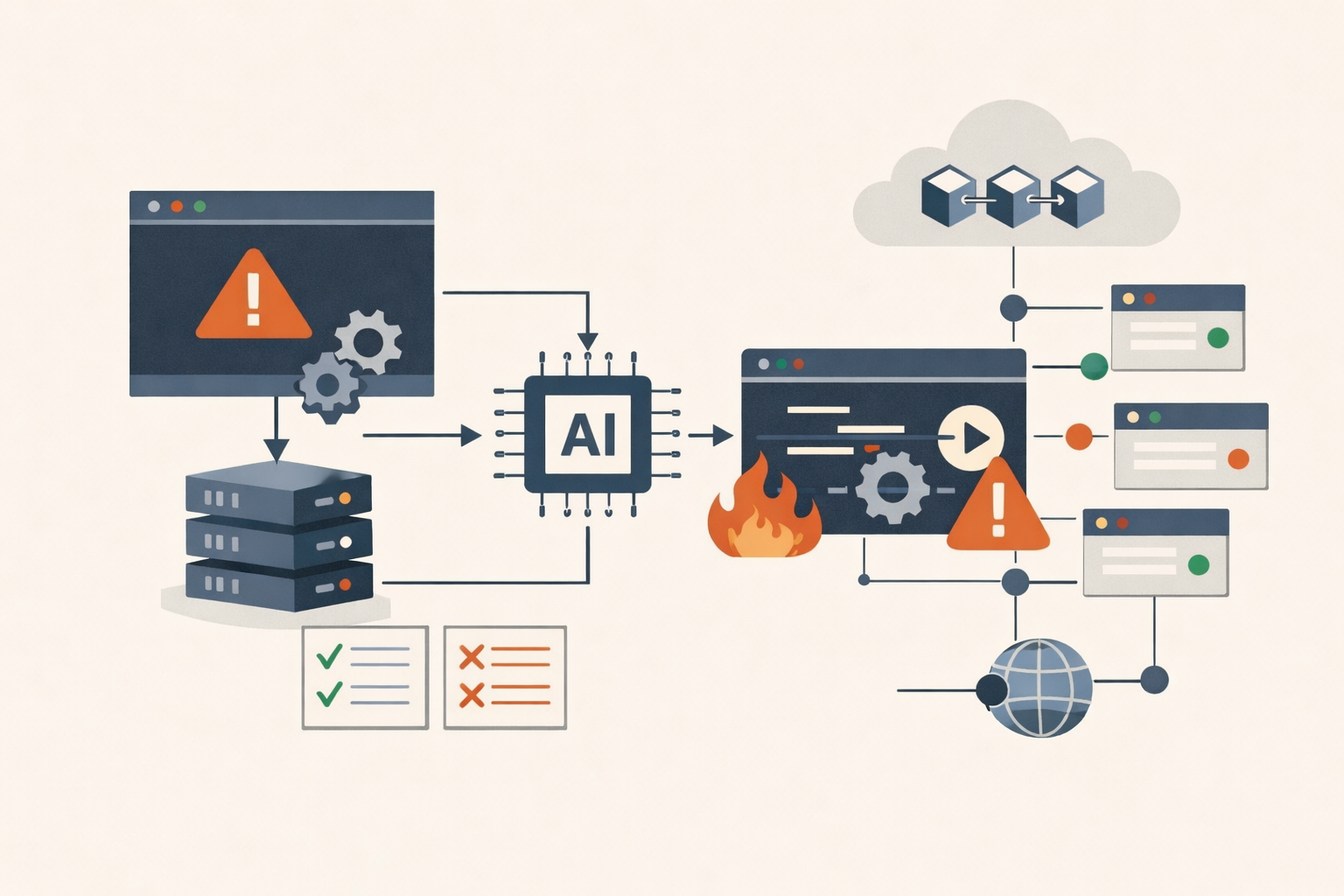
Analysis · May 1, 2026 · Colten Anderson
Anthropic's MCP gives every downstream app unauthenticated RCE, and they called it expected behavior
The Model Context Protocol's STDIO transport passes user input directly into subprocess execution with no sanitization. OX Security found 14+ CVEs across the ecosystem. Anthropic declined to patch.
#mcp#anthropic#remote-code-execution#supply-chain#ai-security -
Analysis · May 1, 2026 · Colten Anderson
Windows Defender is the attack surface now, and two of the three exploits don't have patches
Three tools dropped in April turn Defender's own privileged operations into privilege escalation and detection evasion. Microsoft patched one. The other two work on fully patched systems.
#windows-defender#cve-2026-33825#privilege-escalation#detection-evasion#microsoft -
Analysis · Apr 30, 2026 · Colten Anderson
CVE-2026-41940 isn't just a cPanel bug. It's a design assumption that shipped for a decade.
A CRLF injection in cPanel's session writer gave attackers unauthenticated root in four requests. The fix landed. The architecture question hasn't. Updated May 4 with exploitation scale: 44,000+ hosts compromised, ransomware, botnet, and state-sponsored campaigns confirmed.
#cpanel#cve-2026-41940#architecture#zero-day#ransomware#exploitation -
Analysis · Apr 29, 2026 · Colten Anderson
Microsoft April 2026 Patch Tuesday: the CVE count is the wrong unit
Roughly 160+ CVEs landed in April. About six of them change what an IT team does this week.
#patch-tuesday#microsoft#prioritization#april-2026 -
Field Note · Apr 29, 2026 · Colten Anderson
Best practices for patch prioritization in a hybrid environment: start with business impact
Severity scores tell you which CVE is nastiest. Business impact tells you which one matters.
#prioritization#business-impact#hybrid#framework -

Analysis · Apr 28, 2026 · Colten Anderson
What patching looks like when you support the whole mess: endpoints, M365, identity, browsers, VPN, and line-of-business tools
Patching isn't Windows Updates anymore. A tour of the six surfaces a real shop patches every week.
#patch-surface#endpoints#m365#identity#vpn -
Field Note · Apr 28, 2026 · Colten Anderson
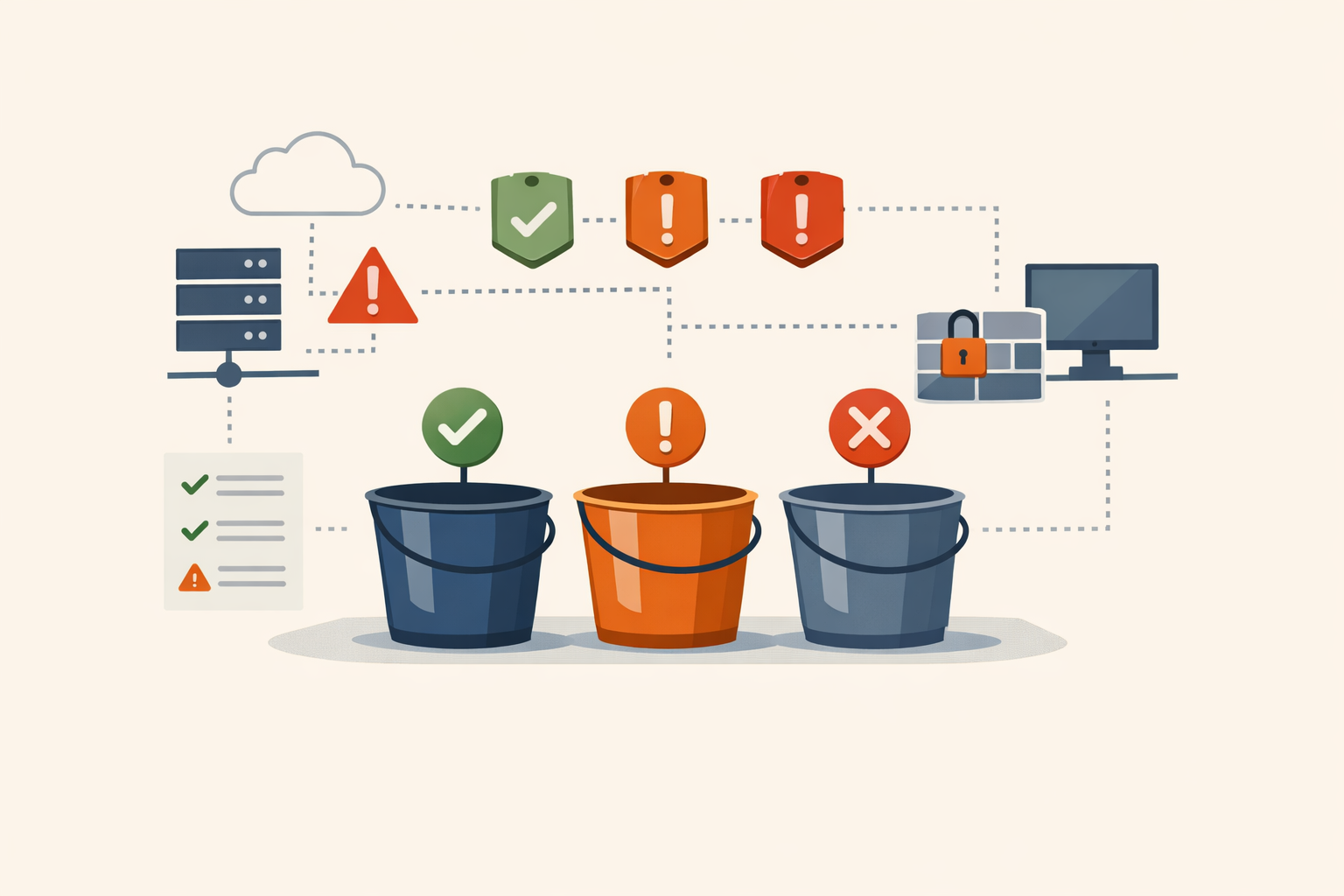
Patch now, patch later, ignore for now: the triage model real IT teams actually need
A three-bucket triage model for sysadmins who don't own a vulnerability scanner and aren't going to buy one.
#triage#prioritization#framework -
Analysis · Apr 28, 2026 · Colten Anderson
Why most patch summaries fail the people who actually have to do the work
Vendor advisories are written for completeness. They're not written for the operator triaging a CISA KEV ticket before lunch.
#triage#newsletter#editorial