Your Azure CLI session has an MFA exemption you never asked for
Two Entra Conditional Access changes land in the same fortnight, and they're the lead evidence in a longer story: Microsoft is closing the identity opt-outs orgs have leaned on for years.
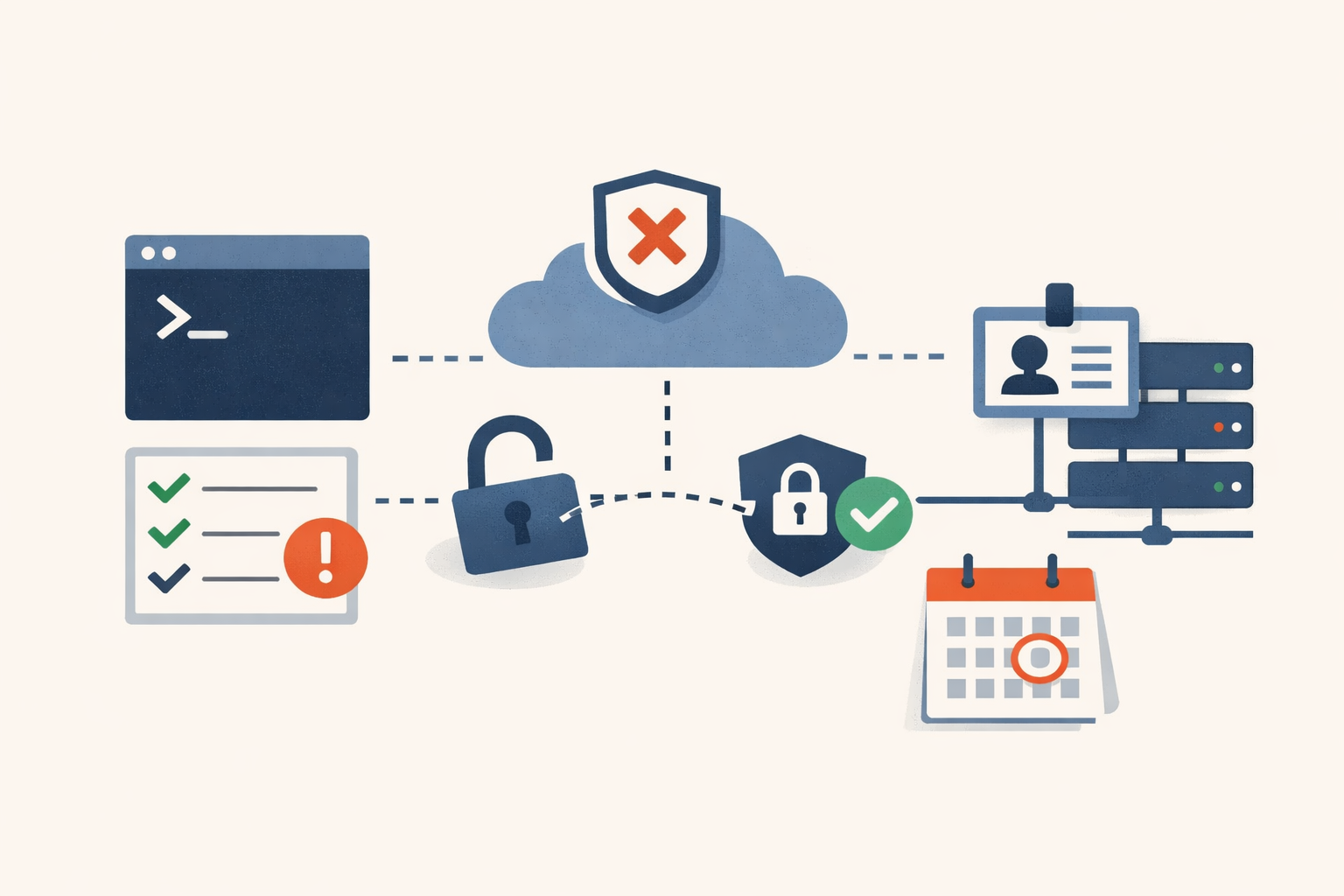
Open a terminal, run az login, and watch your session sail through. No MFA prompt, no compliance check, even though your tenant has a Conditional Access policy that says “require MFA for all resources.” That isn’t a misconfiguration. It’s documented behavior, and on June 15, 2026 it stops.
The obvious read
Two Conditional Access changes hit Entra inside the same fortnight, and the natural reaction is to file them as routine platform maintenance: one closes a niche enforcement gap, the other retires an aging grant control with a migration path. Read the release notes in isolation and they look like housekeeping. Apply patches, update a few policies, move on.
The pattern underneath
The more interesting detail is what these two changes have in common, and what they share with three other dated changes converging on the same six weeks. Each one removes a way organizations have been quietly deferring identity hardening. The June 15 change closes a bypass that let low-privilege sign-ins skip MFA entirely. The June 30 change freezes an old grant control so you can’t keep building on it. July 1 is the hard cutoff for mandatory Azure MFA. September 7 narrows what counts as a valid password-reset method. Lined up, they stop reading like maintenance and start reading like a campaign.
What the data actually shows is a vendor systematically retiring the escape hatches. For years, the gap between “we have a policy that says require MFA” and “MFA is actually enforced on every path in” has been where real-world identity posture lived. Service principals, automation accounts, a grant control nobody migrated off, a scope exclusion that turned out to be load-bearing. Microsoft is closing those gaps on a schedule, and the two June Conditional Access changes are the clearest examples because they each turn a silent opt-out into an enforced default.
There’s a tell in how these are being delivered. Neither June change asks your permission. The baseline-scopes enforcement rolls out automatically and progressively for tenants that haven’t already adjusted the new setting. The grant-control retirement happens whether or not you’ve migrated. The opt-in era for identity hardening is the thing being deprecated.
The evidence
Start with June 15. When a Conditional Access policy targets “All resources” (formerly “All cloud apps”) and includes at least one resource exclusion, Entra has been skipping that policy entirely for sign-ins that request only “baseline scopes.” Per Microsoft Learn, baseline scopes are the standard OIDC set (openid, profile, email, offline_access) plus low-privilege directory scopes like User.Read and People.Read. Microsoft’s own examples are the VS Code desktop client and Azure CLI: both complete sign-in with no MFA prompt and no compliance check under a “require MFA for all resources” policy, because the lone exclusion deprioritized baseline-scope traffic out of the whole policy. TrueConfig quotes the Microsoft doc plainly: with an exclusion present and only limited scopes requested, “the policy is skipped entirely.” From June 15 those policies enforce against baseline-scope sign-ins, tracked as MC1223829. This affects only tenants with at least one All-resources policy that also carries an exclusion. No exclusion, no change. That’s a specific configuration, not every tenant, and worth being precise about: if your All-resources policies have clean target sets, this one passes you by.
June 30 retires the “Require approved client app” grant control. Per the Microsoft Learn migration guide, the control goes read-only: you can’t create or edit policies that use it, though you can still disable or delete them. The word “read-only” sounds harmless until you sit with what it means. Existing enabled policies keep enforcing. They’re frozen, not removed. So you’re left holding a live control that still gates mobile access and that you can no longer edit. (A secondary source, Kocho, claims the control stops enforcing after the date. That contradicts Microsoft Learn, which is more recent and authoritative; treat it as frozen-but-enforcing.) The replacement, “Require app protection policy,” verifies an Intune App Protection Policy is applied, enforcing DLP and a PIN at the app layer without full enrollment.
Three sources pull in the same direction. The mandatory Azure MFA rollout reaches its Phase 2 hard cutoff on July 1, 2026, covering Azure CLI, PowerShell, SDK, REST, and infrastructure-as-code against management.azure.com, with no more postponements. Then MC1325414 lands: from September 7, 2026, self-service password reset accepts only explicitly registered authentication methods, so a directory-sourced mobile number won’t satisfy a reset on its own. Roughly 86% of SSPR verifications already use registered methods, leaving about 14% at risk. The registration campaign that fixes this starts July 6 but has to be manually enabled in the Entra admin center. (One related claim, that Security Defaults become non-optional for the first 90 days on tenants created after June 30, is secondary-sourced and not primary-confirmed; hold it loosely.)
| Change | Date | What breaks | Who’s affected |
|---|---|---|---|
| Baseline-scopes enforcement (MC1223829) | June 15, 2026 | CLI / IDE sign-ins start getting MFA/compliance challenges | Tenants with an All-resources CA policy that has a resource exclusion |
| ”Require approved client app” retired | June 30, 2026 | Control goes read-only; policies frozen, still enforcing | Tenants with mobile CA policies using approved-client-app |
| Mandatory Azure MFA Phase 2 | July 1, 2026 | CLI / PowerShell / SDK / IaC against management.azure.com require MFA | Anyone automating Azure management plane |
| SSPR registered-methods only (MC1325414) | Sept 7, 2026 | Unregistered methods stop satisfying password reset | The ~14% of resets using directory-sourced methods |
What this means for prioritization
The June 15 change bites first, and it bites quietly. Nobody gets a banner. Sign-ins that used to pass start hitting MFA and compliance challenges, and your first signal may be a help-desk spike from automation accounts and developer tooling that suddenly can’t authenticate. The move here is to surface it before your users do. Find your All-resources policies that carry an exclusion (each policy’s Target resources, then the Exclude tab), then run them through Conditional Access report-only mode for at least five business days. Report-only records what would happen per sign-in without blocking, so a line-of-business or CLI app surfacing as “Failure” tells you exactly what to remediate before the 15th. That preview window is the whole game; you want the list of things that break in a log, not in a ticket queue.
June 30 is the slower-moving risk, but the failure mode is harsher. The trap is enforcing “Require app protection policy” as a sole hard requirement before Intune App Protection is actually deployed to the relevant iOS and Android apps. Do that and you lock mobile users out immediately, with no fallback. Sequence it the other way: deploy the App Protection Policies first, then add the new control alongside the old one using “require one of the selected controls,” validate in report-only, and only then drop the old leg. One sharp edge to note from the grant-controls documentation: three approved apps don’t support app-protection-policy at all (Kaizala, Skype for Business, Visio). Kaizala and Skype are already retired, so Visio is the live concern. For Visio, keep approved-client-app exclusively, because the “OR” migration won’t cover it.
The throughline for the person setting priorities: this is identity-config work, not a CVE scramble. The cost of waiting isn’t a breach, it’s a Monday where logins fail and you’re reverse-engineering which of five changes did it.
What to watch
The June 15 date has slipped twice already, from March 27 to May 13 to its current June 15, and a third slip isn’t out of the question. Don’t treat it as immovable; treat the report-only preview as the thing you control regardless of when the switch flips. The May 27 Learn doc is the authoritative date as of now. Watch for a fresh Message Center update if it moves again.
The longer signal is September 7. If MC1325414 holds, SSPR stops accepting unregistered methods, and the registration campaign that protects the at-risk 14% has to be manually turned on starting July 6. That gap between “campaign exists” and “campaign enabled” is exactly the kind of opt-out this whole wave is built to close. If you want to test whether the pattern is real, watch whether that campaign ships on by default or stays off until someone flips it. The answer tells you how the next round will go.
PatchDayAlert tracks these identity deadlines the way we track CVEs: with the date, the real scope, and the one move that matters before it lands.
Sources
- Microsoft Learn, “Enforcement for baseline scopes in Conditional Access” — 2026-05-27
- TrueConfig, “Microsoft Is Closing a Conditional Access Loophole” — 2026-03-15
- Microsoft Learn, “Migrate approved client app to application protection policy” — 2026-05-29
- Microsoft Learn, “Plan for mandatory Microsoft Entra multifactor authentication” — 2026-04
- MC1325414 (mc.merill.net) — 2026-05-29
- Microsoft Learn, “Conditional Access report-only mode” — 2026-06-01
- Microsoft Learn, “Conditional Access grant controls” — 2026-06
Sources
- Enforcement for baseline scopes in Conditional Access — Microsoft Learn
- Microsoft Is Closing a Conditional Access Loophole — TrueConfig
- Migrate approved client app to application protection policy — Microsoft Learn
- Plan for mandatory Microsoft Entra multifactor authentication — Microsoft Learn
- MC1325414 — SSPR registered authentication methods (mc.merill.net)
- Conditional Access report-only mode — Microsoft Learn
- Conditional Access grant controls — Microsoft Learn
Share
Related field notes
-
Nobody broke your MFA. They took the token it handed out.
Across four theft vectors and a half-dozen named campaigns, the pattern is the same: the session cookie, refresh token, or Entra PRT minted after MFA is the live credential, and the controls that guard the login don't guard the session.
-
Your break-glass account probably can't sign in anymore. Test it this quarter.
Mandatory Entra MFA now gates the admin portals for every account, break-glass included. Here's how to audit, fix, and quarterly-test the emergency account you've never actually used.
-
The Intune device that passes Conditional Access without ever being checked
Intune's default scores an unpoliced device as compliant, and Conditional Access opens the gate for it. Here's how to audit the gap and flip the switch without locking anyone out.
-
One in ten AD accounts is dormant. Here is the blast radius.
More than one in ten Active Directory user accounts is dormant, per Microsoft. Each one keeps its rights while nobody watches. The math, the queries to find them, and how to reap them without breaking a service.
Get the free CVE triage cheat sheet
Subscribe and we'll email you the one-page triage flow for fresh CVEs. Plus the weekly digest.
Subscribe